Slide 8 of 8 from Textbox Layouts for PowerPoint
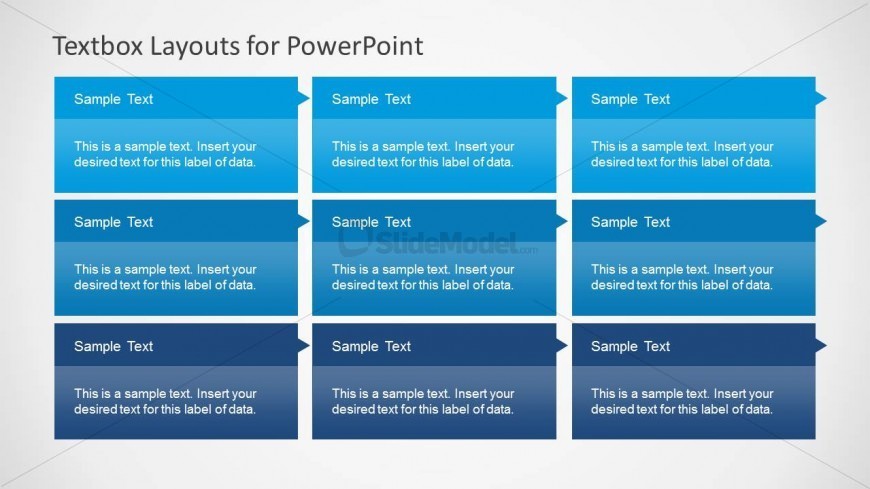
3×3 Text Box Matrix Slide Design for PowerPoint
Three-Column Textbox Layout for Presentations
- Text Layout
- Other
- Context Slide
- 16:9
- 100% Editable
The Three-Column Textbox Layout from the Textbox Layouts for PowerPoint template offers a structured design with three vertical columns, each featuring editable slides for clear content organization. This layout is suitable for business presentations requiring feature comparisons, project updates, or key takeaways, making it a practical choice within slide decks that prioritize readability and professional formatting.
About This Slide
This matrix design can be used to prepare a 9 box grid or a risk assessment presentation.
What’s on This Slide
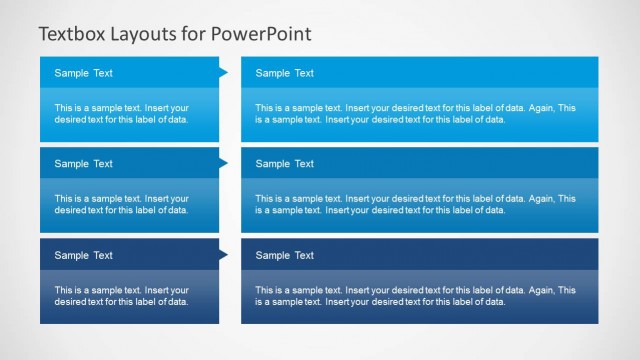
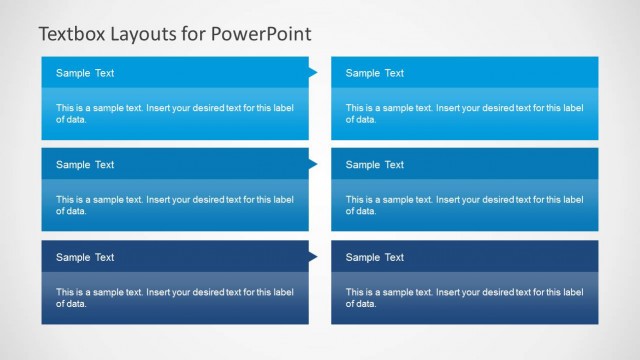
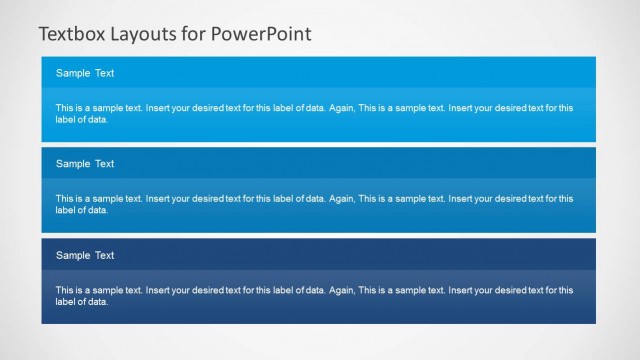
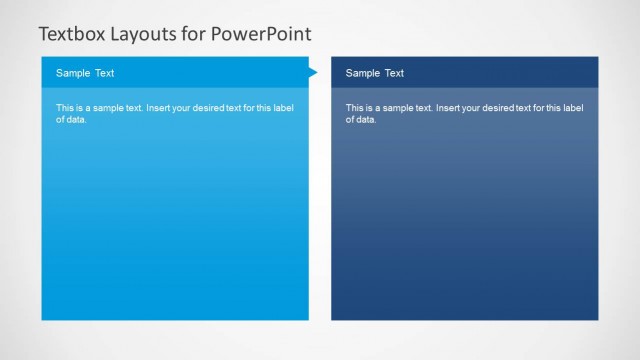
The layout features three vertical columns, each containing two textboxes. The top textboxes are labeled 'Sample Text' and are aligned centrally with a triangular shape pointing upwards. Below each label, there is a corresponding textbox for additional content, aligned directly underneath. The background is a light gradient, transitioning from white to a soft gray. Each column is separated by ample white space, enhancing clarity. The overall composition is structured and organized, facilitating easy readability and text entry.
How to Use It
This layout serves as a three-column arrangement ideal for presenting multiple related points or categories. It fits well in a presentation sequence following an introduction or overview, allowing for detailed elaboration. Business scenarios include product features comparison, project status updates, or summarizing key takeaways. The clear separation of textboxes aids in organizing information effectively, making it suitable for both team meetings and client presentations.
Text Placeholders & Capacity
Keep your copy within these limits so it fits without resizing. Each body slot can accommodate roughly 15-20 words.
| Placeholder | Count | Max characters (approx.) |
|---|---|---|
| Item heading | 6 | 20 |
| Item body | 6 | 100 |
Slide Keywords
Download unlimited PowerPoint templates, charts and graphics for your presentations with our annual plan.
DOWNLOADReturn to Textbox Layouts for PowerPoint.