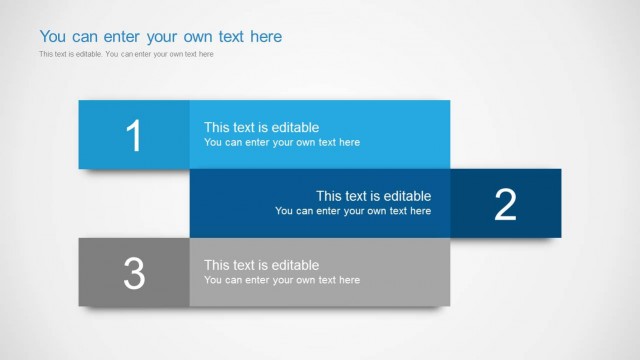
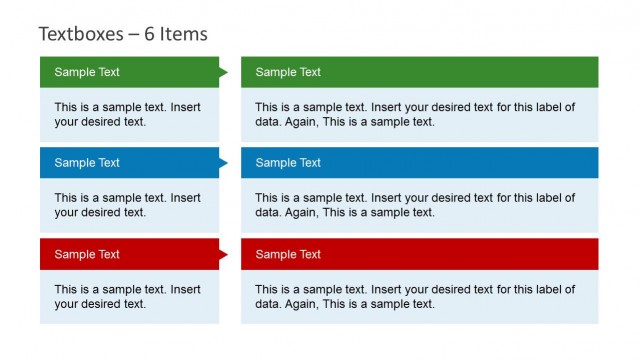
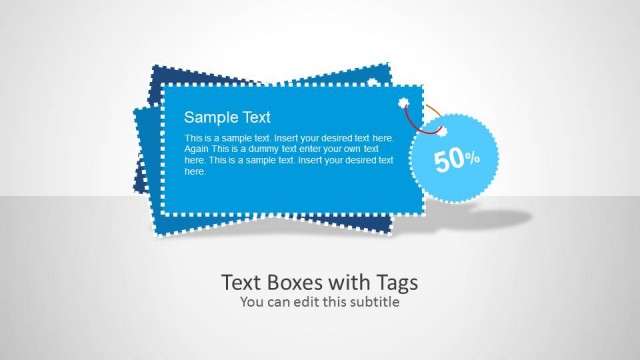
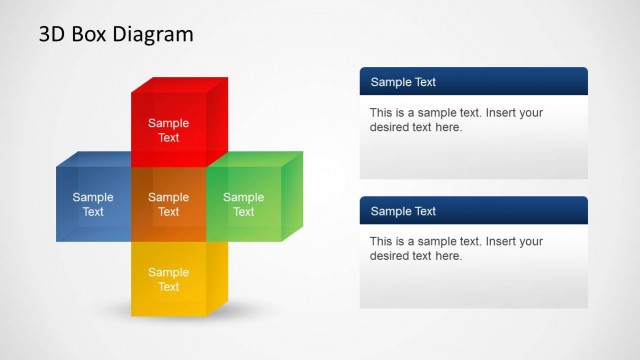
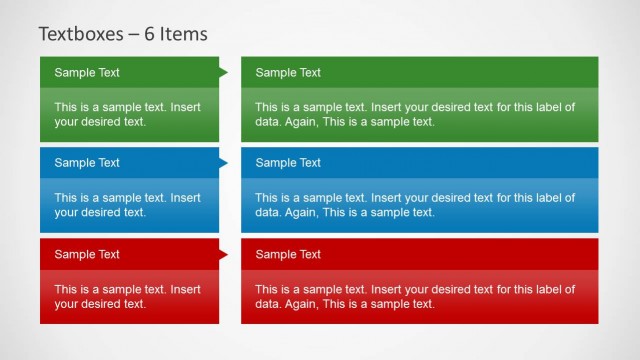
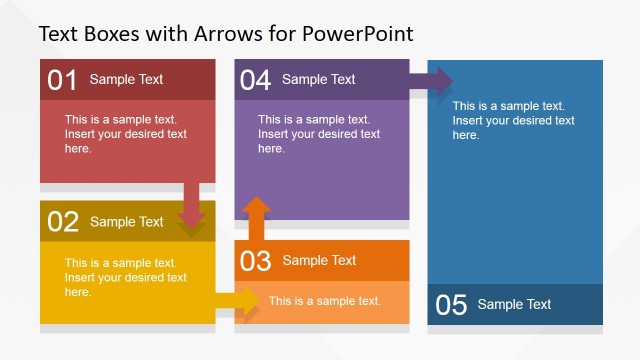
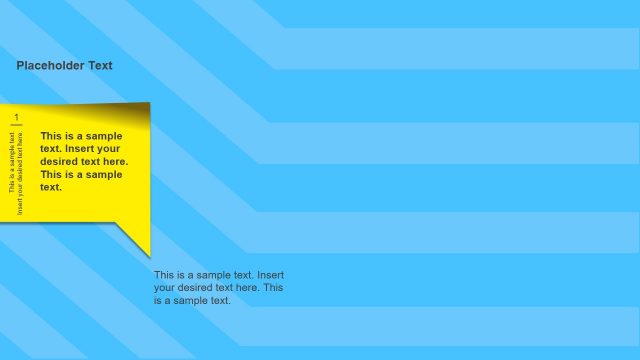
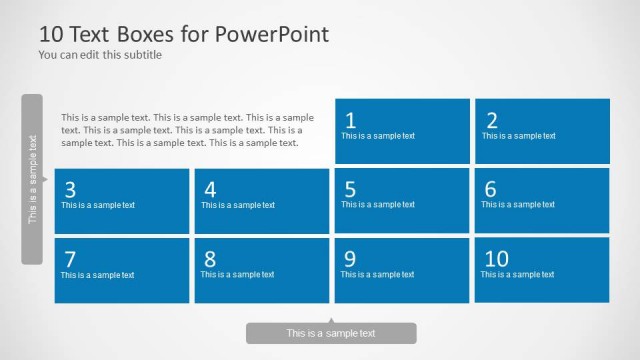
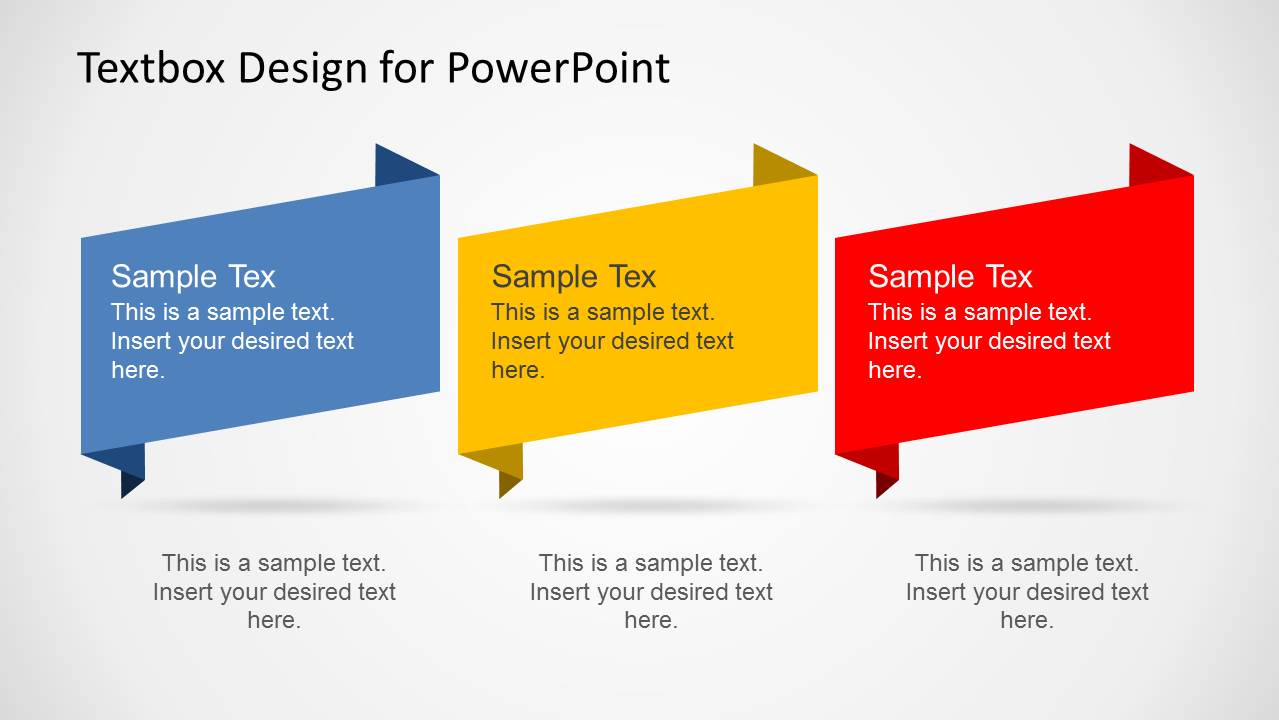
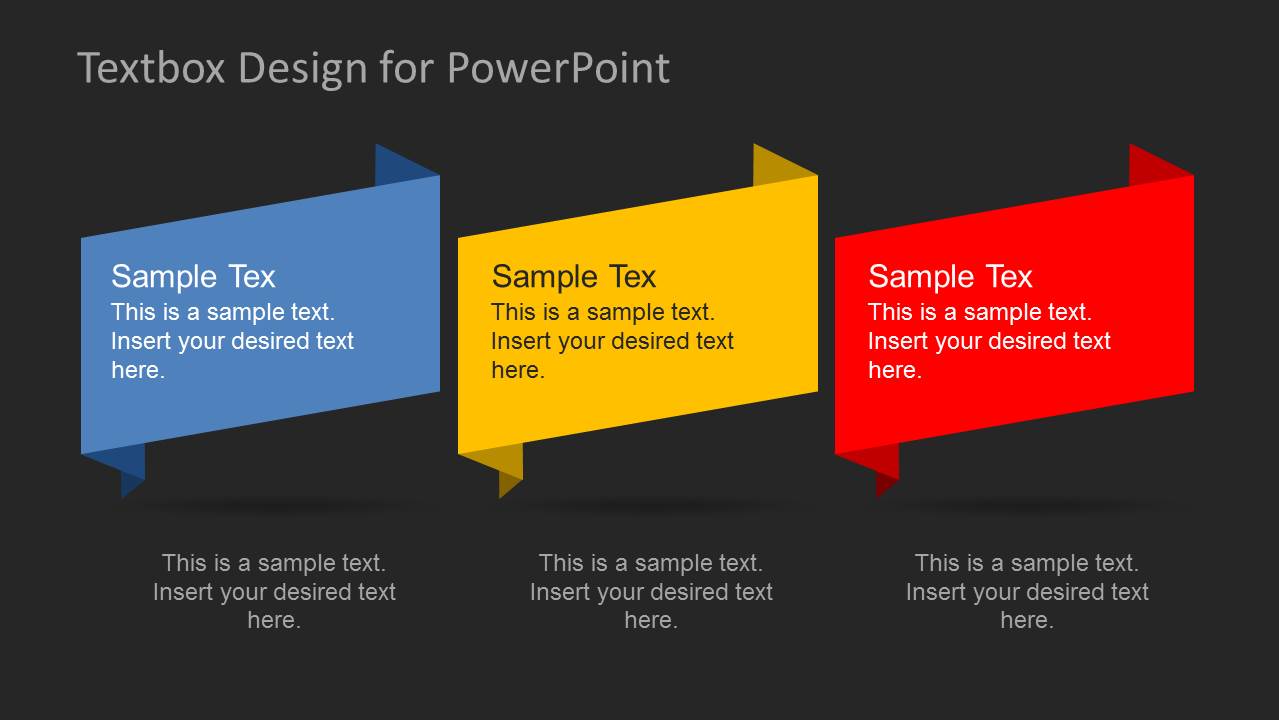
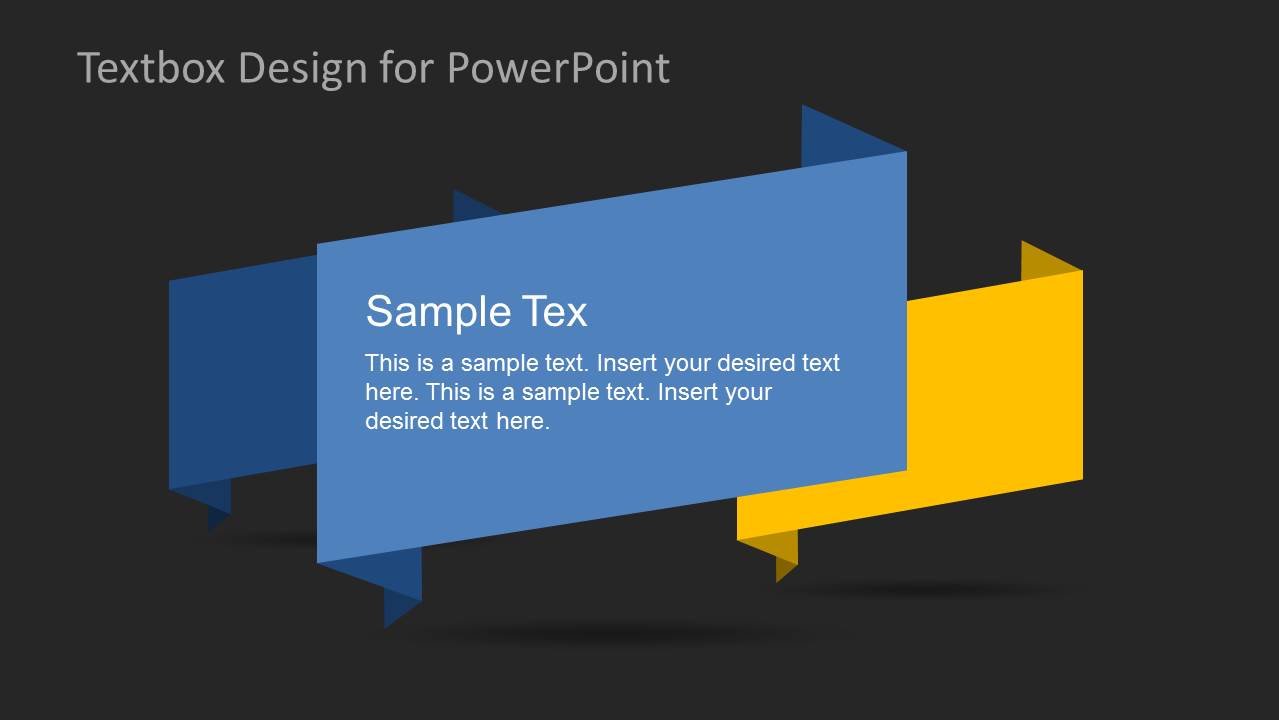
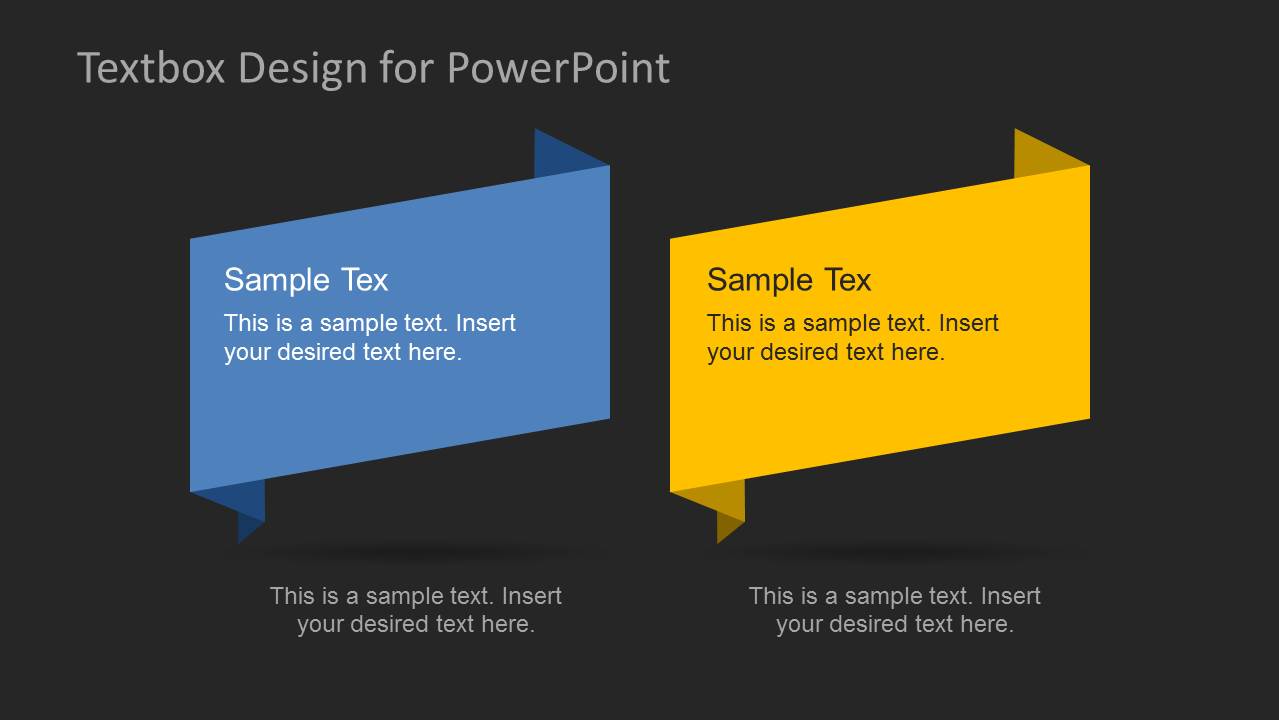
Creative PowerPoint Text Boxes is a set of slides containing a new style of Text Boxes for our catalog. You can download this PowerPoint presentation and include papyrus like text boxes on your design. The presentation provides Tex Boxes with different layouts (3 columns, 2 columns, individual relevance) different backgrounds and sizes making this an ideal set of text boxes for presenting related content in the same slide or though an animated scene. Alternatively, check our collection of PowerPoint table templates.
What’s inside this template
Example presentation scenarios
- A consultant can use the three-column ribbon text box layout to explain three recommendations to an executive audience in a proposal or status update.
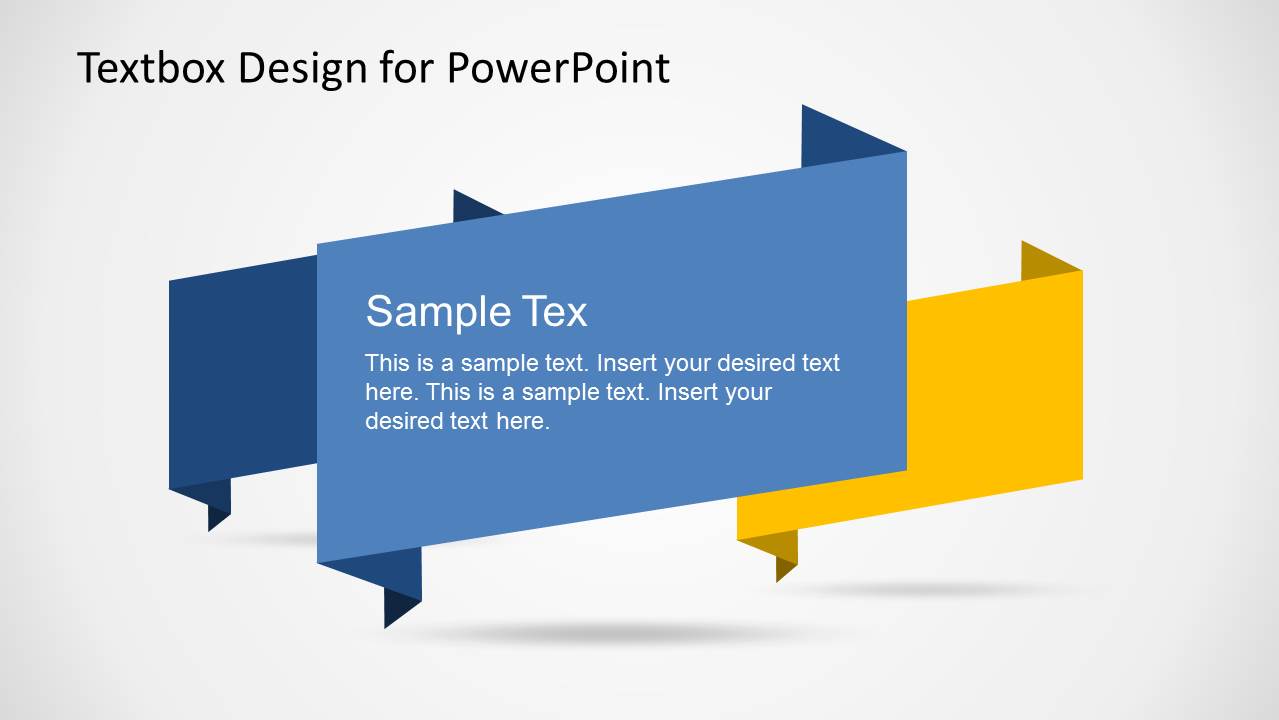
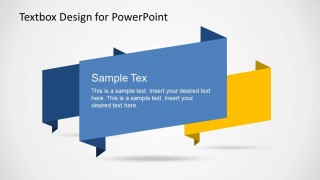
- A trainer can use the overlapping feature callout to introduce one core concept while keeping two supporting ideas visible in the background.
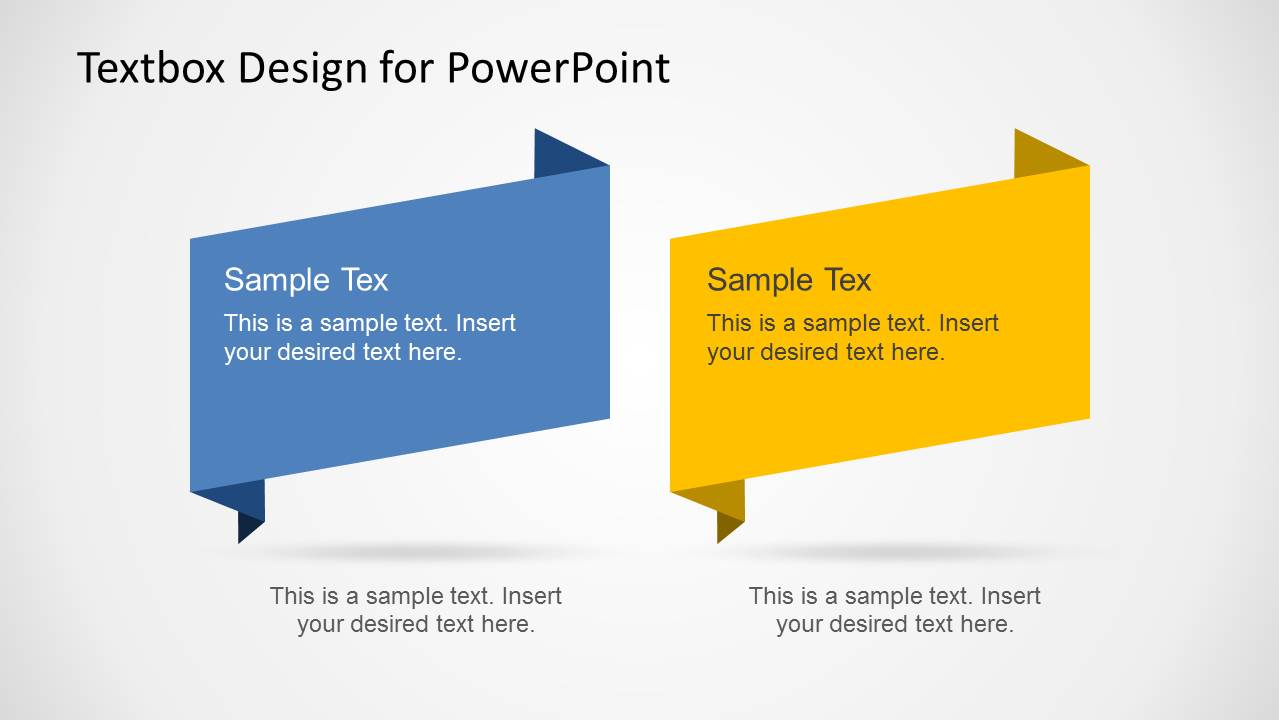
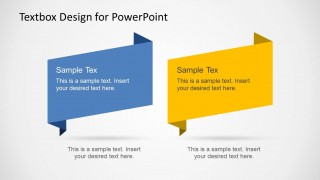
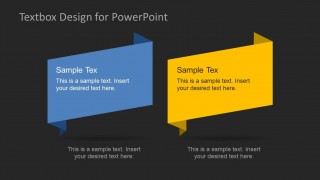
- A marketing presenter can use the two-column ribbon comparison layout to contrast two campaign options, product messages, or audience segments.
- A project manager can use the dark-background three-item layout to summarize risks, actions, and owners in a team meeting deck.
Features
- 100% editable presentation template
- Compatible with Microsoft PowerPoint and Google Slides
- 16:9 aspect ratio slides
- Scalable vector shapes, icons and illustrations
- AI-Ready for Microsoft Copilot and Claude
- Instant access and download
Frequently asked questions
Q: How should a presenter write content for these ribbon text boxes?
A: Keep each ribbon box to one headline and one short supporting idea. The panels are designed for scanning, not paragraph reading, so use parallel wording across the three-column or two-column layouts. Put the decision, category, or key takeaway in the headline and use the caption area only for a short qualifier.
Q: Who gets the most value from this text box template?
A: This template fits presenters who already have a main deck and need polished callouts to organize short messages. Consultants, trainers, marketers, and project leads can drop in the three-box, two-box, or central-callout slide when they need to explain options, priorities, features, or grouped insights quickly.
Q: Why use folded ribbon boxes instead of flat rectangles?
A: The folded ribbon metaphor makes each text box feel like a labeled tag attached to the slide. That visual cue separates ideas clearly and gives priority to the central or colored panel. The shadows and folded edges create depth, helping the audience distinguish primary text from secondary captions.


Creative PowerPoint Text Boxes
5-slide presentation template with ribbon text boxes, comparison cards, and light or dark backgrounds
Creative PowerPoint Text Boxes is a 5-slide presentation template for adding ribbon-style text callouts to business slides. Visible layouts include three-column ribbon boxes, an overlapping feature callout, and two-column comparison cards in light and dark backgrounds. It is designed for Microsoft PowerPoint and Google Slides users.
- Category
- Text & Tables
- Rating


 Loading...
- Aspect ratio
- 16:9
- Item ID
- 6381-01
- Colors
 Microsoft PowerPoint
  Microsoft Copilot
  Claude for PowerPoint
 Other formats supported
Subscribe today and get immediate
access to download our PowerPoint templates.