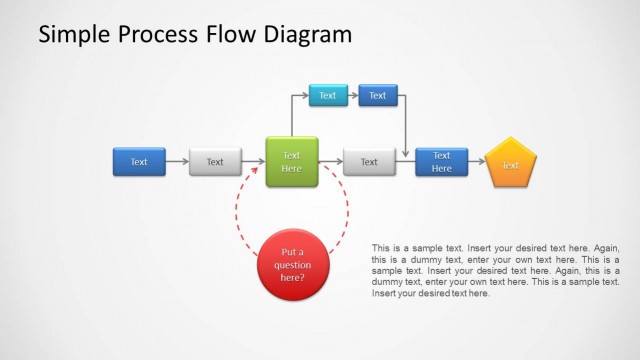
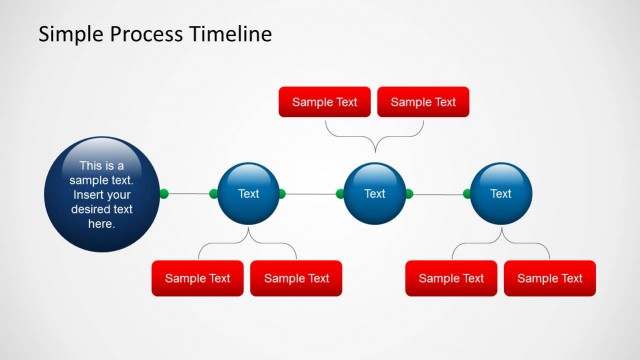
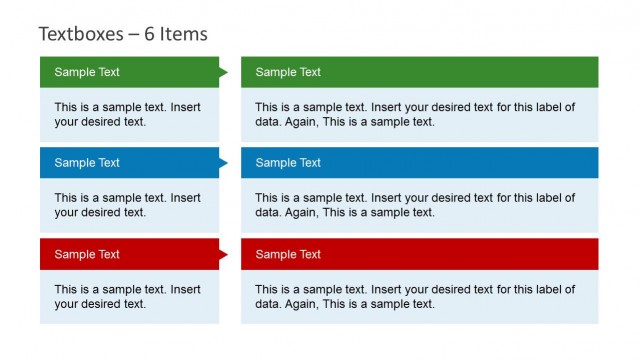
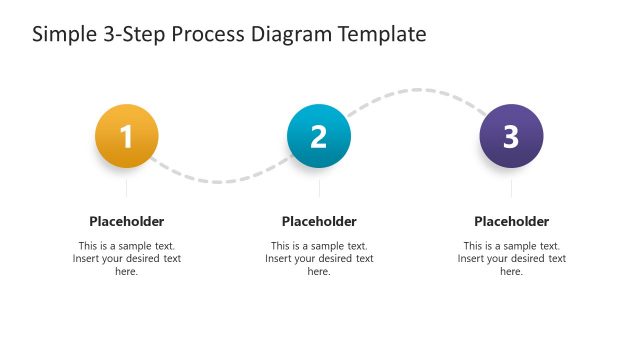
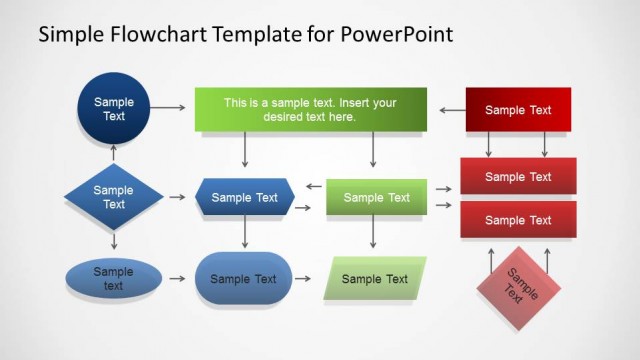
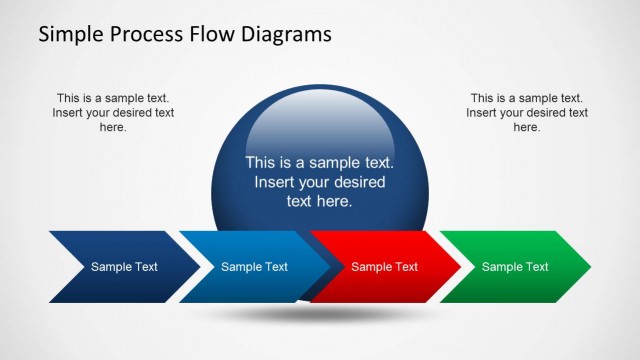
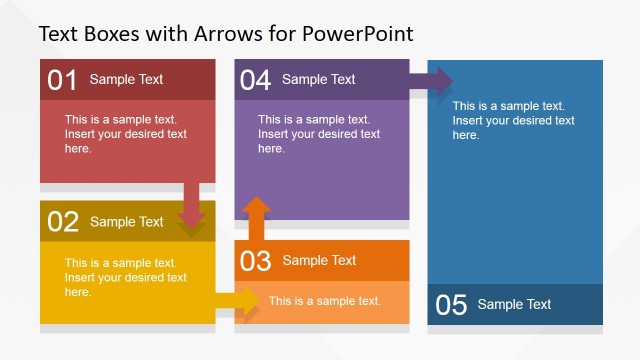
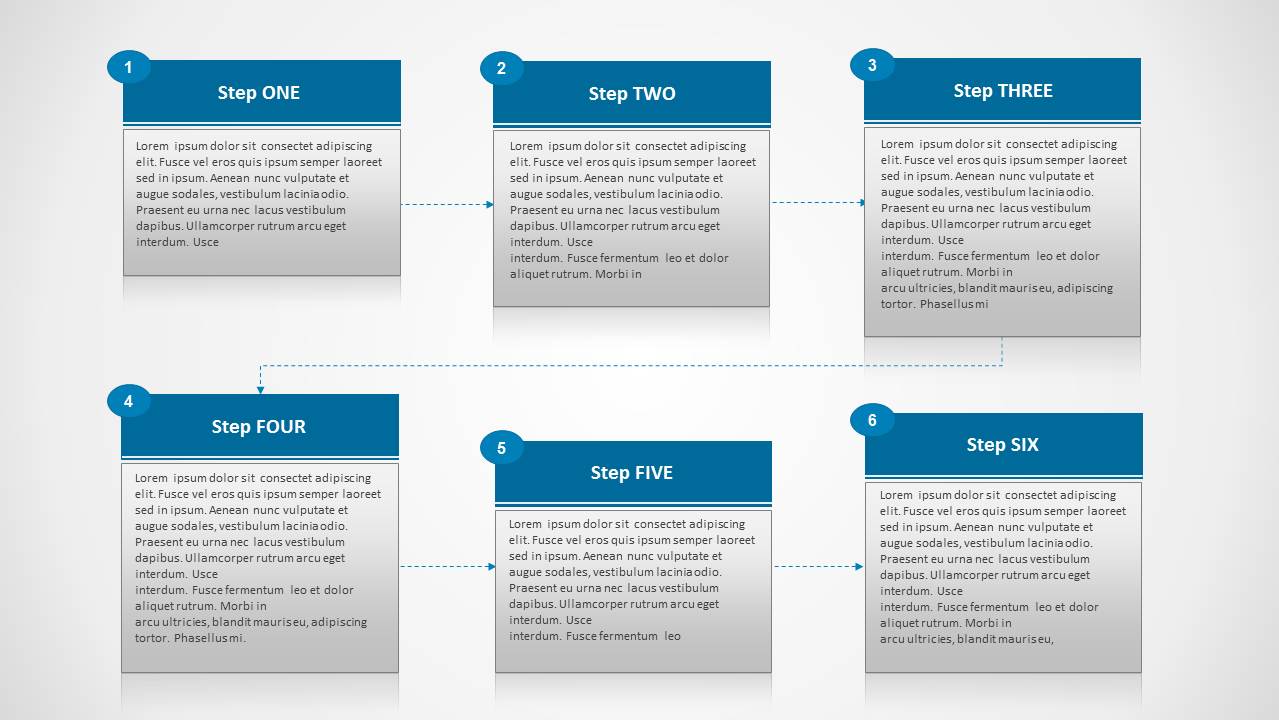
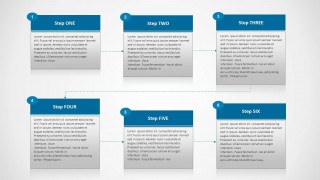
Simple Process diagram template for PowerPoint with Textboxes is a PowerPoint diagram with a flow chart design created with textboxes. You can edit the textbox content and title to describe a simple process diagram. The text diagram comes with different slide designs including sample text and placeholders. Each textbox contains a title and description.
Alternatively, you can download other text and tables PPT templates for presentations or browse our entire collection of PowerPoint templates.
What’s inside this template
Example presentation scenarios
- An operations manager can explain a standard operating procedure by assigning each stage to one of the six connected textbox cards.
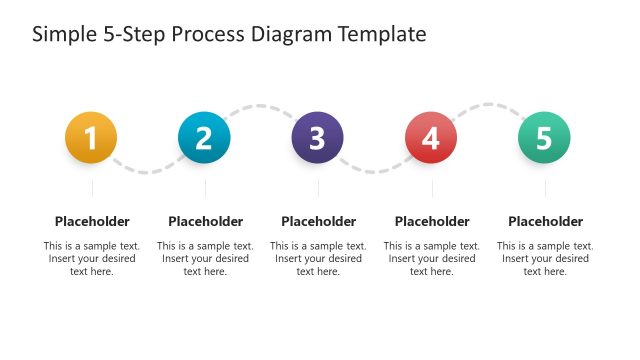
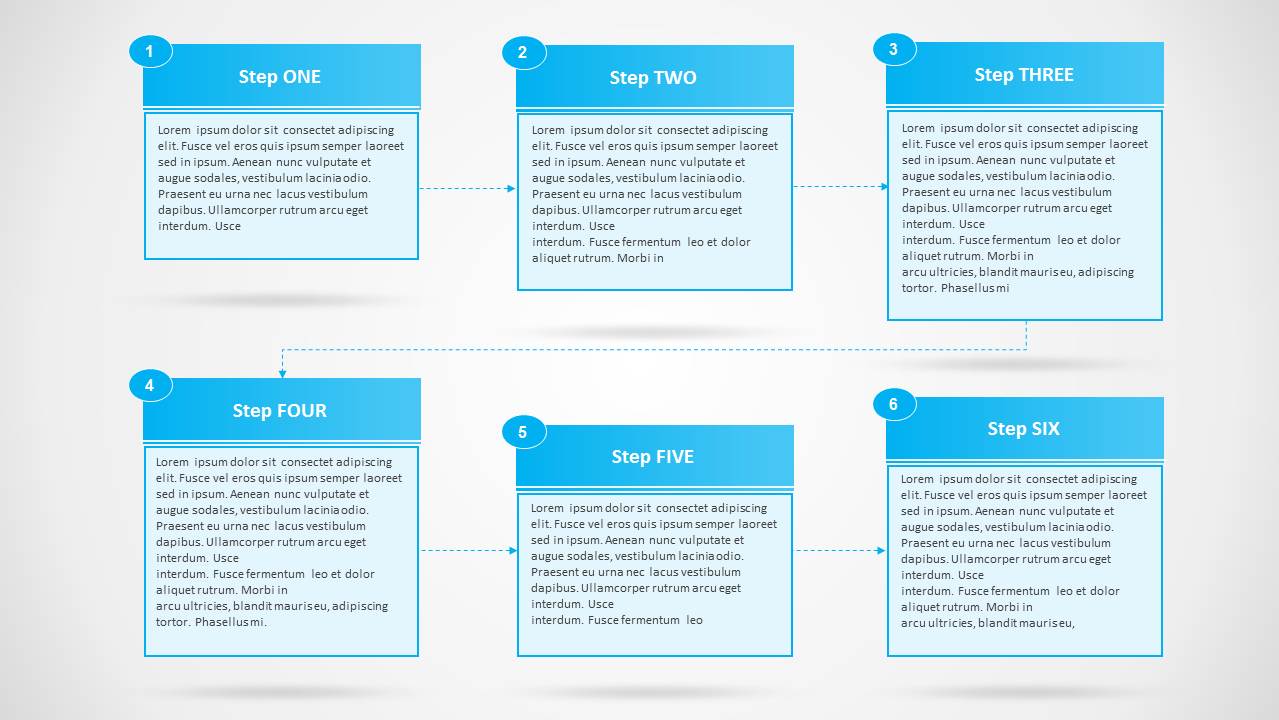
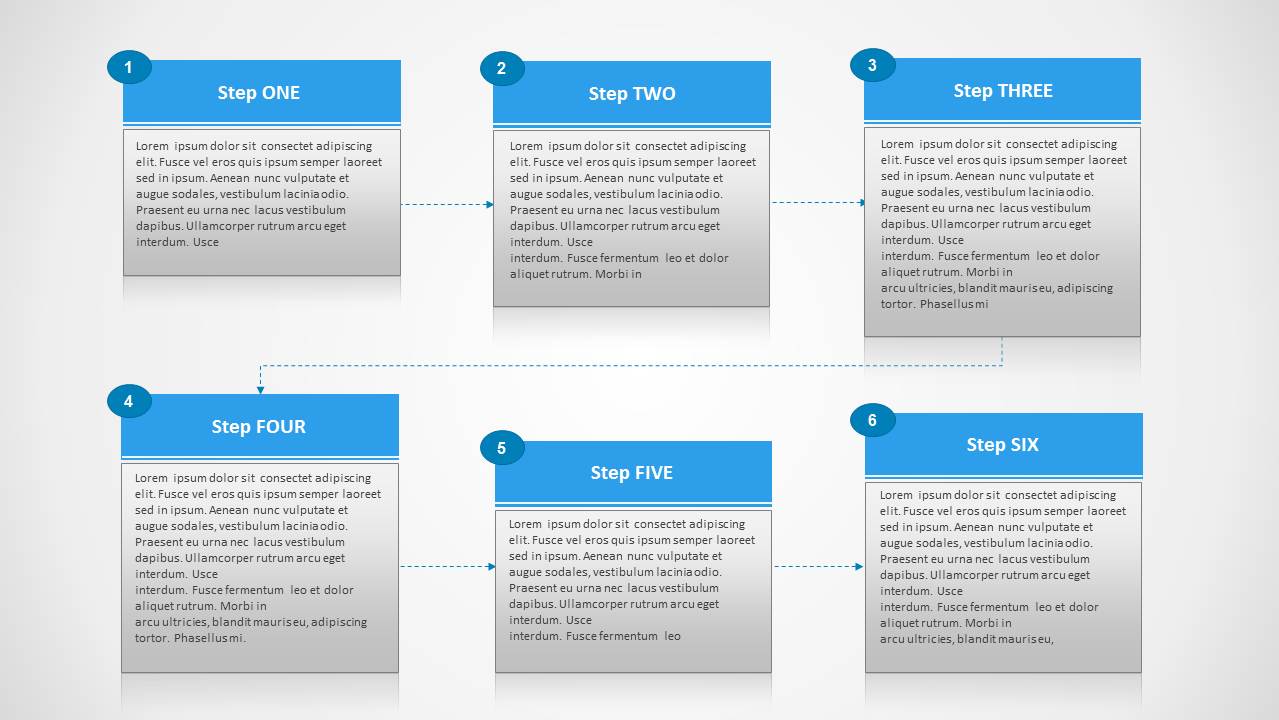
- A project manager can brief stakeholders on a handoff sequence using the numbered circles and dotted connector path to show order.
- A trainer can introduce a repeatable workflow by using the step titles for actions and the body text for short instructions.
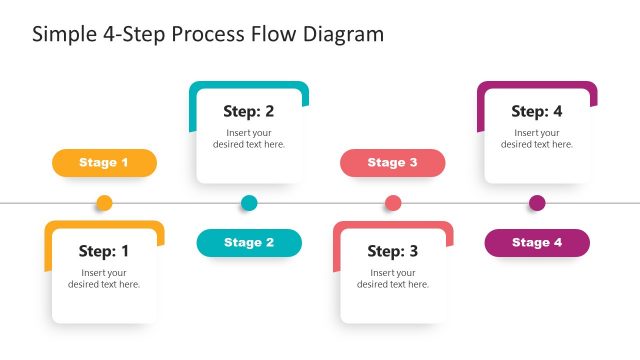
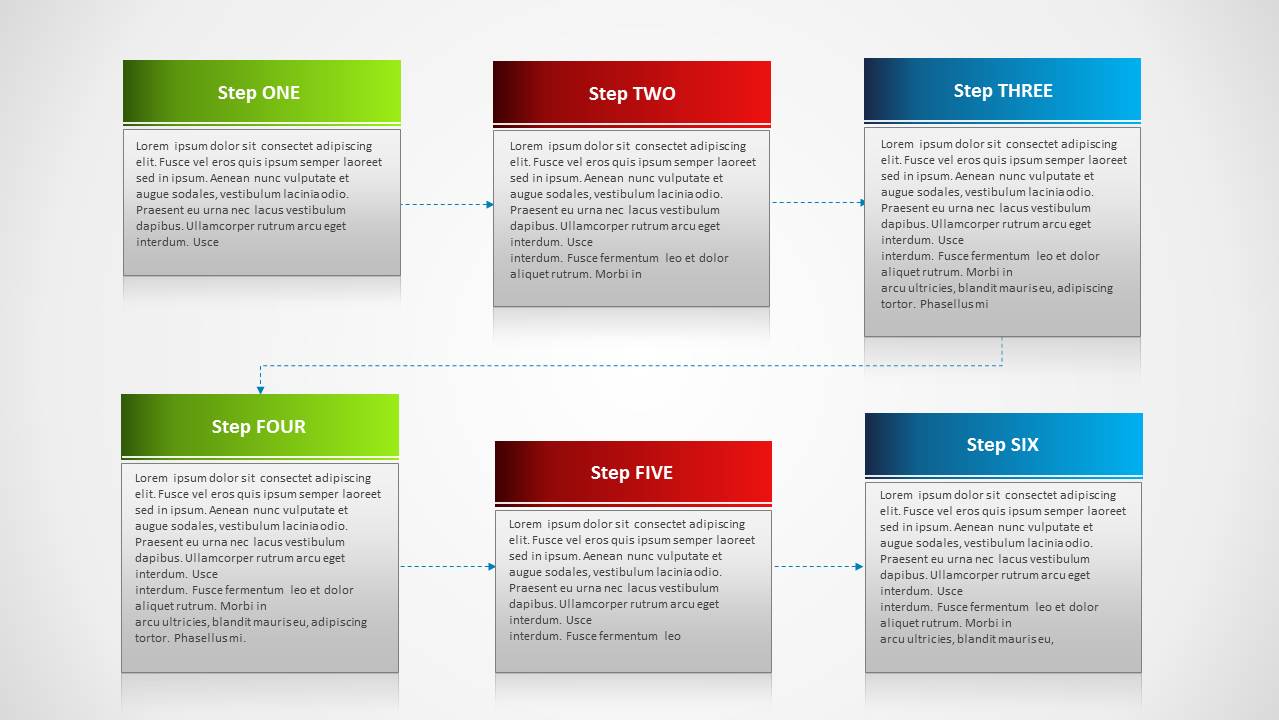
- A consultant can summarize a client process improvement plan with the color-coded header version to distinguish phases or ownership.
Features
- 100% editable presentation template
- Compatible with Microsoft PowerPoint and Google Slides
- 16:9 aspect ratio slides
- Scalable vector shapes, icons and illustrations
- AI-Ready for Microsoft Copilot and Claude
- Instant access and download
Frequently asked questions
Q: How should I write the text so the six-step flow stays easy to follow?
A: Start with the version that best matches the audience's need for guidance. Use the numbered circles when the order must be unmistakable, and use the color-header version when categories or owners matter more. Keep each textbox to one action and one outcome so the dotted connectors remain the main reading path.
Q: Who is this process diagram best suited for?
A: This template fits operations, project, and training presenters who must explain a simple six-step procedure without building a full process map. It is best for status meetings, onboarding sessions, or SOP summaries where each step needs a title and short description rather than decisions, branches, or swimlanes.
Q: Why does the two-row card layout work for process communication?
A: The two-row layout lets the audience read left to right while preserving enough space for six descriptions. Dotted connector lines show continuity without dominating the slide, and the card format separates step labels from detail text. The result is a process metaphor that feels like a sequence of task cards.
Simple Process Diagram with Textboxes for PowerPoint
4-slide presentation template for six-step process flows, connected textboxes, and numbered sequence diagrams
Simple Process Diagram with Textboxes for PowerPoint is a 4-slide presentation template for explaining linear workflows with six-step process flows, numbered textboxes, connected two-row sequences, and color-coded header cards. It fits business presenters documenting procedures, handoffs, or project steps in Microsoft PowerPoint and Google Slides.
- Category
- Text & Tables
- Rating


 Loading...
- Aspect ratio
- 16:9
- Item ID
- 4043-si
 Microsoft PowerPoint
  Microsoft Copilot
  Claude for PowerPoint
 Other formats supported
Subscribe today and get immediate
access to download our PowerPoint templates.