Slide 6 of 8 from Textbox Layouts for PowerPoint
3×2 Text Boxes for PowerPoint
Text Box Layout with Arrows for PowerPoint
- Diagram
- Matrix Grid
- Comparison Slide
- 16:9
- 100% Editable
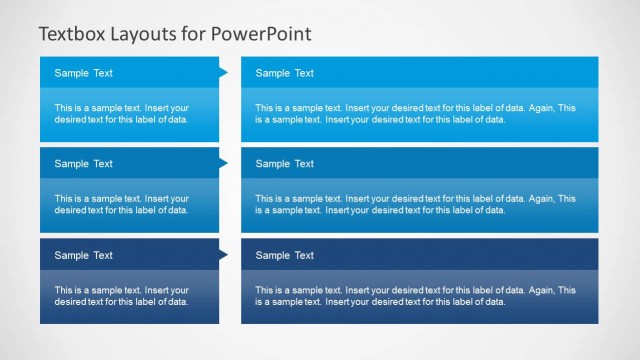
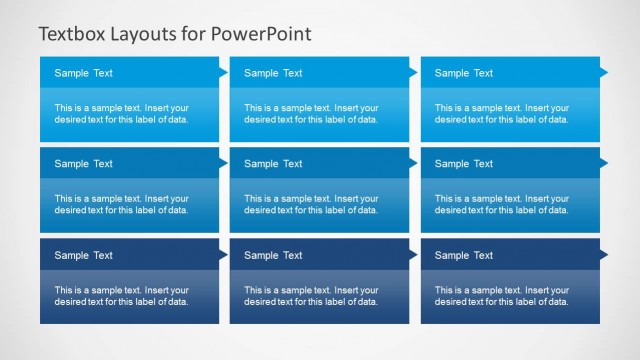
The Text Box Layout with Arrows slide from the Textbox Layouts for PowerPoint template offers a structured matrix grid ideal for business presentations. This slide template uses editable shapes and a 3x2 arrangement to facilitate clear comparison of product features or project updates. Its design supports concise communication in corporate presentations and pitch decks, enhancing readability with arrow-shaped accents that direct attention effectively.
What’s on This Slide
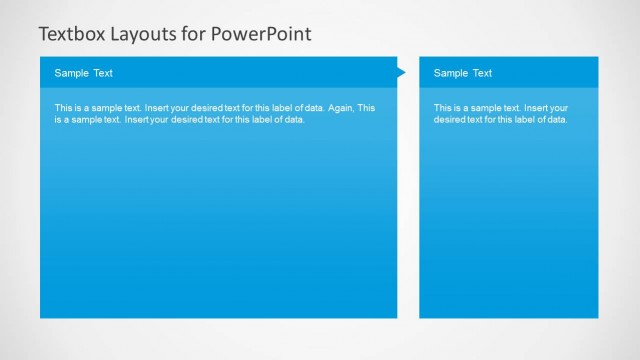
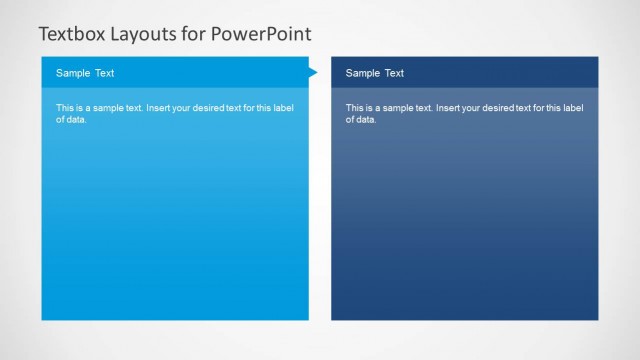
The layout features a 3x2 arrangement of text boxes, with three boxes on the top row and three on the bottom. Each box has a blue background with a pointed arrow shape on the left side, directing attention to the text. The top row contains two larger boxes for titles, while the bottom row has smaller boxes for additional details. Text placeholders are centered within each box, allowing for clear text entry. The overall structure is organized and visually balanced, with a light background enhancing readability.
How to Use It
This layout serves as a structured way to present information in a matrix format, ideal for comparing multiple concepts or categories. It fits well in a presentation sequence after introducing a topic and before delving into detailed analysis. Suitable for business scenarios such as product features comparison, project updates, or strategic initiatives, it allows for concise communication of key points while maintaining visual clarity.
Text Placeholders & Capacity
Keep your copy within these limits so it fits without resizing. Each text box can hold a title and a brief description, roughly 40 and 100 characters respectively.
| Placeholder | Count | Max characters (approx.) |
|---|---|---|
| Item heading | 6 | 40 |
| Item body | 6 | 100 |
Slide Keywords
Download unlimited PowerPoint templates, charts and graphics for your presentations with our annual plan.
DOWNLOADReturn to Textbox Layouts for PowerPoint.