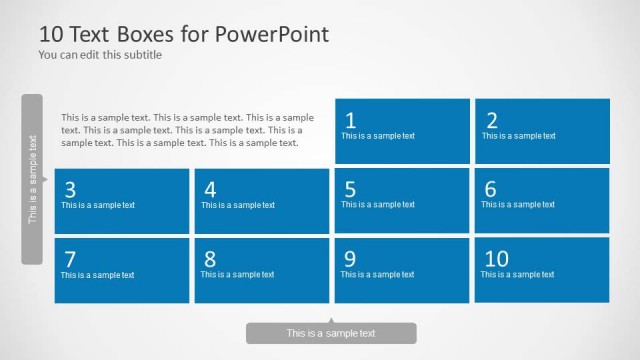
Textboxes Template for PowerPoint is a presentation template for PowerPoint containing useful slide layouts with text boxes that you can use to prepare PowerPoint presentations describing processes or to make presentations with agenda slides, project description, key metrics and other purposes.
Alternatively you can consider to download the text box design for PowerPoint with simple layouts and colors only used as background for the content headers.
What’s inside this template
Example presentation scenarios
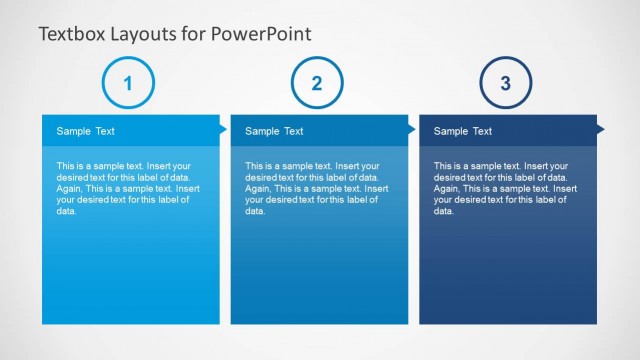
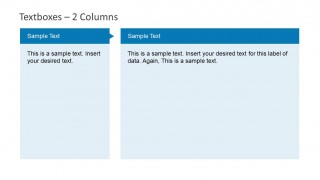
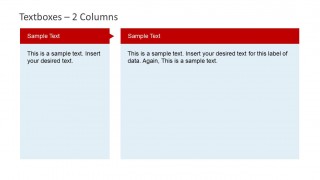
- A project manager can use the 2-column slides to compare workstream descriptions, risks, or owners during a weekly project update.
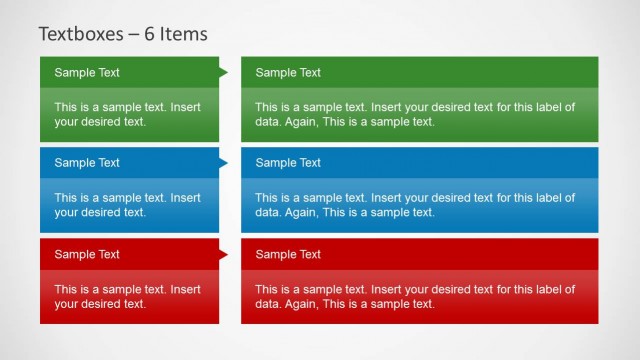
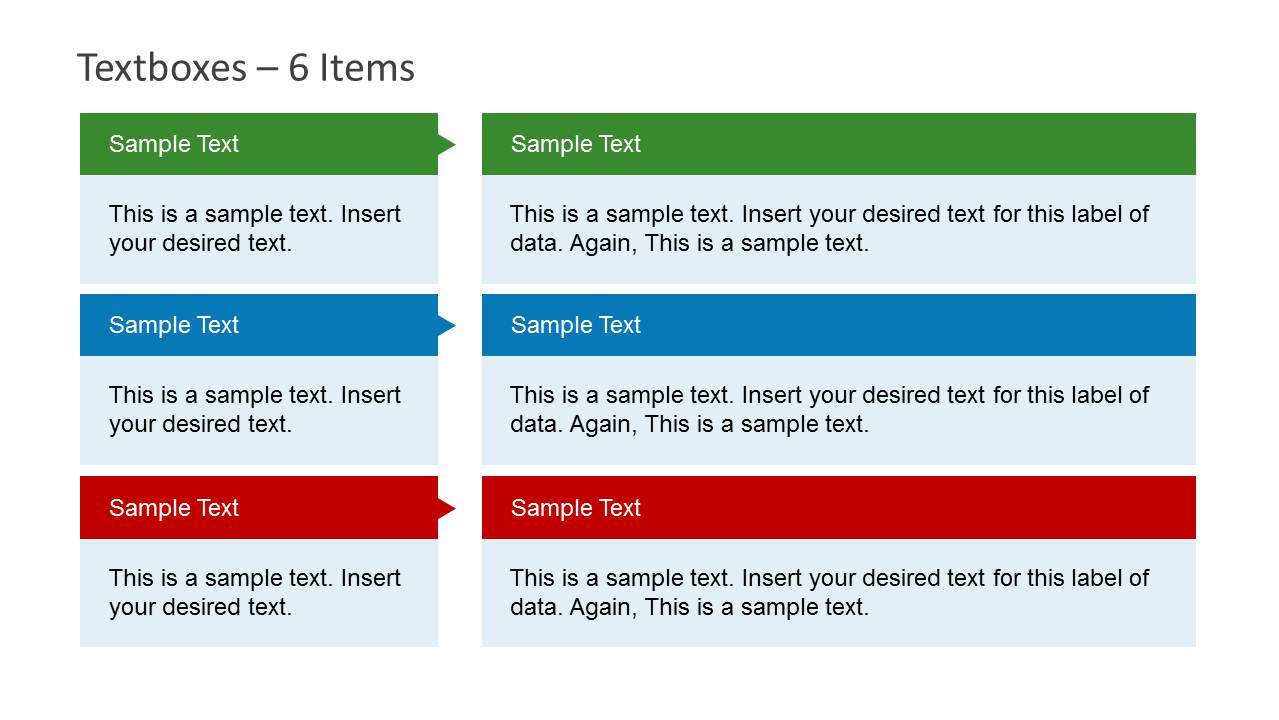
- A consultant can use the 3x2 item grid to summarize six recommendations, with short labels on the left and supporting explanations on the right.
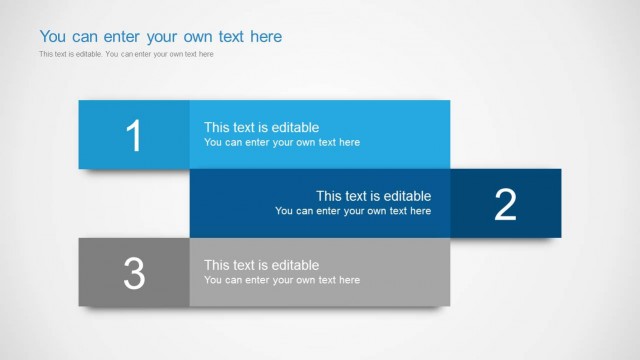
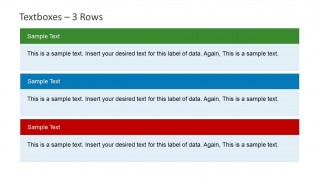
- An operations lead can use the 3-row slide to explain a process in three stages, assigning one colored section to each stage.
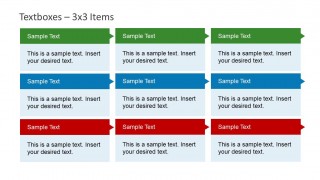
- A training facilitator can use the 3x3 matrix to organize nine lesson topics, checkpoints, or discussion prompts for a workshop agenda.
Features
- 100% editable presentation template
- Compatible with Microsoft PowerPoint and Google Slides
- Scalable vector shapes, icons and illustrations
- AI-Ready for Microsoft Copilot and Claude
- Instant access and download
Frequently asked questions
Q: How should a presenter organize the message across these text box layouts?
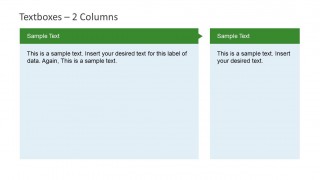
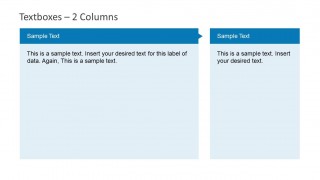
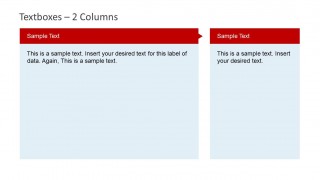
A: Start by choosing the container that matches the thinking task. Use equal 2-column slides for comparisons, the wide-plus-narrow columns for a main idea with a sidebar note, the 3-row slide for ordered stages, and the 3x3 matrix for categorized lists. Keep each header short so the body text can explain the point without crowding.
Q: Who is this template best suited for in a business presentation?
A: This template works best for presenters who need to explain structured text rather than show data-heavy visuals. Project managers, consultants, trainers, and team leads can use it for agendas, process notes, recommendation summaries, and workstream descriptions. The layouts are especially helpful when the audience needs quick scanning across labeled content blocks.
Q: Why do the colored header ribbons improve communication?
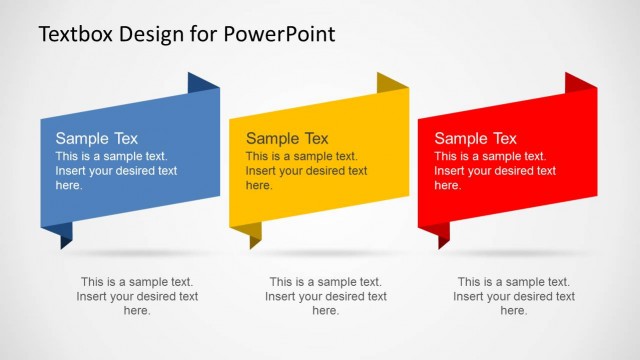
A: The header ribbons act like section tabs, giving each block a clear entry point before the reader moves into the body text. The arrow-like ends also imply sequence or continuation, which suits process notes and grouped recommendations. Using green, blue, and red rows creates visual separation without requiring icons or large illustrations.


Textboxes Template for PowerPoint with Colorful Header
12-slide presentation template with colorful text boxes, 2-column layouts, and 3x3 matrix grids
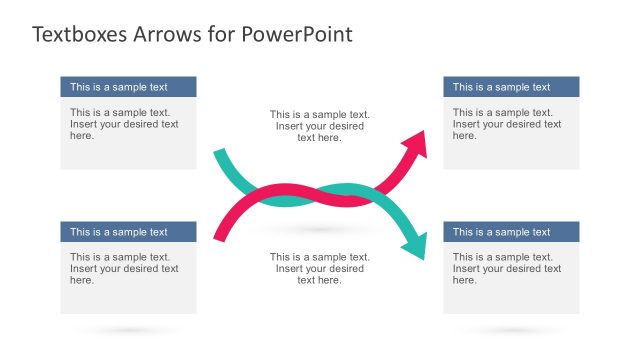
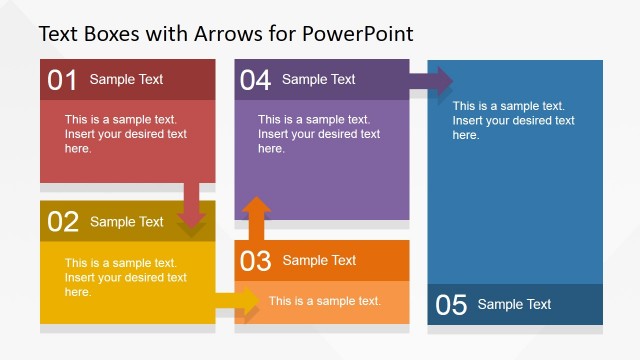
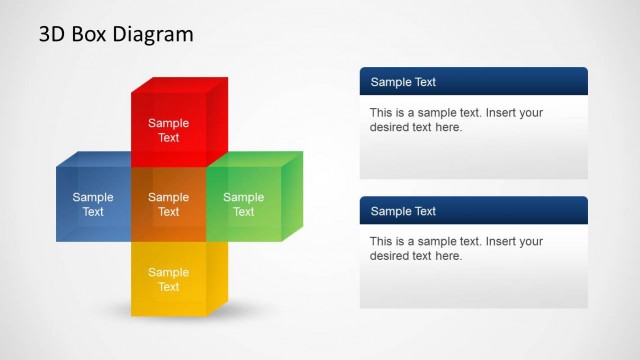
This 12-slide PowerPoint presentation template contains colorful header text box layouts for organizing written content. Visible designs include 2-column comparison pages, a 3-row section slide, a 3x2 item grid, and a 3x3 matrix. It suits agenda, process, project summary, or metric explanation slides that need clear content containers.


 Loading...
 Microsoft PowerPoint
  Microsoft Copilot
  Claude for PowerPoint
 Other formats supported
Subscribe today and get immediate
access to download our PowerPoint templates.