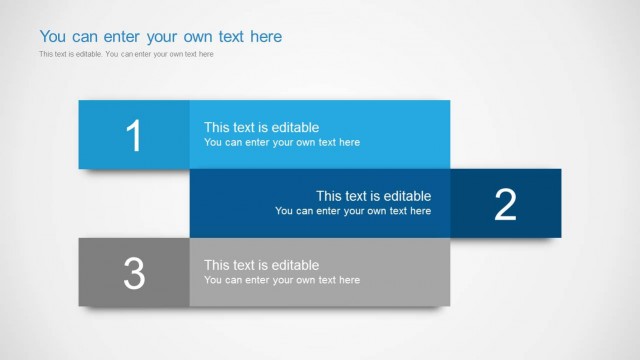
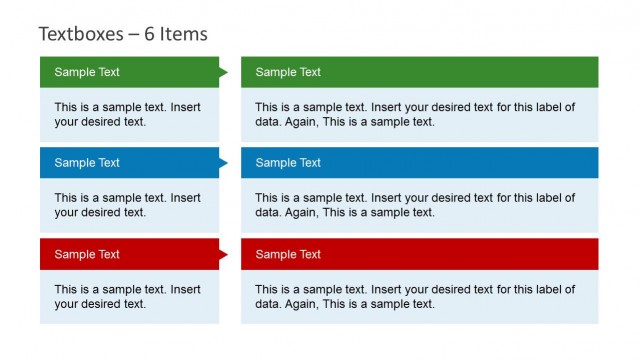
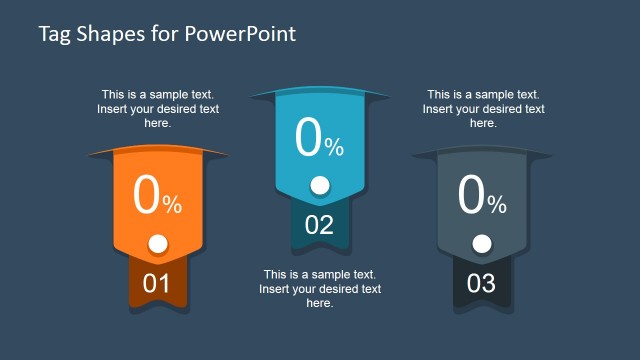
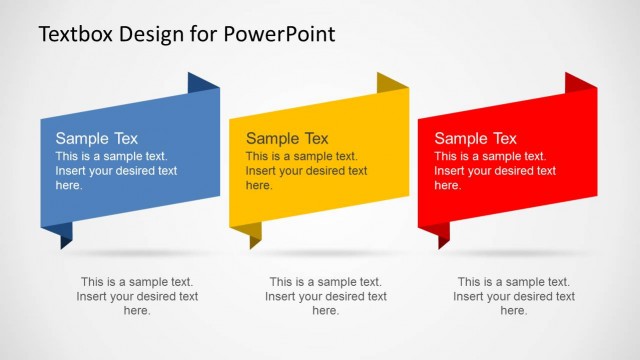
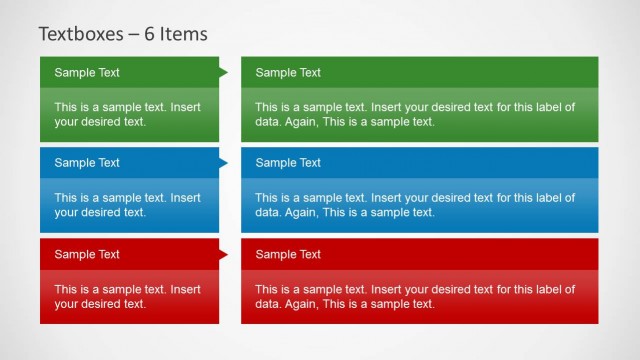
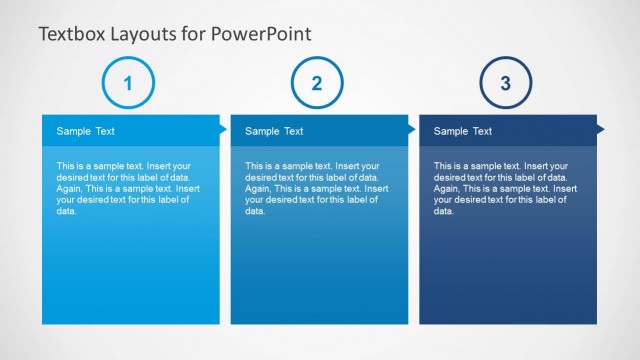
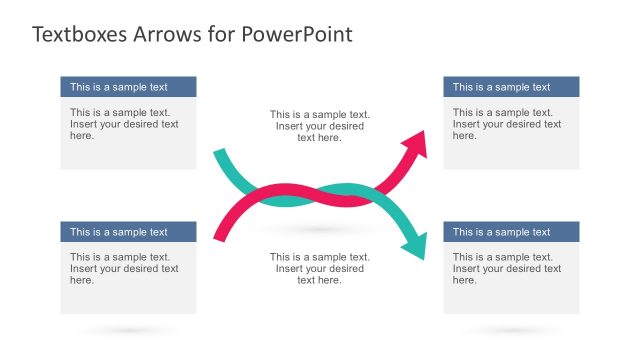
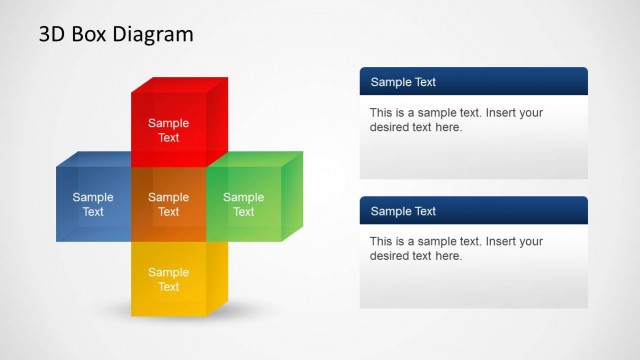
Text Boxes with Tag Shapes for PowerPoint is a slide set for creatively displaying your slides with the help of customizable textboxes.
This template has ample slide designs to help you cover various topics and to create slides for a range of slide types. With the given textbox designs you can create anything from sales presentations to presentations evaluating costs, timeline slides using tag shaped textboxes and more.
This presentation template has enough scope to be used for a wide range of presentation topics, how you adjust the slides to craft a presentation is entirely up to you, as you can even change the color of tags, add text to customize them and resize tags via drag and drop to make space for adding more tags. New tags can be inserted in slides by copy-pasting existing tags.
What’s inside this template
Example presentation scenarios
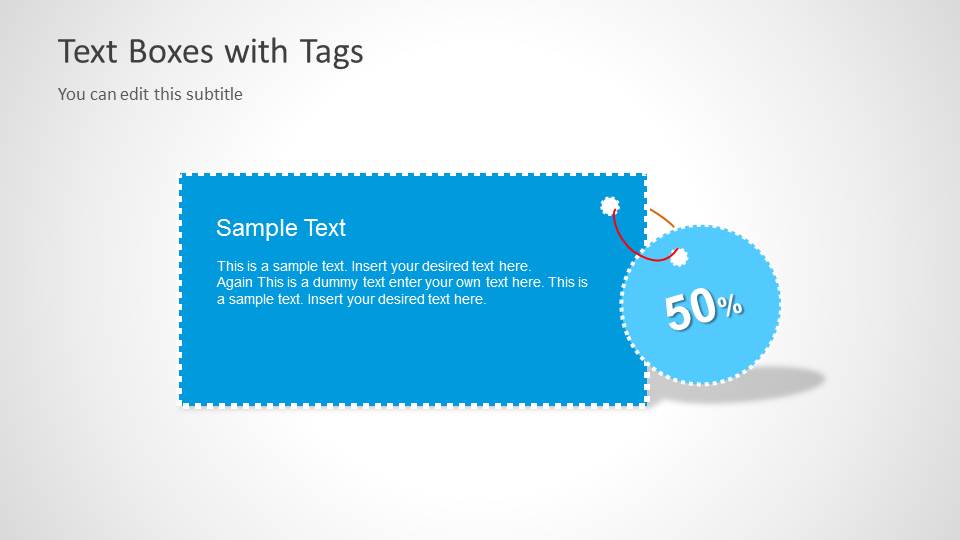
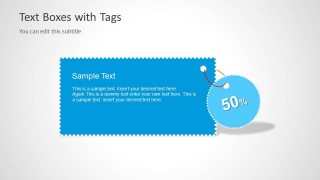
- A marketing manager can present a seasonal promotion by using the single offer tag slide to state the main message and place the discount inside the circular label.
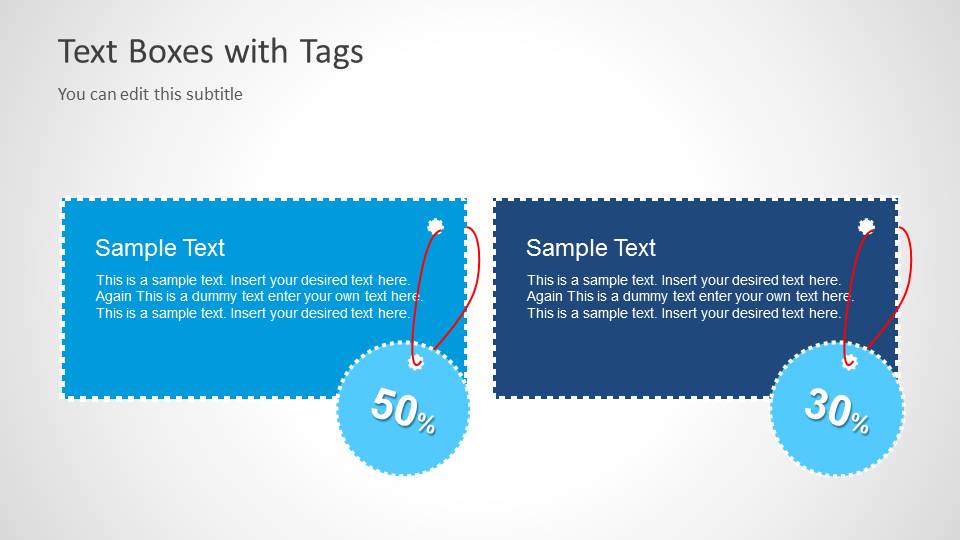
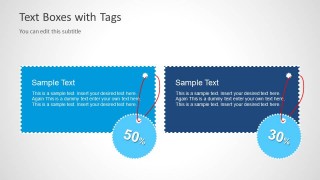
- A sales presenter can compare two offers with the two-column discount layout, using the separate 50% and 30% tag labels to make the difference easy to scan.
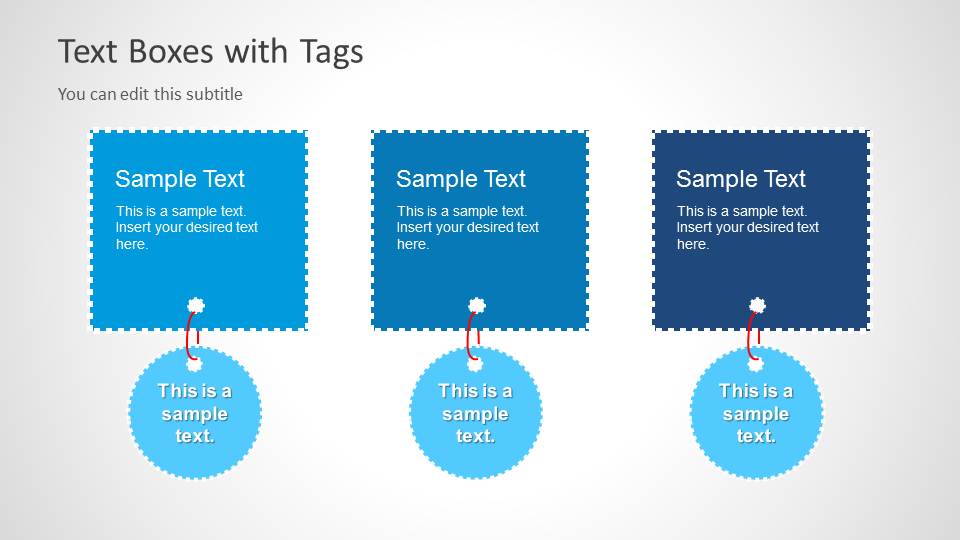
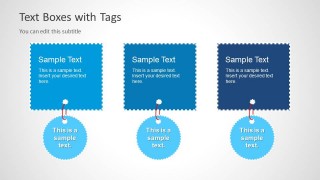
- A retail team lead can summarize three product deals with the three-item card slide, assigning one tag-shaped text box and one hanging label to each offer.
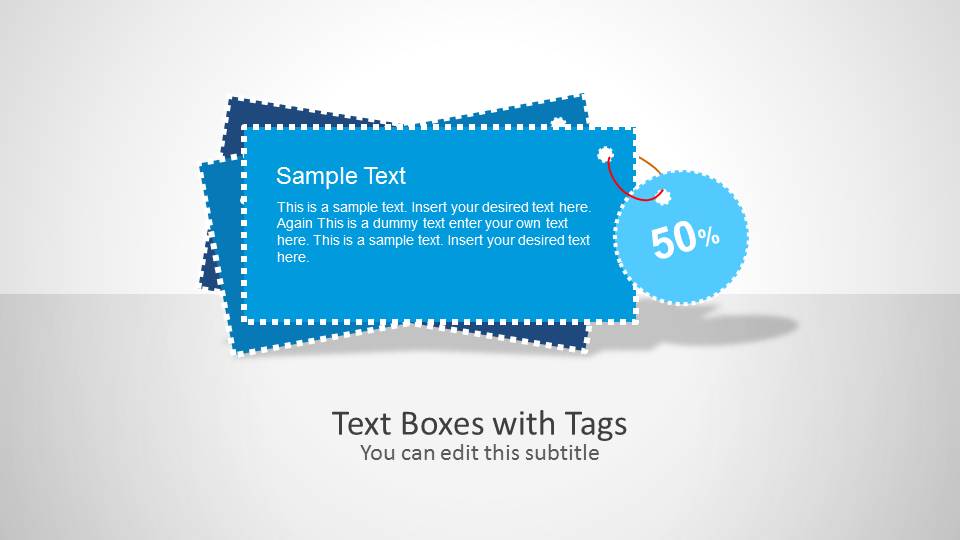
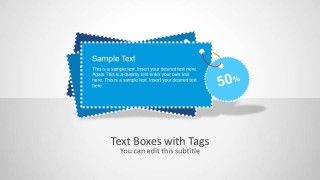
- A small business owner can open a campaign pitch with the stacked tag cover slide, then move into offer details using the large tag and comparison layouts.
Features
- 100% editable presentation template
- Compatible with Microsoft PowerPoint and Google Slides
- Scalable vector shapes, icons and illustrations
- AI-Ready for Microsoft Copilot and Claude
- Instant access and download
Frequently asked questions
Q: How should a presenter structure a short offer message with these tag shapes?
A: Start with one clear promotion headline, then use the tag text box for the supporting reason or condition. Keep the circular label for the number, discount, or short qualifier. The visible layouts work best when each tag carries one message, so avoid placing full paragraphs inside the stitched boxes.
Q: Who is this template best suited for in a business presentation?
A: This template fits marketing, retail, ecommerce, and sales presenters who need to highlight offers quickly rather than explain a complex strategy. The single tag slide works for one campaign promise, the two-column layout supports offer comparison, and the three-card slide helps organize several short promotions.
Q: Why do the hanging tag and label shapes help communicate promotional content?
A: The tag metaphor is associated with pricing, labels, discounts, and product offers, so the audience understands the purpose before reading every line. The stitched borders frame the text like a product label, while the hanging circular labels give the discount or key number a separate visual priority.
Text Boxes with Tag Shapes for PowerPoint
4-slide PowerPoint template with tag-shaped text boxes, discount labels, and offer callout layouts
Text Boxes with Tag Shapes for PowerPoint is a 4-slide PowerPoint shape template for presenting offers, promotions, and labeled text callouts. Visible layouts include a cover slide with stacked tag cards, a single offer tag, a two-column discount comparison, and a three-item card layout with circular labels.


 Loading...
 Microsoft PowerPoint
  Microsoft Copilot
  Claude for PowerPoint
 Other formats supported
Subscribe today and get immediate
access to download our PowerPoint templates.