Slide 1 of 8 from Textbox Layouts for PowerPoint
3 Column Text Boxes Slide Design for PowerPoint with Numbered List
Three-Column Textbox Layout for Presentations
- Diagram
- Matrix Grid
- Comparison Slide
- 16:9
- 100% Editable
The Three-Column Textbox Layout from the Textbox Layouts for PowerPoint template offers a structured design for clear comparison of features or project updates. This slide template includes editable shapes and a balanced three-column format, making it suitable for business presentations and strategic initiatives. Its clean layout supports concise content delivery within a professional slide deck.
What’s on This Slide
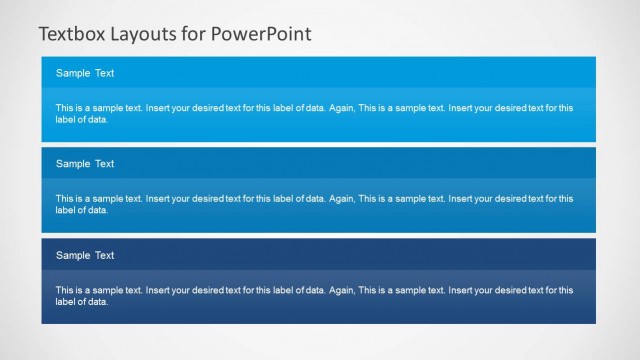
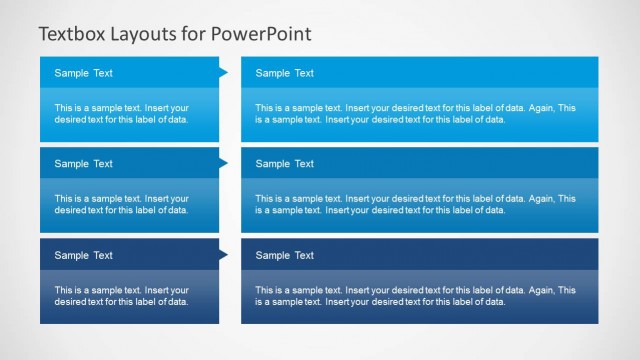
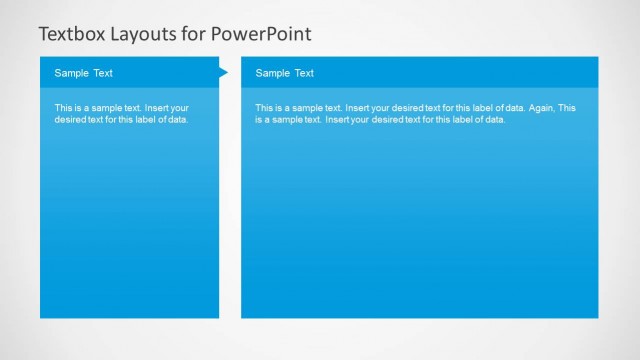
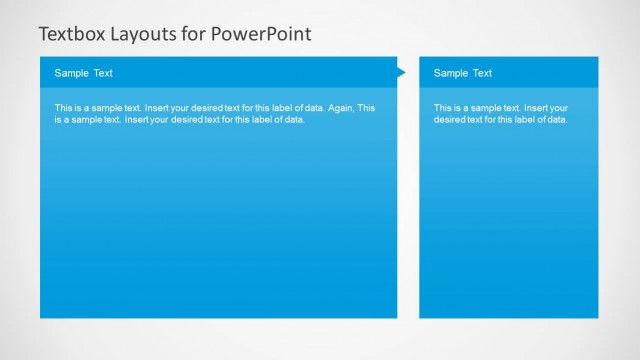
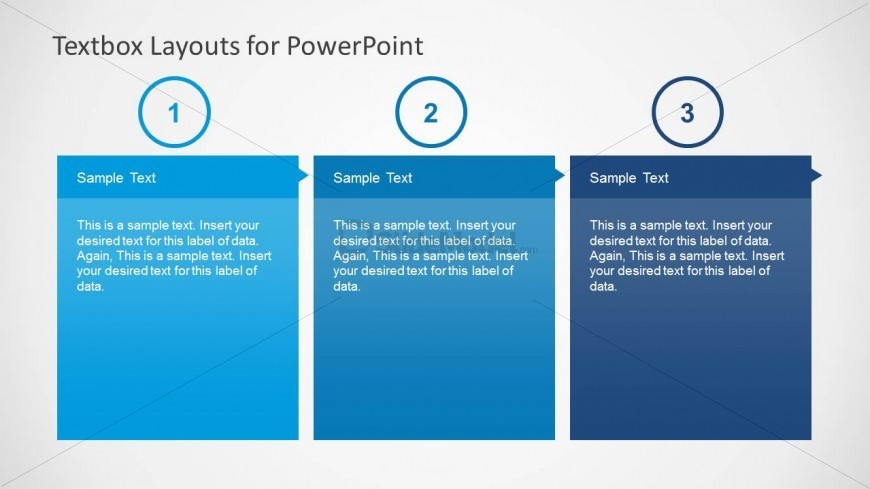
The layout features three equally sized columns arranged horizontally. Each column has a rounded top with a blue background and a label area at the top, containing placeholder text aligned to the center. Below the label, there is a larger text area for detailed content, which is also centered. The columns are separated by a slight gap, maintaining a clean visual structure. The overall background is a light gradient, enhancing the focus on the textboxes. Each column's height is uniform, creating a balanced appearance.
How to Use It
This layout serves as a three-column comparison tool, ideal for presenting similar concepts side by side. It fits well in a presentation sequence after introducing a topic, allowing for detailed exploration of three related points. Use this layout in business contexts such as product features comparison, project updates, or strategic initiatives. It is effective for summarizing information succinctly while maintaining clarity and organization.
Text Placeholders & Capacity
Keep your copy within these limits so it fits without resizing. Node body slots are spacious, allowing for detailed text entries.
| Placeholder | Count | Max characters (approx.) |
|---|---|---|
| Item heading | 3 | 30 |
| Item body | 3 | 250 |
Slide Keywords
Download unlimited PowerPoint templates, charts and graphics for your presentations with our annual plan.
DOWNLOADReturn to Textbox Layouts for PowerPoint.