Simple Text Tables for PowerPoint comes with unique page turn layouts that allow the display of simple texts in eye-catching paper shaped tables. The plain design can contrast on a creative background. This effect can draw audience attention and focus. The generic template can accommodate almost any topic that needs a bulleted presentation.
Important points on the main idea can be perfectly captured in these slide designs. The PowerPoint template is ideal for displaying notations on significant information. It can serve as a venue for synopsis, commentary or memo that the user wishes to emphasize. It is great for business presentations, academic, personal or organizational use. It can be an effective communication tool. The presenter can copy and paste the PowerPoint shapes to supplement different reports. Thus, it is a smart and resourceful choice.
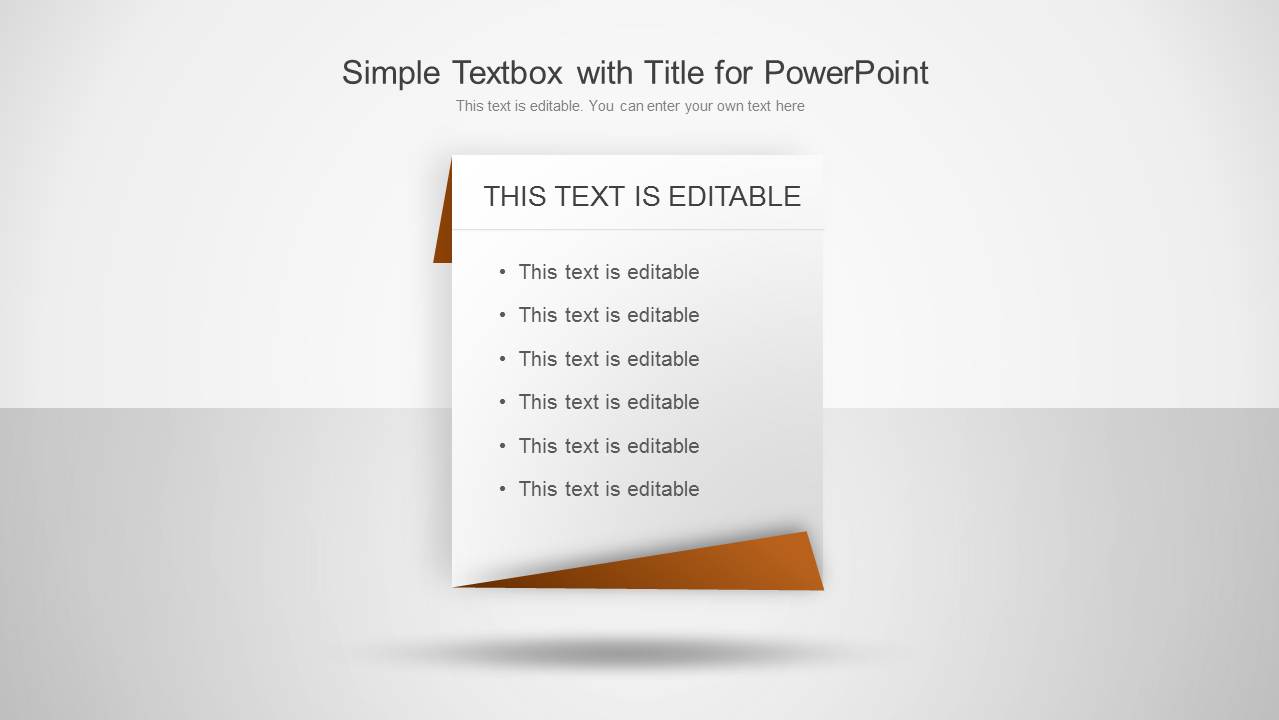
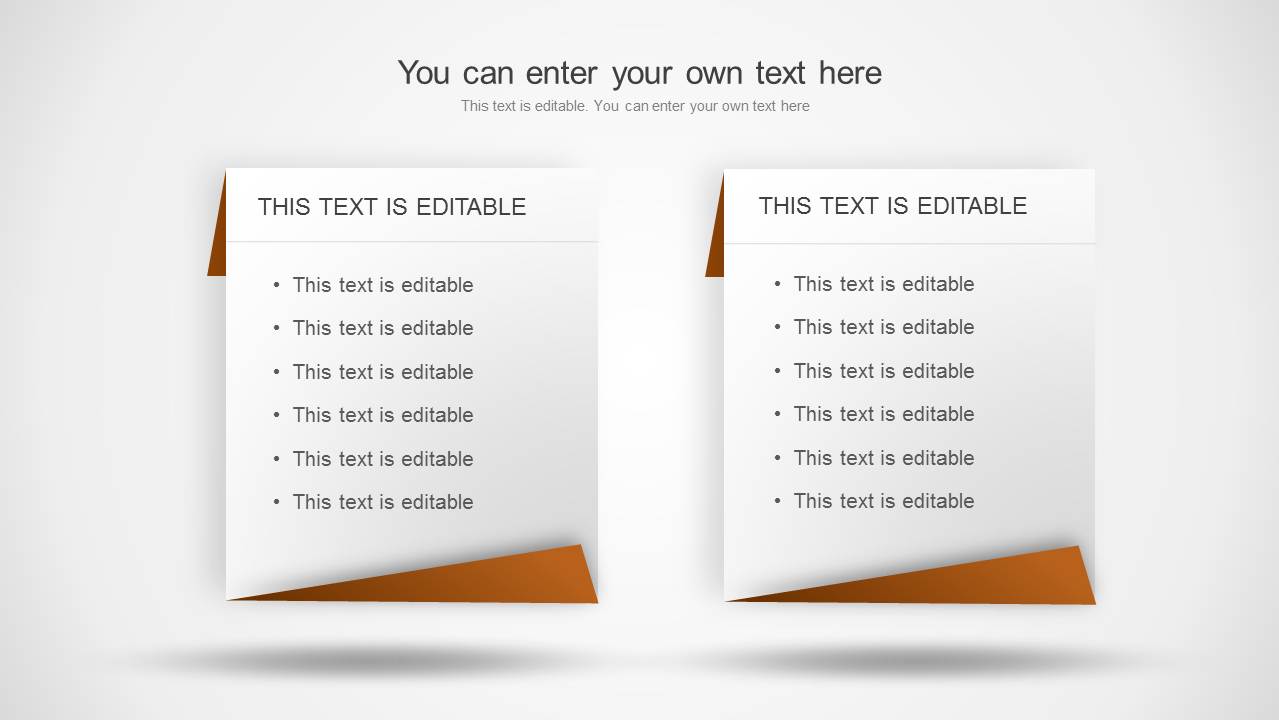
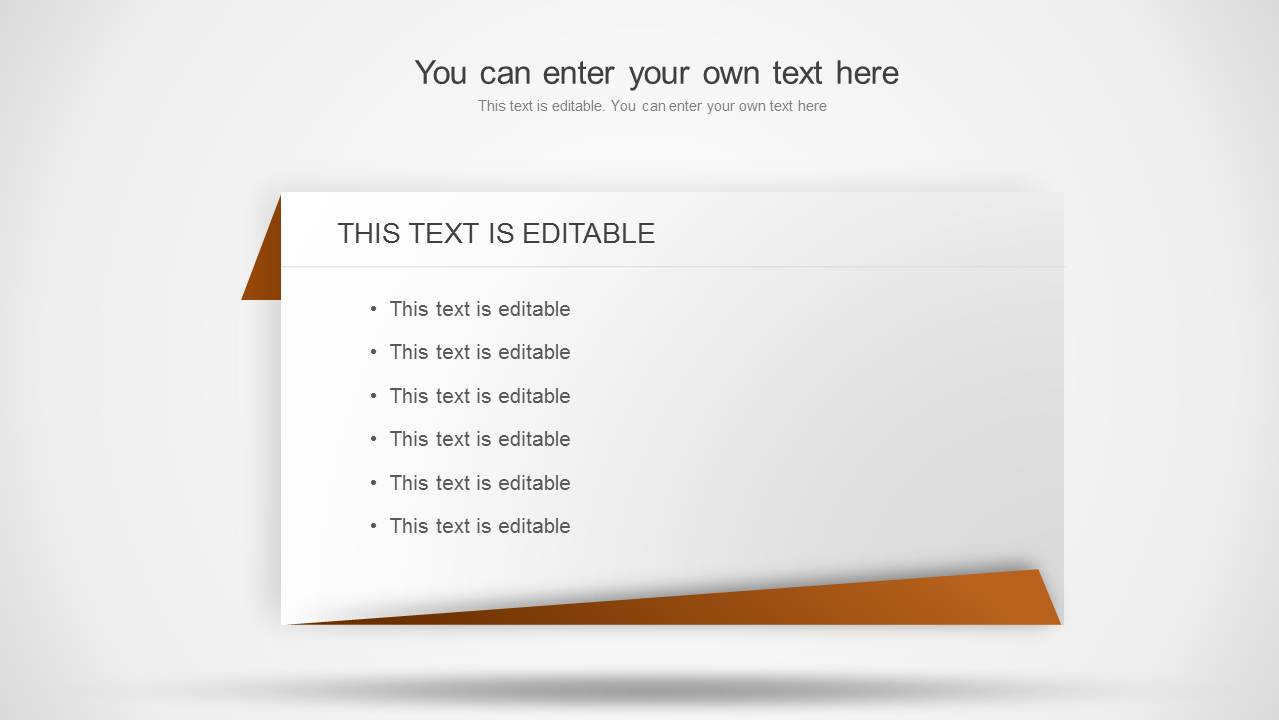
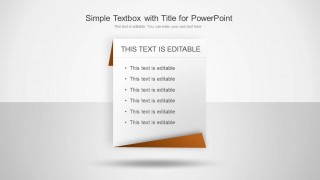
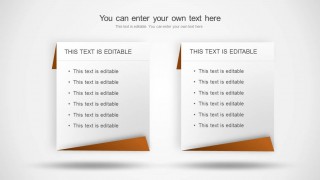
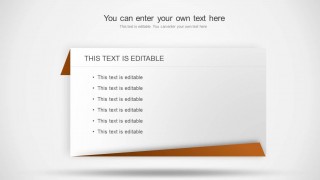
The PowerPoint template features 3 pre-customized slide designs. The first slide contains a lengthwise paper shape. It illustrates folded edges that make a realistic look on the layout. It has a brown and white color variation. The speaker can enter the title of the discourse on the top, as well as its subtitle. In the notepad, the subject can be placed on the bold “this text is editable” text placeholder. The user can expound on the topic with bullet points of different related ideas. The second slide display 2 notepads with similar a design. The last slide includes a crosswise cut of the notepad. This allows more textual content.
Tables are defined as the arrangement of data through rows and columns. It is best used in comparing data, analysis, simplified presentations, among others. They vary from design, context, intention and structure.
Develop stunning outputs with Simple Text Tables for PowerPoint . It is reusable and edgy. The SlideModel gallery offers fine collection of PowerPoint Text and Table Templates. Download more PowerPoint templates from the said category to create quality reports.
What’s inside this template
Example presentation scenarios
- A business analyst can use the single folded notepad slide to summarize meeting takeaways, action items, or commentary that should stand apart from regular body text.
- An instructor can use the two-card comparison layout to contrast definitions, examples, or reading notes while keeping both text groups visually balanced.
- A project manager can use the wide paper panel to present a short memo, decision summary, or list of next steps during a team update.
- A student presenter can use the paper-style bullet layouts to make thesis points, observations, or synopsis content easier to follow during an academic presentation.
Features
- 100% editable presentation template
- Compatible with Microsoft PowerPoint and Google Slides
- Scalable vector shapes, icons and illustrations
- AI-Ready for Microsoft Copilot and Claude
- Instant access and download
Frequently asked questions
Q: How should a presenter use these text tables without overcrowding the slides?
A: Treat each paper panel as a note card, not a document page. Put the main idea in the bold heading and limit the bullets to the points the audience must remember. Slide 1 works best for one emphasized message, while Slide 3 can hold a slightly longer summary without switching to a dense paragraph slide.
Q: Who is this template best suited for?
A: This template fits presenters who need to make short written content feel intentional, such as trainers, teachers, team leads, and business communicators. It is best for synopsis slides, memo highlights, commentary, key takeaways, or simple side-by-side notes, especially when a standard text box would feel too plain.
Q: Why use a folded paper metaphor instead of a standard table?
A: The folded paper shape signals a note, memo, or clipped document, so the audience understands that the content is a selected highlight. The shadow and corner fold create a focal area, while the restrained gray and brown palette keeps attention on the headline and bullet text rather than decoration.
Simple Text Tables for PowerPoint
3-slide PowerPoint presentation template with paper-style text tables and note card layouts
Simple Text Tables for PowerPoint is a 3-slide template for presenting concise text in paper-style table layouts. It includes a single folded notepad, a two-card comparison layout, and a wide horizontal paper panel. Business, academic, and organizational presenters can use it for summaries, notes, commentary, or bulleted explanations in PowerPoint.


 Loading...
 Microsoft PowerPoint
  Microsoft Copilot
  Claude for PowerPoint
 Other formats supported
Subscribe today and get immediate
access to download our PowerPoint templates.