Slide 7 of 8 from Textbox Layouts for PowerPoint
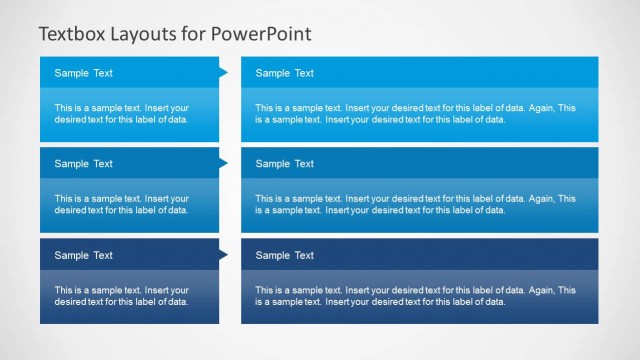
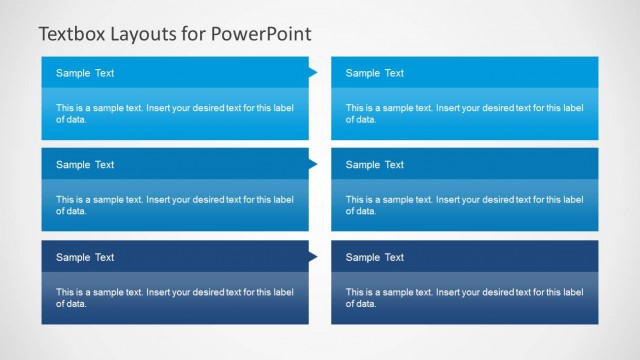
3 Rows PowerPoint Text Box Slide Design
Three-Column Textbox Layout for Presentations
- Text Layout
- List Blocks
- Context Slide
- 16:9
- 100% Editable
The Three-Column Textbox Layout from the Textbox Layouts for PowerPoint template offers a clear structure for presenting feature comparisons, project updates, or concept outlines. This slide design uses three evenly spaced columns with distinct headers and body text areas, making it suitable for business presentations and pitch deck templates that require organized, concise information delivery. Its editable shapes and clean layout enhance readability and focus within professional slide decks.
What’s on This Slide
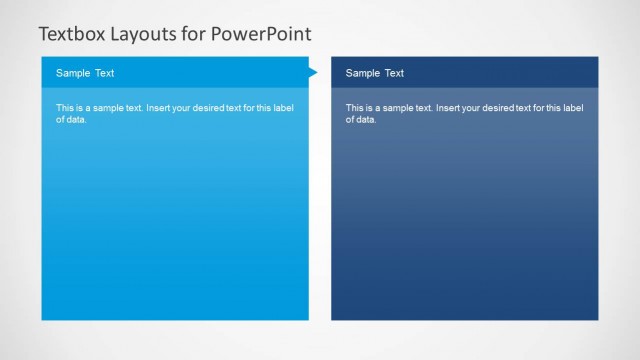
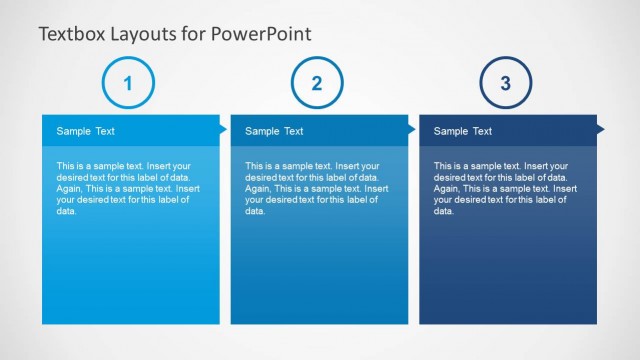
The layout features three vertical columns arranged side by side. Each column contains a header section at the top, followed by a body text area. The headers are visually distinct with a blue background, while the body text areas are lighter in color. The columns are evenly spaced and aligned, creating a structured appearance. Each column has a consistent height, and the text placeholders are centered within their respective sections. The overall background is a light gradient, enhancing readability and focus on the text.
How to Use It
This layout is suitable for presenting information in a structured format, such as comparing three different concepts or categories. It can be effectively used in business presentations to outline product features, project phases, or strategic initiatives. This slide fits well after an introduction or problem statement, providing clarity and organization. It is ideal for situations where concise information delivery is essential, allowing the audience to grasp key points quickly.
Text Placeholders & Capacity
Keep your copy within these limits so it fits without resizing. Each body text slot can hold approximately 30 words comfortably.
| Placeholder | Count | Max characters (approx.) |
|---|---|---|
| Item heading | 3 | 30 |
| Item body | 3 | 150 |
Slide Keywords
Download unlimited PowerPoint templates, charts and graphics for your presentations with our annual plan.
DOWNLOADReturn to Textbox Layouts for PowerPoint.