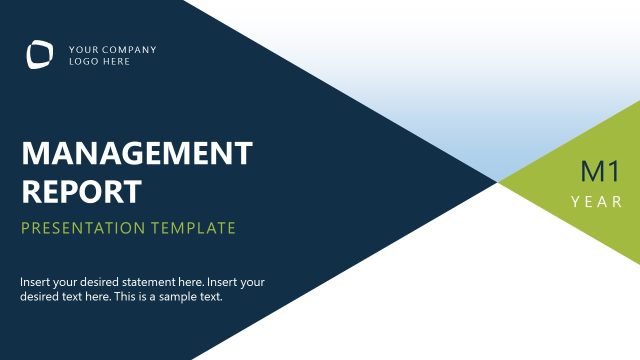
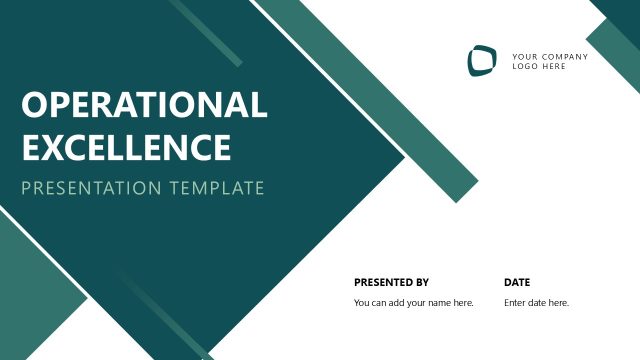
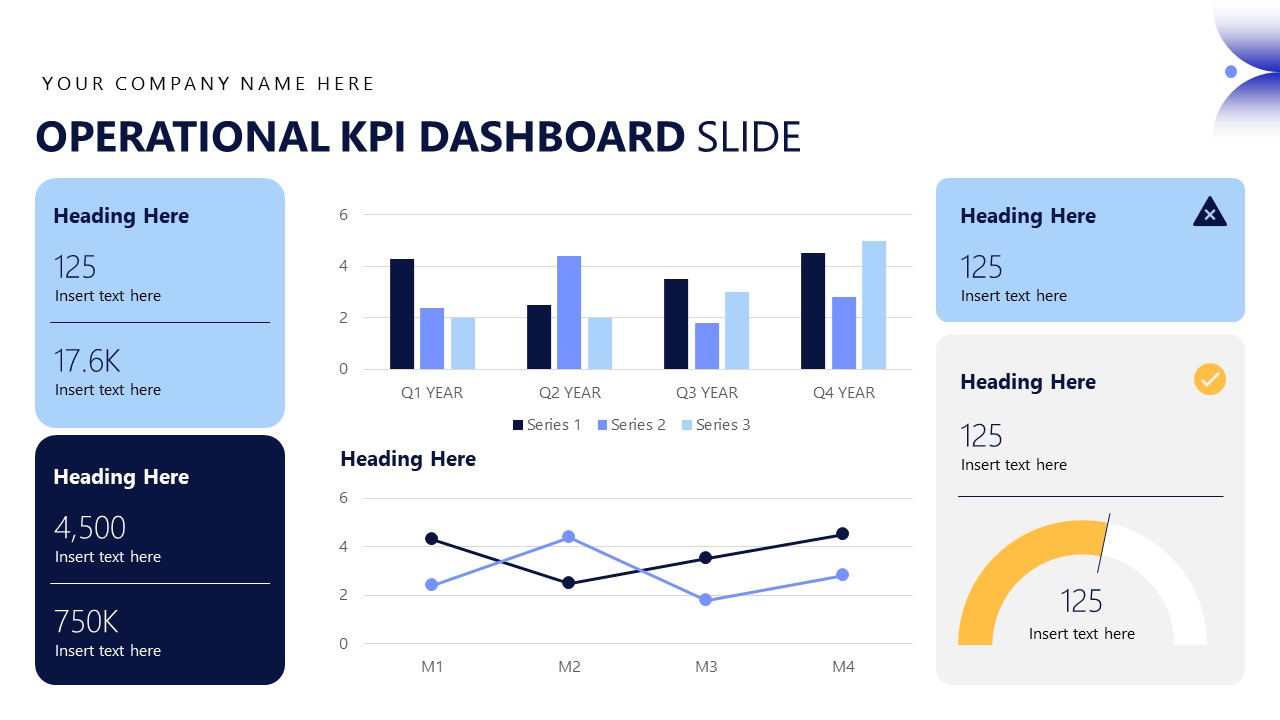
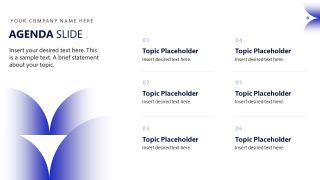
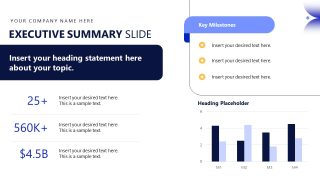
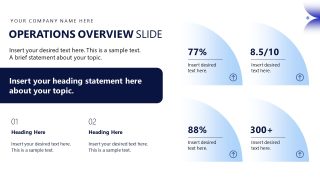
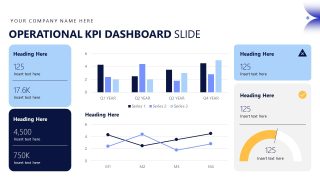
Present the KPIs and process efficiency report in the business presentations with our comprehensive Operational Report PowerPoint Template. An operational report presentation is a briefing for executive leaders on the current system’s performance and the need for improvement. The operational report PPT deck has 12 purpose-built slides, each for a specific reporting function. The cover slide is dark navy with white text and curved geometric shapes, making the design feel impactful. Then, we have slides for the agenda, executive summary, operations overview, KPI dashboard, and production output. The KPI dashboard slide provides multiple data visualizations to help analysts and business consultants inform decisions about the next execution steps. There are a double-line chart and a column chart to communicate trends, patterns, and other insights.
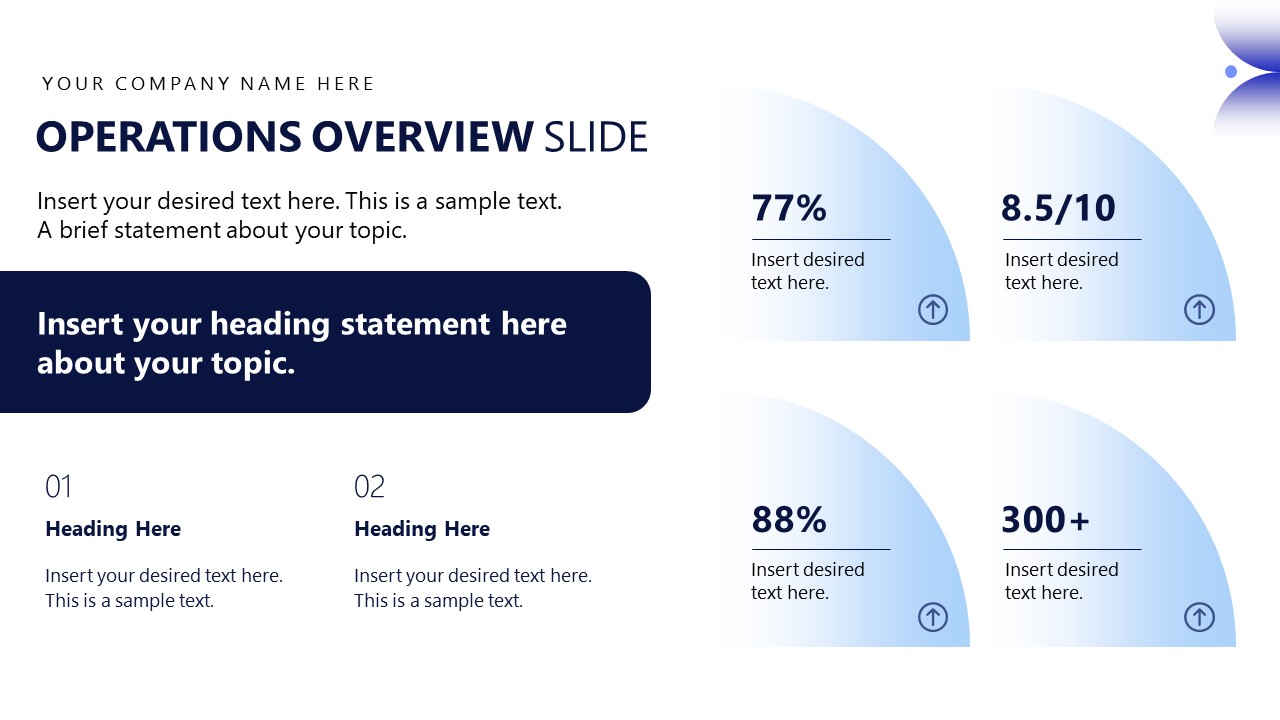
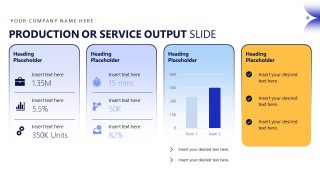
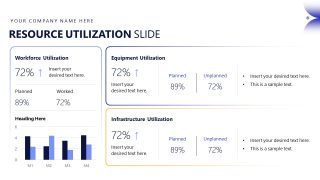
The product output slide uses a four-column layout to illustrate service output in numerical, percentage, and icon formats. Startup leaders or entrepreneurs use this operational report deck to highlight achievements or quality performance to investors. This let them build trust and credibility and ultimately secure funding for business-scaling plans. The multisegment layout of the resource utilization slide lets program managers showcase the stats related to:
- Workforce utilization
- Equipment utilization
- Infrastructure utilization
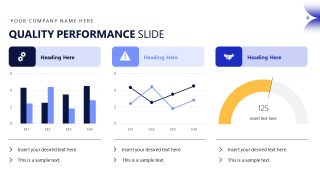
The correct analysis of these utilizations and process efficiency allows strategy leaders to make better decisions for the company’s growth and system improvement. Project managers share operational challenges with decision-makers using this Operational Report PowerPoint Template to drive new initiatives to optimize quality performance. We allow users to customize this animated PPT template based on the theme’s needs. Sales executives can repurpose the layout to create pitch decks or board presentation proposals. Download the operational report slide deck for your next reporting presentation and outline the efficiency metrics effectively.
What’s inside this template
Example presentation scenarios
- An operations manager can use the KPI dashboard and resource utilization slide to brief executives on performance against capacity, labor, and equipment targets.
- A business analyst can present the executive summary, operations overview, and quality performance slide to explain which metrics need attention before the next review cycle.
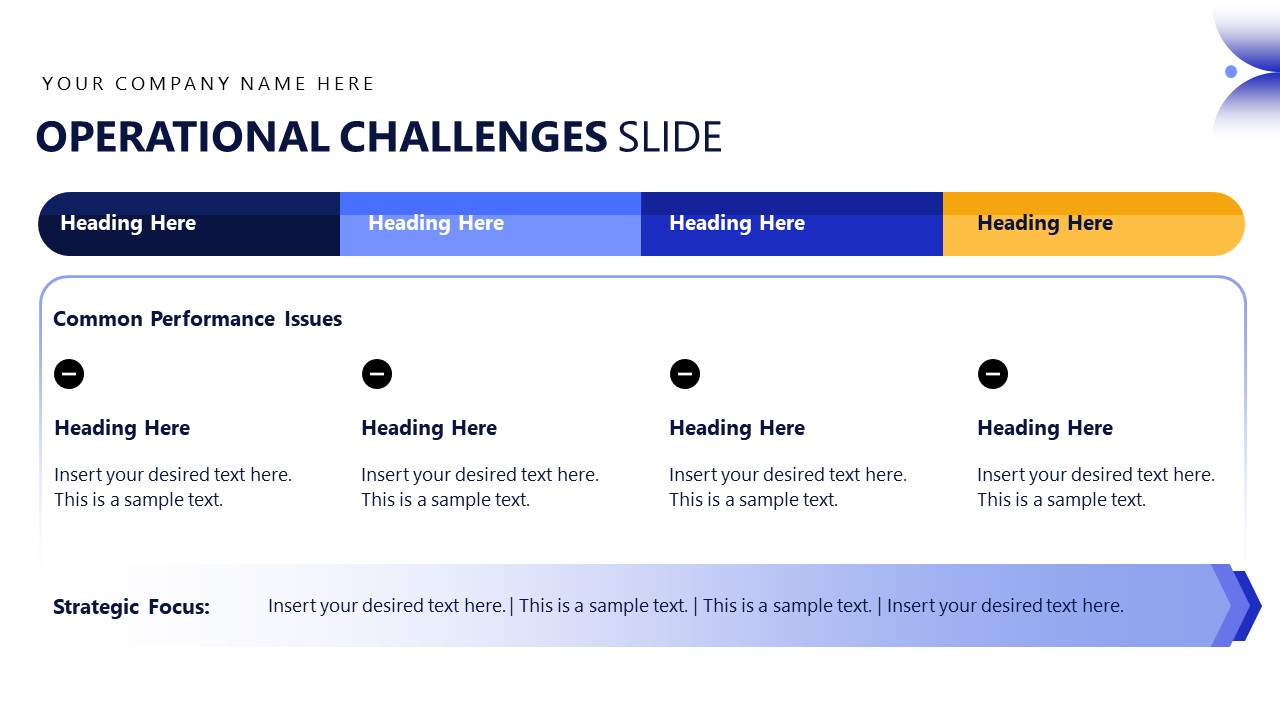
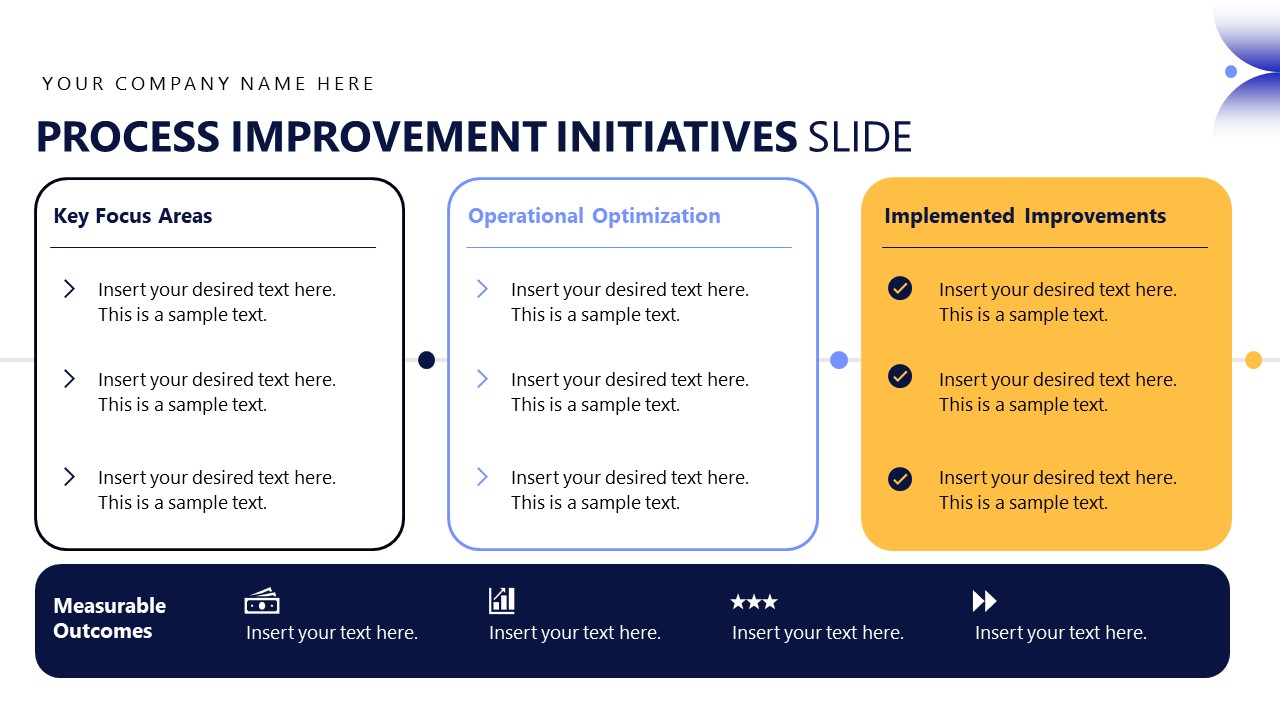
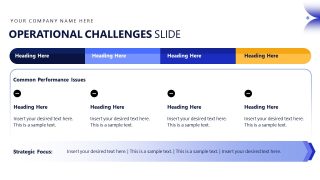
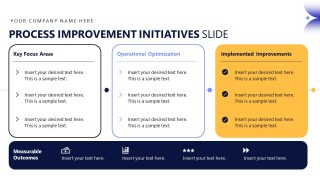
- A program manager can use the operational challenges table and process improvement initiatives slide to align decision-makers around root issues, planned actions, and measurable outcomes.
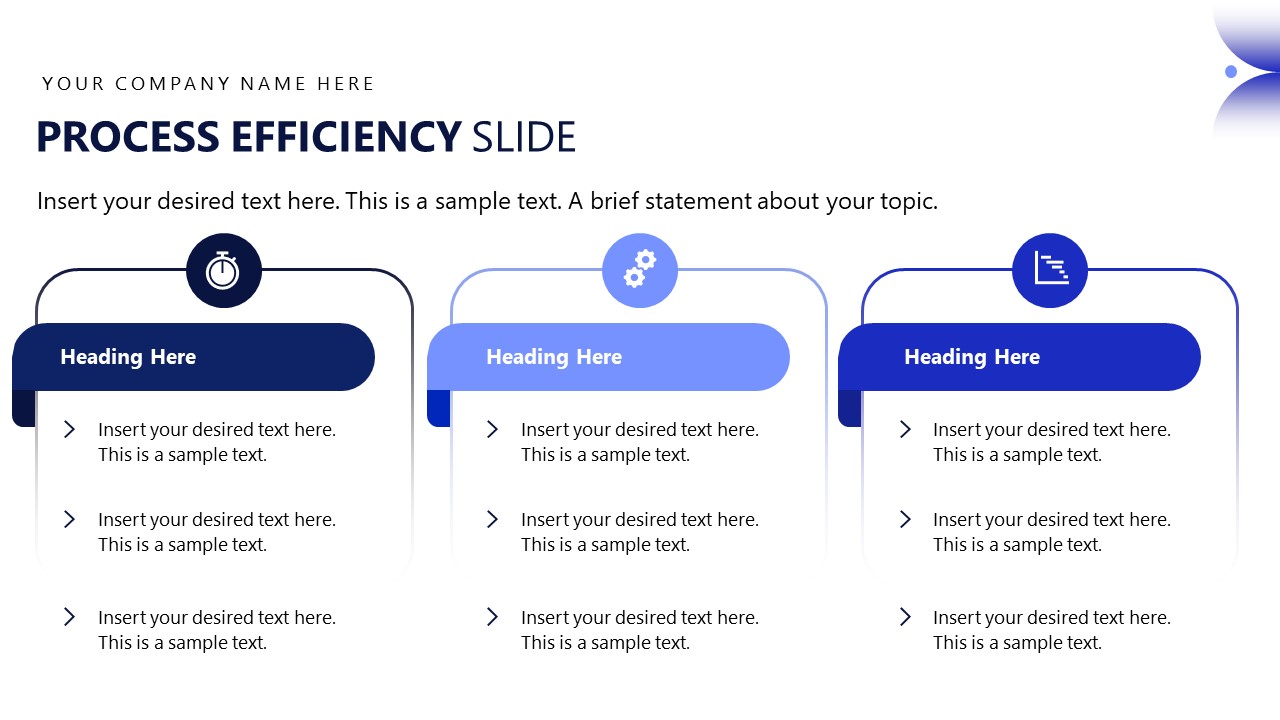
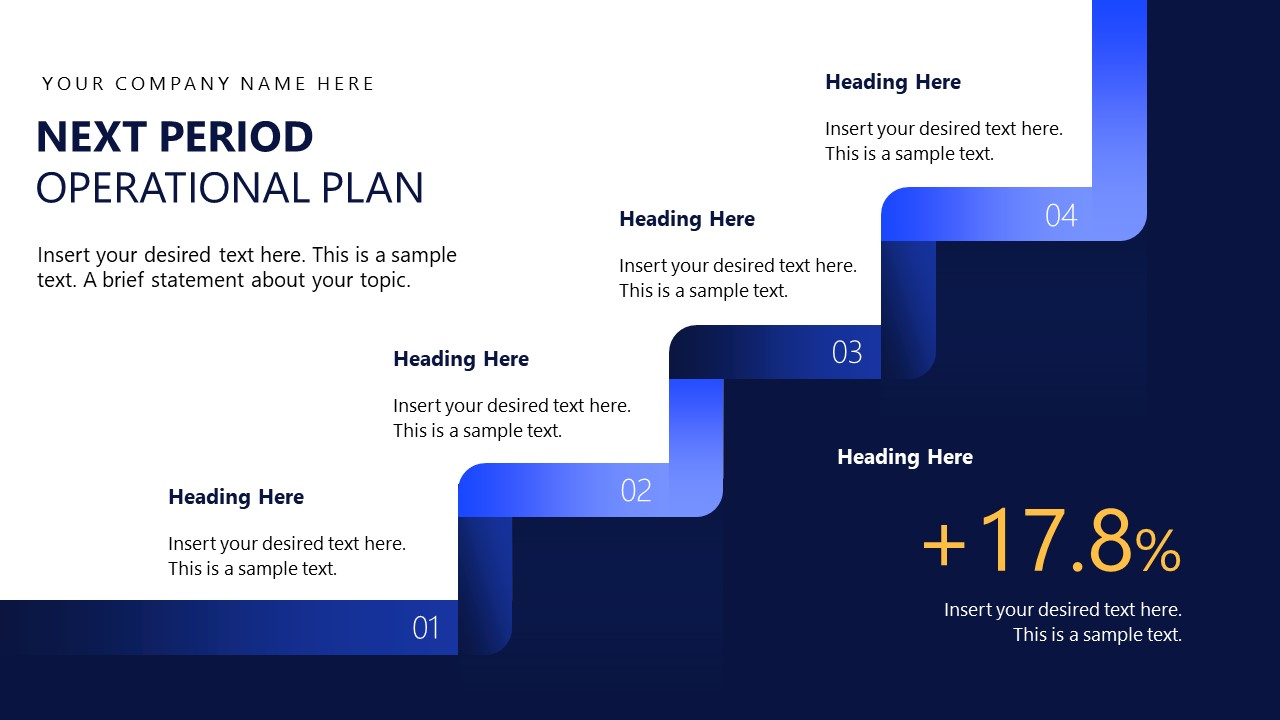
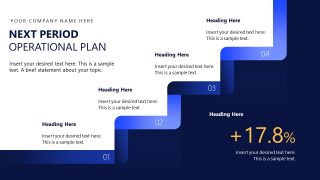
- A consultant can use the process efficiency cards and next period operational plan staircase to show a client how current findings translate into improvement priorities.
Features
- 100% editable presentation template
- Compatible with Microsoft PowerPoint and Google Slides
- 16:9 aspect ratio slides
- Scalable vector shapes, icons and illustrations
- Ready with Animations & Transitions in PowerPoint
- AI-Ready for Microsoft Copilot and Claude
- Instant access and download
Frequently asked questions
Q: How should a presenter structure the message for an operational review using this template?
A: Start with the agenda and executive summary to frame the main operational story before showing detailed metrics. Use the operations overview, KPI dashboard, and resource utilization slides as evidence, then move into quality performance and challenges. Close with improvement initiatives and the next period operational plan so leaders can connect current results to required actions.
Q: Who is this operational report deck best suited for?
A: This deck fits operations managers, business analysts, program managers, and consultants who need to brief senior stakeholders on performance, capacity, quality, and improvement priorities. It is most useful when the audience needs a concise view of KPIs, resource utilization, process efficiency, operational challenges, and the plan for the next reporting period.
Q: Why does the visual structure work well for executive operations communication?
A: The design separates fast-read executive content from detailed metric evidence. Cards isolate KPIs, dashboards compare trends, and the challenges slide groups issues in a horizontal issue map. The staircase metaphor on the next period plan helps the audience see improvement as staged progress rather than a loose list of initiatives.









Operational Report PowerPoint Template
13-slide operational report presentation template with KPI dashboard, resource utilization, and operational plan layouts
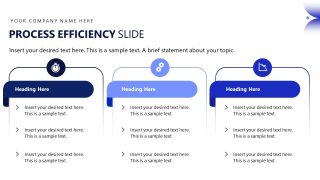
This 13-slide Operational Report PowerPoint Template is a 16:9 business reporting deck for operations reviews, performance briefings, and efficiency updates. Visible layouts include an agenda, executive summary, KPI dashboard, resource utilization report, process efficiency cards, operational challenges table, improvement initiatives, and next-period operational plan. It is built for Microsoft PowerPoint and Google Slides.
- Category
- Business PowerPoint Templates
- Rating

 Loading...
- Aspect ratio
- 16:9
- Item ID
- 85325-01
- Colors
 Microsoft PowerPoint
  Microsoft Copilot
  Claude for PowerPoint
 Other formats supported
Subscribe today and get immediate
access to download our PowerPoint templates.