Slide 3 of 13 from Operational Report PowerPoint Template
Executive Summary Discussion – Operational Report PPT Layout
Executive Summary Slide for Operational Reports
- Text Layout
- Other
- Context Slide
- 16:9
- 100% Editable
The Executive Summary Slide from the Operational Report PowerPoint Template provides a clear layout for presenting key metrics, milestones, and data visualizations. This slide template is ideal for business presentations such as performance reviews, operational updates, and strategic briefings. It features editable shapes and a structured design that supports concise communication within a corporate presentation or slide deck.
What’s on This Slide
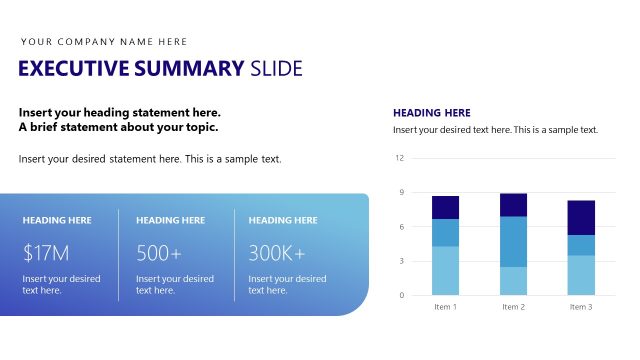
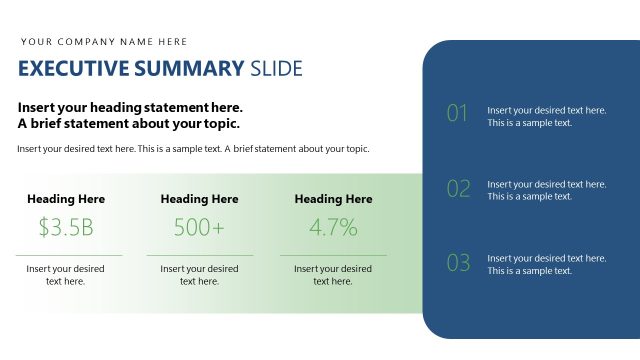
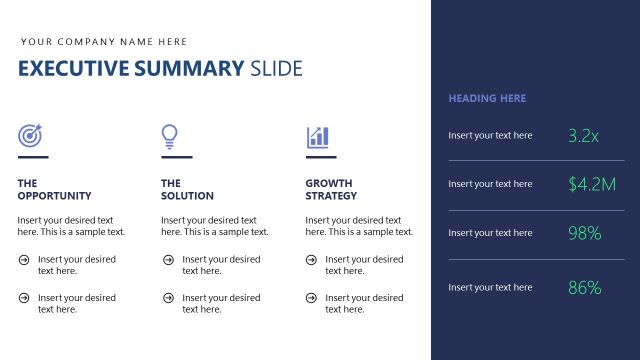
The layout features a large title area at the top with a placeholder for the company name and a bold 'EXECUTIVE SUMMARY SLIDE' heading. Below, there are three sections for key metrics, each with a placeholder for text and a numerical value, arranged vertically. On the right side, a 'Key Milestones' section includes three bullet points for additional text. At the bottom right, a bar chart displays four bars labeled M1 to M4, indicating data visualization. The background is a gradient of blue and white, enhancing visual hierarchy.
How to Use It
This layout serves as an executive summary, summarizing key metrics and milestones in a concise format. It fits within a presentation sequence focused on operational performance, often following an agenda or overview slide. This structure is suitable for business scenarios like performance reviews, operational updates, or strategic briefings, where clear and impactful communication of essential data is required.
Text Placeholders & Capacity
Keep your copy within these limits so it fits without resizing. Body slots can hold roughly 10-15 words each.
| Placeholder | Count | Max characters (approx.) |
|---|---|---|
| Slide title | 1 | 30 |
| Body paragraph | 3 | 50 |
| Item heading | 4 | 10 |
| Chart title | 1 | 20 |
Slide Keywords
Download unlimited PowerPoint templates, charts and graphics for your presentations with our annual plan.
DOWNLOADReturn to Operational Report PowerPoint Template.