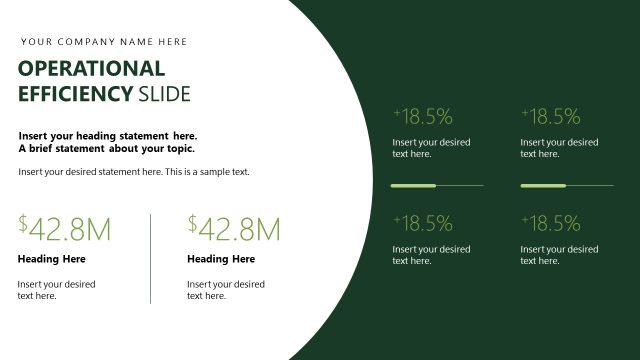
Slide 4 of 13 from Operational Report PowerPoint Template
Operations Overview Presentation Slide – Report Template
Operations Overview Slide for Reports
- Text Layout
- Single Statement
- Context Slide
- 16:9
- 100% Editable
The Operations Overview Slide from the Operational Report PowerPoint Template offers a clear layout for presenting key operational metrics and performance assessments. Designed for business presentations, this slide template supports concise communication of KPIs using editable shapes and vector icons, making it suitable for operational reviews and corporate slide decks.
What’s on This Slide
The slide features a top section with a company name placeholder and a title labeled 'OPERATIONS OVERVIEW SLIDE' in dark blue. Below, there is a large text placeholder for a brief statement about the topic. Two sections are positioned at the bottom left and right, each containing a circular shape with a percentage or score displayed prominently. Each section has a smaller text placeholder beneath for additional details. The overall layout is clean, with a light blue gradient background and dark blue text, emphasizing a clear visual hierarchy.
How to Use It
This layout serves as an overview for operational metrics or performance indicators in a report. It fits well after introductory slides, providing a concise summary of key operational data. Suitable for business presentations, it can highlight performance scores, efficiency ratings, or other critical metrics. This slide is useful in meetings focused on operational reviews or performance assessments, ensuring clarity in communication.
Text Placeholders & Capacity
Keep your copy within these limits so it fits without resizing. Body slots can accommodate around 20-30 words each.
| Placeholder | Count | Max characters (approx.) |
|---|---|---|
| Slide title | 1 | 30 |
| Body paragraph | 1 | 150 |
| Item heading | 2 | 20 |
| Item body | 2 | 50 |
Slide Keywords
Download unlimited PowerPoint templates, charts and graphics for your presentations with our annual plan.
DOWNLOADReturn to Operational Report PowerPoint Template.