Share the overview of your performance report in the executive presentations with our clean Business Meeting PowerPoint Template. Effective conversations lead to better business decisions for business growth. This PPT template includes editable features to help professionals start their business presentations effectively. A corporate finance manager can insert custom text in a three-column diagram to present three investment scenarios to board members for evaluation. HR directors can use modern visuals in the business meeting template to engage stakeholders and communicate their workforce restructuring ideas. The corporate background and icons in this layout help management consultants illustrate the shortcomings in strategic alignment and thoughtfully communicate their strategies to business leaders or clients.
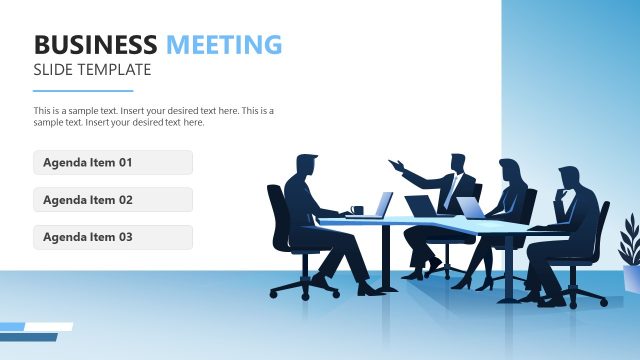
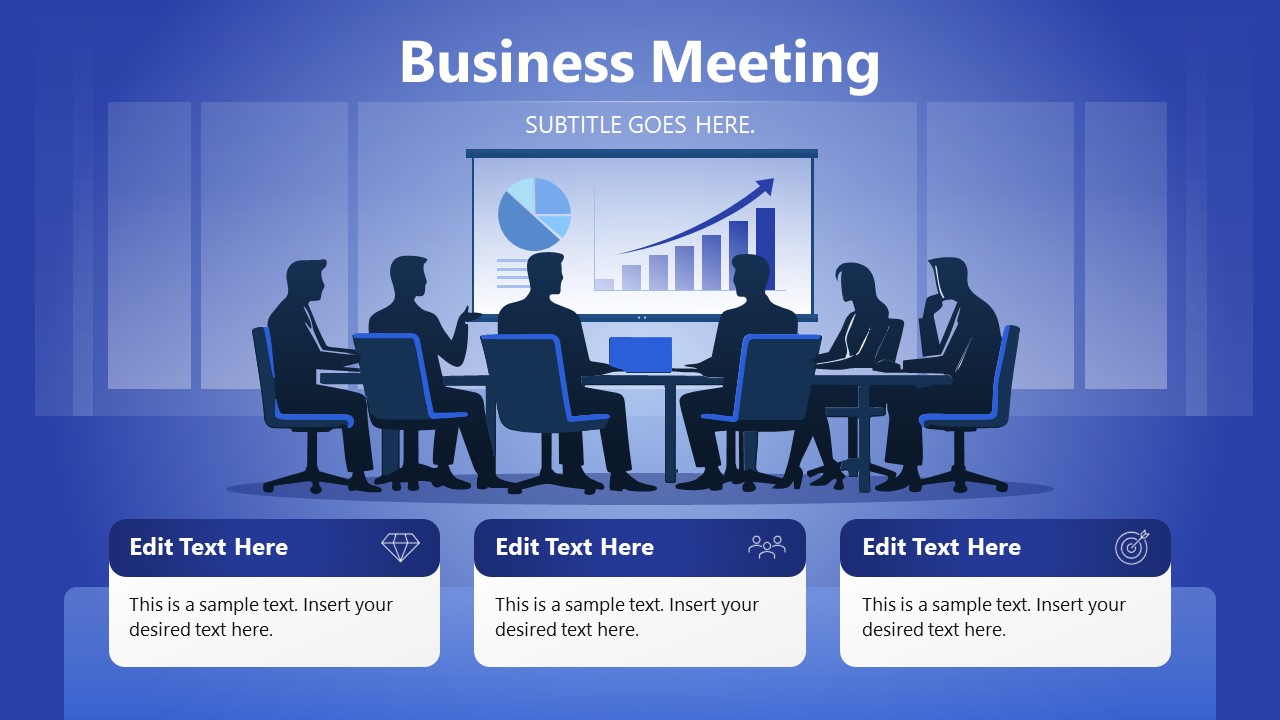
The Business Meeting PowerPoint Template features an illustration of corporate leaders, decision-makers, or stakeholders seated in a conference room. The people in the illustration are seated around a circular conference table, with a large screen displaying data visualizations. Analysts can use this slide template to depict a data-driven decision-making process in their key strategy presentations. The three editable text boxes at the bottom, with icons and placeholder text, let HR managers showcase their three-month business growth plans. Strategy directors can use this PowerPoint template to highlight upcoming strategic initiatives for developing new income streams. The overall design of the business meeting layout comprises dark blue and grey for the conclusion, summary, or plan presentation.
You can modify elements and adjust fonts to match your theme. For a different design suited to stakeholder meetings, try our Business Meeting Slide PowerPoint Template. Download the fully customizable business meeting PPT slide template and use it with Google Slides for your executive presentations.
What’s inside this template
Example presentation scenarios
- A finance manager can use the screen chart graphic and three bottom cards to introduce an investment review and separate the discussion into assumptions, risks, and recommended action.
- An HR director can use the stakeholder meeting illustration to open a workforce planning session and use the three icon cards for people impact, timeline, and leadership decisions.
- A management consultant can present a steering committee summary by placing the client context in the title area and using the three cards for findings, alignment gaps, and next steps.
- A strategy lead can use the layout at the start of an executive update to focus the room on performance, priorities, and ownership before moving into detailed supporting slides.
Features
- 100% editable presentation template
- Compatible with Microsoft PowerPoint and Google Slides
- 16:9 aspect ratio slides
- Scalable vector shapes, icons and illustrations
- AI-Ready for Microsoft Copilot and Claude
- Instant access and download
Frequently asked questions
Q: How should a presenter structure the message on this single business meeting slide?
A: Use the title to name the meeting decision or business question, not just the meeting topic. Treat the three bottom cards as the only takeaways the audience must remember: for example, current status, key issue, and next step. Keep each card short so the conference-room illustration stays as context rather than decoration.
Q: Who is this template best suited for in a business meeting setting?
A: This template fits presenters who need to open or summarize an executive conversation quickly, such as finance managers, HR directors, consultants, and strategy leads. It is strongest when the room must align around three discussion points tied to performance, people, investment, or strategic direction before a deeper conversation begins.
Q: Why does the meeting-room metaphor work for this type of presentation?
A: The seated stakeholders and shared screen create an immediate boardroom or steering committee setting, which signals collaboration and decision-making. The chart graphic on the screen implies evidence, while the three cards translate that discussion into concrete points. This pairing helps the audience move from data context to action focus.
Business Meeting PowerPoint Template
1-slide presentation template for executive meetings, decision summaries, and three-point action plans
The Business Meeting PowerPoint Template is a 1-slide executive meeting layout for Microsoft PowerPoint and Google Slides. It shows a conference-room illustration, a presentation screen with bar and pie chart graphics, and three editable summary cards with icons for priorities, teams, or action items.
- Category
- Business PowerPoint Templates
- Rating

 Loading...
- Aspect ratio
- 16:9
- Item ID
- 23569-02
- Colors
 Microsoft PowerPoint
  Microsoft Copilot
  Claude for PowerPoint
 Other formats supported
Subscribe today and get immediate
access to download our PowerPoint templates.