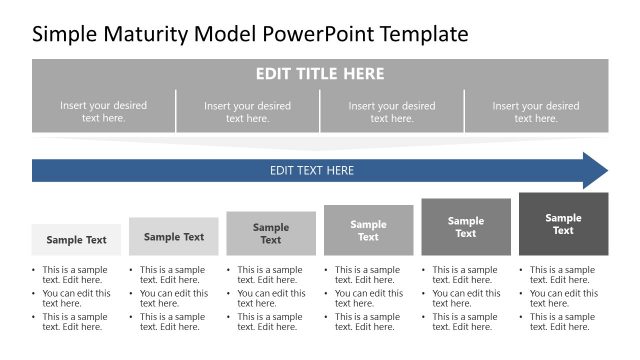
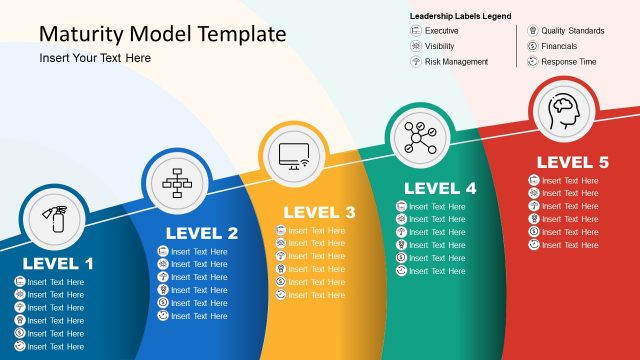
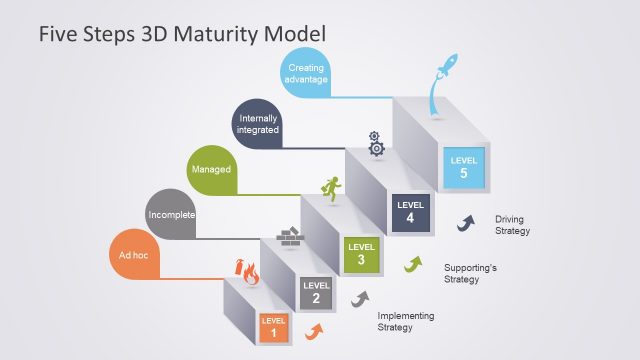
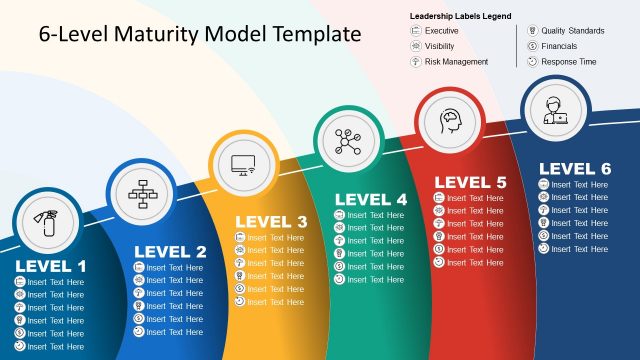
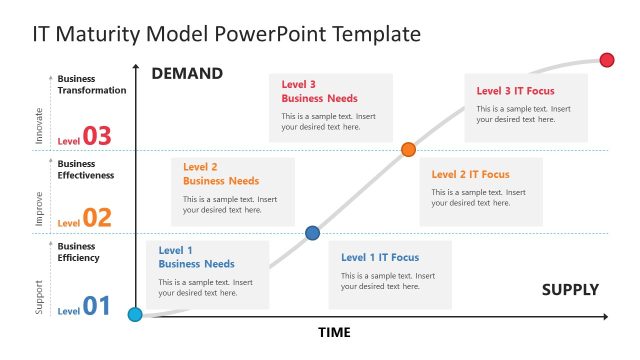
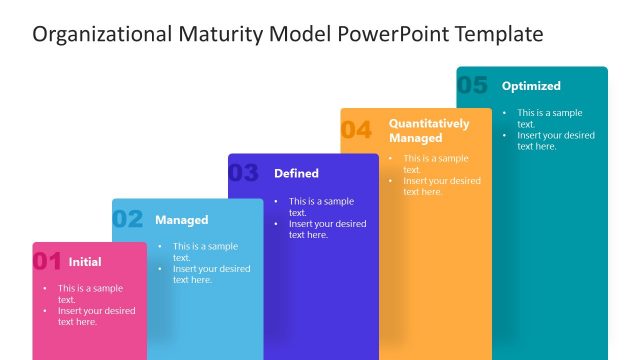
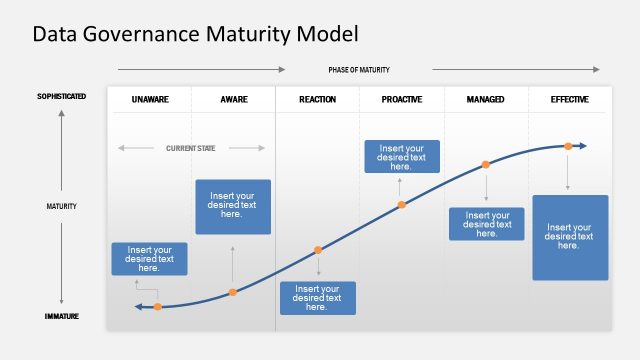
The Flat Maturity Models PowerPoint Template is a professionally designed PowerPoint presentation that provides business and process analysts with the appropriate tools to create a winning presentation for a process framework. A maturity model is a framework that can be used as a benchmark to assist in an organisation’s comparison processes. This type of model is used most specifically by presenters who are evaluating the business’s capability to implement key innovations like data management strategies and to assess the company’s risk from these future strategies. On occasion this sort of template could be used effectively to assist in a data governance audit, you might use the maturity model to map out in plain terms for your CEOs the level at which your organisation is at in terms of its existing data management processes and procedures.
As a rule, the more mature an organisation is against its benchmark, the less risk it is in terms of risks associated with poor data management practices. You could use this high quality, professionally designed PowerPoint template to describe as a structured collection of elements that represent certain aspects of maturity in a given organization. For example, you might consider using it to illustrate:
- the benefit of a community’s prior data management experiences
- a common language and a shared vision
- a framework for prioritizing actions
- a way to define what data management and a strive for improvement means for your organisation.
The professionally designed Flat Maturity Models PowerPoint Template has been built from the ground up for enhanced usability. It combines high quality clip art vector graphics with a brightly colored palette that can be equally customised. All images, icons shapes and graphs within this astonishing presentation template have been sourced from the vast clip art banks that are available in all PowerPoint applications.
Impress your audience with this modern and professional PowerPoint Maturity Models that appeals to executive audiences.
What’s inside this template
Example presentation scenarios
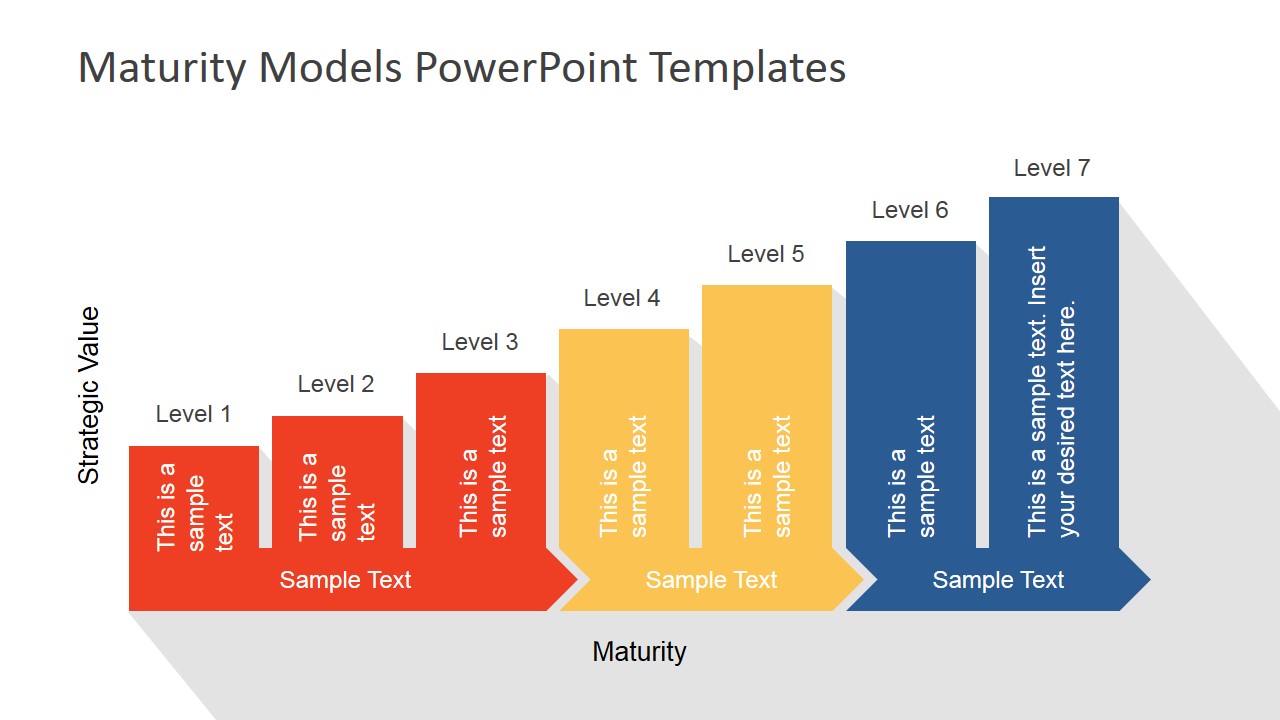
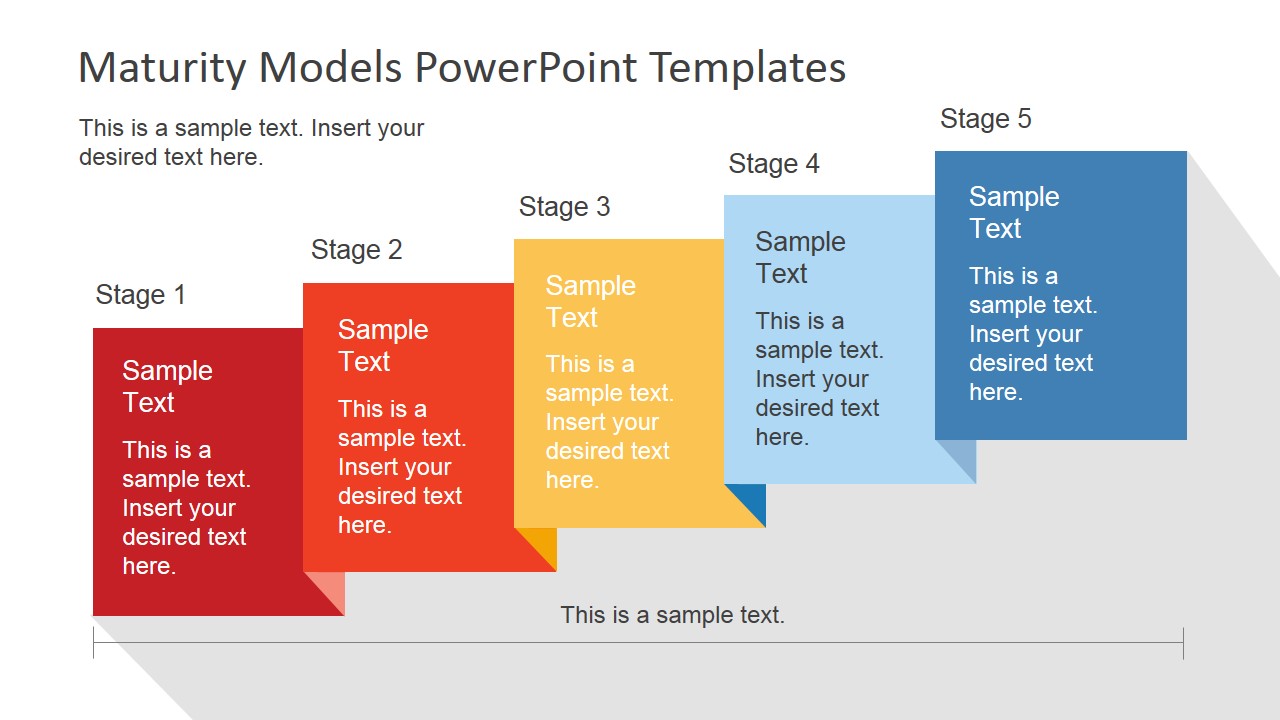
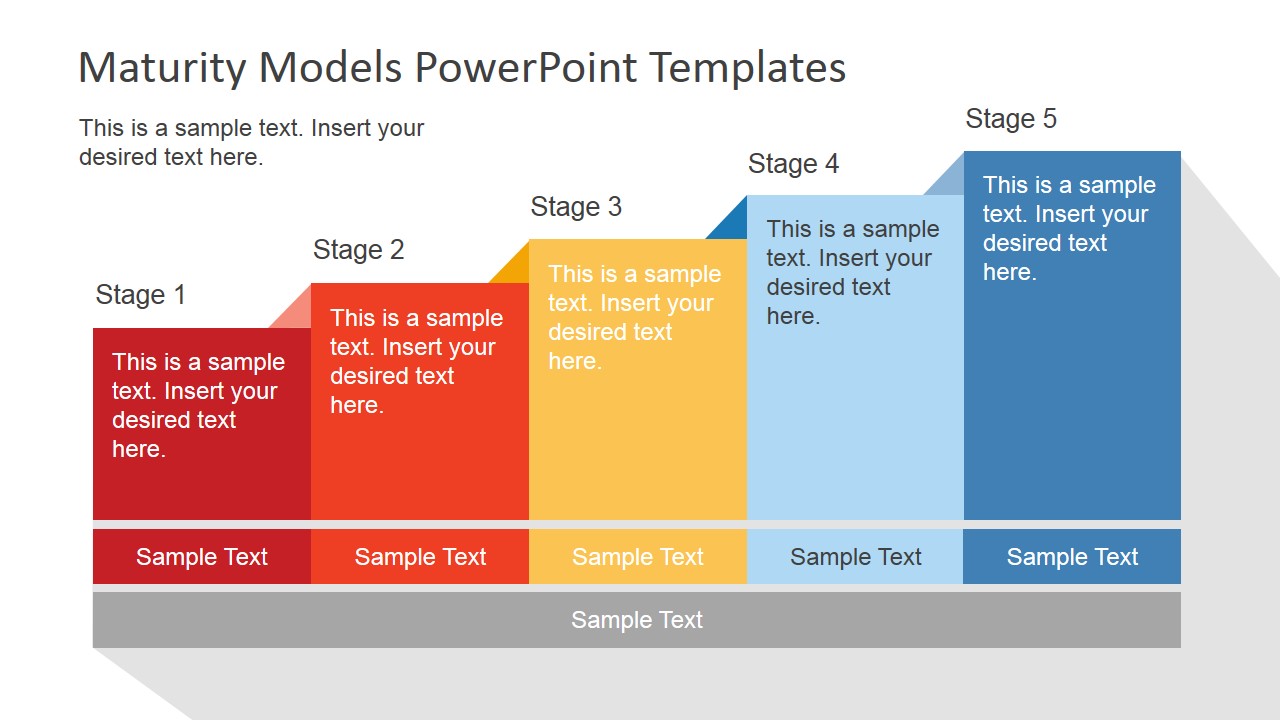
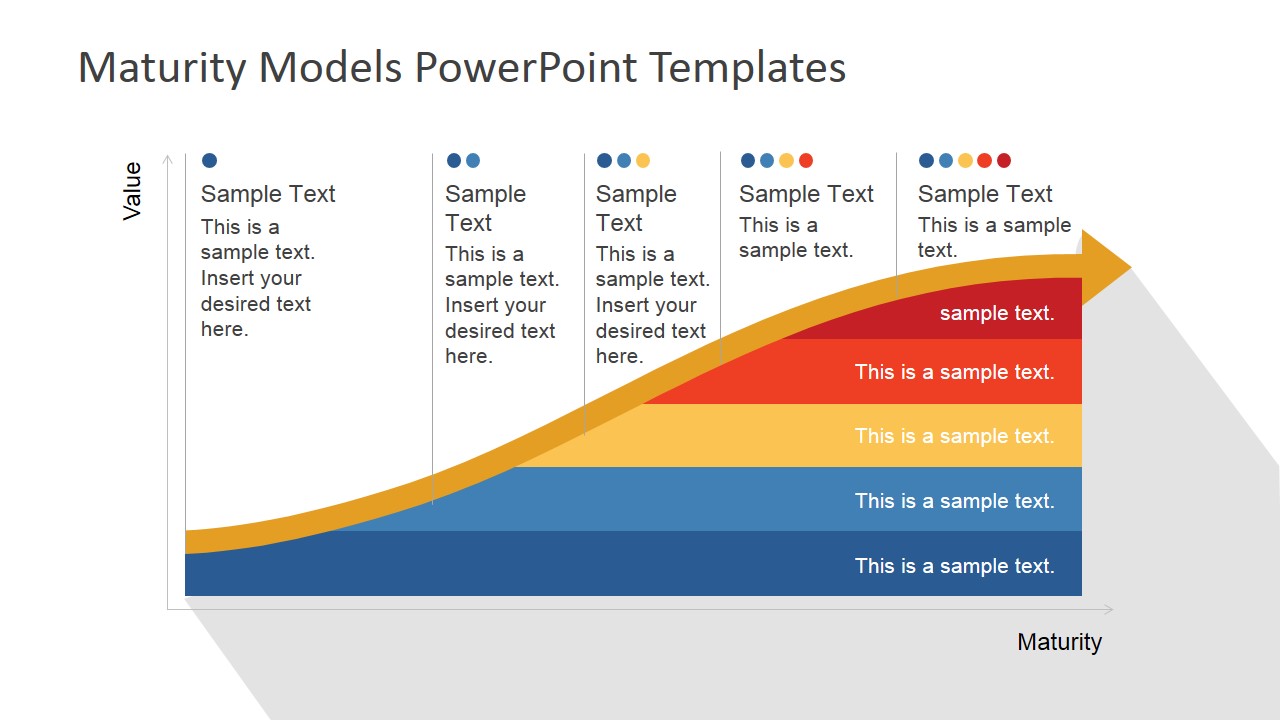
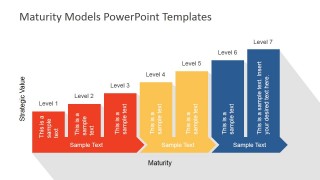
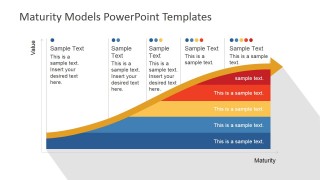
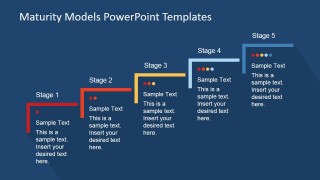
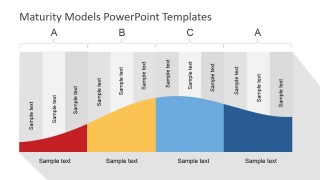
- A business analyst can use the stage staircase and value versus maturity curve to explain where a data governance program stands today and what higher capability levels require.
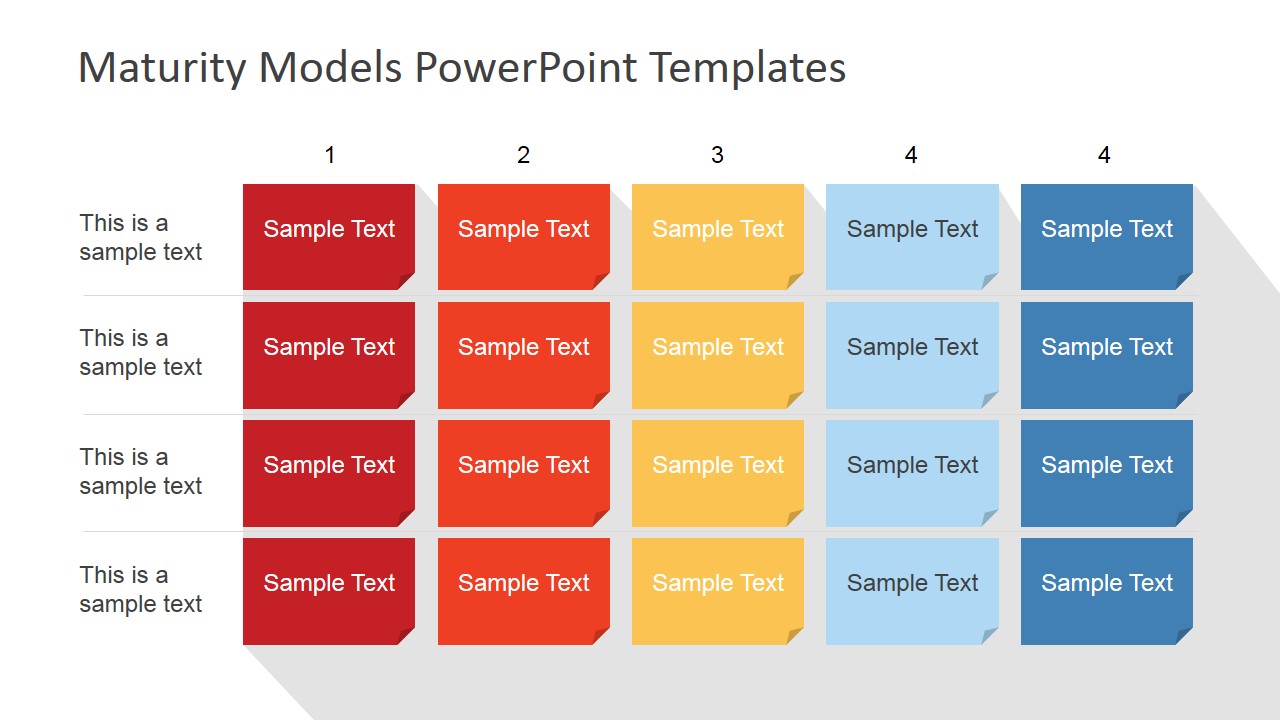
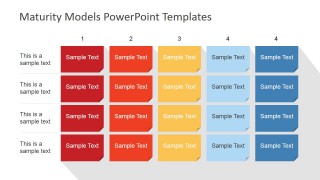
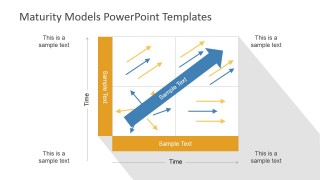
- A quality manager can use the assessment grid and capability matrix to compare process areas, document gaps, and discuss improvement priorities with department leads.
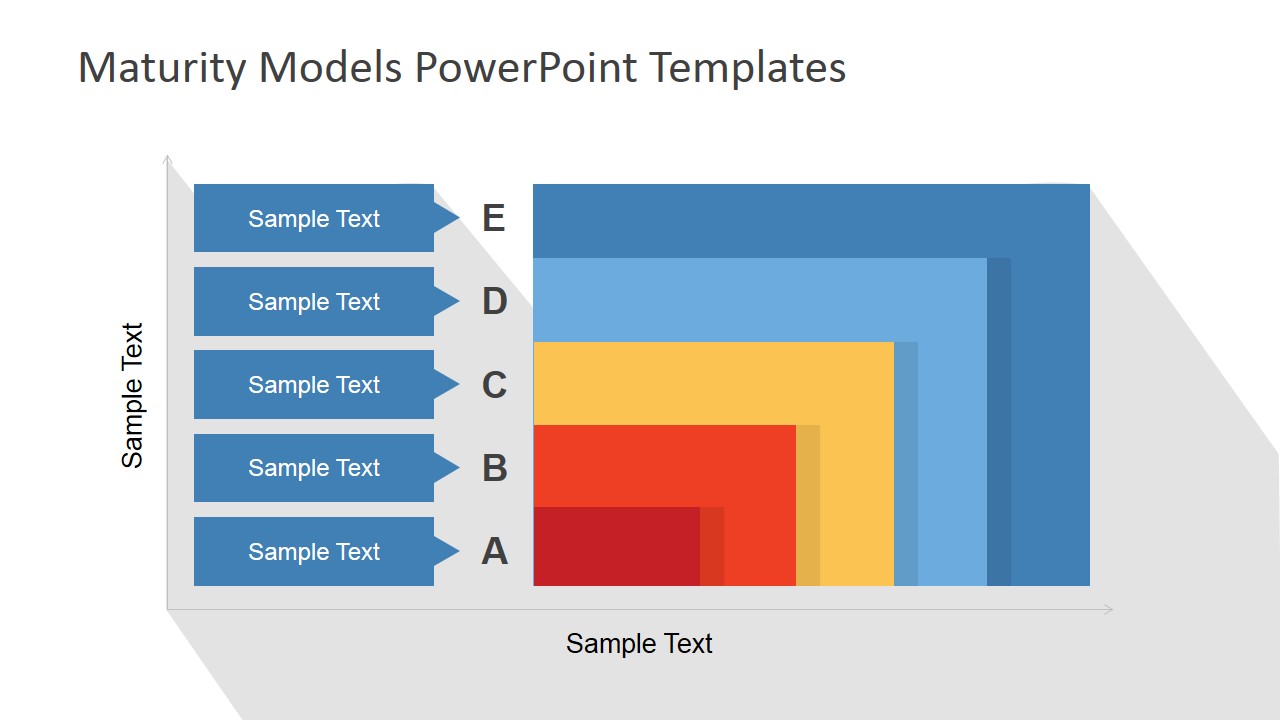
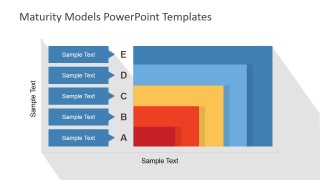
- A consultant can use the nested maturity range diagram to benchmark a client against levels A to E and translate assessment results into a clear executive discussion.
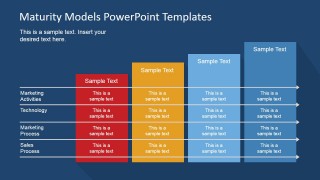
- An executive sponsor can use the dark five-stage timeline to show a future-state roadmap for technology adoption, with each stage tied to visible milestones and decision points.
Features
- 100% editable presentation template
- Compatible with Microsoft PowerPoint and Google Slides
- 16:9 aspect ratio slides
- Scalable vector shapes, icons and illustrations
- AI-Ready for Microsoft Copilot and Claude
- Instant access and download
Frequently asked questions
Q: How should a presenter explain a maturity model without making the audience feel judged?
A: Start with the neutral stage labels and use the ladder or curve layouts to frame maturity as a shared baseline, not a scorecard. Present the current state, name the behaviors that define the next stage, and reserve the assessment grid for evidence. This keeps the conversation focused on progress and decision making.
Q: Who gets the most value from this maturity model template?
A: This template fits analysts, consultants, quality managers, and transformation leads who need to compare practices across stages. It works best when the message is about capability growth, readiness, or process discipline. The capability matrix and five-stage diagrams help mixed audiences see both the big picture and the specific improvement areas.
Q: Why do several slides use stairs, curves, and expanding blocks instead of plain tables?
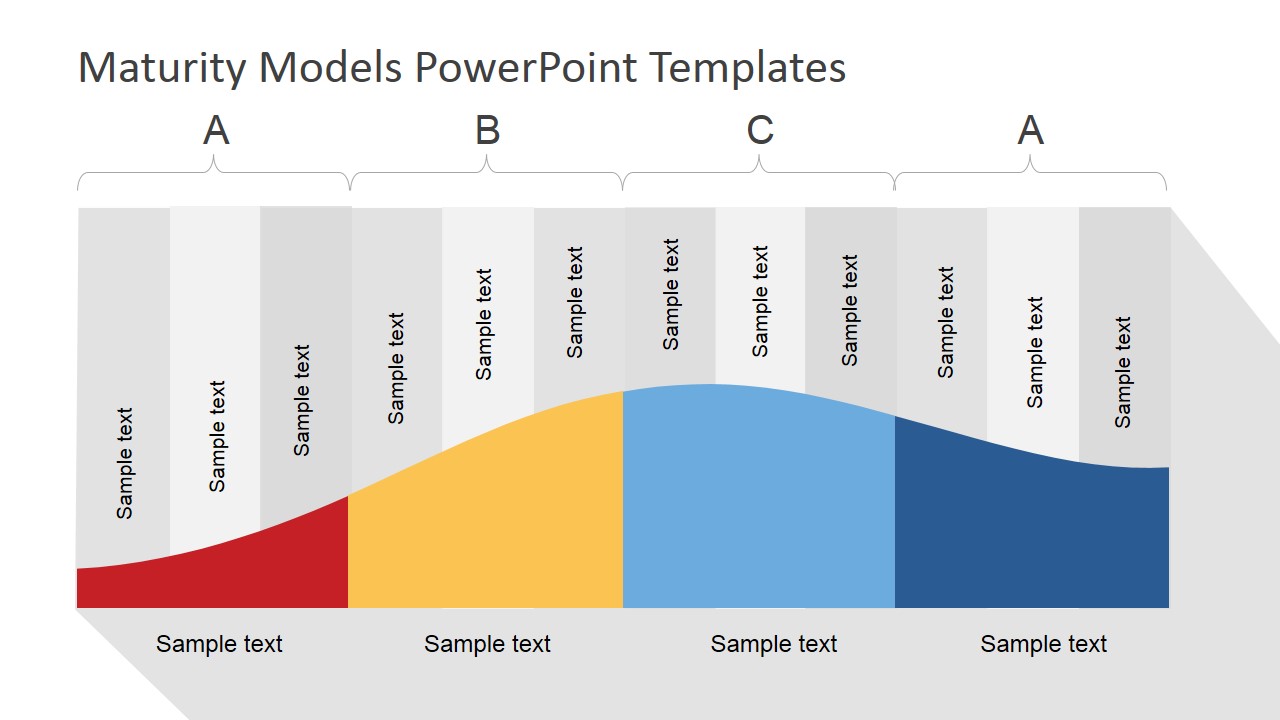
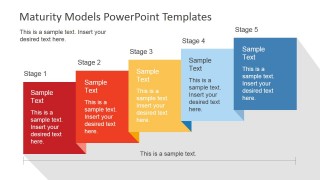
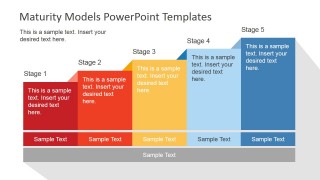
A: The visual metaphors make maturity feel progressive and directional. Stair-step layouts show advancement by stage, curves show increasing value over time, and expanding blocks suggest broader capability. These diagrams reduce the burden on the presenter because the audience can infer movement, sequence, and relative maturity before reading every label.


Flat Maturity Models PowerPoint Template
11-slide maturity model presentation template with stage ladders, capability matrices, and benchmark diagrams
Flat Maturity Models PowerPoint Template is an 11-slide presentation template for explaining process capability and organizational readiness. It includes stage staircases, value versus maturity curves, capability matrices, and assessment grids. Business analysts, quality teams, and managers can adapt the layouts in Microsoft PowerPoint or Google Slides.
- Category
- Models
- Rating


 Loading...
- Aspect ratio
- 16:9, 4:3
- Item ID
- 6797-01
- Colors
 Microsoft PowerPoint
  Microsoft Copilot
  Claude for PowerPoint
 Other formats supported
Subscribe today and get immediate
access to download our PowerPoint templates.