Improve the presentation of all types of data using the Beautiful Flat Project PowerPoint Template. It contains 10 unique slide designs and layouts to make business presentations in Microsoft PowerPoint. Generate flexible and dependable slides that maximize content exposure and organization using creative PowerPoint shapes and interactive colors.
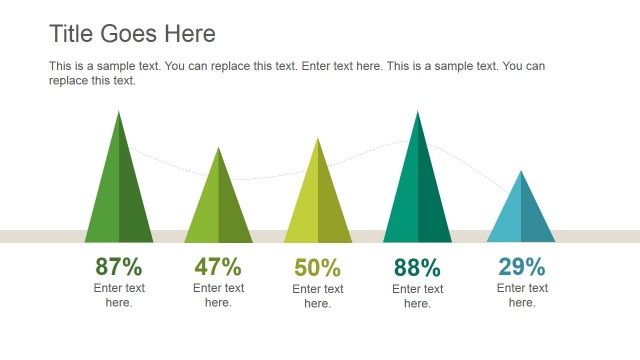
Featured in the PowerPoint template are different types of content slides. These include colored squares, a curving segmented timelines, a pyramid diagram, and variations of tile designs. The wide selection of slides give the presentation flexibility, and allow the user to choose the proper slide to present a specific type of information.
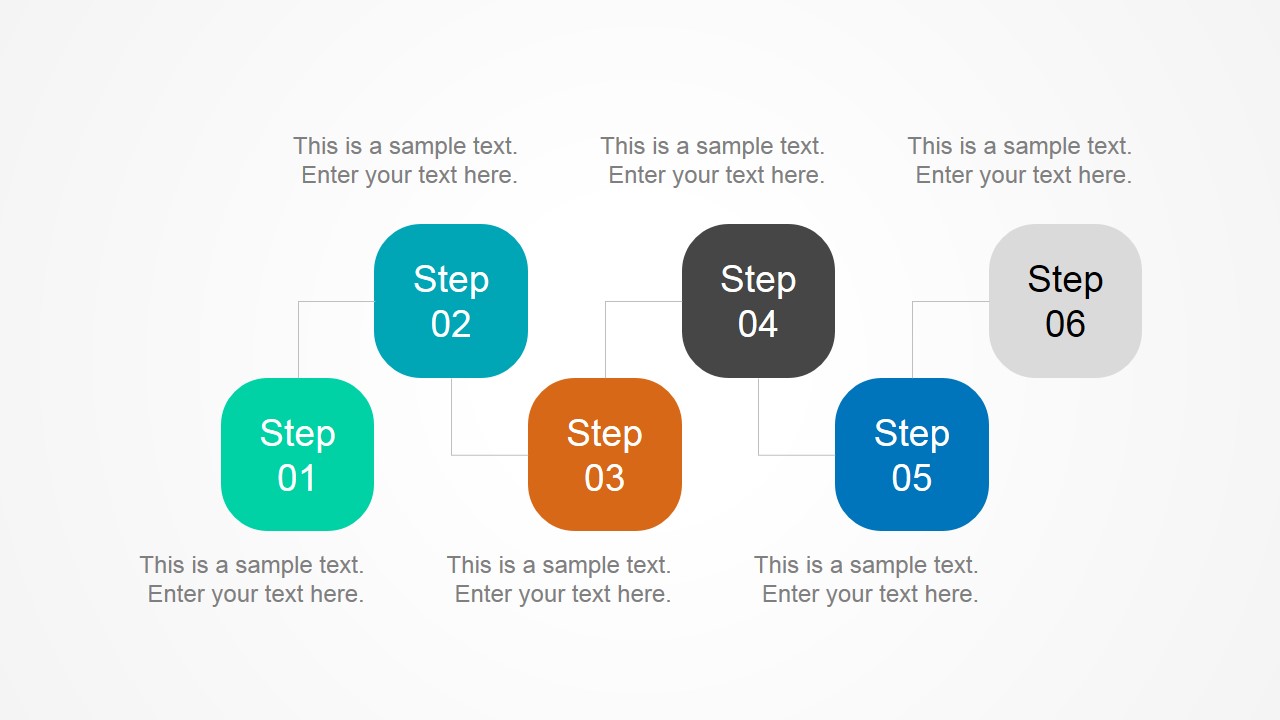
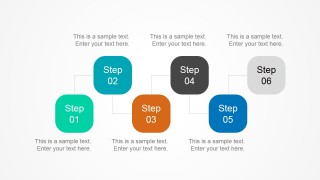
The first of the PowerPoint slides contains alternating rounded squares. They are connected by thin lines that help the viewers connect the elements. The slide can show a series of five steps in succession, focusing on the order and content. The slide contains convenient text placeholders for the descriptions of each step.
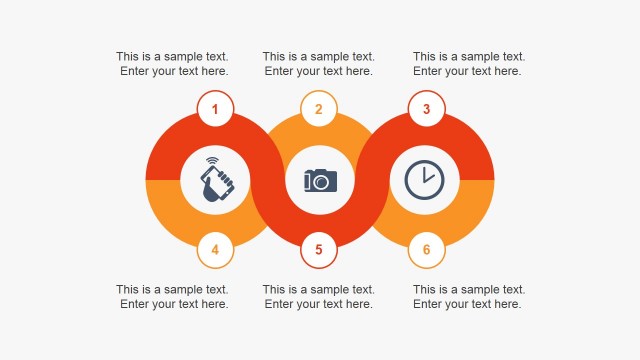
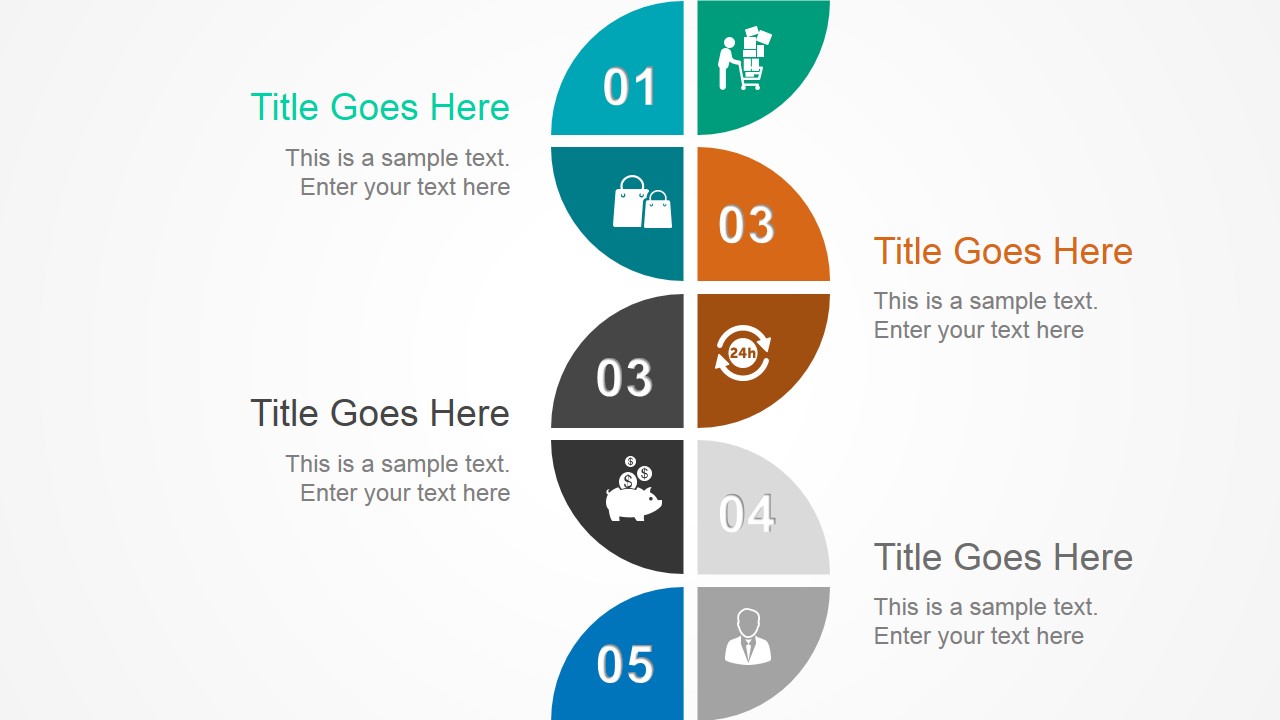
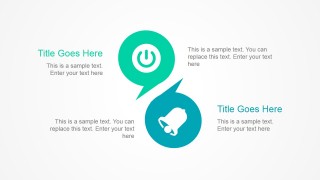
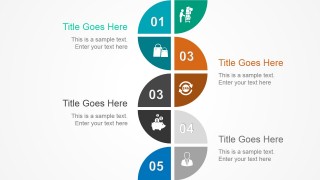
Another slide for step presentation features a curving pipeline diagram. The pipeline is divided into segments that may contain either a number or a PowerPoint Icon. They are shown in different colors, for easy distinction between them.
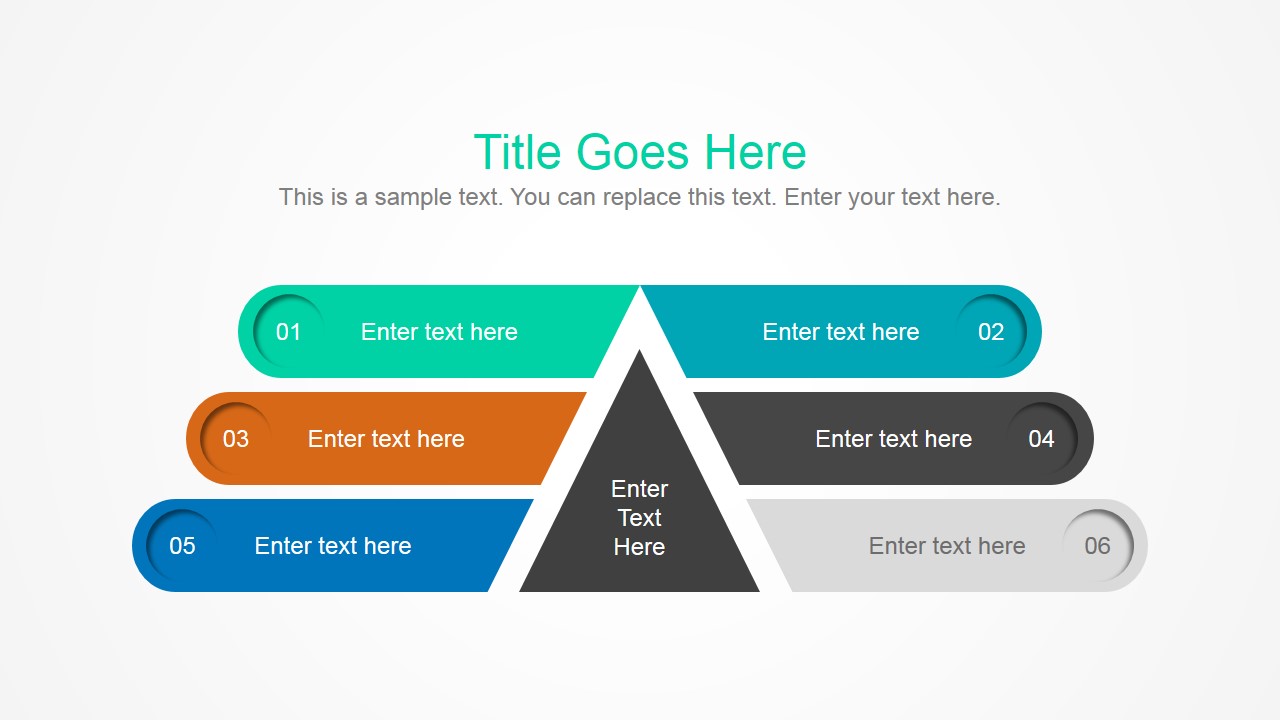
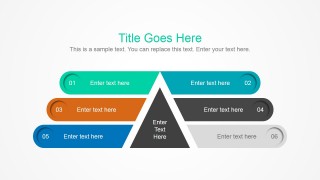
A hierarchy of elements can be presented using the pyramid diagram. It shows a center triangular shape, surrounded by horizontal banners with numbers and placeholders. The slide can feature a set of steps, presenting them by order of priority or of implementation.
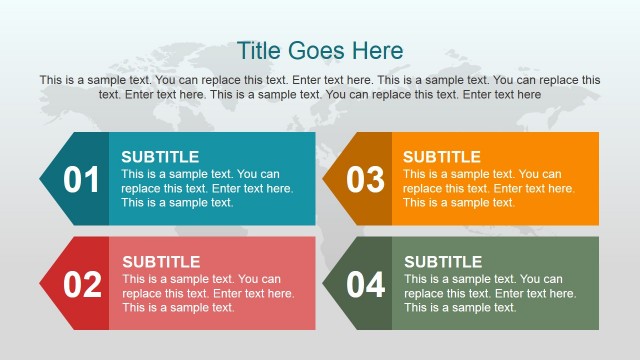
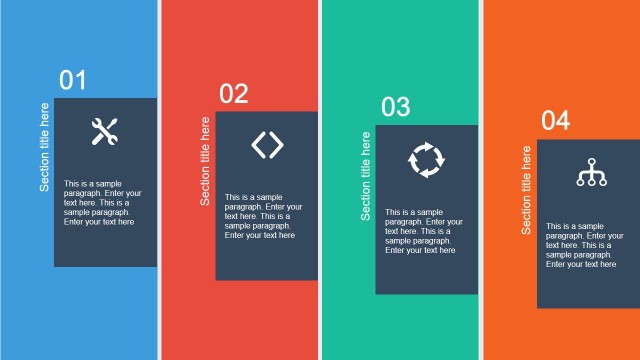
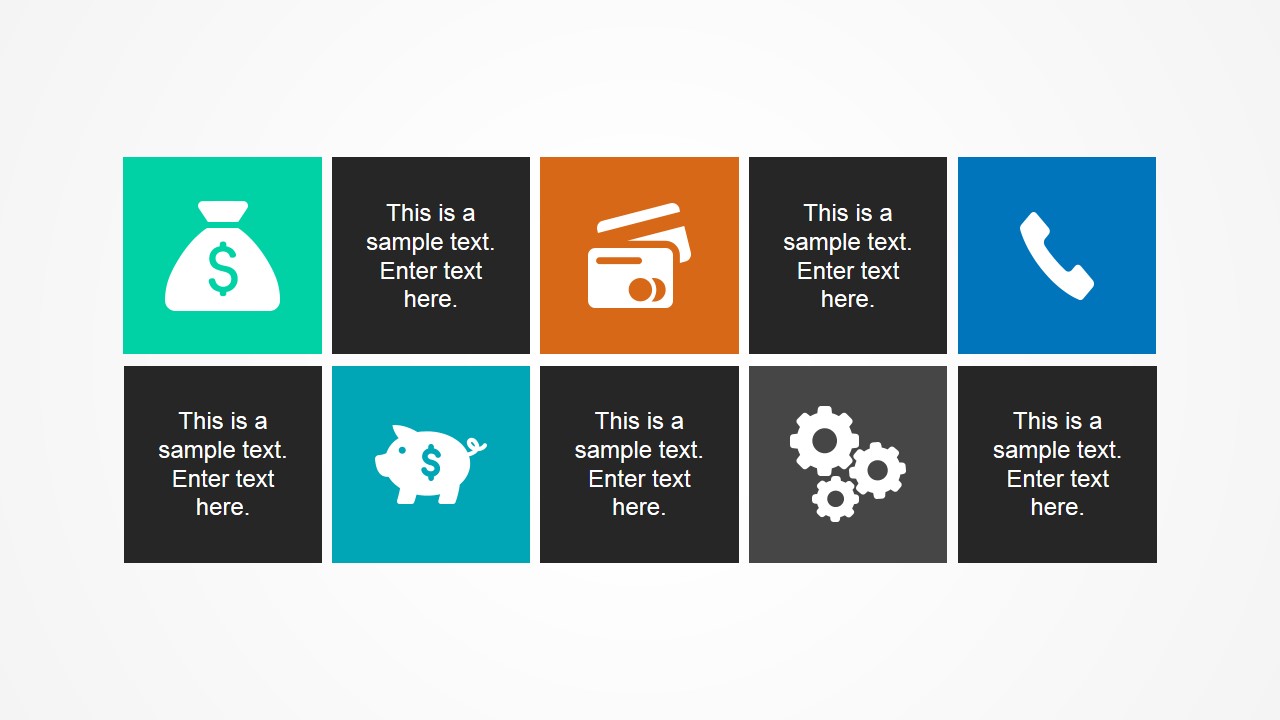
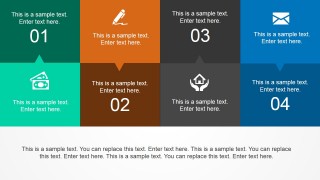
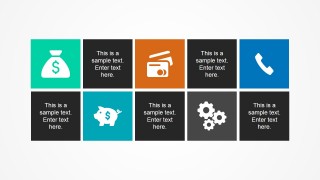
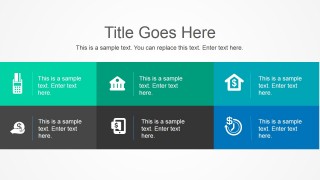
The PowerPoint Template also includes a set of tiles, in a chessboard pattern. Dark tiles with text placeholders are placed in an alternating pattern with tiles which have different colors, such as green, blue, and orange. These colored squares contain different PowerPoint icons that can be related to the business and the industry.
Suitable for presenting a general set of information in a colorful and interactive manner, the Beautiful Flat Project PowerPoint Template can be easily edited using the fully customizable feature. The presenter can include additional layouts to the presentation from our Flat Tiles PowerPoint Template.
What’s inside this template
Example presentation scenarios
- A project manager can present a kickoff overview by using the six-step process layout, pyramid process diagram, and flag marker slide to explain phases, priorities, and milestones.
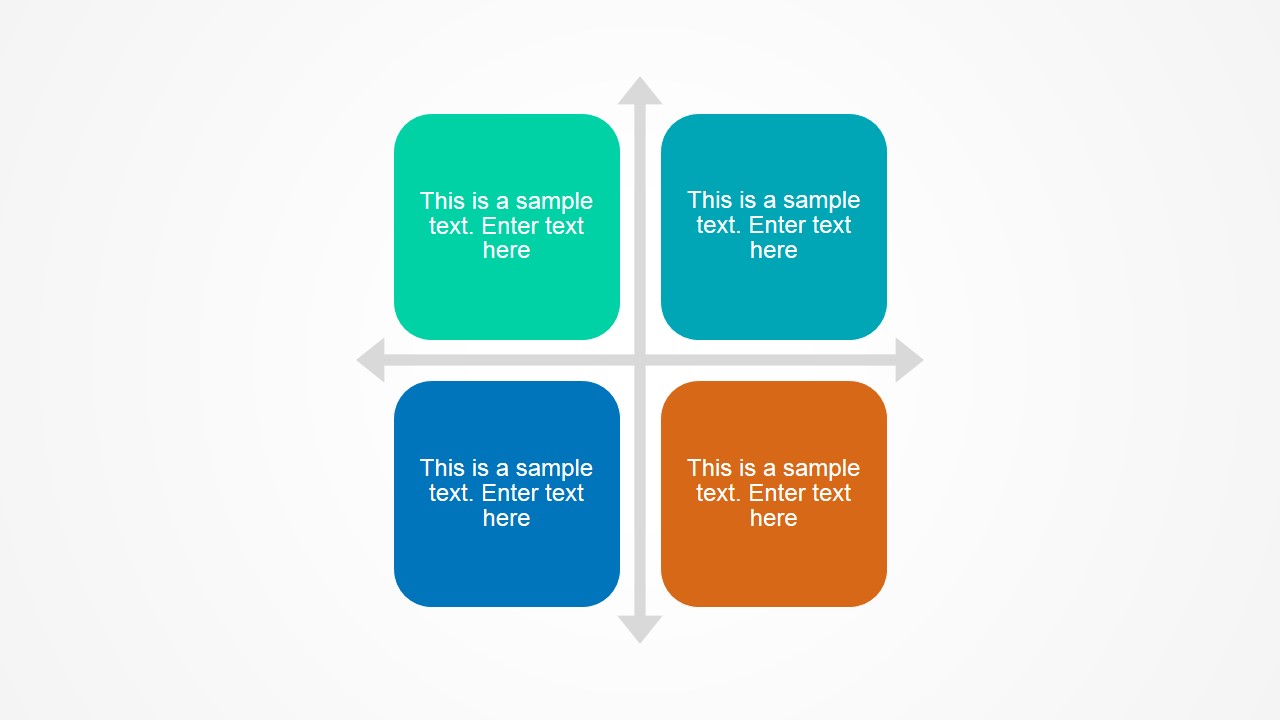
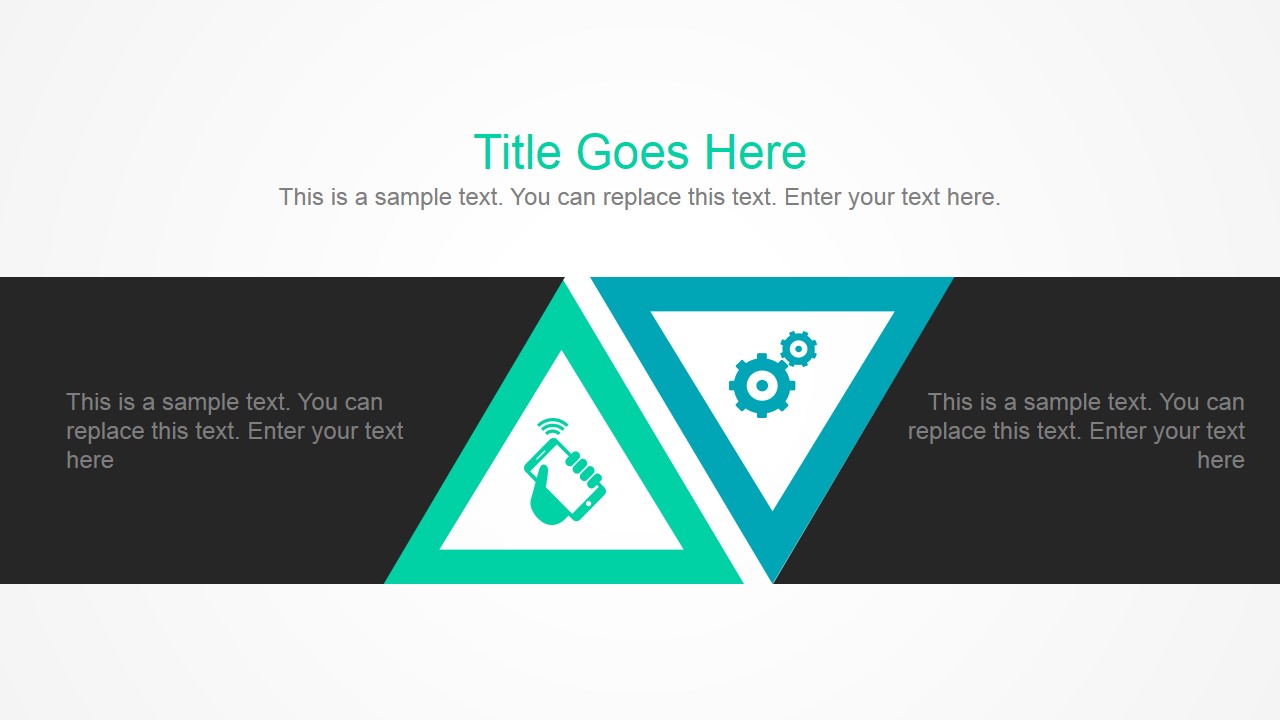
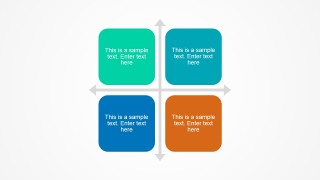
- A consultant can structure a client workshop around the quadrant matrix and opposing triangle diagram to compare choices, discuss tradeoffs, and capture decisions.
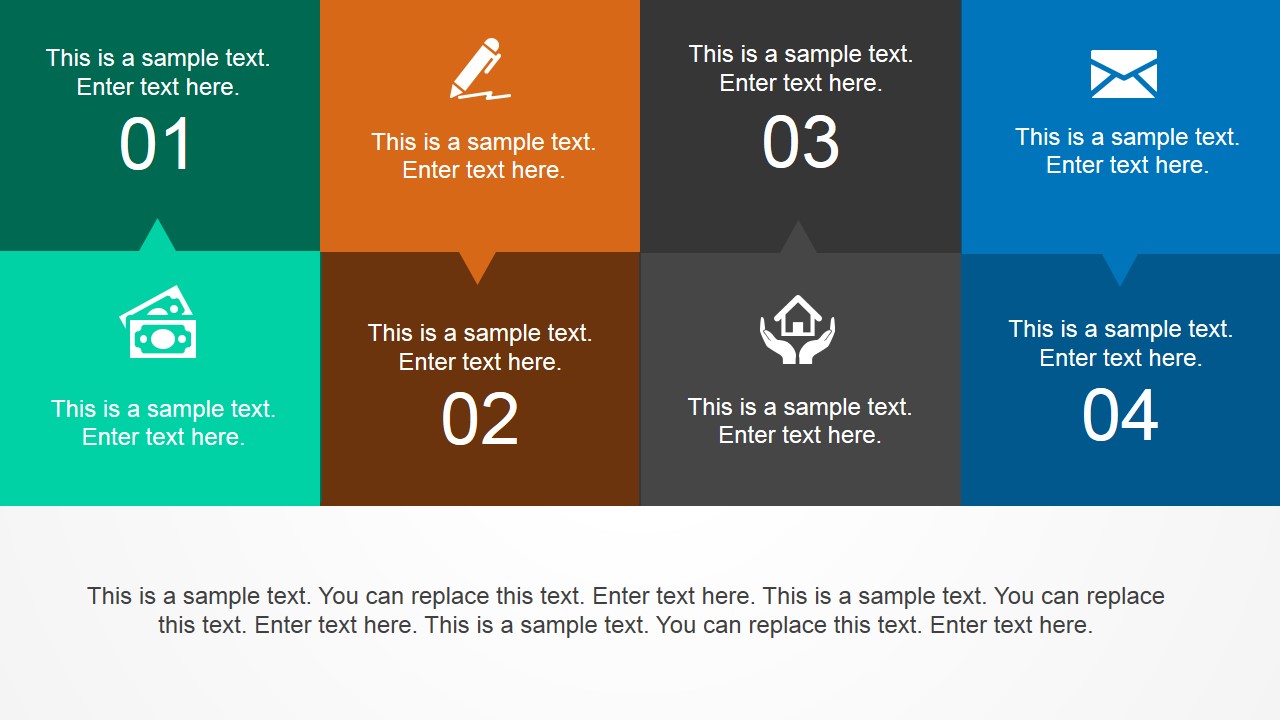
- A business analyst can summarize an operational update with the segmented timeline, numbered tile mosaic, and icon tile grid to group findings by workstream.
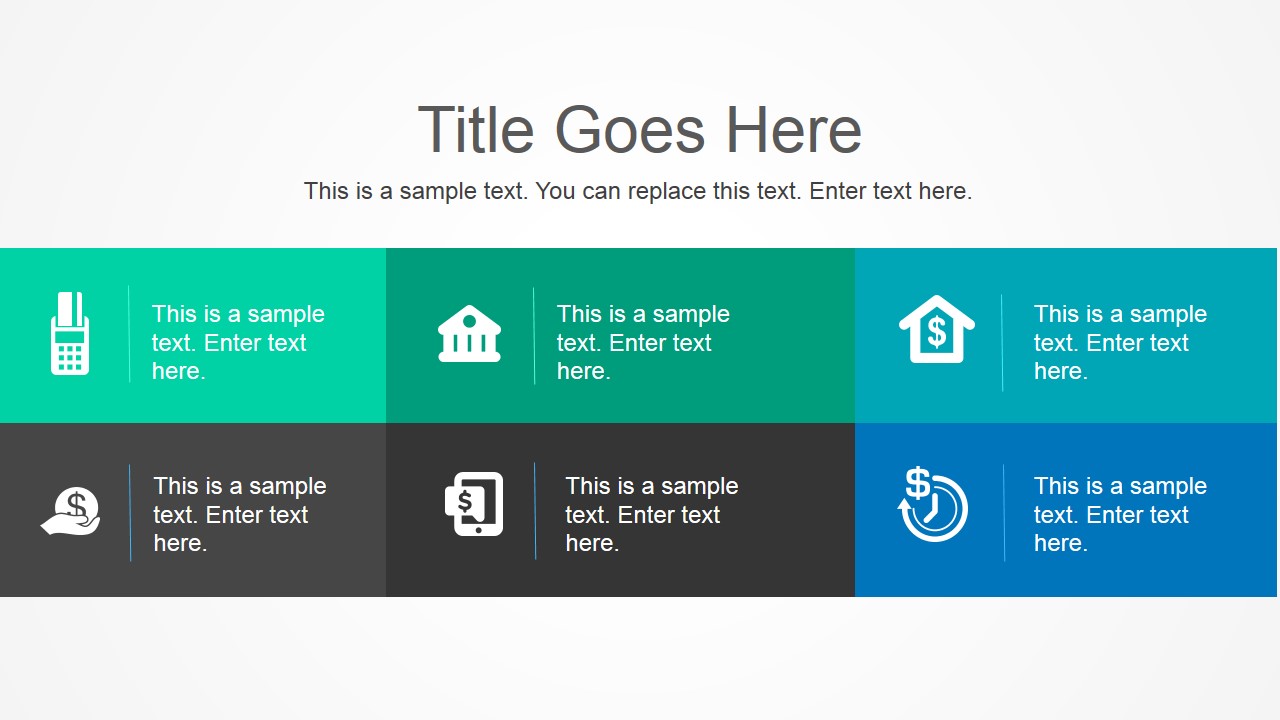
- A finance or operations presenter can use the money, banking, phone, and gear icon tiles to frame services, cost areas, contact points, or process responsibilities.
Features
- 100% editable presentation template
- Compatible with Microsoft PowerPoint and Google Slides
- 16:9 aspect ratio slides
- Scalable vector shapes, icons and illustrations
- AI-Ready for Microsoft Copilot and Claude
- Instant access and download
Frequently asked questions
Q: How should a presenter organize a project message with this template?
A: Start with the step timeline or pyramid diagram when the audience needs order and priority. Move to the quadrant matrix when decisions or categories need comparison. Use the tile grids for supporting details, owners, or topic summaries. Keep each shape to one idea so the flat icons guide scanning instead of competing with the message.
Q: Who is this template best suited for in a business setting?
A: This template fits presenters who need to explain a project, service set, or process without building a full corporate report. Project managers, consultants, analysts, and team leads can use the timeline, flag markers, and icon tile slides to turn scattered talking points into a structured visual briefing for stakeholders.
Q: Why do the flat tiles and icons help communicate the content?
A: The design uses simple visual metaphors: flags suggest milestones, a pyramid suggests priority, quadrants suggest comparison, and connected steps suggest sequence. These familiar shapes reduce the amount of explanation needed. The repeated square and triangle geometry also creates a consistent reading rhythm across otherwise different business topics.

Beautiful Flat Project PowerPoint Template
10-slide flat project presentation template with timelines, tiles, quadrants, and icon process layouts
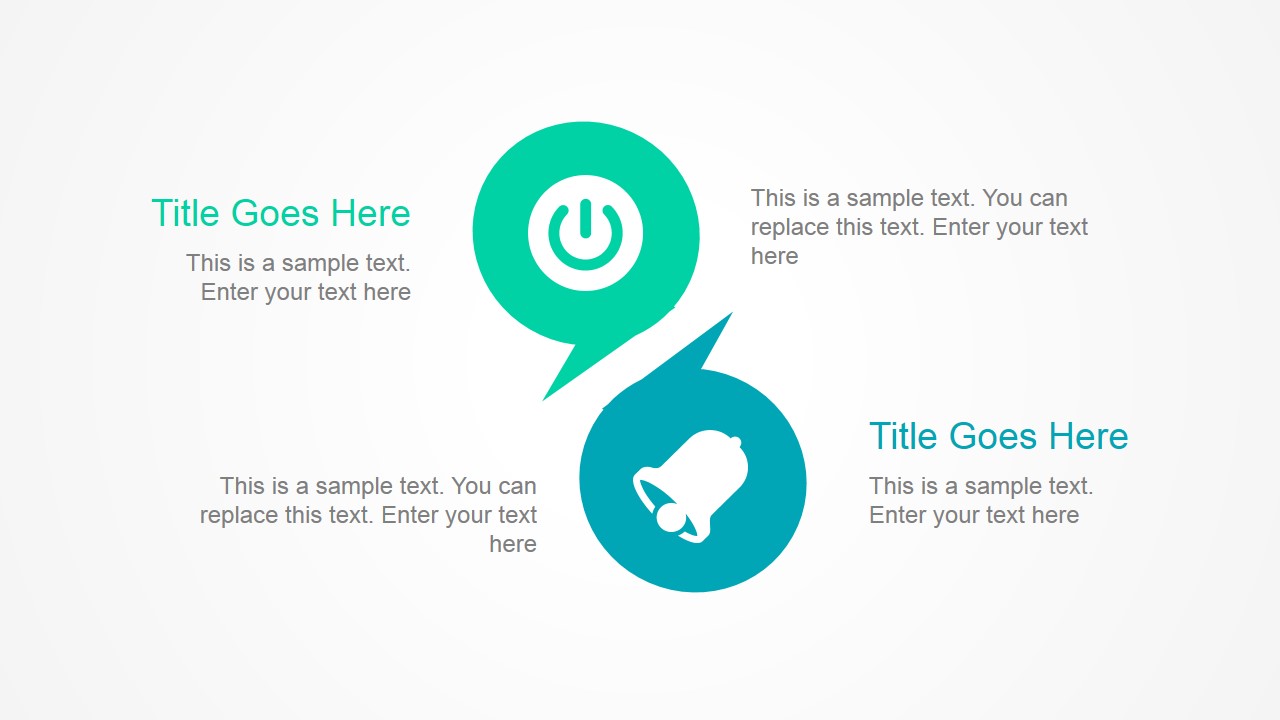
The Beautiful Flat Project PowerPoint Template is a 10-slide presentation template for organizing project, process, and business information. It includes a step timeline, quadrant tiles, a pyramid process diagram, flag markers, and icon tile grids. It is intended for business presenters using Microsoft PowerPoint or Google Slides.
- Category
- Template Backgrounds
- Rating


 Loading...
- Aspect ratio
- 16:9, 4:3
- Item ID
- 4095-01
- Colors
 Microsoft PowerPoint
  Microsoft Copilot
  Claude for PowerPoint
 Other formats supported
Subscribe today and get immediate
access to download our PowerPoint templates.