The Corporate Board & Team of Executives Template for PowerPoint is a professional PowerPoint template designed for organizations that require presentations of the company structure and organizational set-up. In this PowerPoint design, different scenarios portraying various roles and situations typical in a corporate setting are provided. The scenes come alive with the vibrant colors of the PowerPoint vectors featured that are not the usual stencil silhouettes. These clipart are decorated with flat colors, giving the PowerPoint template a distinct appeal that will surely captivate the attention of the audience.
Present the company profile and organizational structure in such a way that the audience will have easy recall. A long list for the Corporate Board – Vice Presidents, etc., and an even longer list for the Team of Executives, including consultants, that need to be presented can be quite a predicament. The Corporate Board and Team of Executives Template enables the presenter to effectively deliver the intended message in a professional way. When scenes are vibrant and pleasing to the eyes, there is prolonged concentration by the audience on the subject matter. Compared to plain text, the human brain is known for processing images faster and easier. This PowerPoint template provides general corporate office scenes that can be used to represent different business metaphors. From closing deals, to working as a team, the professional scenes describe situations which are familiar to executives and their everyday life. The template provides a set of PowerPoint Icons and Infographic elements to allow the presenter decorate the presentation with facts and numeric visualizations.
PowerPoint objects featured in this template are all 100% customizable to suit the specifications or preference of the presenter. They are easy to adapt, created in high definition graphics so any modification on their size, position or color will not affect their image resolution. They remain visually appealing from beginning to end, giving the presenter more confidence during the presentation.
Use the Corporate Board & Team of Executives Template for PowerPoint for professional, memorable presentations of the organization.
What’s inside this template
Example presentation scenarios
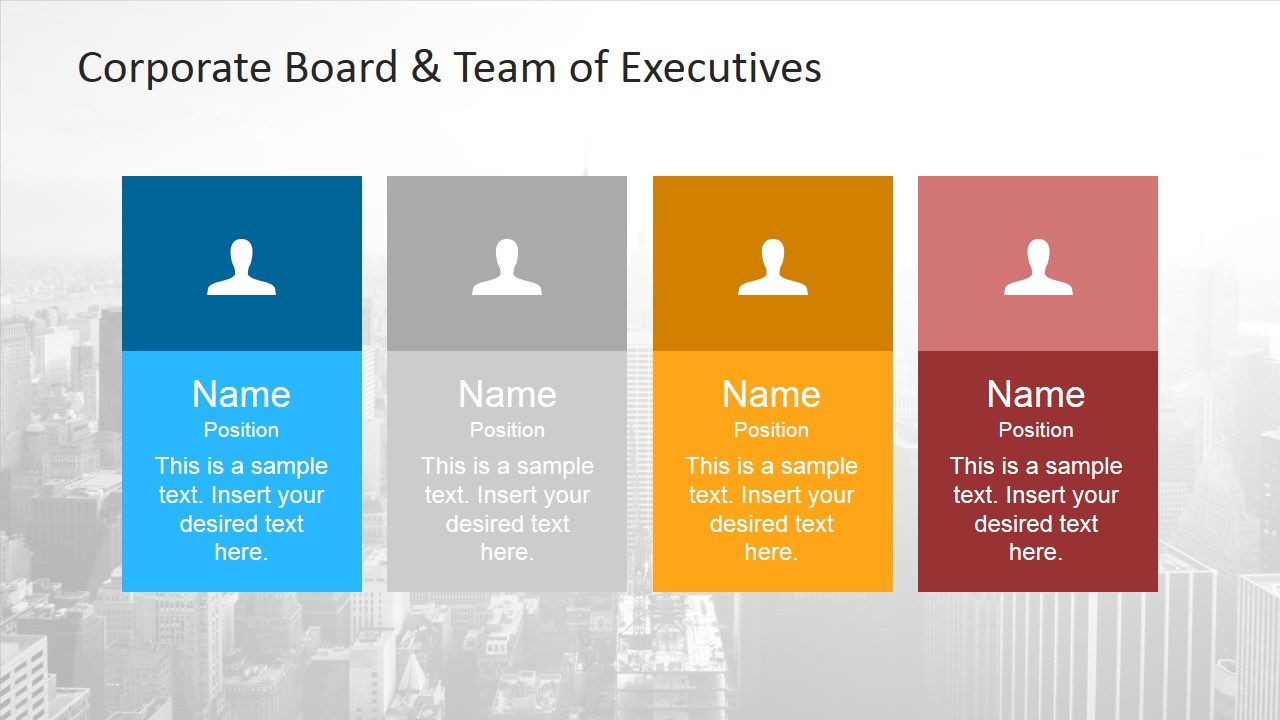
- A corporate communications manager can introduce a board or executive committee by using the four profile cards to show names, roles, and short responsibilities.
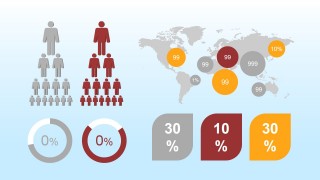
- A consultant can explain a client's leadership model by pairing the governance word cloud with the people hierarchy infographic to frame authority, participation, and accountability.
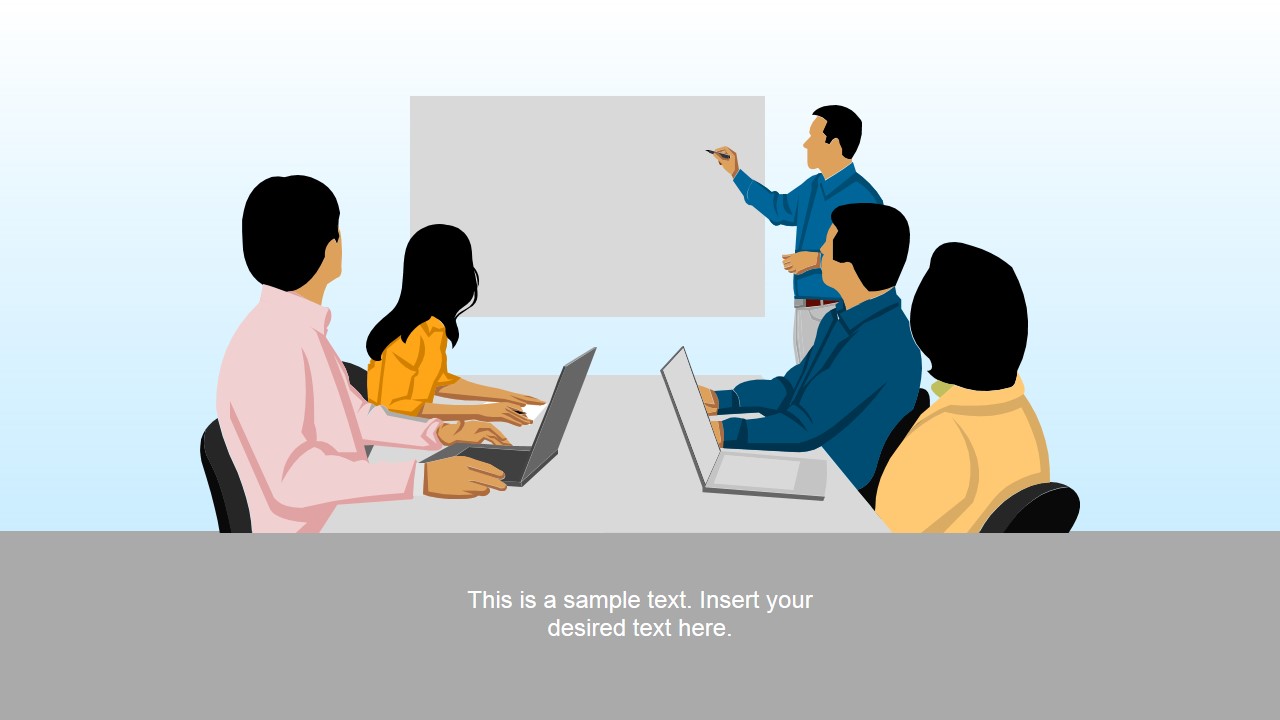
- A sales leader can open a client meeting with the handshake and meeting scenes to show relationship building, decision makers, and collaboration context.
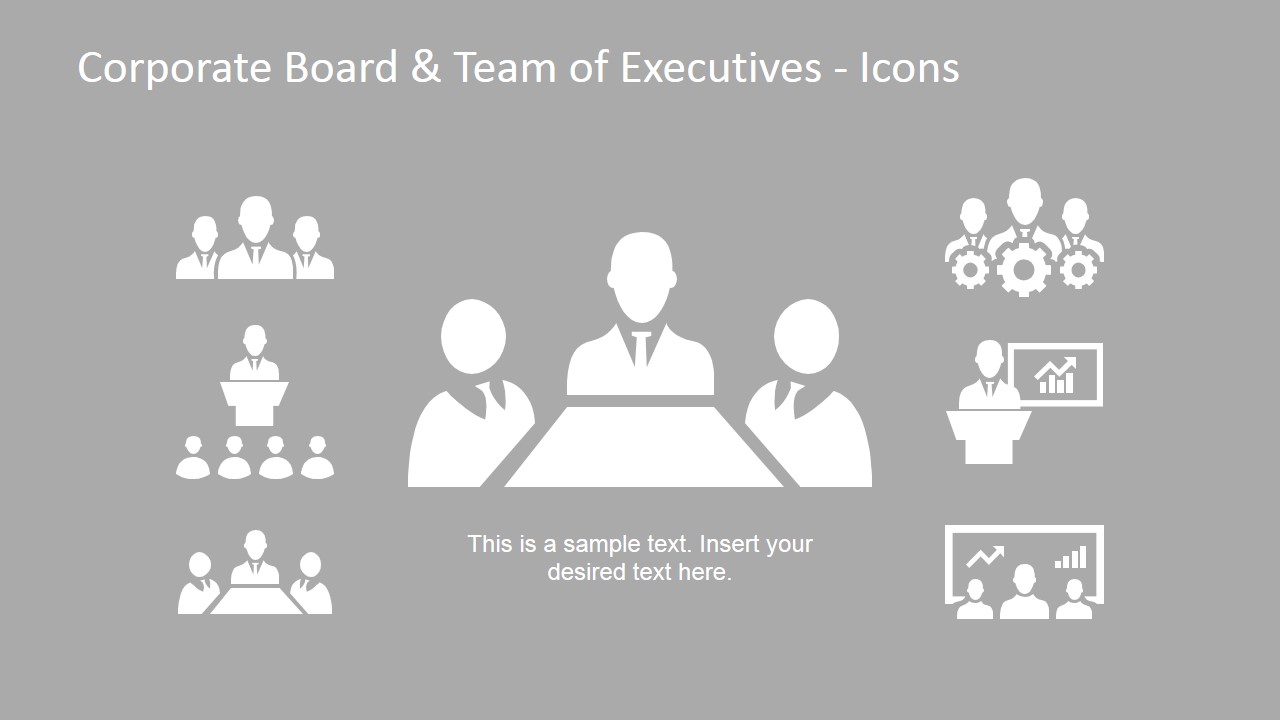
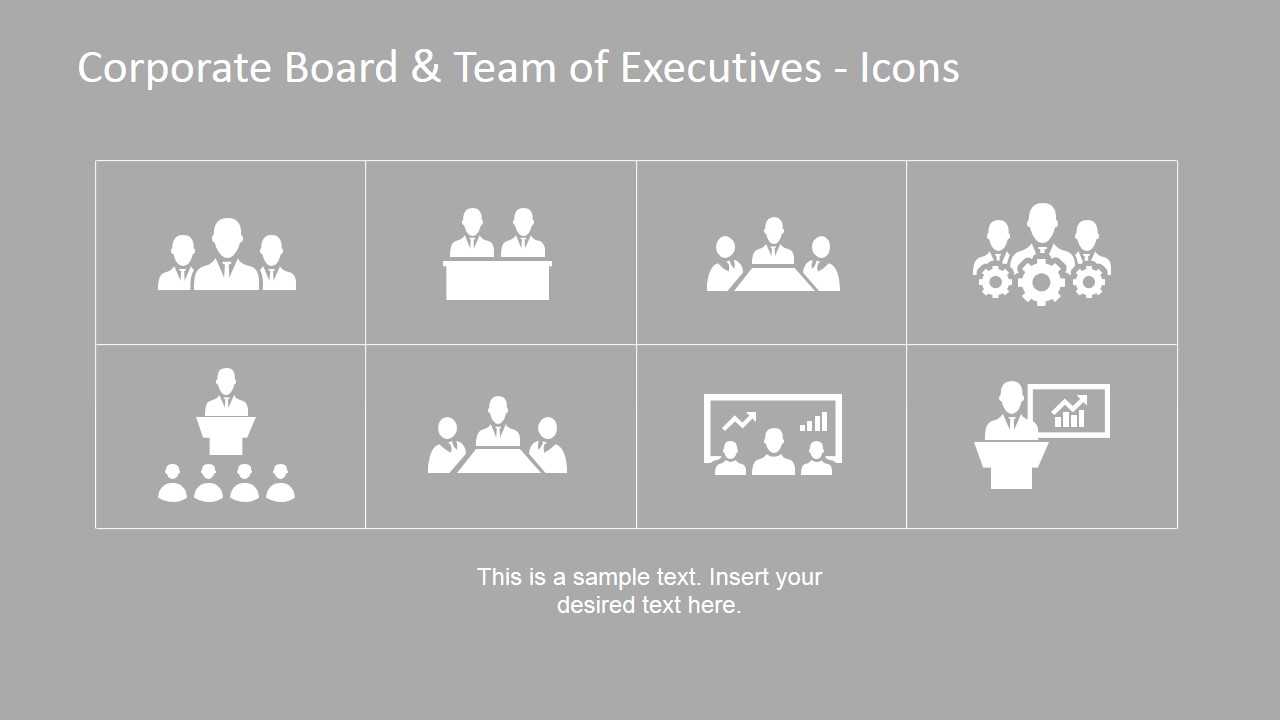
- An executive assistant or chief of staff can prepare a leadership briefing with the icon grid, profile cards, and conference room scene to make agendas and participants easier to recognize.
- A marketing presenter can describe team capability by using the cube infographics and world map markers to connect executive roles with business reach or focus areas.
Features
- 100% editable presentation template
- Compatible with Microsoft PowerPoint and Google Slides
- 16:9 aspect ratio slides
- Scalable vector shapes, icons and illustrations
- AI-Ready for Microsoft Copilot and Claude
- Instant access and download
Frequently asked questions
Q: How should a presenter structure a leadership introduction with this template?
A: Start with one of the cover slides to name the leadership group, then move to the profile cards for individual roles. Use the governance word cloud to define the shared decision context, and finish with a meeting or handshake scene to connect the people to an action, client relationship, or next discussion.
Q: Who is this template best suited for in a business presentation?
A: This template fits executives, consultants, sales leaders, and corporate communications teams that need to introduce people rather than analyze detailed data. The profile cards, boardroom icons, and illustrated meeting scenes work well when the audience must remember roles, relationships, and business responsibilities.
Q: Why do the illustrated business scenes help communicate the message?
A: The scenes act as business metaphors for governance, agreement, consultation, and team decision-making. Instead of listing names and functions only in text, the presenter can anchor each point to a recognizable visual context such as a handshake, conference discussion, or executive briefing.
You may also like:
























Corporate Board & Team of Executives Template for PowerPoint
15-slide presentation template for corporate boards, executive teams, profile cards, and meeting scenes
This 15-slide presentation template helps present a corporate board or executive team with illustrated business scenes and infographic elements. Visible layouts include executive profile cards, icon set grids, a governance word cloud, people hierarchy graphics, a world map infographic, and percentage indicators for Microsoft PowerPoint and Google Slides.
- Category
- Template Backgrounds
- Rating


 Loading...
- Aspect ratio
- 16:9, 4:3
- Item ID
- 6785-02
- Colors
 Microsoft PowerPoint
  Microsoft Copilot
  Claude for PowerPoint
 Other formats supported
Subscribe today and get immediate
access to download our PowerPoint templates.