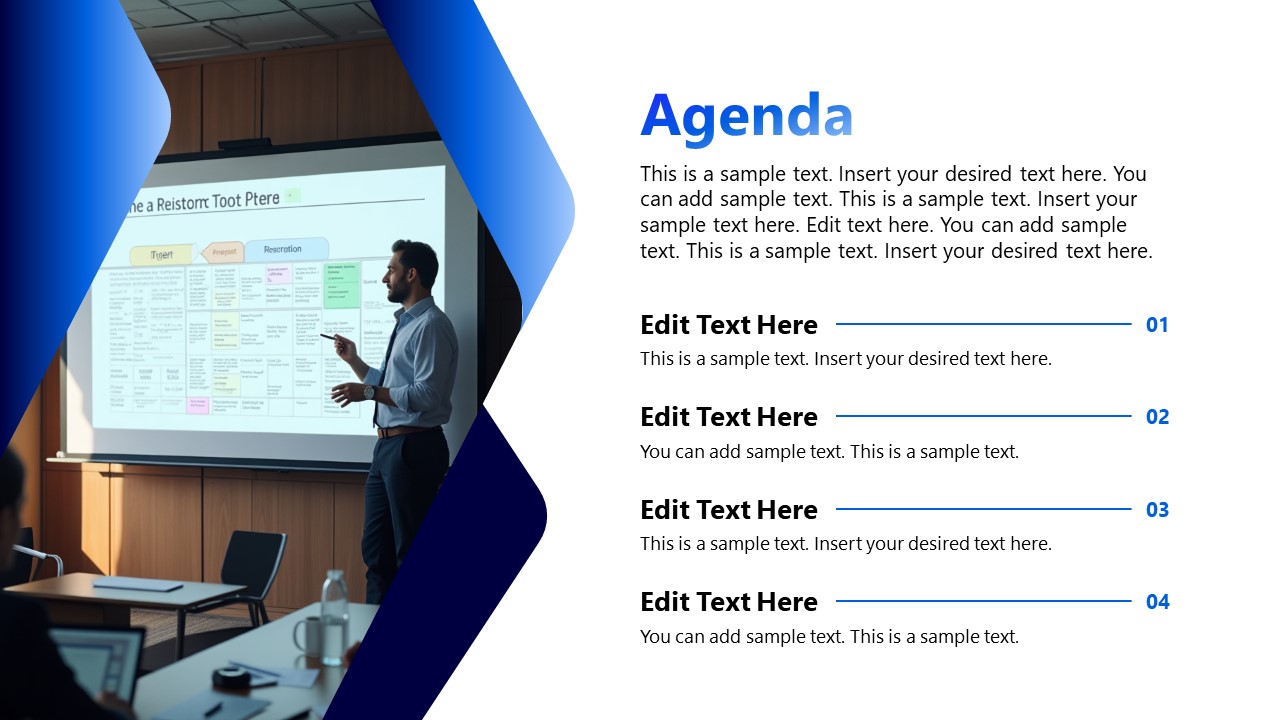
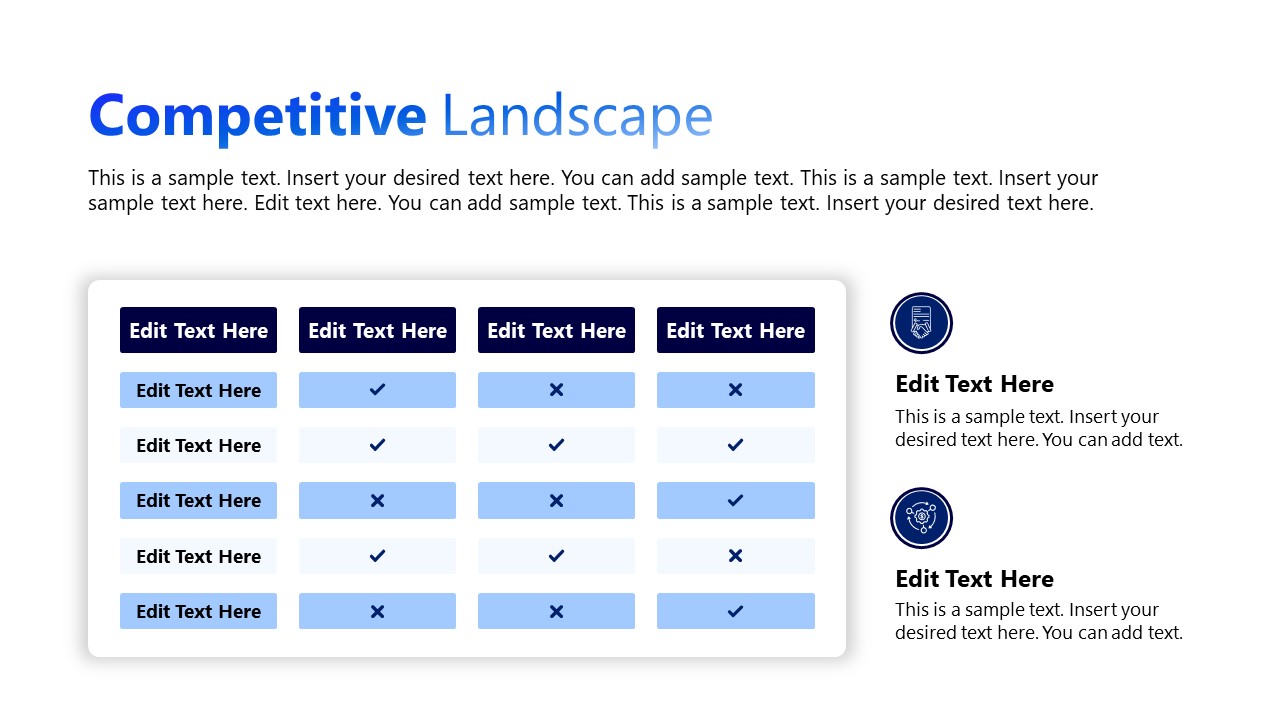
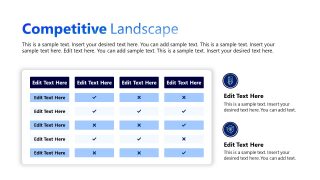
Discuss your advertisement protocol with the company leaders using our Marketing Implementation Plan PowerPoint Template. Marketing is the key to business success. Whether you are running a small e-commerce store or a large tech giant, you still need an effective marketing plan to communicate with your customers and build a strong user base. This marketing implementation plan template enables digital marketers and traditional marketers to share their strategies with stakeholders, achieving success across both media. This best PPT template has an attractive color scheme and a sleek design. It begins with a compelling cover slide featuring an image of corporate professionals creating business plans. Initially, digital marketers can share their campaigns and marketing objectives on social media or search engines. There is also a table diagram with numerous rows and columns for presenting the competitive landscape details.
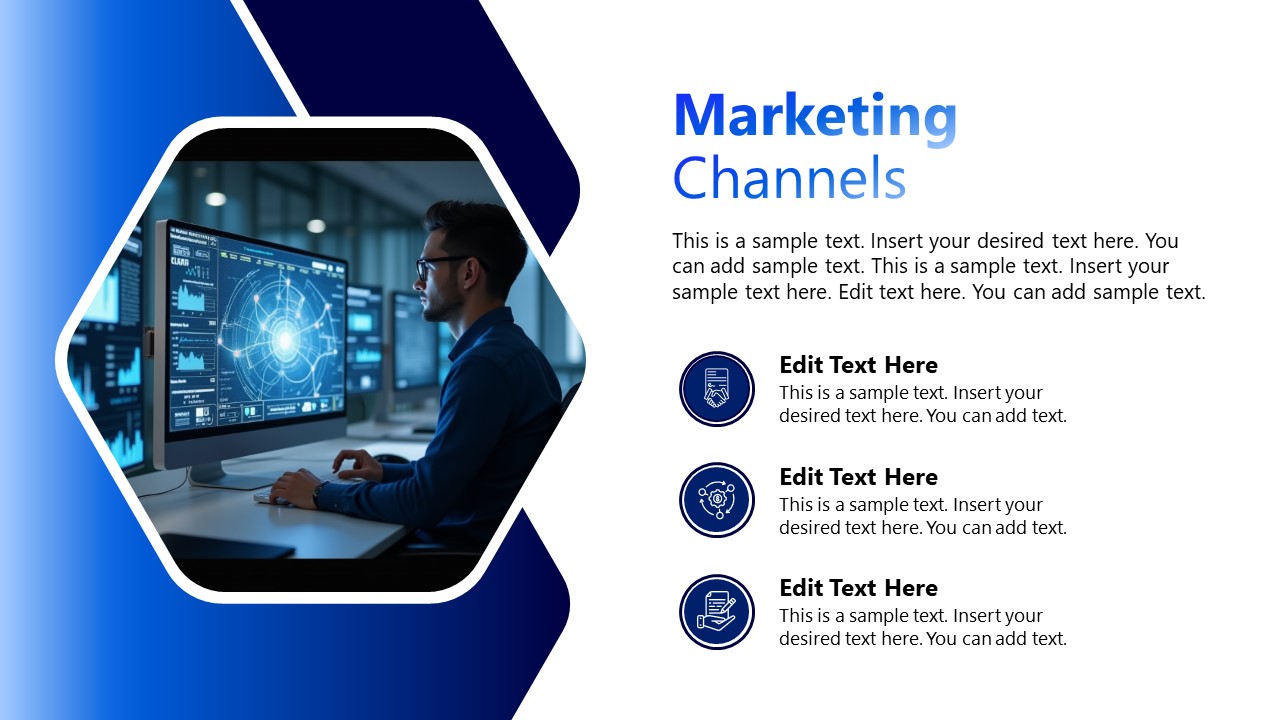
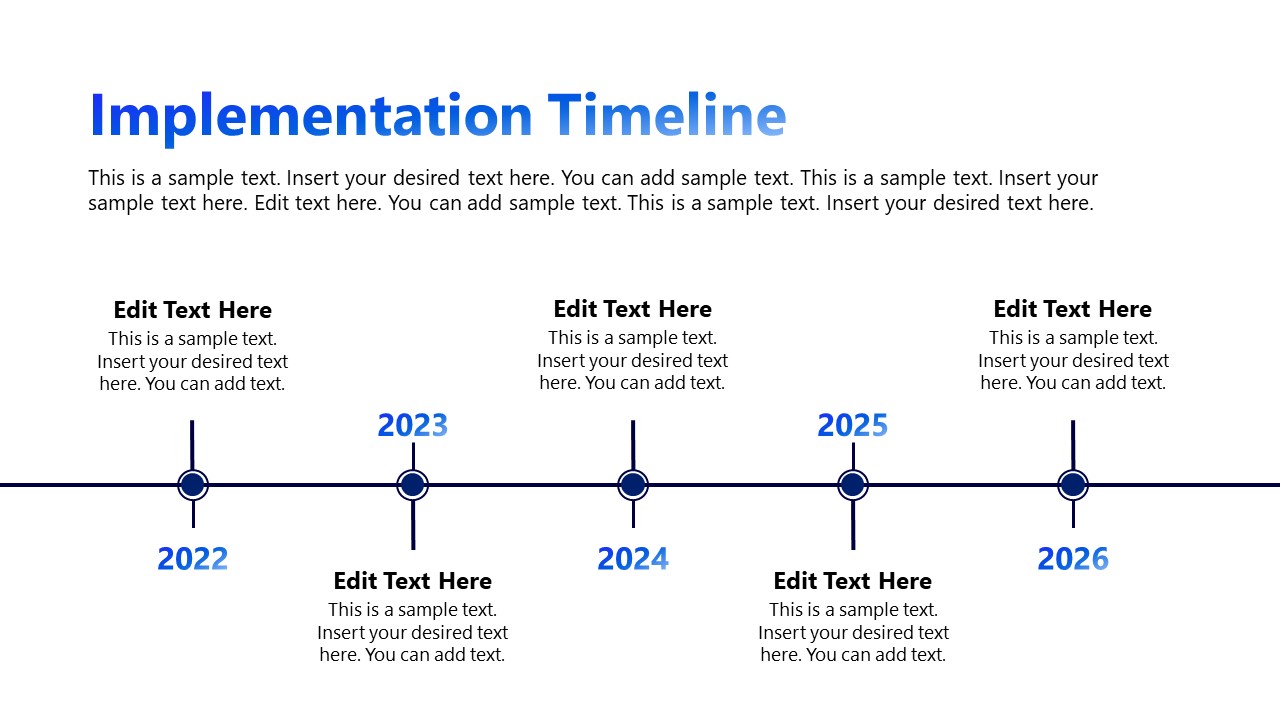
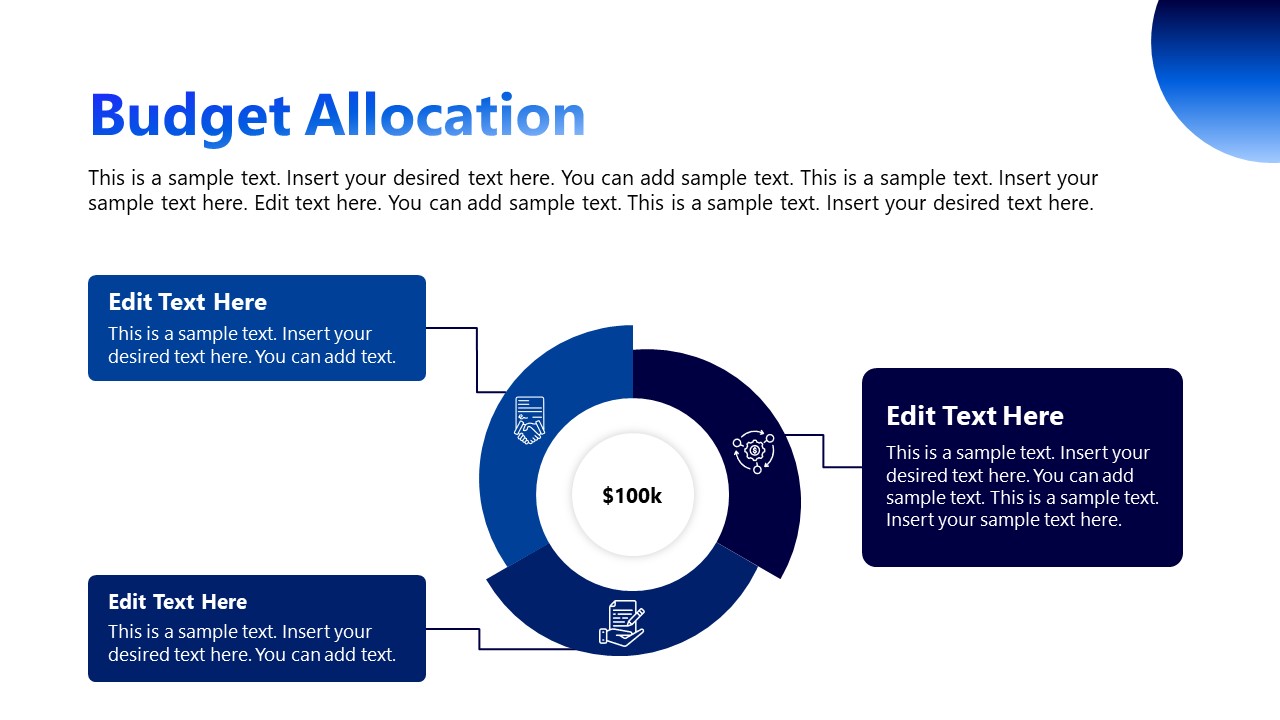
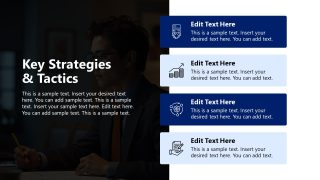
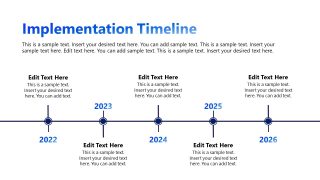
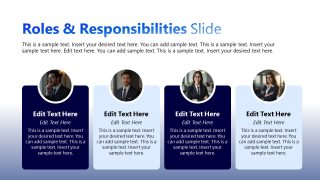
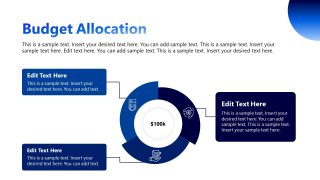
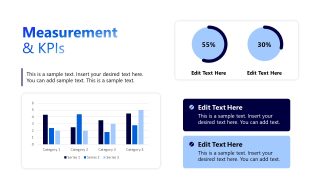
The Marketing Implementation Plan PowerPoint Template is useful for showcasing the key strategies and tactics that support a robust marketing plan. Professionals can use infographics and relevant designs to present the content in a clear and captivating style. Next, the marketing channels slide enables users to specify the best platforms or methods for marketing the product, such as social media channels, email marketing, digital marketing, and conventional marketing. The horizontal timeline diagram allows you to mention the sequence of events in marketing. Professionals can mention the roles and responsibilities of different individuals in the company’s marketing implementation plan. Furthermore, the budget allocation and management, as well as the KPIs slide, are enhanced with data-driven charts and graphics to depict the statistical data concisely. Download the marketing implementation plan PPT template and edit it now!
What’s inside this template
Example presentation scenarios
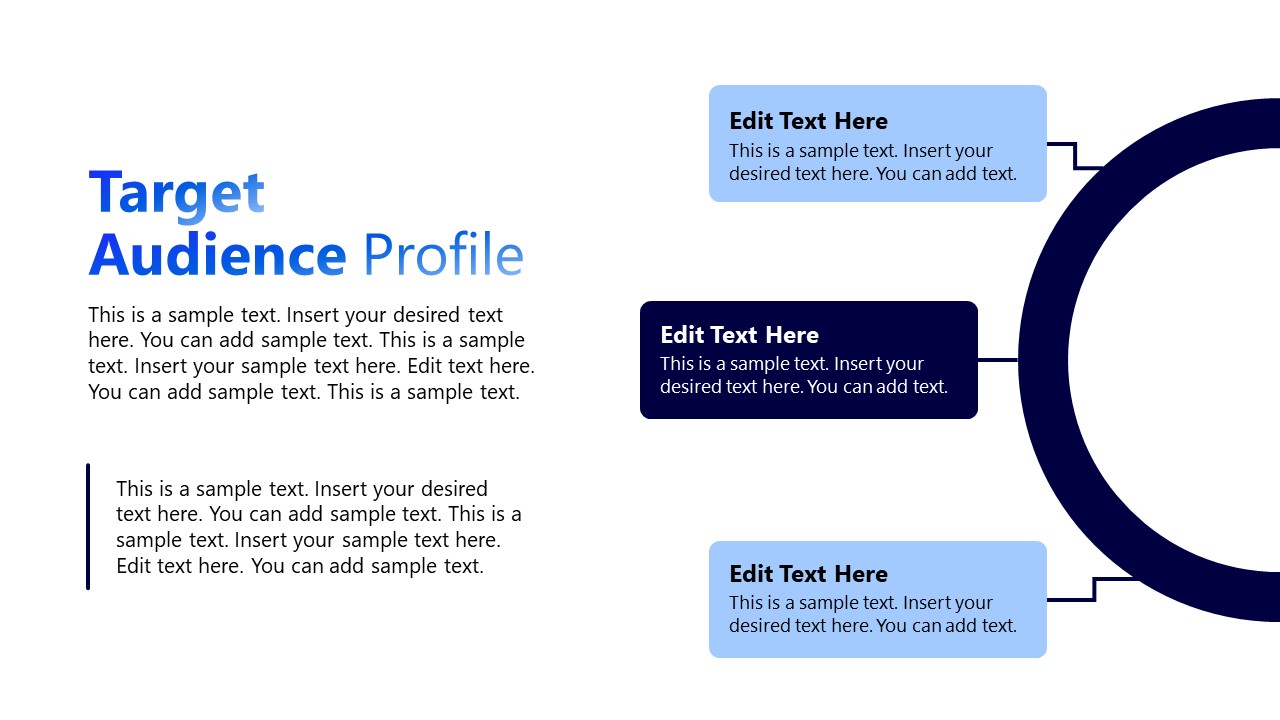
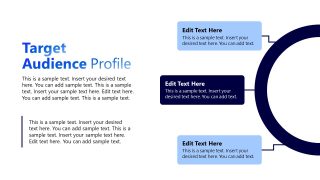
- A marketing manager can use the campaign overview, objectives, and target audience profile slides to brief executives on the logic behind a new product launch plan.
- An agency strategist can present the competitive landscape table and marketing channels slide to show a client where the campaign should focus resources.
- A campaign lead can use the implementation timeline and roles and responsibilities slide to assign owners, sequence tasks, and confirm execution dates with the team.
- A marketing operations analyst can use the budget allocation and measurement and KPIs slides to report planned spending, benchmark metrics, and expected tracking categories.
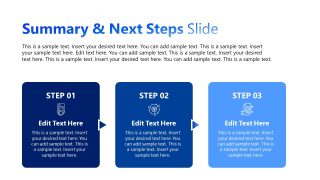
- A brand team can use the risks and mitigation slide and summary and next steps slide to close a planning workshop with open issues and agreed actions.
Features
- 100% editable presentation template
- Compatible with Microsoft PowerPoint
- 16:9 aspect ratio slides
- Scalable vector shapes, icons and illustrations
- Ready with Animations & Transitions in PowerPoint
- AI-Ready for Microsoft Copilot and Claude
- Instant access and download
Frequently asked questions
Q: How should a presenter structure the marketing story with this template?
A: Start with the campaign overview and marketing objectives so the audience understands the purpose before seeing execution details. Then move through target audience, competitive landscape, strategies, channels, timeline, and responsibilities. Keep budget and KPI slides near the end as proof that the plan is measurable, resourced, and ready to manage.
Q: Who is this template best suited for in a marketing planning meeting?
A: This deck fits marketing managers, campaign leads, and agency strategists who need approval or alignment before execution. It is especially useful when the audience includes executives or cross-functional partners because the timeline, responsibility cards, budget allocation chart, and KPI dashboard translate campaign work into decisions, owners, and measures.
Q: Why does the deck mix photos, geometric frames, tables, and charts?
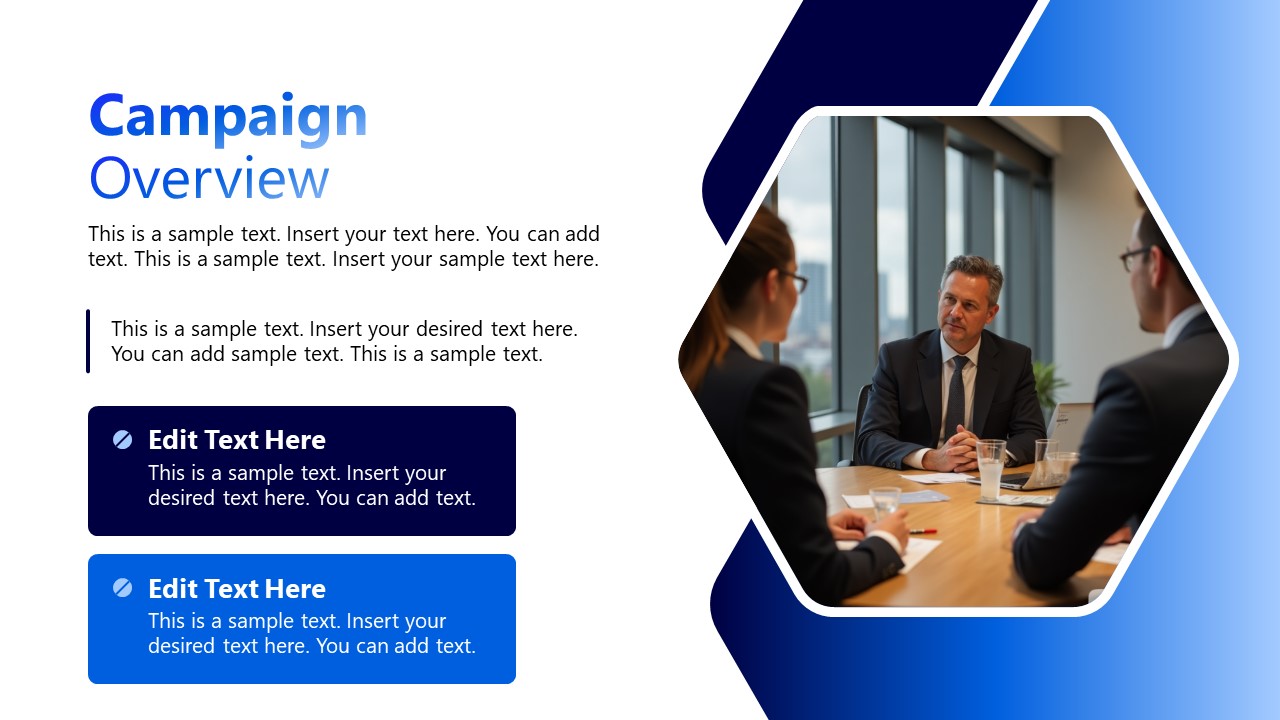
A: The photo slides create a business setting for discussion, while the geometric blue frames keep attention on the main message. Tables and timelines make comparisons and schedules easier to scan, and the donut, gauge, and bar charts separate financial and performance evidence from narrative text. This mix supports both strategy and execution.











Marketing Implementation Plan PowerPoint Template
15-slide presentation template for marketing implementation plans with timelines, budget charts, and KPI reporting
The Marketing Implementation Plan PowerPoint Template is a 15-slide deck for planning and presenting campaign execution. It includes an agenda, campaign overview, marketing objectives, target audience profile, competitive landscape table, implementation timeline, roles and responsibilities, budget allocation chart, KPI dashboard, risk mitigation, and next steps for Microsoft PowerPoint.
- Category
- Marketing
- Rating

 Loading...
- Aspect ratio
- 16:9
- Item ID
- 77222-01
 Microsoft PowerPoint
 Microsoft Copilot
 Claude for PowerPoint
Other formats supported
Subscribe today and get immediate
access to download our PowerPoint templates.