The Corporate Board and Team of Executives Design is a professionally designed template that uses plain and instantly understandable clip art icons to reference the key players and roles within all standard executive teams and corporate boards. This presentation model would useful for those presenters who are preparing a lecture or seminar on effective ways to mediate business strategies.
A business strategy is the means by which a board of directors or executive team sets outs the desired ends and objectives for a given term. Simply put, a business strategy could be described as being a branch of long-term business planning. A typical business strategy will cover a period of roughly three to five years, but it can often govern a period of time which is longer. Ordinarily a business strategy is put into place by a team of people who are collectively referred to as being a board of directors.
A board of directors is the term used to describe a body of interested parties and members who have been either elected or appointed and jointly overseeing the activities of an organisation or company whose interests they represent. Often these people are known by other names; for example a board of: governors; managers; regents; trustees; visitors. The activities of the board of directors are determined by the powers, duties and responsibilities to which it has been delegated. Matters such as these are often governed by strict bylaws which govern the number of members of the board, the method by which they are chosen and the frequency that they meet.
This professionally designed PowerPoint template has been created using high quality clip art icons that can be fully customised and edited for a wide range of purposes and eventualities. The size, shape and colors of all the elements on display are yours to alter according to the needs of your presentation.
What’s inside this template
Example presentation scenarios
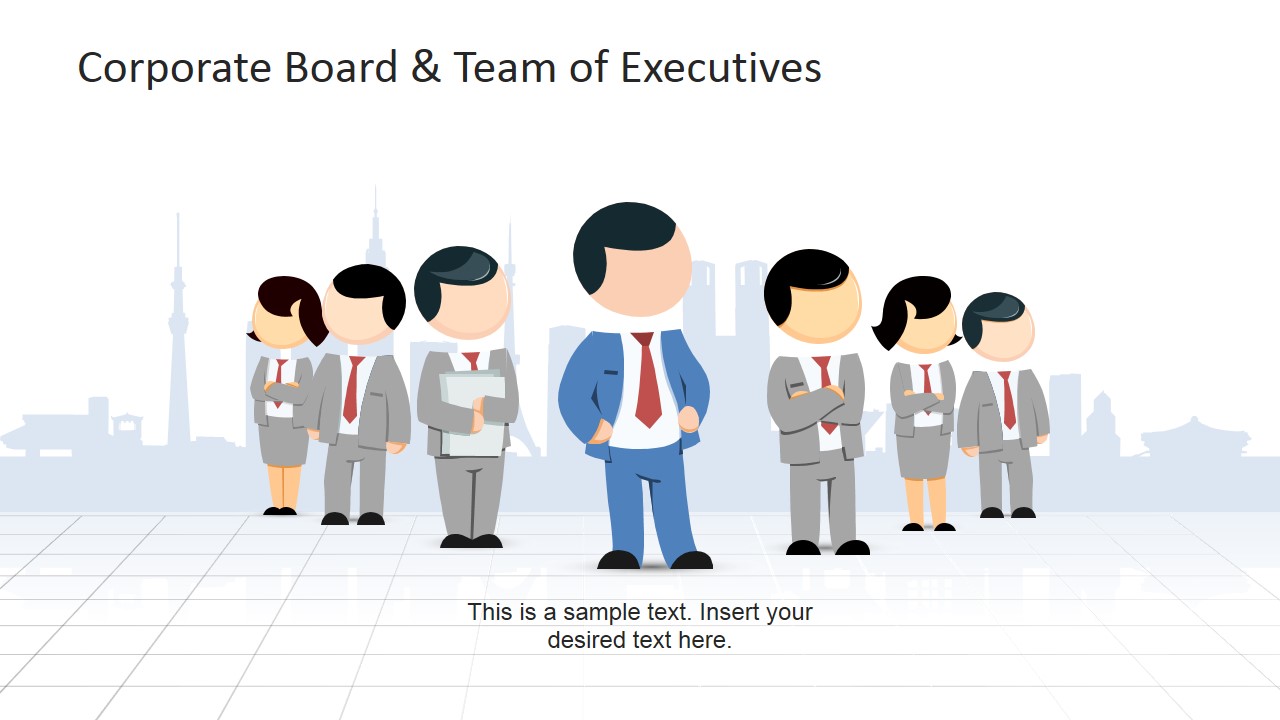
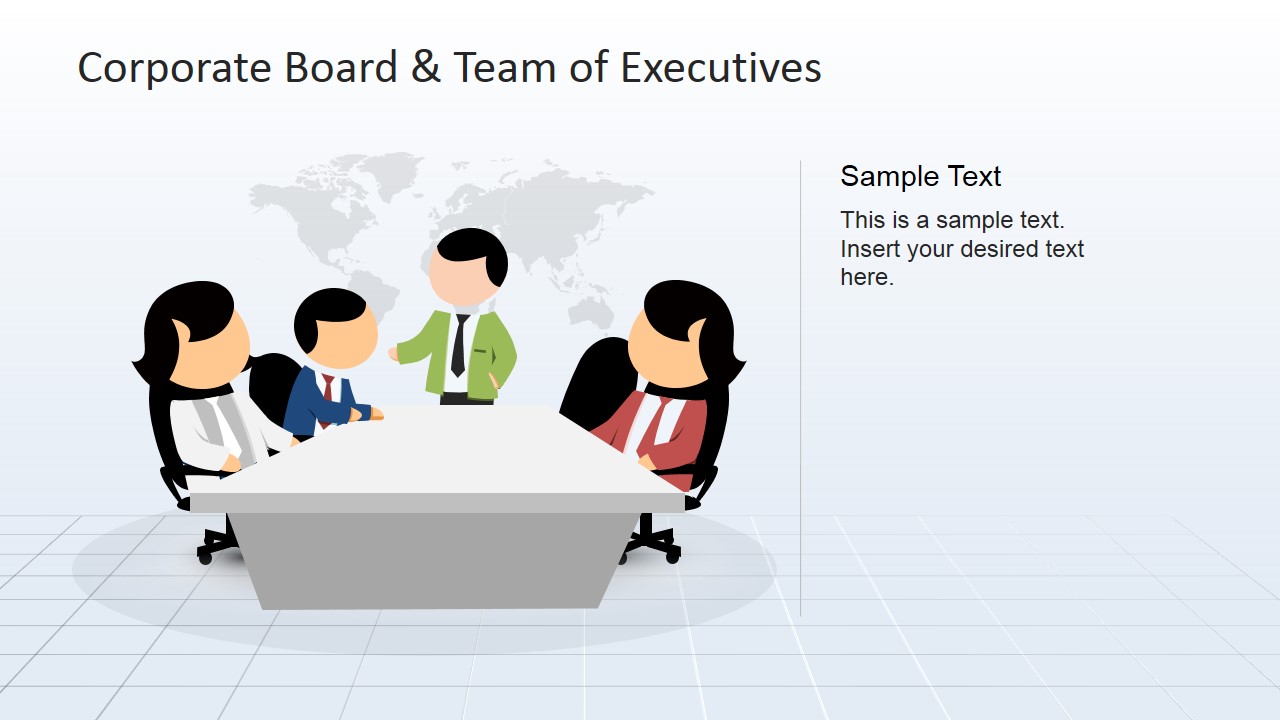
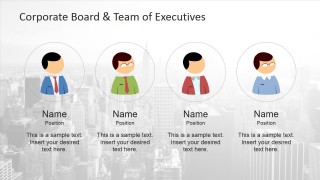
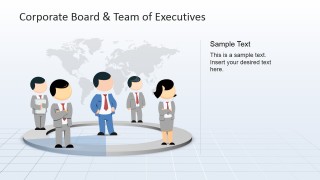
- A governance consultant can use the executive roster and board meeting scene to introduce board members, explain roles, and set context before a strategy discussion.
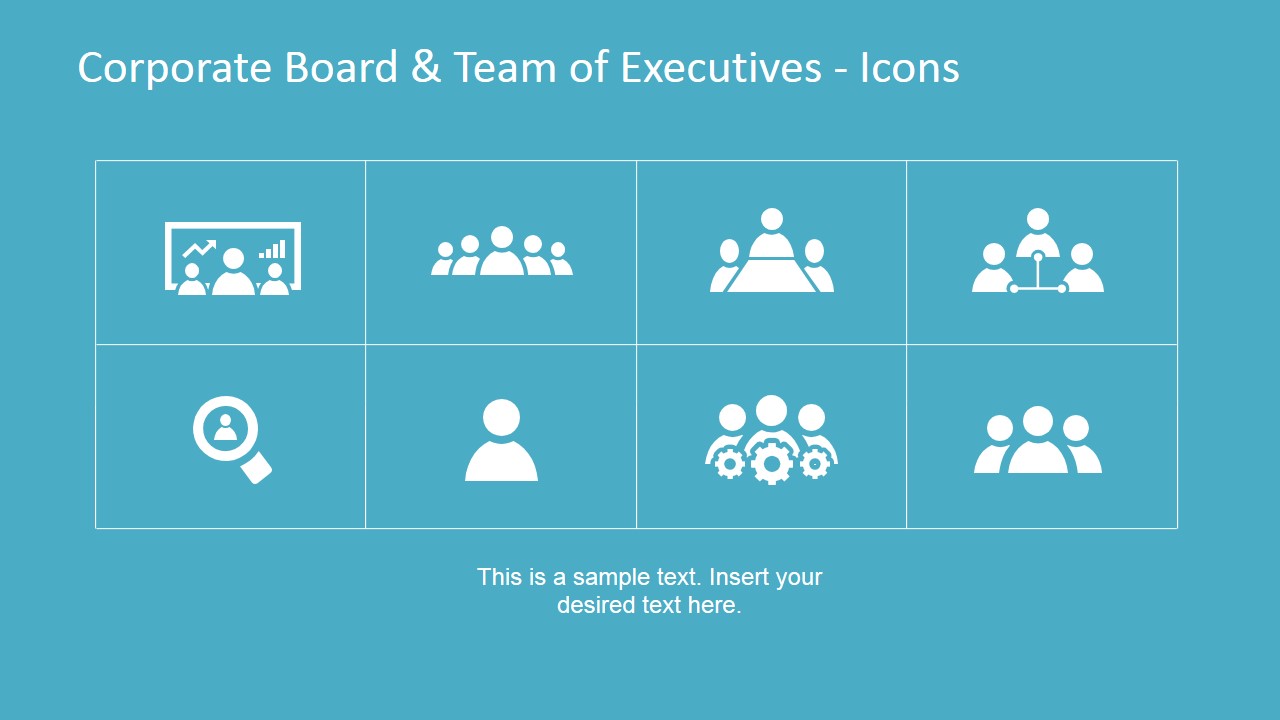
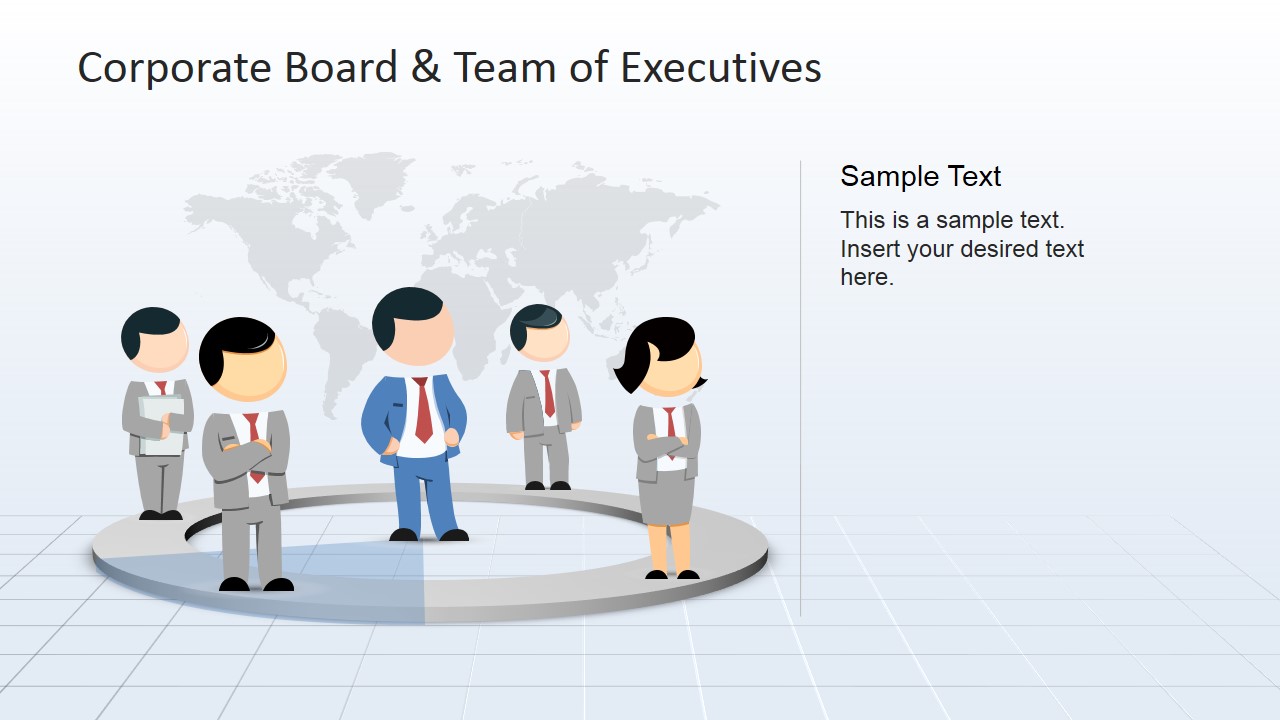
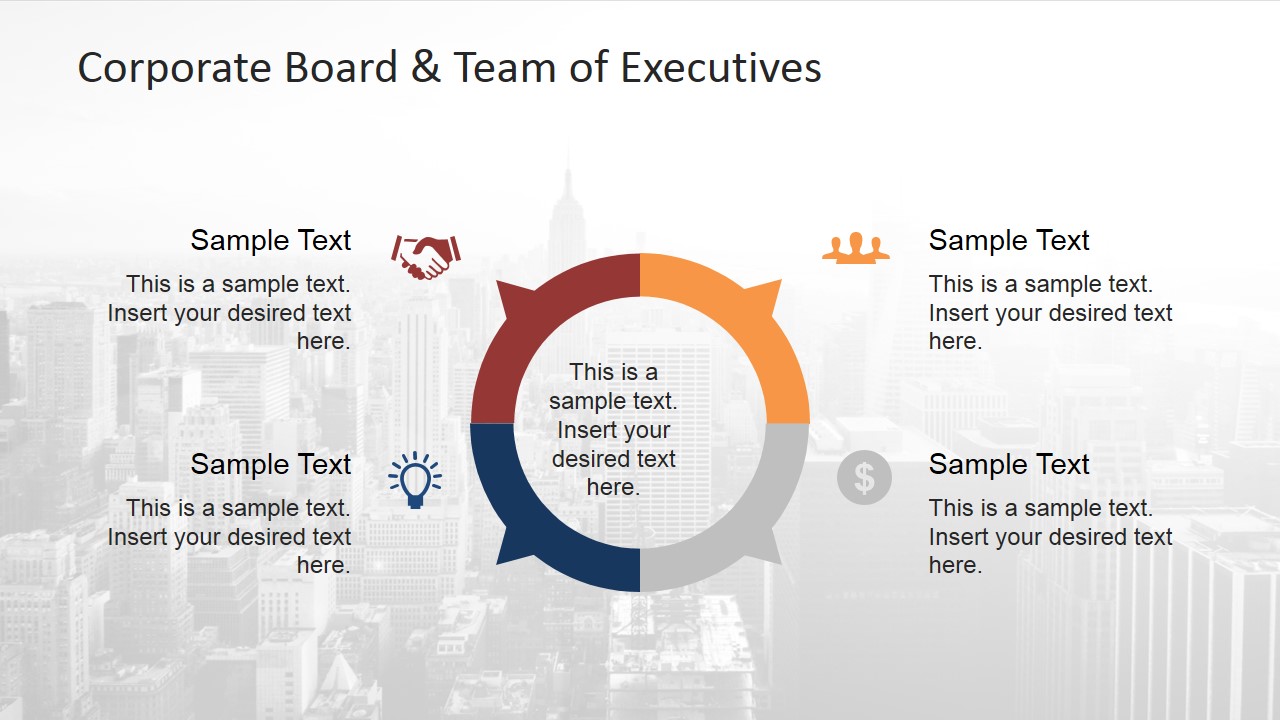
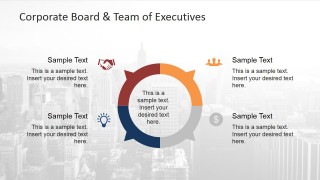
- A corporate trainer can use the icon grid, word cloud, and circular process slide to teach governance concepts in a seminar or leadership workshop.
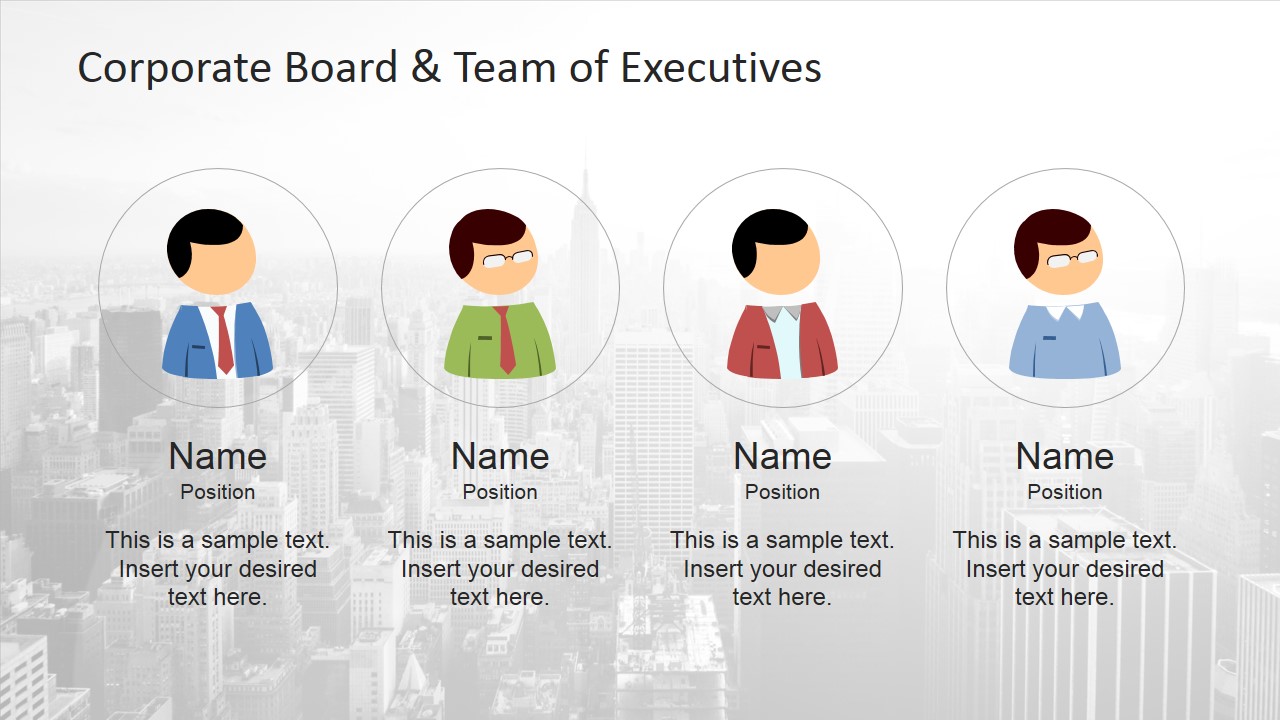
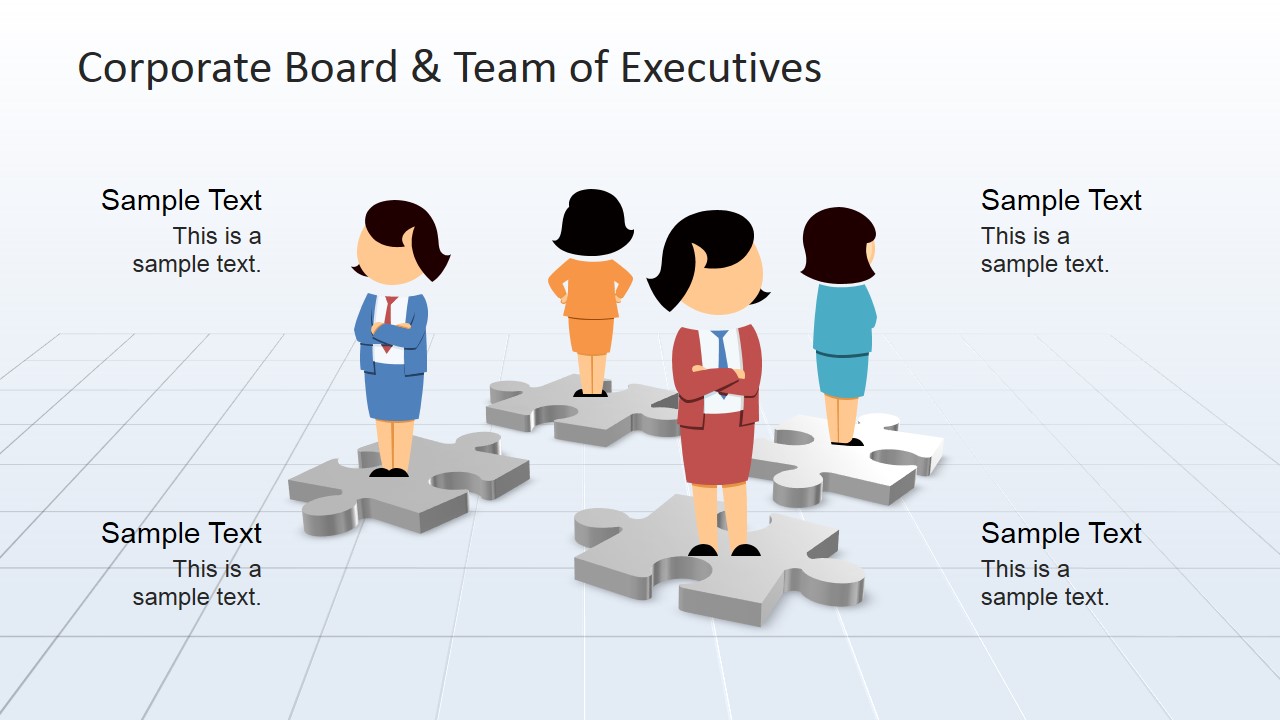
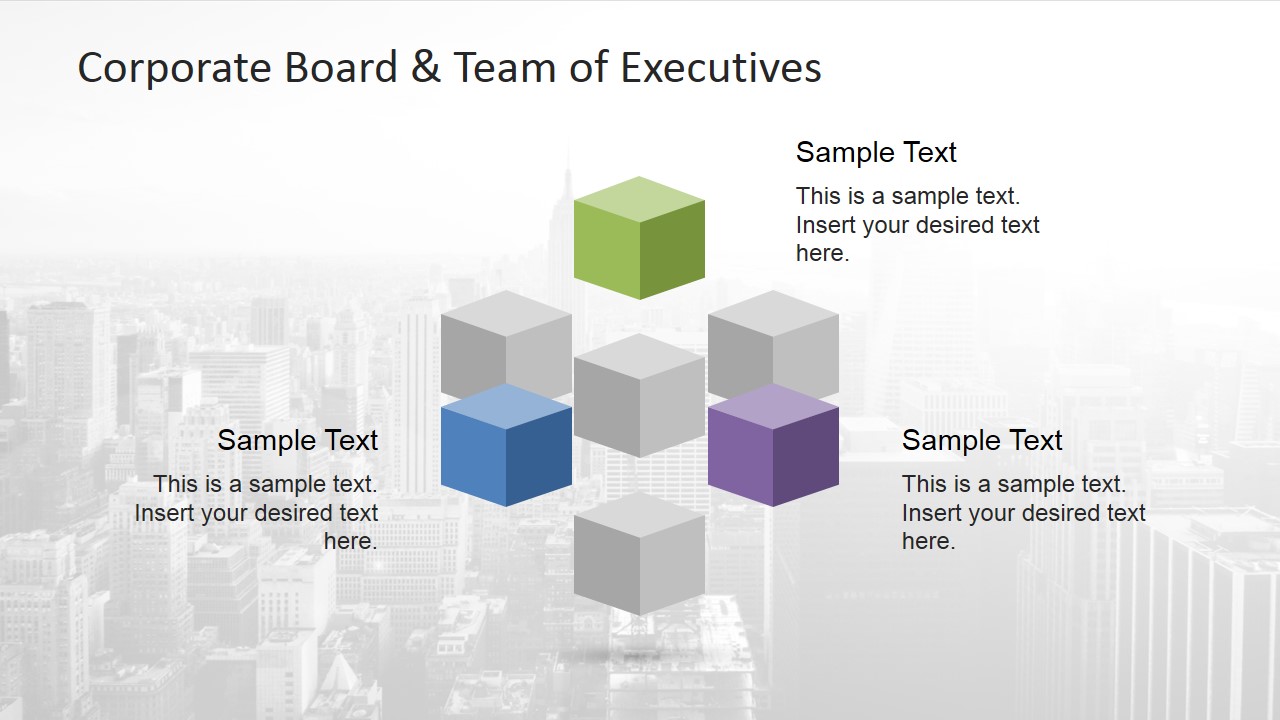
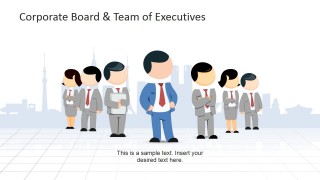
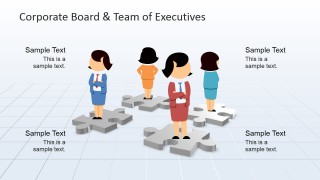
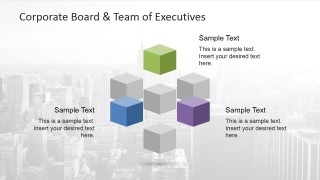
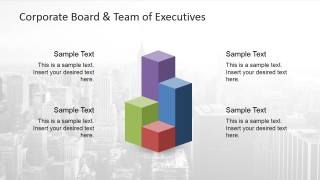
- A strategy leader can use the team lineup, puzzle layout, and cube infographic to show how executive groups coordinate responsibilities across departments.
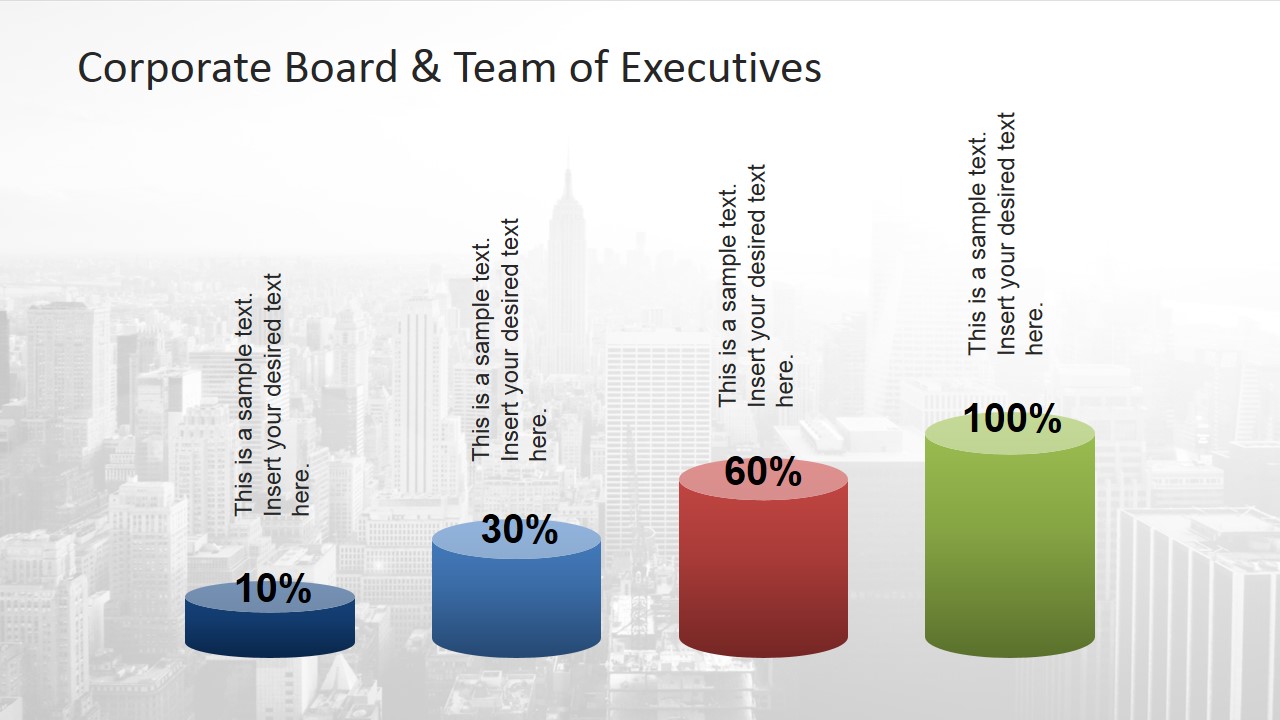
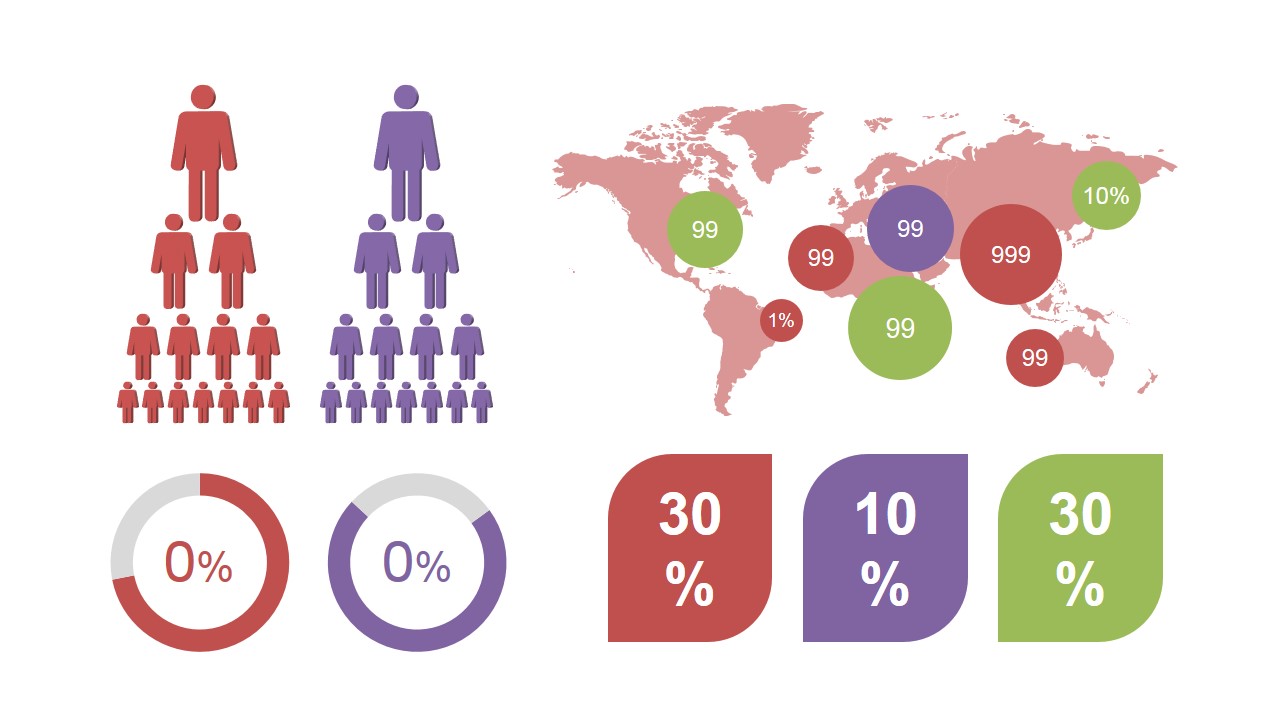
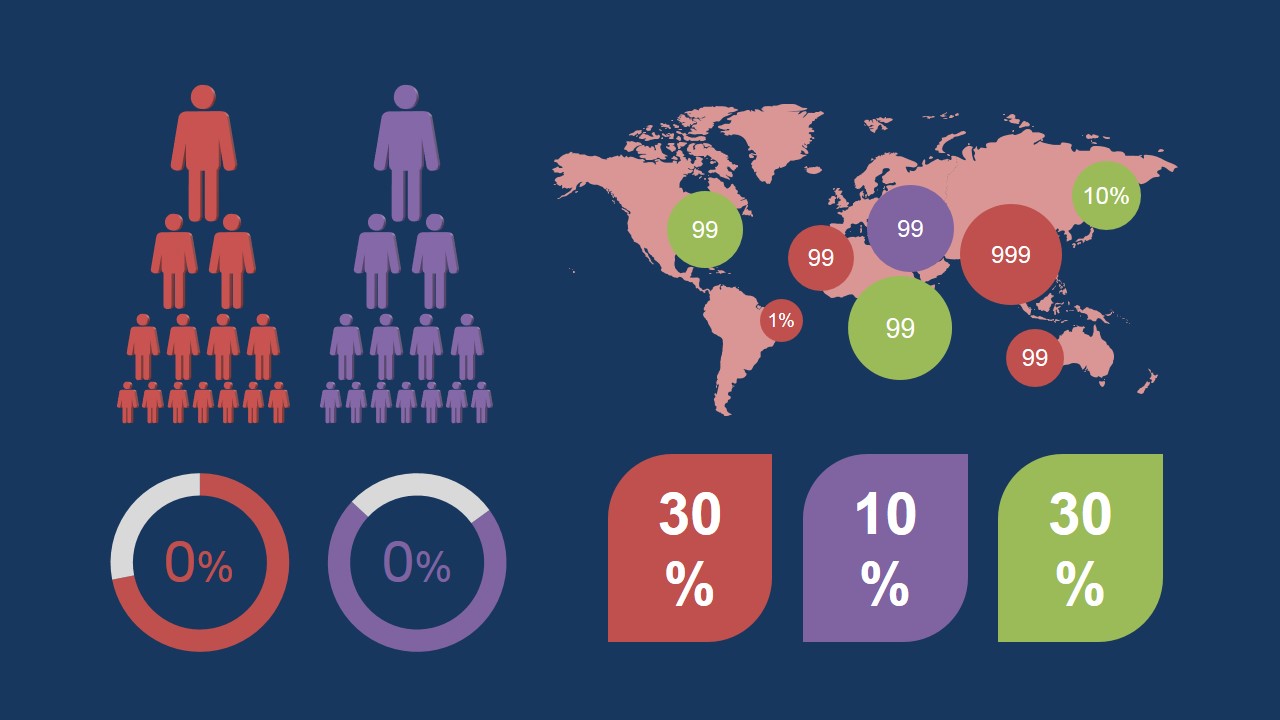
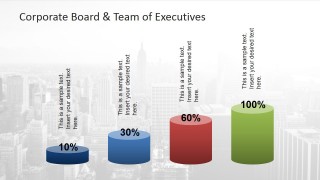
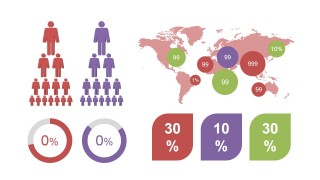
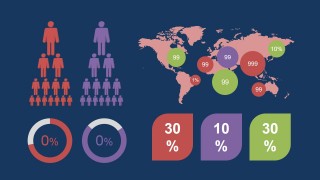
- A business analyst can use the cylinder chart and map dashboard slides to summarize board-related metrics, regional priorities, or governance indicators.
Features
- 100% editable presentation template
- Compatible with Microsoft PowerPoint and Google Slides
- 16:9 aspect ratio slides
- Scalable vector shapes, icons and illustrations
- AI-Ready for Microsoft Copilot and Claude
- Instant access and download
Frequently asked questions
Q: How should a presenter organize a governance message with this template?
A: Start with the cover and team roster to establish who is in the room, then use the word cloud to frame governance language before moving into process or responsibility slides. The boardroom, puzzle, and cycle visuals work best when each slide answers one question: who is involved, what they oversee, and how decisions move forward.
Q: Who is this template best suited for in a business presentation?
A: This template fits presenters who need to explain people, roles, and governance responsibilities rather than show dense financial detail. Board advisors, corporate trainers, strategy leaders, and executive coaches can use the roster, meeting scene, and infographic dashboard to make abstract leadership structures easier for a mixed business audience to follow.
Q: Why use cartoon executives and icons instead of formal organization boxes?
A: The people illustrations make board and executive topics feel more approachable, while the icons provide quick recognition for meetings, search, hierarchy, and process. This design is useful when the goal is to explain relationships and responsibilities without turning the session into a rigid org chart or policy document.





Corporate Board and Team of Executives
15-slide presentation template for executive boards, governance icons, team profiles, and infographic dashboards
Corporate Board and Team of Executives is a 15-slide business presentation template for explaining board structure, executive roles, and governance concepts. Visible layouts include a boardroom cover, executive roster, icon grid, word cloud, process cycle, cylinder chart, and world map dashboard for Microsoft PowerPoint and Google Slides.
- Category
- Business PowerPoint Templates
- Rating


 Loading...
- Aspect ratio
- 16:9, 4:3
- Item ID
- 6785-01
- Colors
 Microsoft PowerPoint
  Microsoft Copilot
  Claude for PowerPoint
 Other formats supported
Subscribe today and get immediate
access to download our PowerPoint templates.