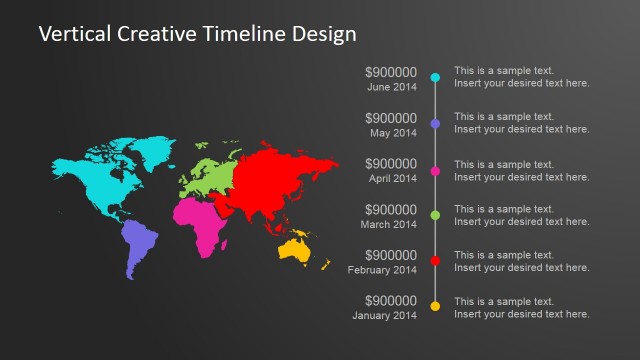
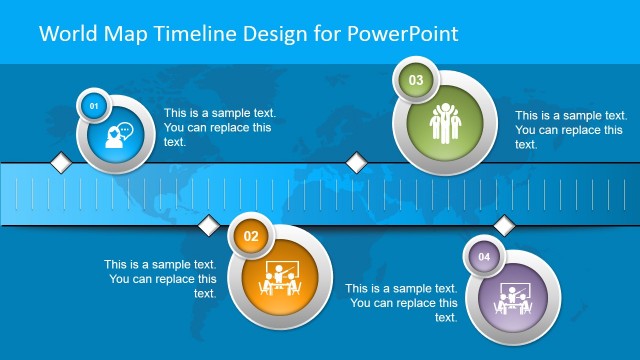
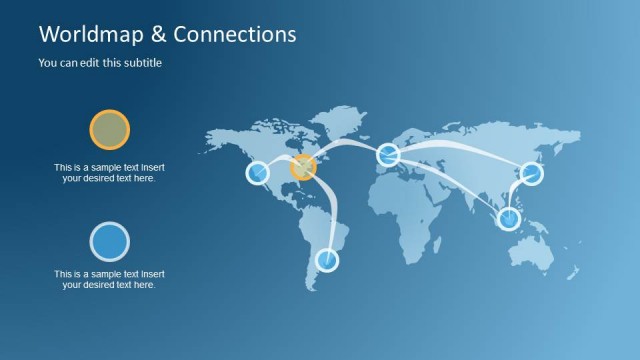
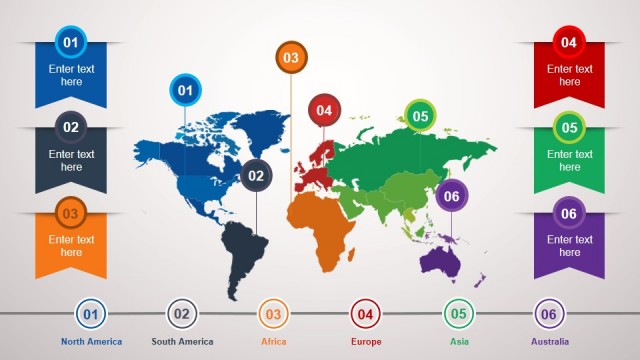
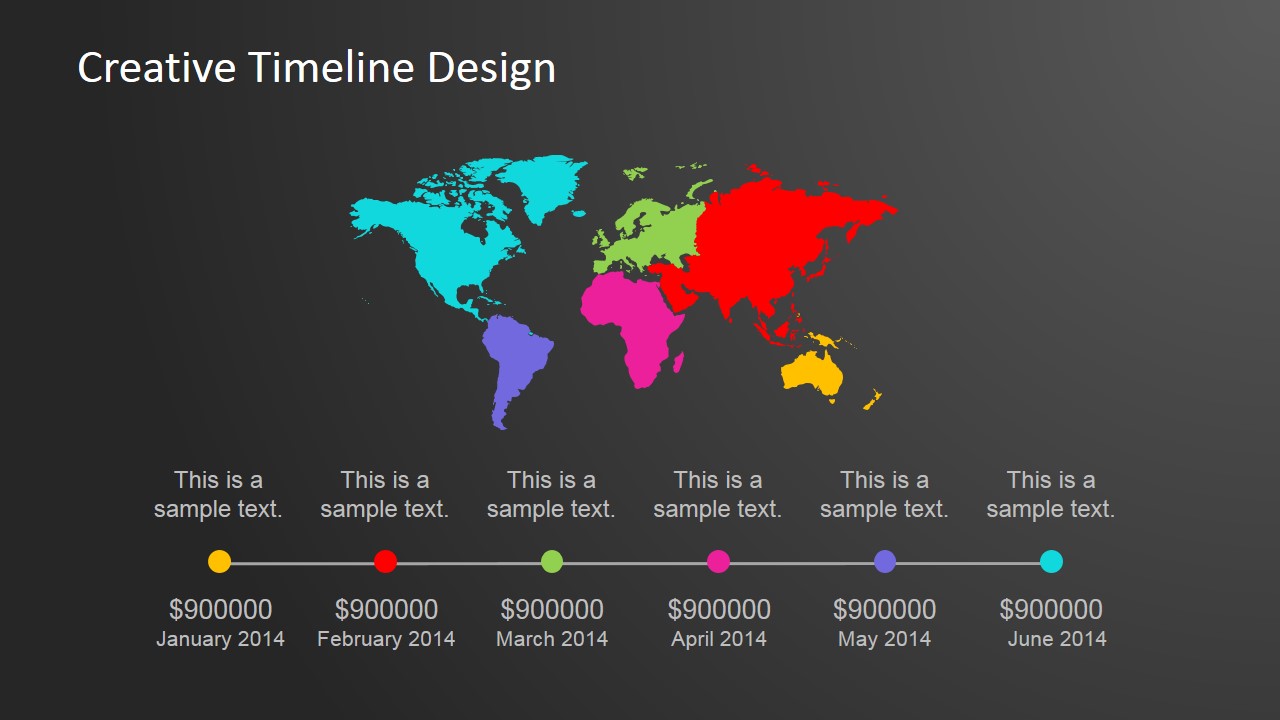
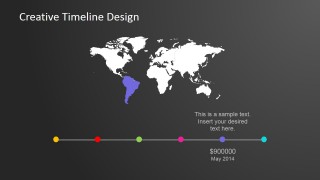
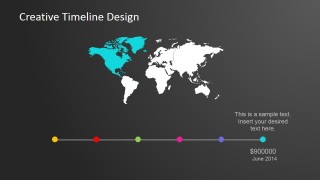
Creative Continental Worldmap Horizontal PowerPoint Timeline – Translate the company’s goals and objectives with an impressive worldwide market growth presentation. The Creative Timeline Design is a PowerPoint template that gives an insightful overview of worldwide business expansion. This presentation template showcases a dynamic illustration of the world map along with your company’s wide-reaching aspirations in its color-coordinated timeline. As one of SlideModel’s creative designs, this template also consists of fully editable PowerPoint objects. Each of the continents’ sizes and colors can be altered to suit your business profile. This template makes an even more remarkable presentation when combined with our PowerPoint Diagram designs.
World marketing may be a far-fetched idea to some but in reality it’s the most practical approach to a business’ financial growth. Being able to reach out to international markets is the only way to know how much more potential customers could need a business’ products and services. Additionally, this is the perfect motivation to take advantage of the benefits of internet and technology. There is no immediate need to head over to different continents of the world. It is enough to have a sufficient presence of the company through the internet and gauge from there if the company needs to physically visit its international market. A company maybe thriving in its home town for just a year’s time but how can anyone be sure it wouldn’t be just as successful in just a month when introduced to a different geographical location? There are a lot of home grown products that are successful in its country of origin but turns out to be a huge profit booster when brought to a different country. Take for example the “red bush” tea of South Africa. It has been a health drink of the locals for many years and became one of the most exported products of the country. The red bush tea is now an expensive specialty tea in many parts of the world and it can only be grown in South Africa.
What’s inside this template
Example presentation scenarios
- A business development director can present an international expansion sequence by pairing the world map overview with the monthly milestone timeline.
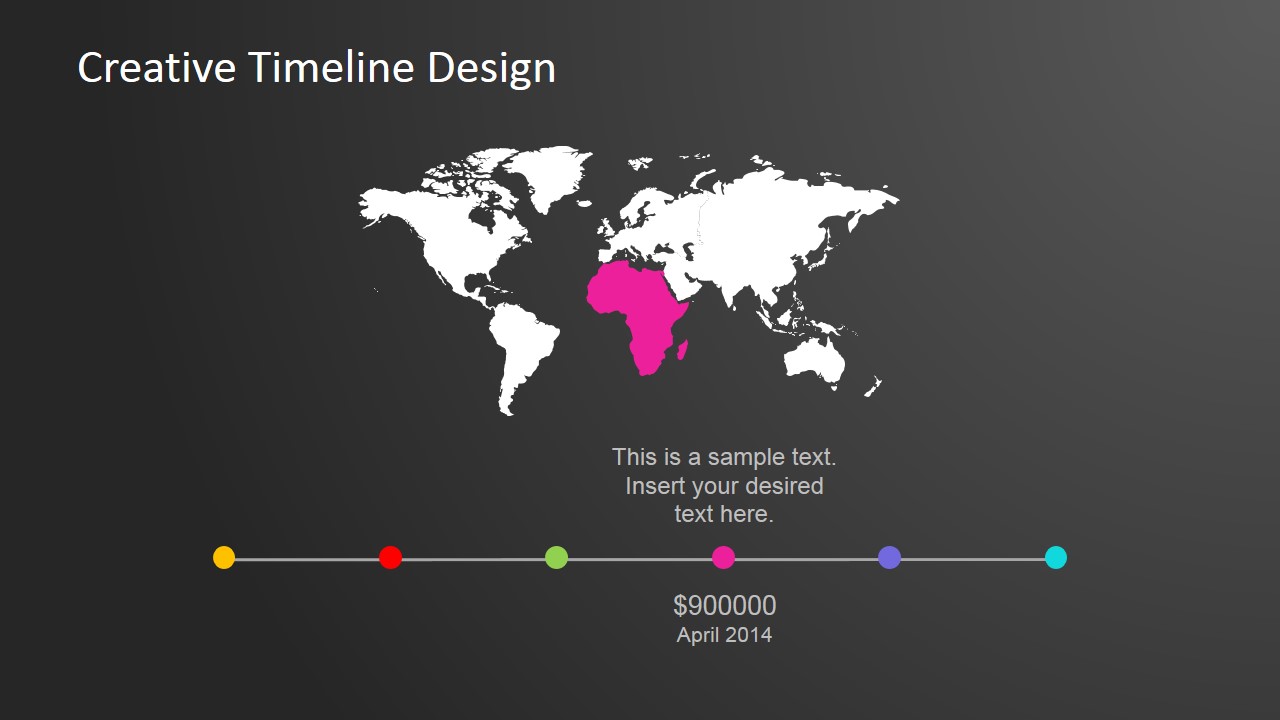
- A marketing manager can explain region-by-region campaign launches using the highlighted continent slides for Asia, Europe, Africa, and the Americas.
- An operations leader can report geographic rollout progress by showing each colored timeline dot with date, value, and short annotation text.
- A consultant can brief executives on global opportunity timing by starting with the color-coded map overview and then moving through each regional milestone.
Features
- 100% editable presentation template
- Compatible with Microsoft PowerPoint and Google Slides
- 16:9 aspect ratio slides
- Scalable vector shapes, icons and illustrations
- AI-Ready for Microsoft Copilot and Claude
- Instant access and download
Frequently asked questions
Q: How should a presenter explain the timeline without making it feel like a map tour?
A: Start with the first slide to define the full global sequence, then use each continent-highlight slide to explain why that region matters at that point in time. Keep the narrative tied to one decision, rollout stage, or metric per milestone so the audience follows the plan rather than just viewing colored geography.
Q: Who is this template best suited for in a business presentation?
A: It fits presenters who need to connect timing with geography, such as strategy, business development, marketing, or operations teams. The continent-highlight slides are useful when executives need a fast view of which region is active in each month and how that activity relates to a global expansion or planning sequence.
Q: Why does the continent highlight design improve communication?
A: The design uses a simple visual metaphor: a world map as the operating field and colored timeline dots as scheduled action points. Highlighting one continent at a time reduces visual noise and turns a broad global plan into a sequence of focused regional messages that are easier to compare and remember.




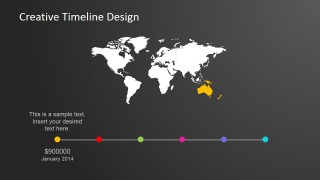
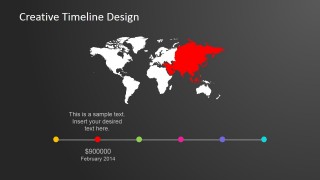
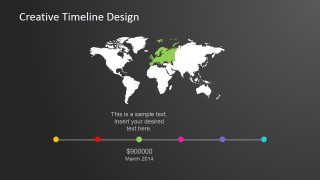
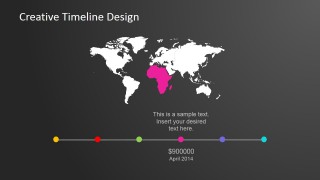
Continental Worldmap Horizontal PowerPoint Timeline
8-slide presentation template for global timeline planning with world maps and continent milestones
Continental Worldmap Horizontal PowerPoint Timeline is an 8-slide presentation template for mapping global plans over time. Visible layouts include a color-coded world map overview, horizontal milestone timeline, and continent-highlight slides for Australia, Asia, Europe, Africa, South America, and North America. It is designed for PowerPoint and Google Slides.
- Category
- Timelines & Planning
- Rating


 Loading...
- Aspect ratio
- 16:9, 4:3
- Item ID
- 6640-01
- Colors
 Microsoft PowerPoint
  Microsoft Copilot
  Claude for PowerPoint
 Other formats supported
Subscribe today and get immediate
access to download our PowerPoint templates.