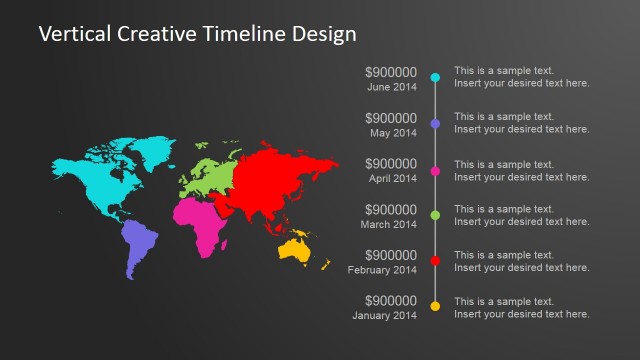
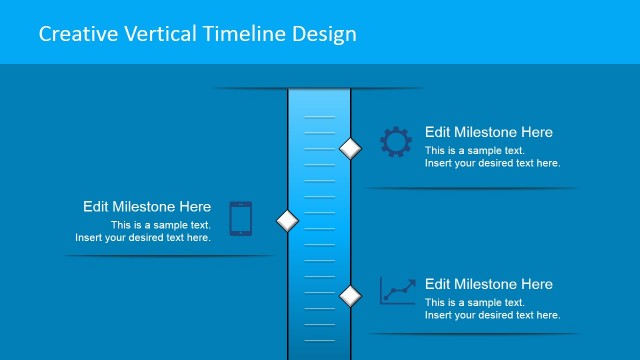
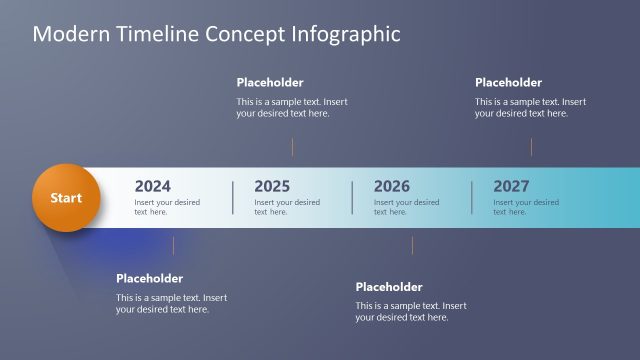
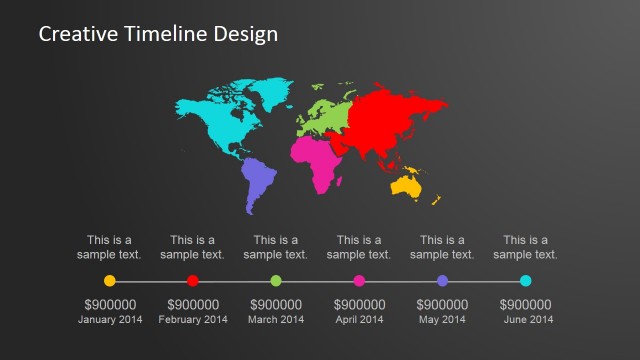
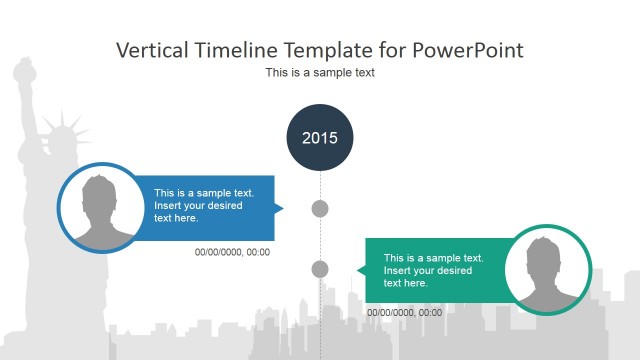
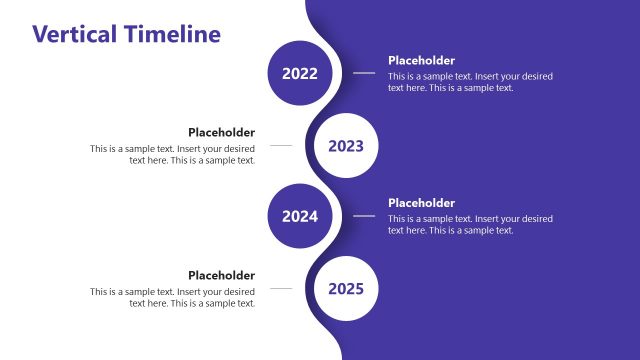
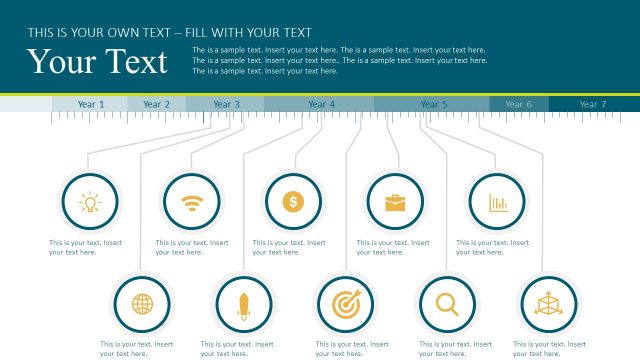
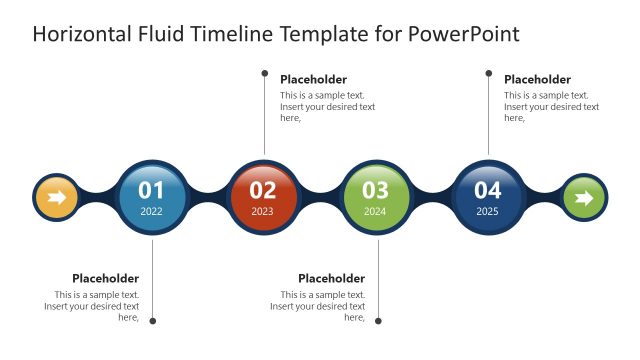
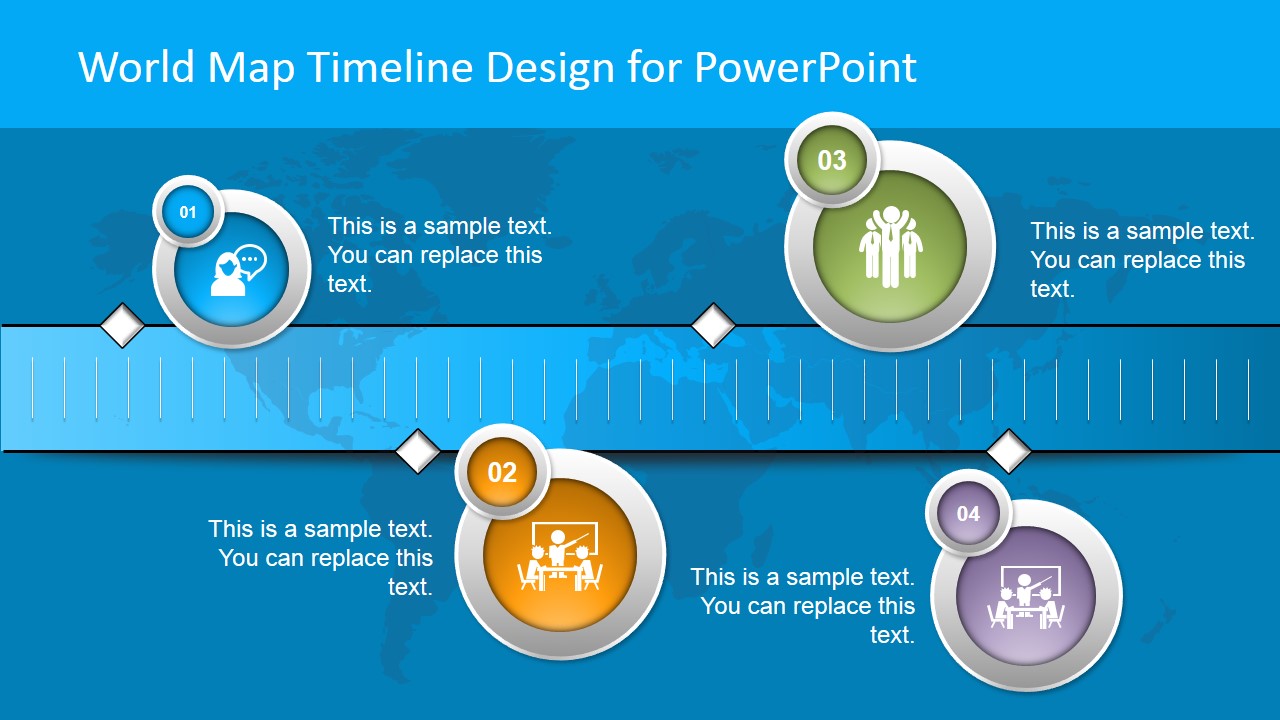
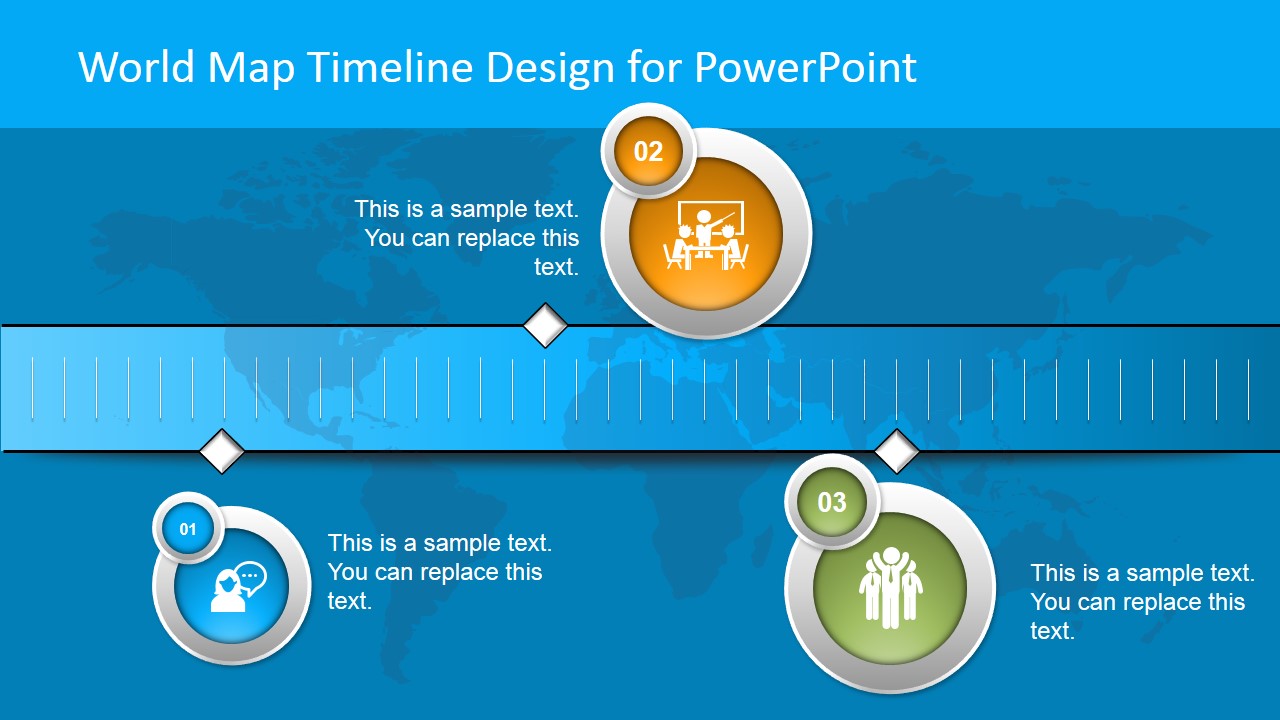
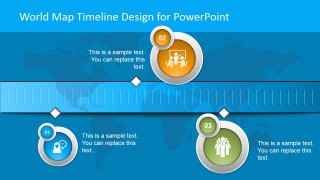
Horizontal World Map Timeline Design for PowerPoint is a creative presentation timeline design that you can use to present your project plan or make a presentation about your company’s history. It can be used to represent a timeline with visual aids and help to convey a message to an audience. The horizontal timeline design for PowerPoint contains a world map illustration in the background and animated elements.
What’s inside this template
Example presentation scenarios
- A project manager can present an international rollout schedule by placing phase names and dates beside the numbered milestone bubbles on the horizontal ruler timeline.
- A strategy lead can explain regional expansion plans to executives using the world map background and icon callouts to connect business events with global context.
- A founder or communications manager can summarize company history by replacing the milestone text with founding, launch, partnership, and growth events.
- A product planning team can show upcoming release milestones by using the three-point timeline slide for a shorter roadmap update.
Features
- 100% editable presentation template
- Compatible with Microsoft PowerPoint and Google Slides
- 16:9 aspect ratio slides
- Scalable vector shapes, icons and illustrations
- Ready with Animations & Transitions in PowerPoint
- AI-Ready for Microsoft Copilot and Claude
- Instant access and download
Frequently asked questions
Q: How should I present a global timeline without overloading the audience?
A: Use each numbered bubble as one decision point, phase, or milestone, then keep the adjacent text to a short outcome and date. The horizontal ruler already signals time, so avoid long paragraphs. If the map is used for context, mention geography only when it changes the meaning of the milestone.
Q: Who is this template best suited for?
A: This template fits project managers, strategy teams, and executives who need to show a concise sequence of global events. It works well for rollout plans, product planning, strategic milestones, and company history, especially when the audience needs the big picture rather than operational detail.
Q: Why combine a world map with a horizontal ruler timeline?
A: The map gives the audience an immediate global frame, while the ruler line organizes events by sequence. The circular milestone bubbles act like visual pins, making each event feel distinct. This metaphor is useful when time and international scope are both central to the message.
Horizontal World Map Timeline Design for PowerPoint
3-slide presentation template with world map timeline, milestone markers, and global project planning layouts
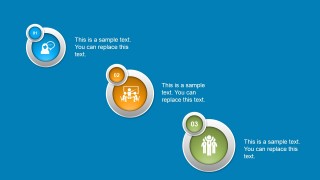
Horizontal World Map Timeline Design for PowerPoint is a 3-slide timeline presentation template for showing global plans, milestones, or company history. The deck uses a world map background, horizontal ruler timeline, numbered milestone bubbles, icon callouts, and text placeholders for project managers, planners, and executives in PowerPoint and Google Slides.
- Category
- Timelines & Planning
- Rating


 Loading...
- Aspect ratio
- 16:9
- Item ID
- 8200-02
- Colors
 Microsoft PowerPoint
  Microsoft Copilot
  Claude for PowerPoint
 Other formats supported
Subscribe today and get immediate
access to download our PowerPoint templates.