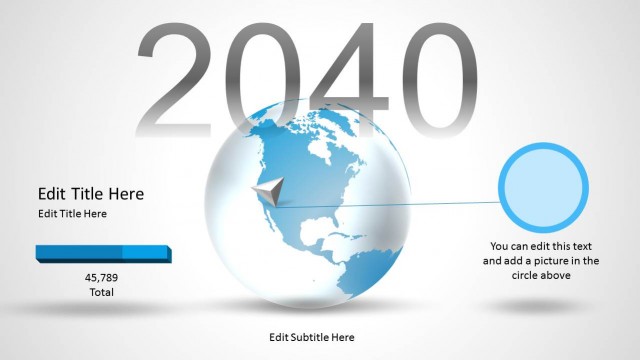
Animated Continental PowerPoint Template is a PowerPoint design template that you can use to make stunning travel presentations using Microsoft PowerPoint 2007, 2010 and 2013.
Feature gorgeous international landmarks and breathtaking information using the animated continental PowerPoint template. Present important business data and statistics as well as showcase the continents and their most famous landmarks to keep the PowerPoint presentation design interesting, eye-catching, and well-organized. The thoroughly-detailed structure and organization of the PowerPoint graphics give the presenter the opportunity to retain the audience’s sought-after attention and keep in track with the flow of the business presentation.
The colorful PowerPoint shapes and graphics found in the featured slide designs allow for colorful visual effects that appeal to senses, as well as incite interest in the continents and the landmarks which are shown in the PowerPoint slides. As such, the PowerPoint template retains its remarkable visual aesthetic using different art and coloring styles.
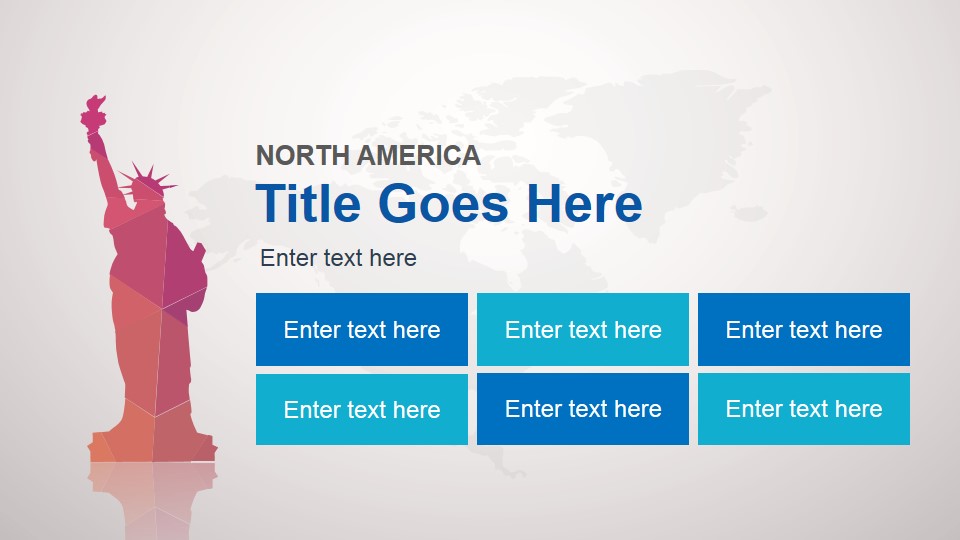
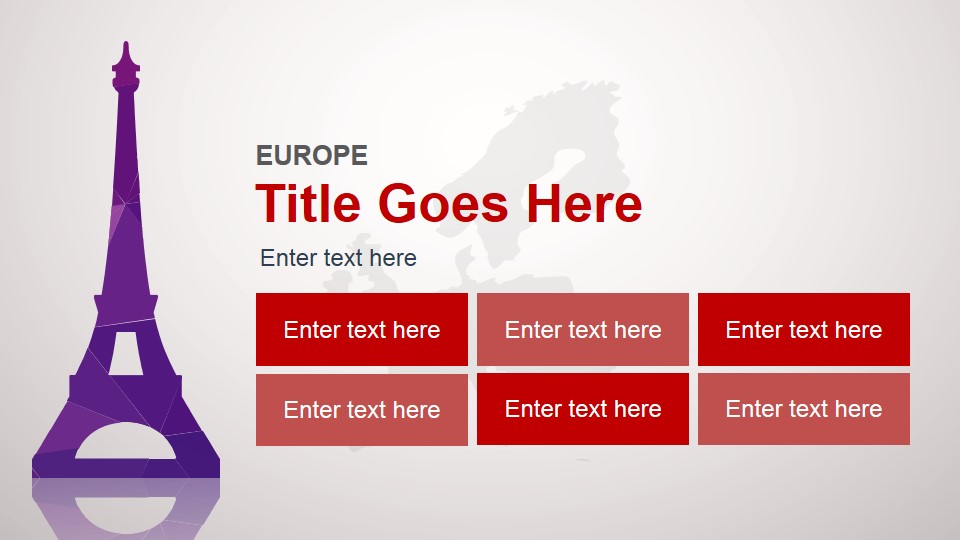
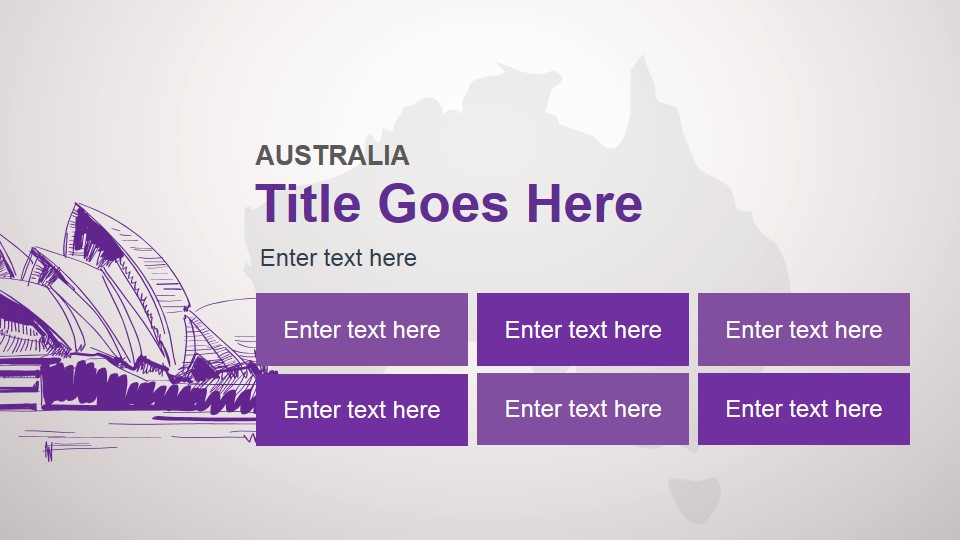
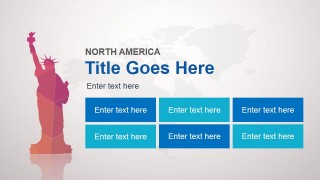
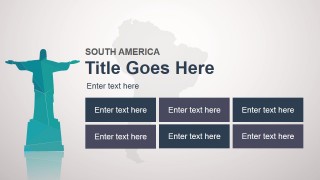
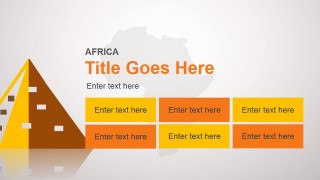
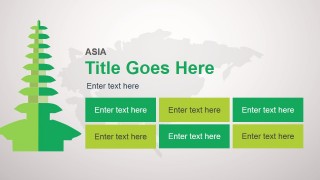
The PowerPoint template includes eye-catching visuals for each inhabited continent on the globe, as well as their most famous landmarks and views. These include the Statute of Liberty in New York, the statue of Christ in Rio de Janeiro, the Eiffel Tower in Paris, one of the most famous Chinese temples, as well as the Sydney Opera house.
Using the different PowerPoint objects to be found in the template, the presenter may use the presentation design to feature international locations, checking each continent for economic viability in preparation for plans of business expansion. The PowerPoint slides, some which are designed to show an outline of specific continents and their corresponding details, may also be used to show relevant statistical data which key members of the business organization may consider in drafting their departmental goals.
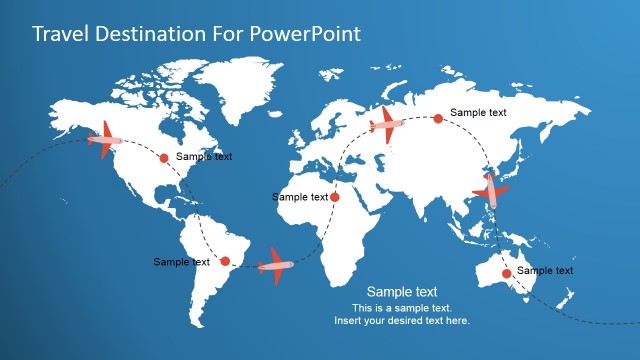
This world map PowerPoint template design can be used to make tour or travel presentations in Microsoft PowerPoint but also educational presentations at school.
The template itself may even be edited to become properly-aligned to the presenter’s specific business objectives. The colorful graphics may be used to incite a greater audience impact by modifying them to show illustrations to which the target audiences may relate. Ideal for showcasing the different characteristics, advantages and disadvantages of the economies in these areas, the animated continental PowerPoint template can assure the presenter of an effective presentation design.
Alternatively to this animated PowerPoint background design you can download editable maps templates for PowerPoint containing popular maps that were created as PowerPoint shapes so you can easily customize the maps to fit your needs.
What’s inside this template
Example presentation scenarios
- A business development manager can present international expansion options by opening with the world map overview and then moving into continent-specific content blocks for regional notes.
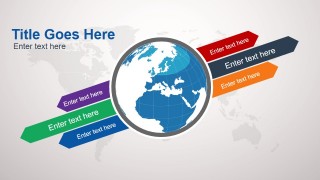
- A travel agency presenter can compare destination groups by using the globe ribbon slide for categories and the landmark slides for continent-level trip highlights.
- An educator can teach a geography or world cultures lesson by using the colored continent maps, vertical callout slides, and landmark illustrations as visual anchors.
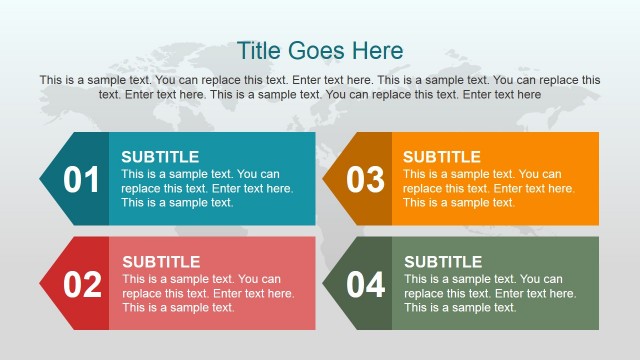
- A nonprofit program lead can summarize global field activity by using the continent callout maps for coverage and the six-block slides for programs, partners, and needs.
Features
- 100% editable presentation template
- Compatible with Microsoft PowerPoint and Google Slides
- 16:9 aspect ratio slides
- Scalable vector shapes, icons and illustrations
- AI-Ready for Microsoft Copilot and Claude
- Instant access and download
Frequently asked questions
Q: How should a presenter structure the message with this continental deck?
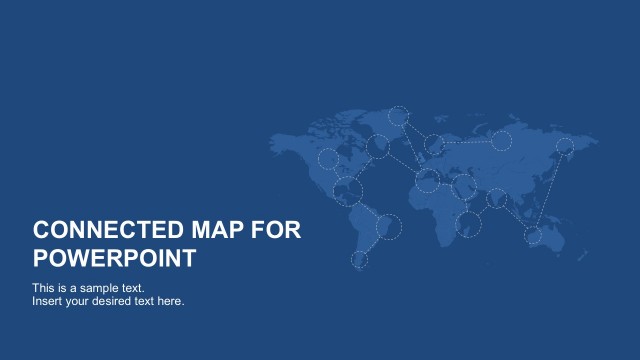
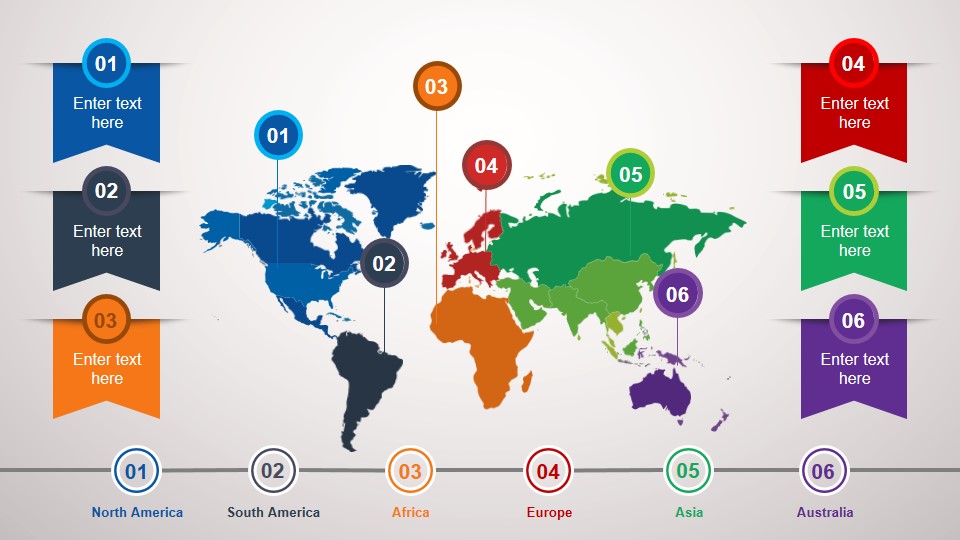
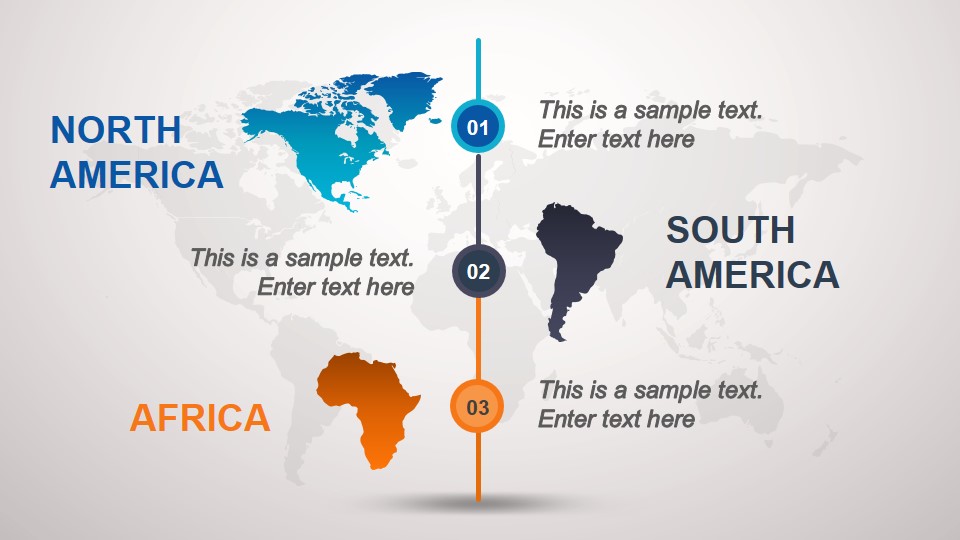
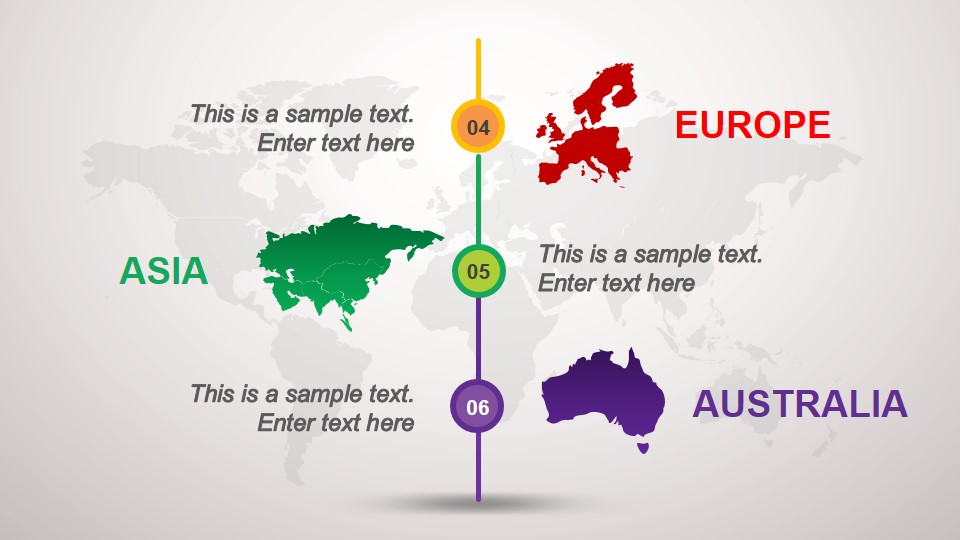
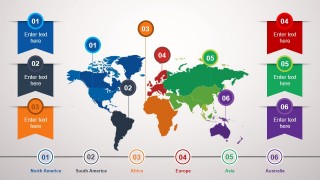
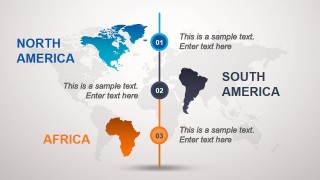
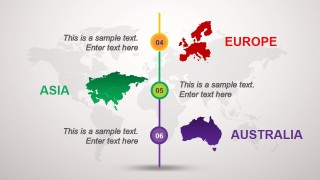
A: Start with the world map overview to orient the audience, then use the two callout map slides to group continents before moving into the individual landmark slides. Keep each continent slide focused on the same type of information, such as opportunity, risks, partners, or travel highlights, so the audience can compare regions easily.
Q: What presentation situations fit this template best?
A: This template fits presenters who need to explain information at a continent level rather than a detailed country level. It works well for travel previews, regional business planning, global program summaries, and classroom geography topics because each section pairs a recognizable landmark with editable content blocks for concise notes.
Q: Why do the landmark illustrations and color-coded continents help communication?
A: The landmarks act as quick visual metaphors for each region, making the section change easy to recognize before the audience reads the text. The consistent color coding across the world map, callouts, and continent slides also supports memory, helping viewers connect the overview with the detailed regional pages.






Animated Continental PowerPoint Template
12-slide presentation template with world map layouts, continent callouts, and landmark content slides
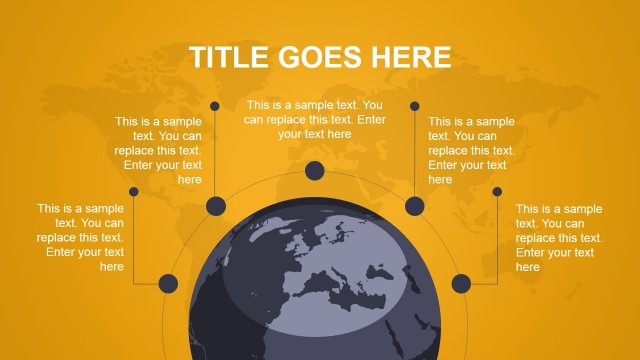
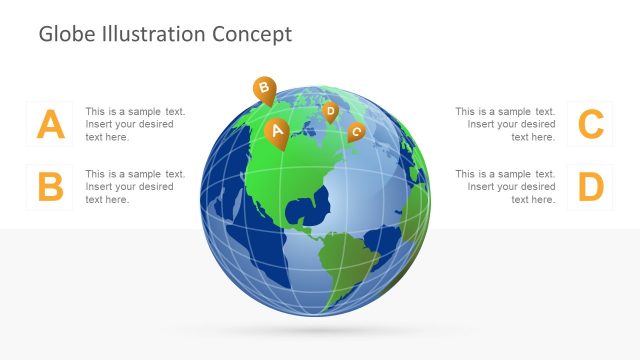
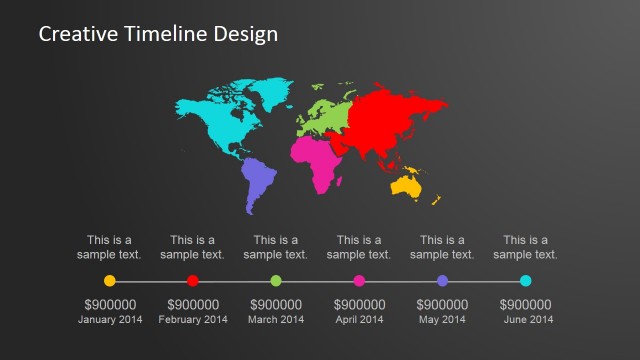
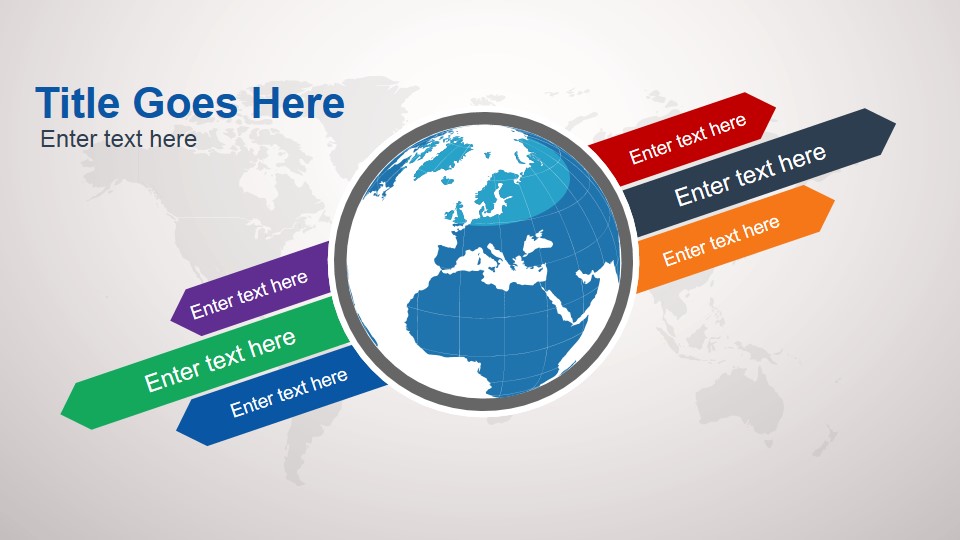
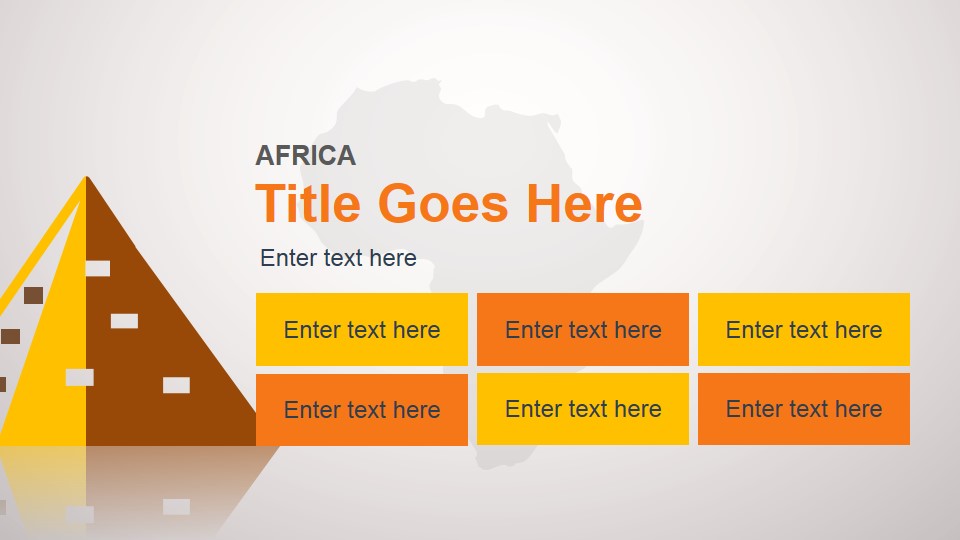
Animated Continental PowerPoint Template is a 12-slide presentation template for global, travel, education, and international business briefings. It includes a color-coded world map overview, continent callout maps, globe ribbon layout, and landmark title/content slides for North America, South America, Africa, Europe, Asia, and Australia in Microsoft PowerPoint and Google Slides.
- Category
- Template Backgrounds
- Rating


 Loading...
- Aspect ratio
- 16:9, 4:3
- Item ID
- 4006-01
- Colors
 Microsoft PowerPoint
  Microsoft Copilot
  Claude for PowerPoint
 Other formats supported
Subscribe today and get immediate
access to download our PowerPoint templates.