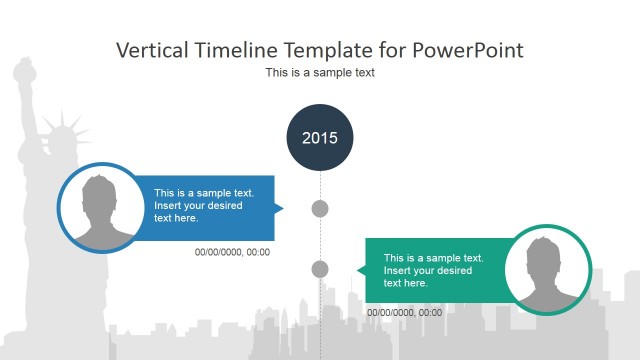
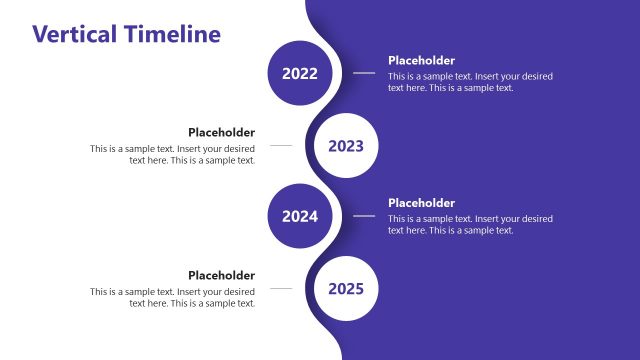
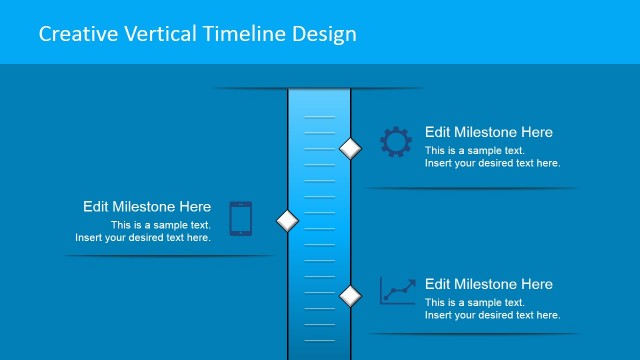
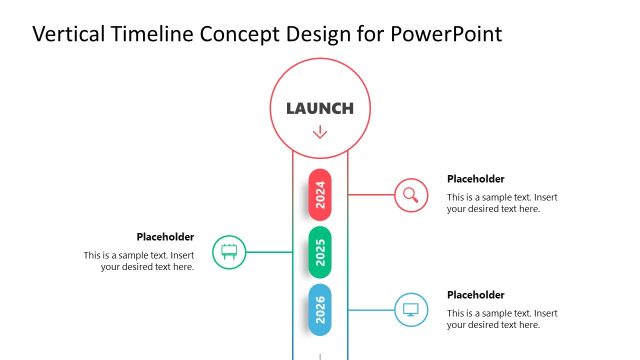
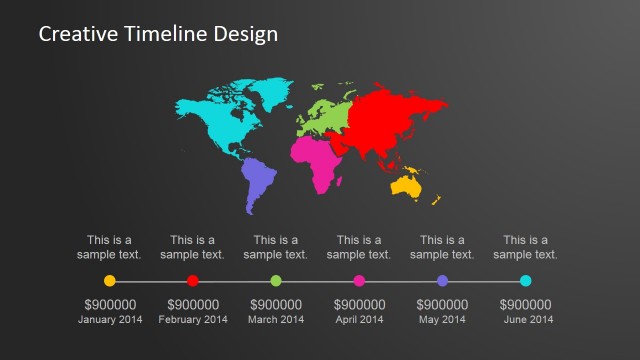
The professionally designed Vertical Creative Timeline Design for PowerPoint template is a generic timeline design that can be used for project management purposes or internationalization plans.
Internationalization is the process by which organizations increase the involvement of their business or operations in international markets. Since the Globalization race that started in the 90’s decade, organizations have been pushed to internationalize in two fronts:
- Market expansion: reach more customers landing in international markets.
- Workforce optimizations: decrease costs of labour.
- Tax optimization: execute operations from countries with tax benefits.
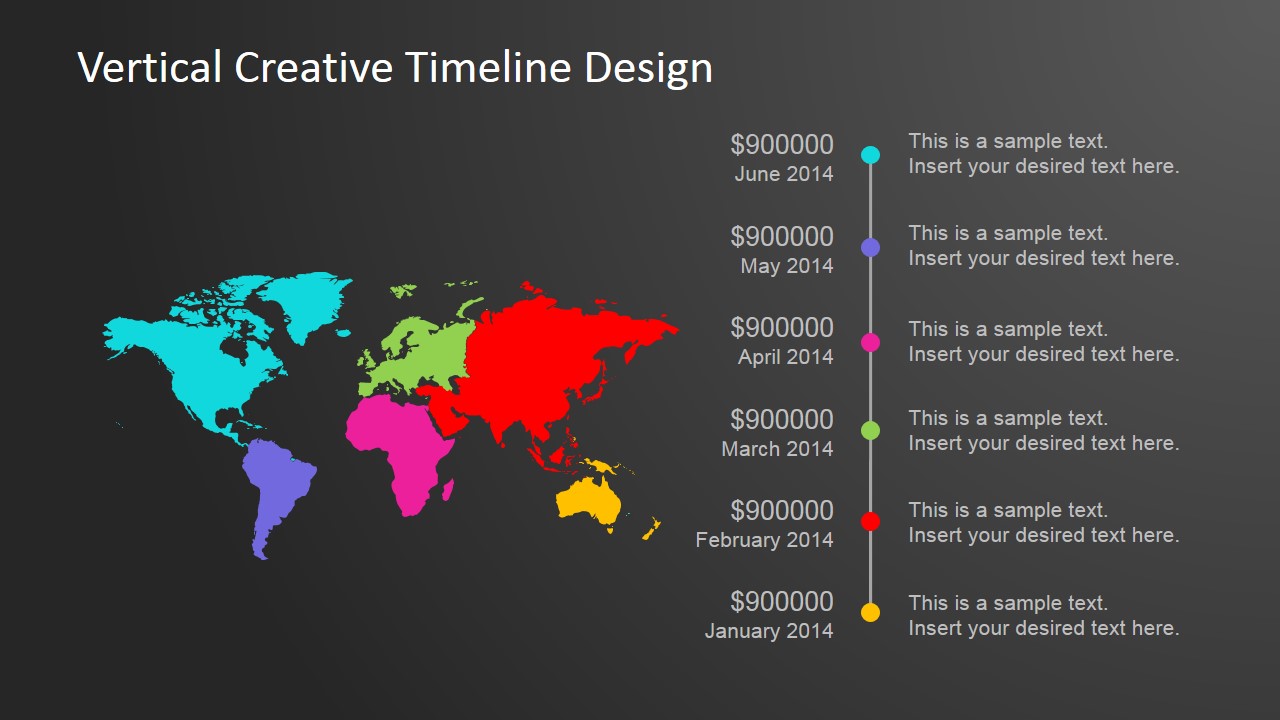
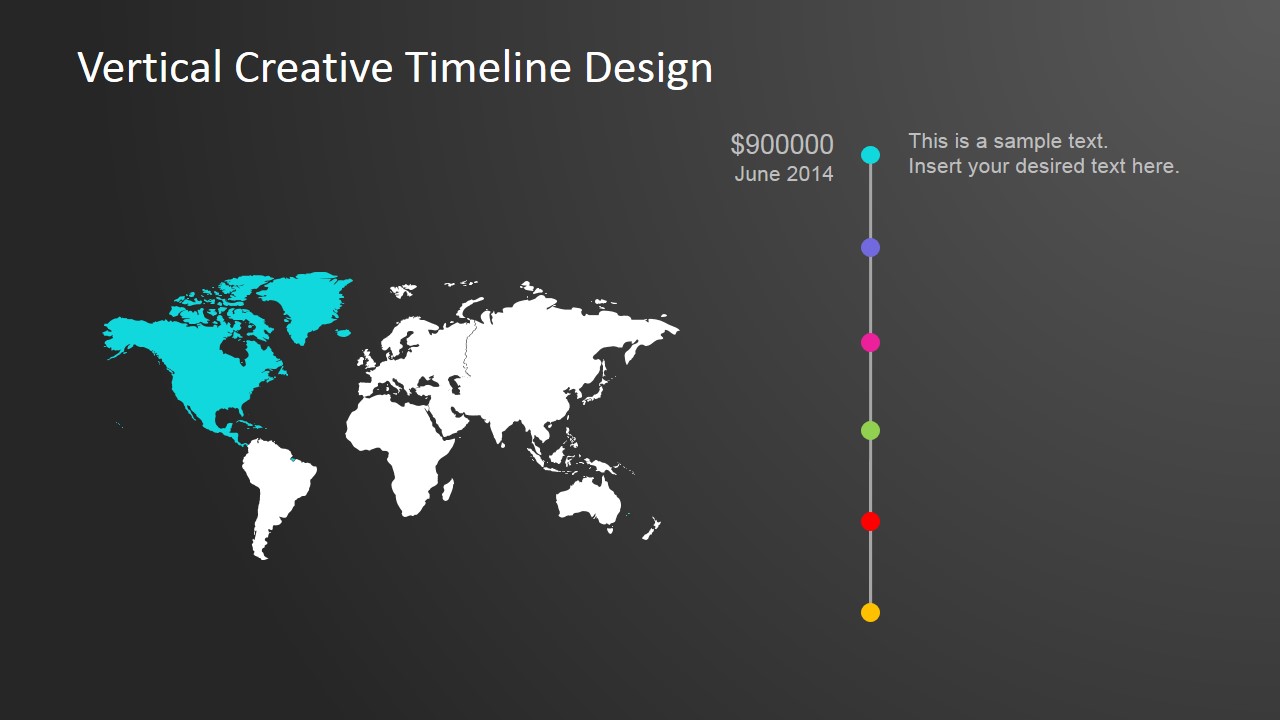
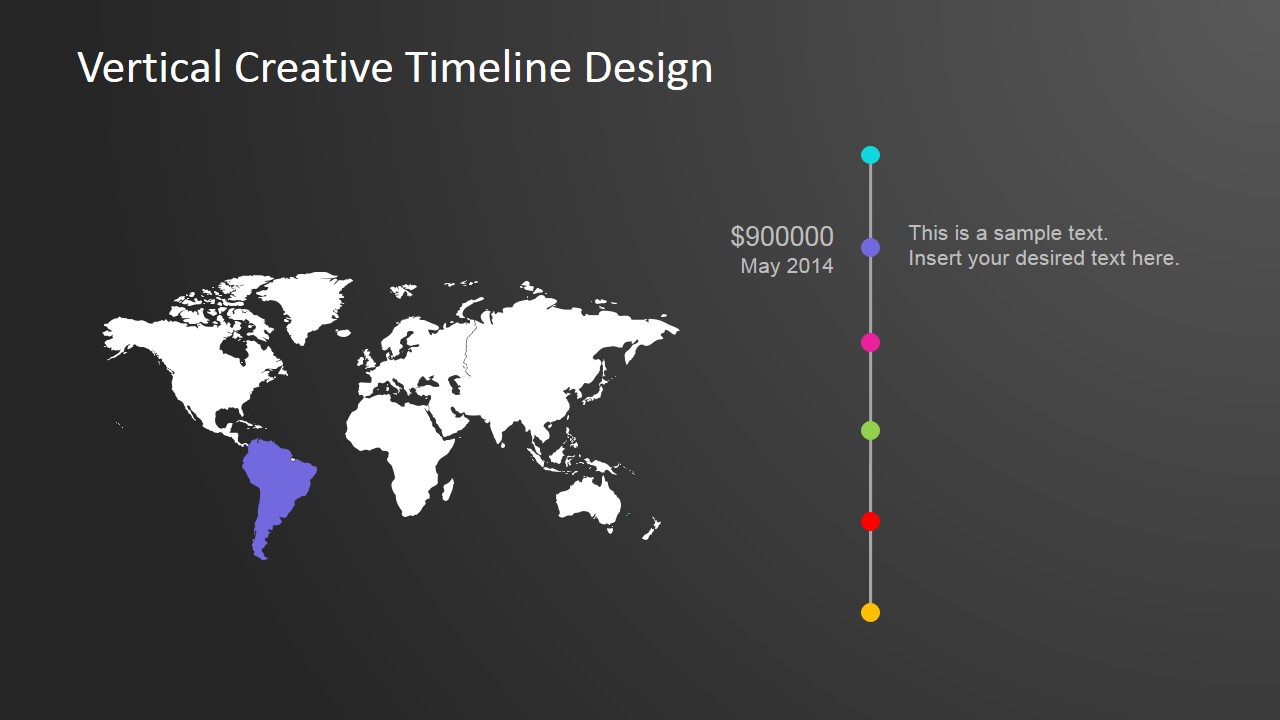
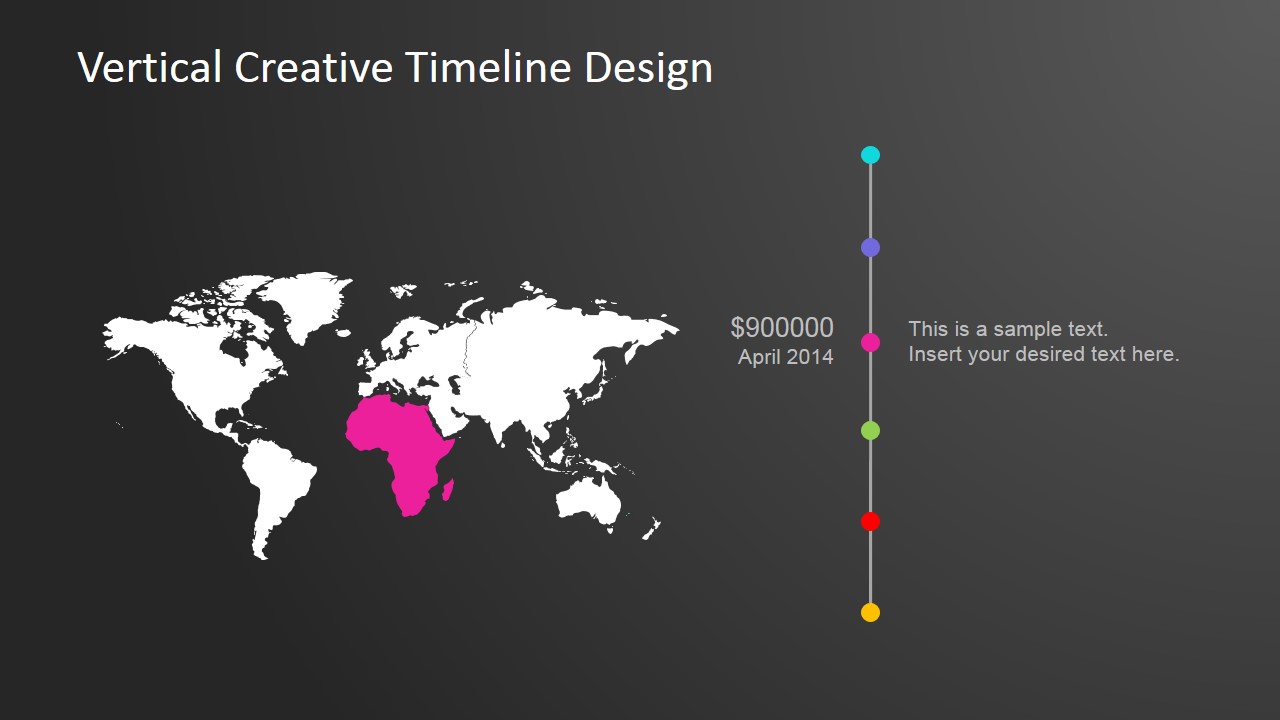
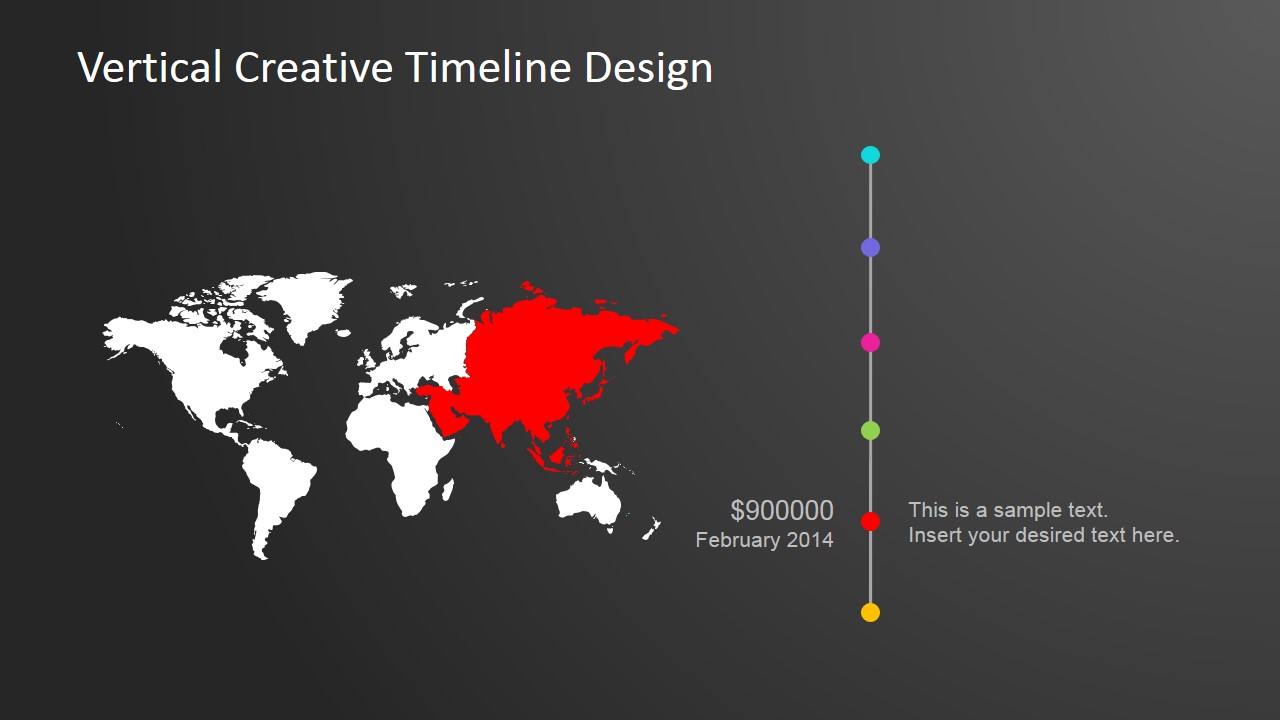
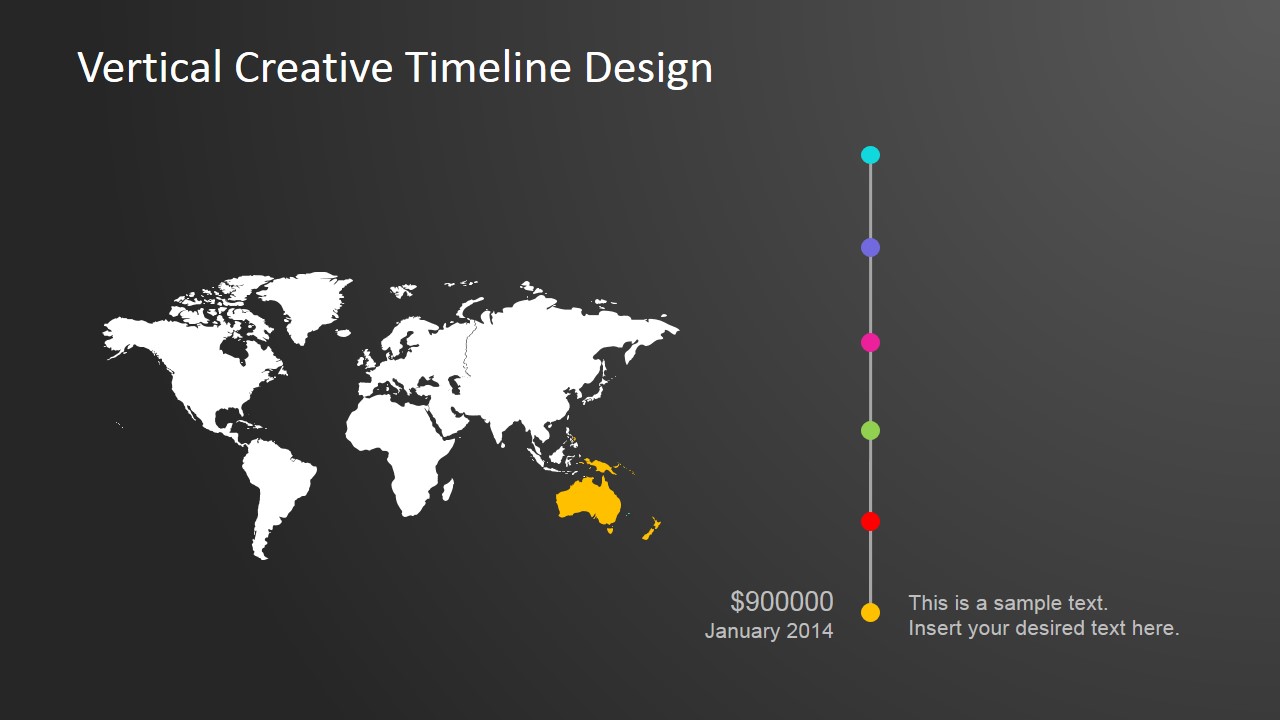
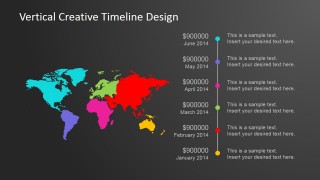
This PowerPoint template has been designed to allow those entrepreneurs , executives and project managers who are interested in expanding their businesses into the field of international markets. The theme is created to generate the perception of global thinking, providing a high level worldmap background and a Flat Design Vertical timeline with milestone markers.
The Vertical Creative Timeline Design For PowerPoint has been created with fully editable clip art icons and images which are editable in all major PowerPoint versions. This means that you can change the size, color and shape of all of the images easily and with little to no difficulty – enabling you to produce a quality presentation that is tailored to your needs.
What’s inside this template
Example presentation scenarios
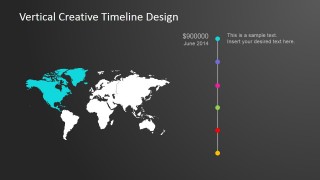
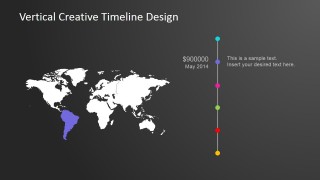
- A project manager can present an international rollout plan by using the overview timeline first, then the continent-focused slides to explain each milestone by region.
- A business development leader can brief executives on market expansion timing with the world map and date-based milestone labels.
- A consultant can summarize a globalization plan for a client by pairing each regional map highlight with a short callout and value placeholder.
- An operations team can report regional implementation progress by assigning each continent slide to a month, owner, budget, or delivery checkpoint.
Features
- 100% editable presentation template
- Compatible with Microsoft PowerPoint and Google Slides
- 16:9 aspect ratio slides
- Scalable vector shapes, icons and illustrations
- AI-Ready for Microsoft Copilot and Claude
- Instant access and download
Frequently asked questions
Q: How should a presenter explain the timeline without making the map feel decorative?
A: Start with the overview slide to define the full sequence, then use each continent slide as a focused proof point. Keep every callout tied to a concrete milestone such as launch, staffing, compliance, or revenue target. This makes the map a geographic structure for the plan, not just a background visual.
Q: Who is this template best suited for in a business presentation?
A: It fits presenters who need to connect timing with geography, such as project managers, international operations teams, consultants, and business development leaders. The continent highlight slides are most useful when each region has a distinct milestone, status update, budget item, or market entry decision.
Q: Why does the design use a vertical timeline next to a world map?
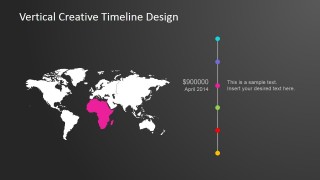
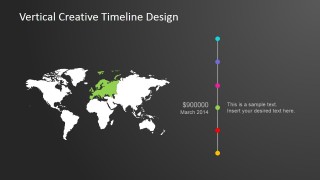
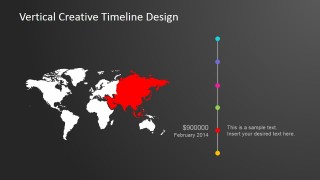
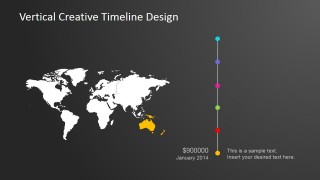
A: The vertical timeline creates a clear top-to-bottom order while the world map anchors each point in a geographic context. The colored continent highlights act as visual cues, helping the audience remember which region belongs to each month without reading every label repeatedly.

Vertical Creative Timeline Design for PowerPoint
7-slide timeline presentation template with world map milestones for global planning roadmaps
Vertical Creative Timeline Design for PowerPoint is a 7-slide timeline template for global planning presentations. It combines a vertical milestone timeline, world map, continent highlight views, and milestone callouts for regional rollout or international expansion updates. It is built for Microsoft PowerPoint and Google Slides.
- Category
- Timelines & Planning
- Rating


 Loading...
- Aspect ratio
- 16:9, 4:3
- Item ID
- 6640-02
- Colors
 Microsoft PowerPoint
  Microsoft Copilot
  Claude for PowerPoint
 Other formats supported
Subscribe today and get immediate
access to download our PowerPoint templates.