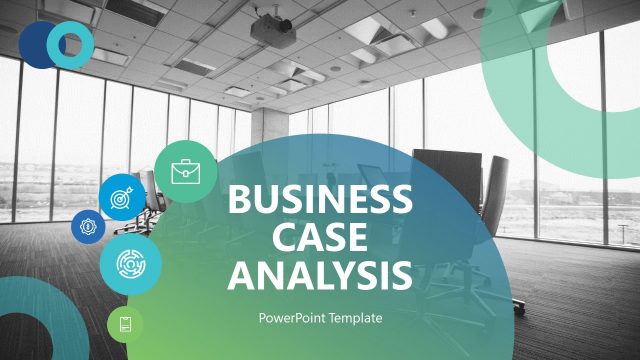
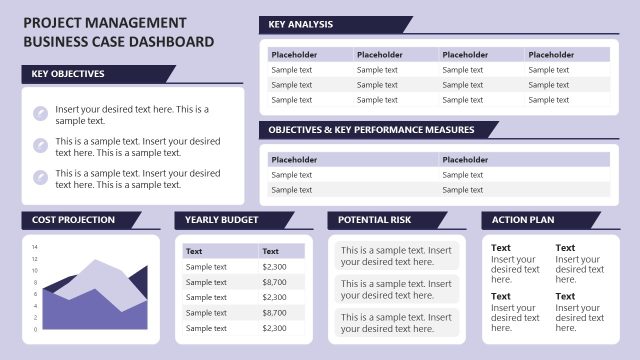
Business Case Study PowerPoint Template is a professional presentation created to describe Business Case Studies.
A Case Study is a research method consisting of a close and detailed examination of a subject of study (a.k.a “the case”) as well as its related contextual conditions. “The Case” studied can be an individual, an organization, an action or even an event taking place in a specific place and time frame.
The Case Method is a teaching approach that uses real scenario cases to situate students in the role of the people (generally top management) who faced the decision making process in the specific timeframe, place and environmental condition. This method has become widespread across Business Schools as the standard learning path for the new generation of managers.
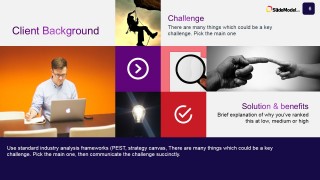
Ideal for MBA Students and Candidates that require simple and quick business PowerPoint Templates to complete their analysis for the Case Study, and present it to the class. It is created with high definition background pictures that represent the business metaphor of each section. Also it uses high quality PowerPoint Icons, to represent business ideas and be able to describe conclusions and findings with high visual impact. Business Consultants and Analysts can take advantage of this case study template to present their overall analysis and findings to the executive board or top management.
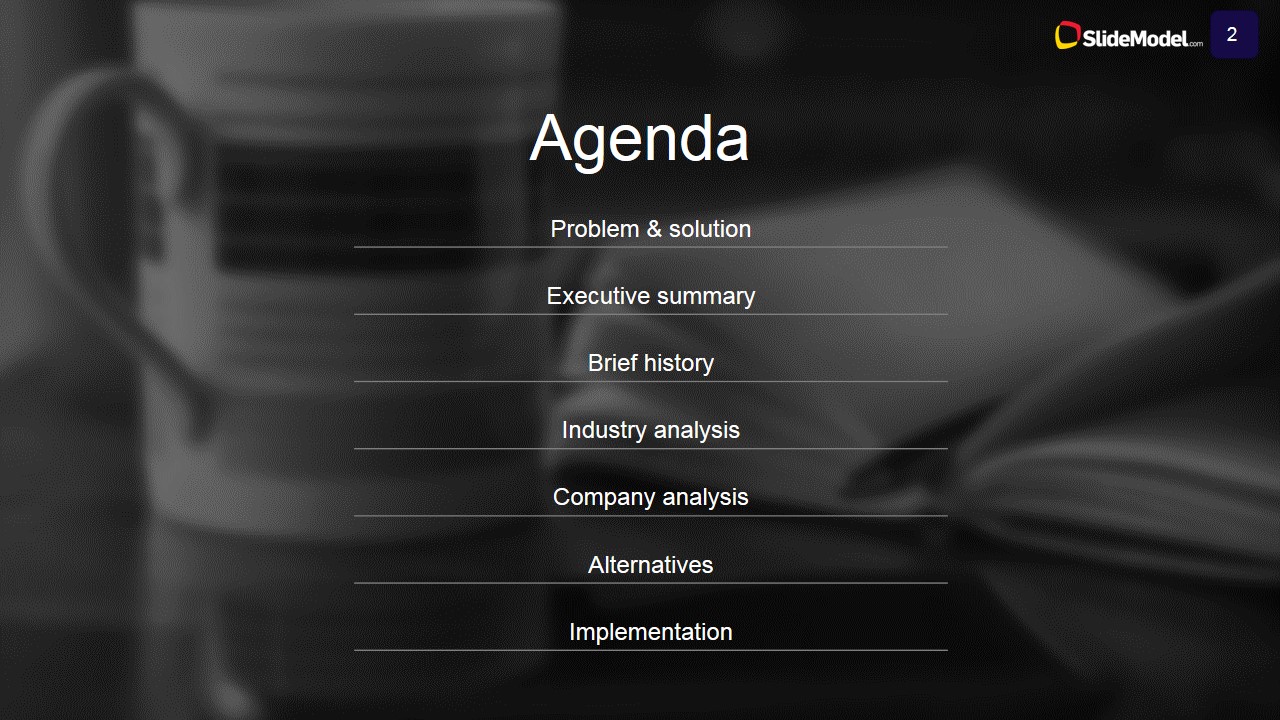
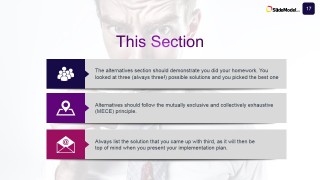
The structure of our Business Case Study PowerPoint Template consists of the following sections, each of them created through the Harvard Business School Business Case Study Guidelines.
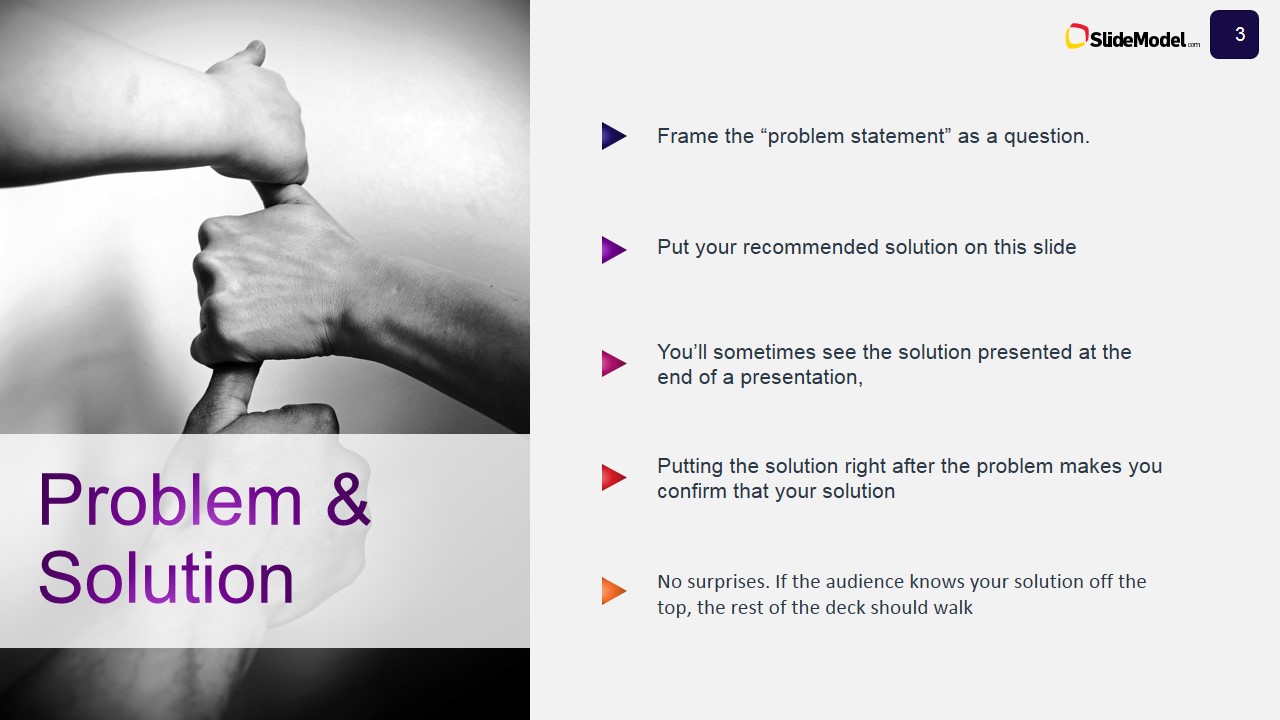
- Problem and Solution
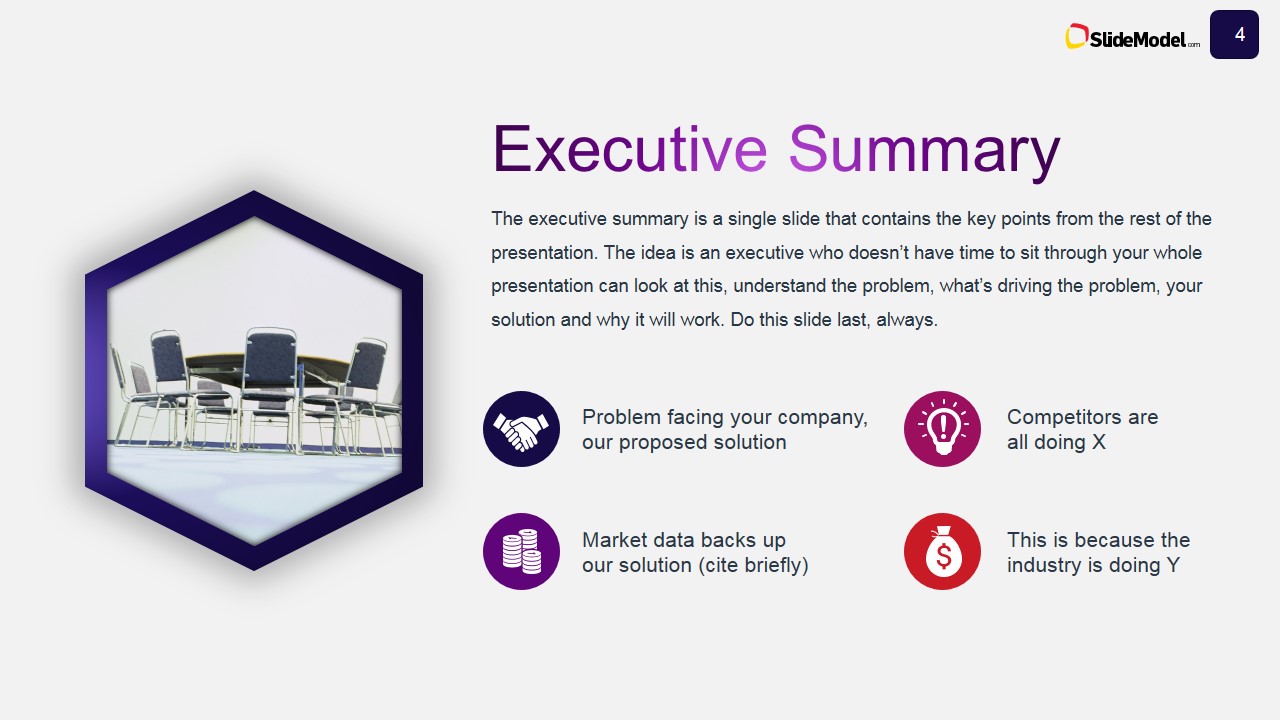
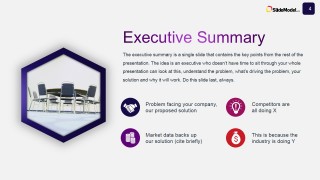
- Executive Summary
- Brief History
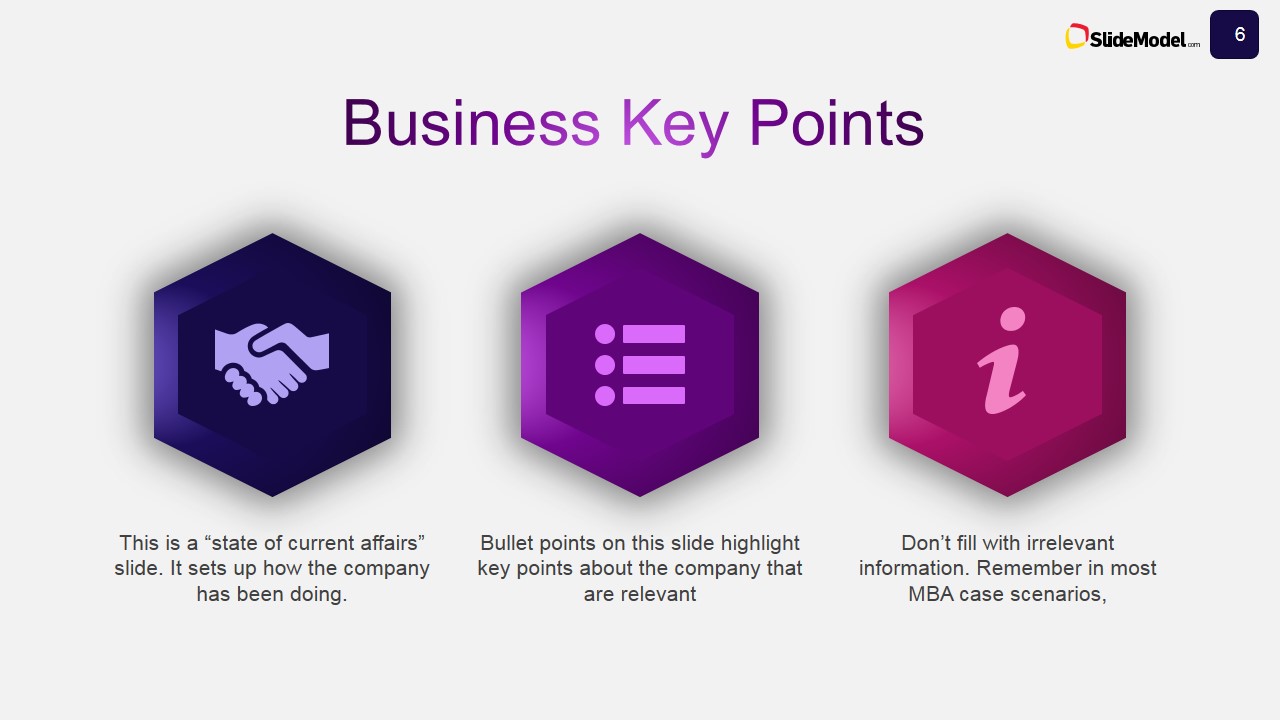
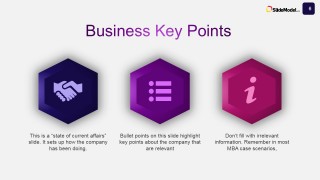
- Business Key Points
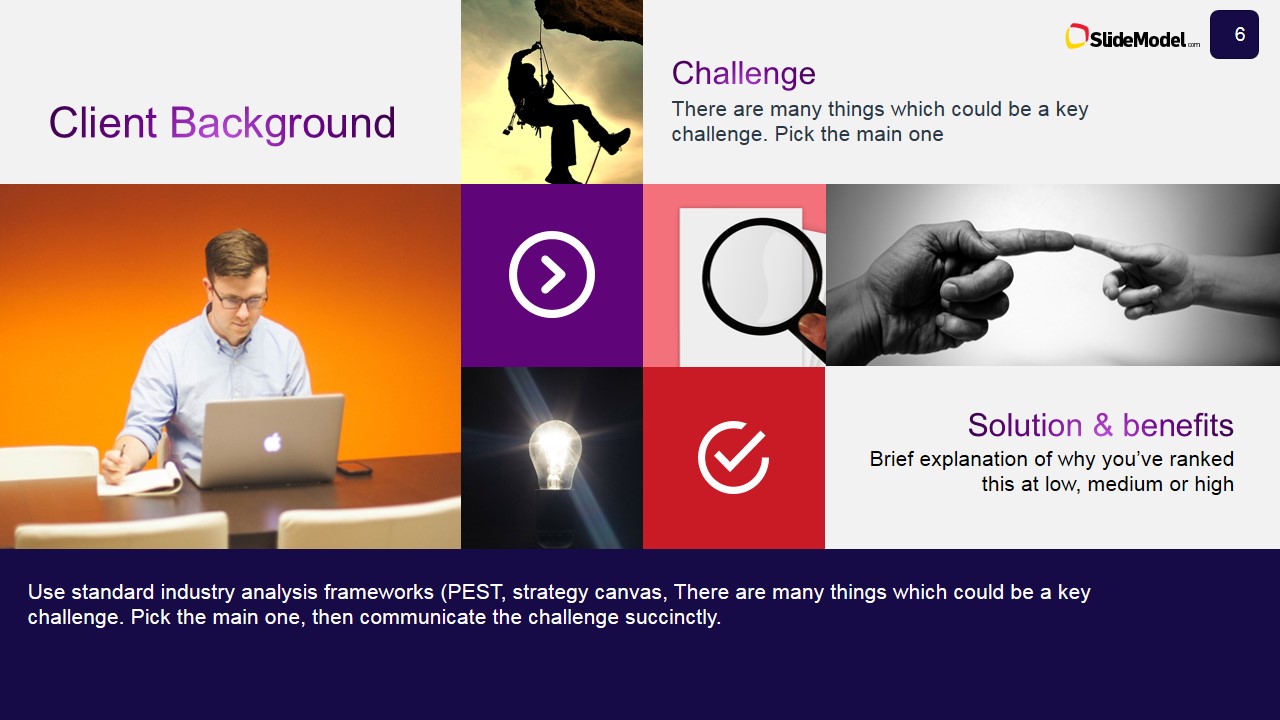
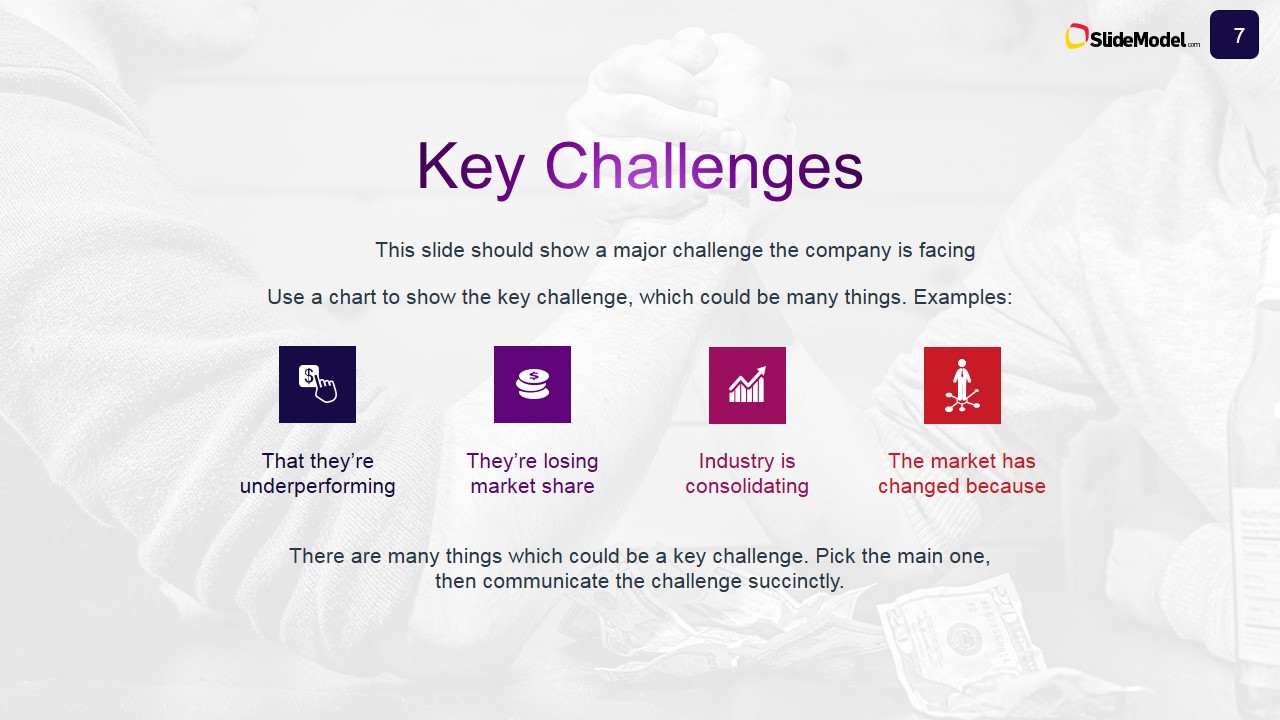
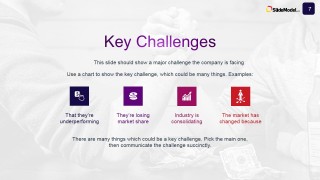
- Key Challenges
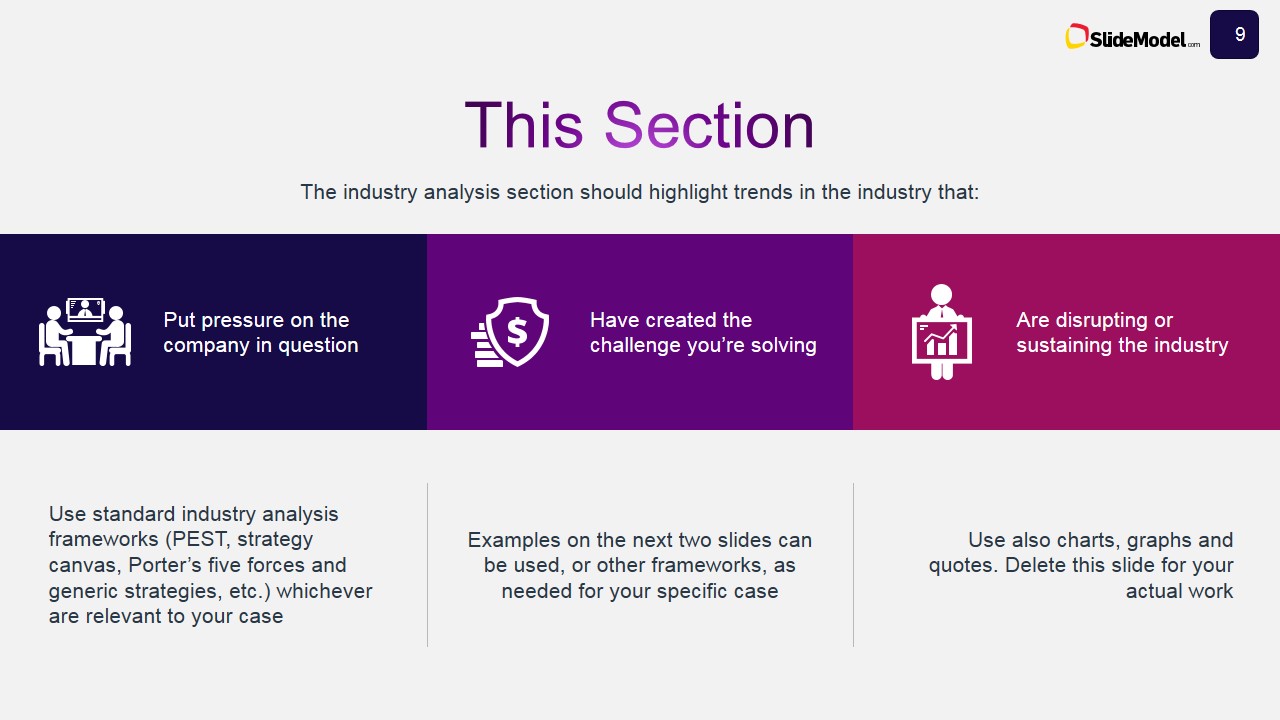
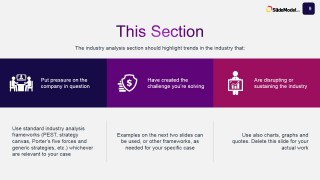
- Industry Analysis
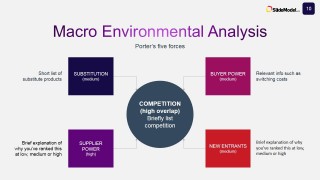
- Environmental Analysis
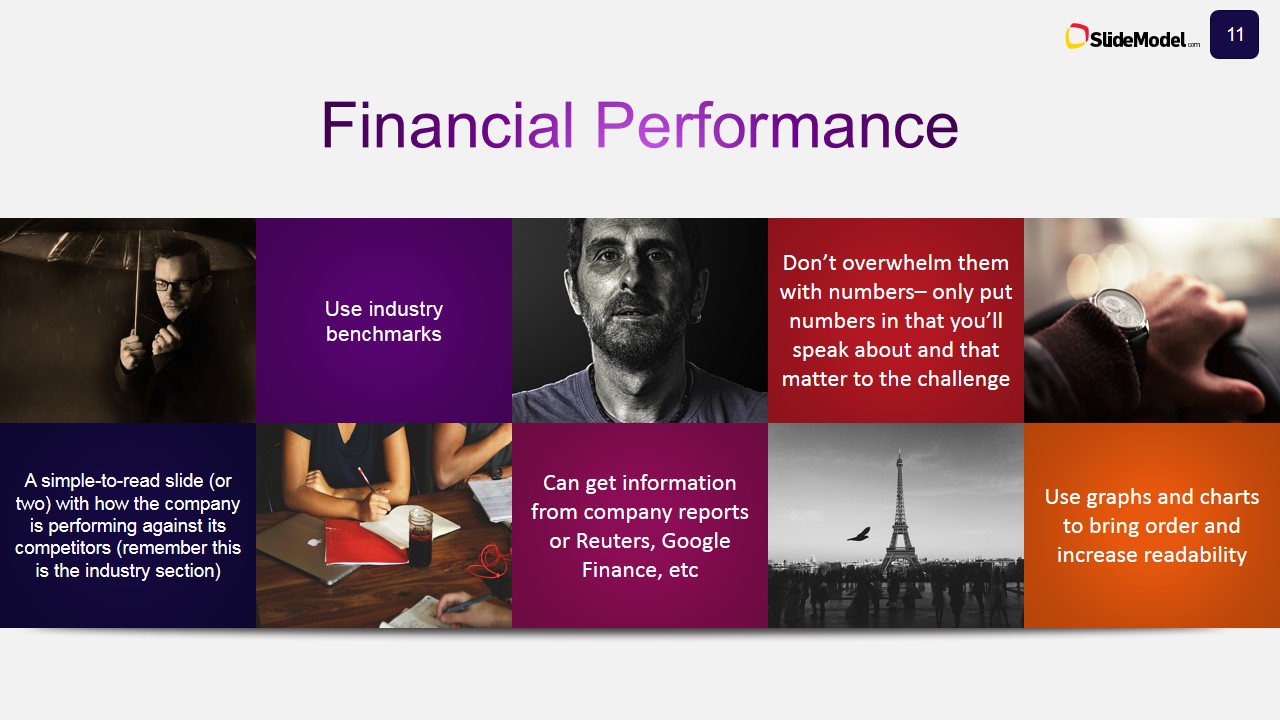
- Financial Performance
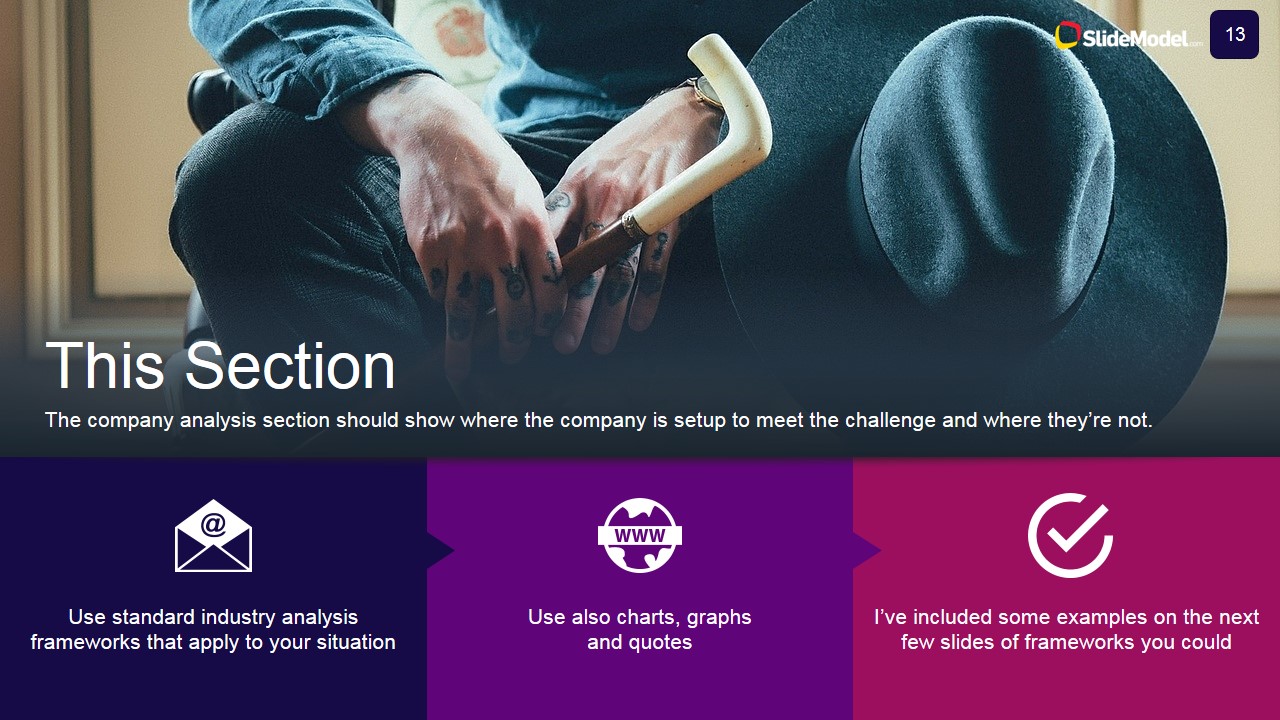
- Company Analysis
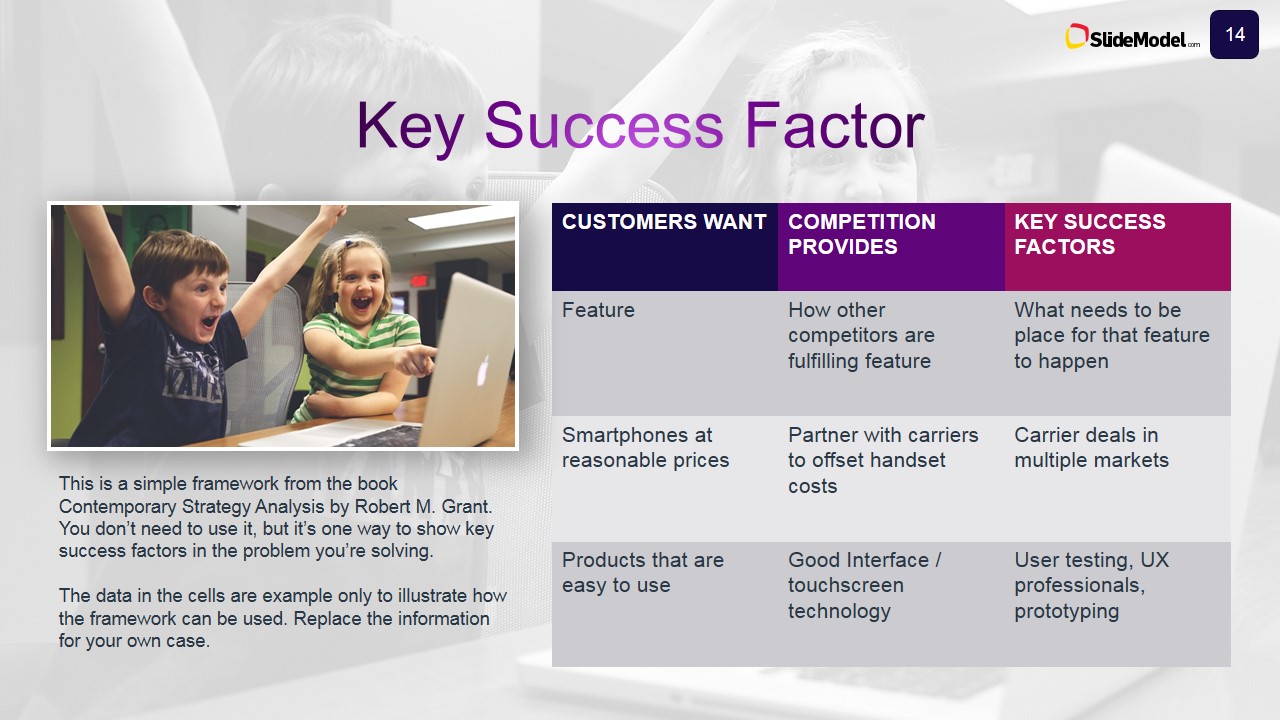
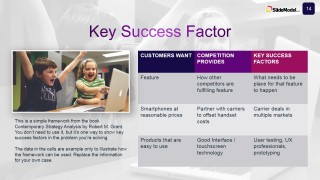
- Key Success Factors
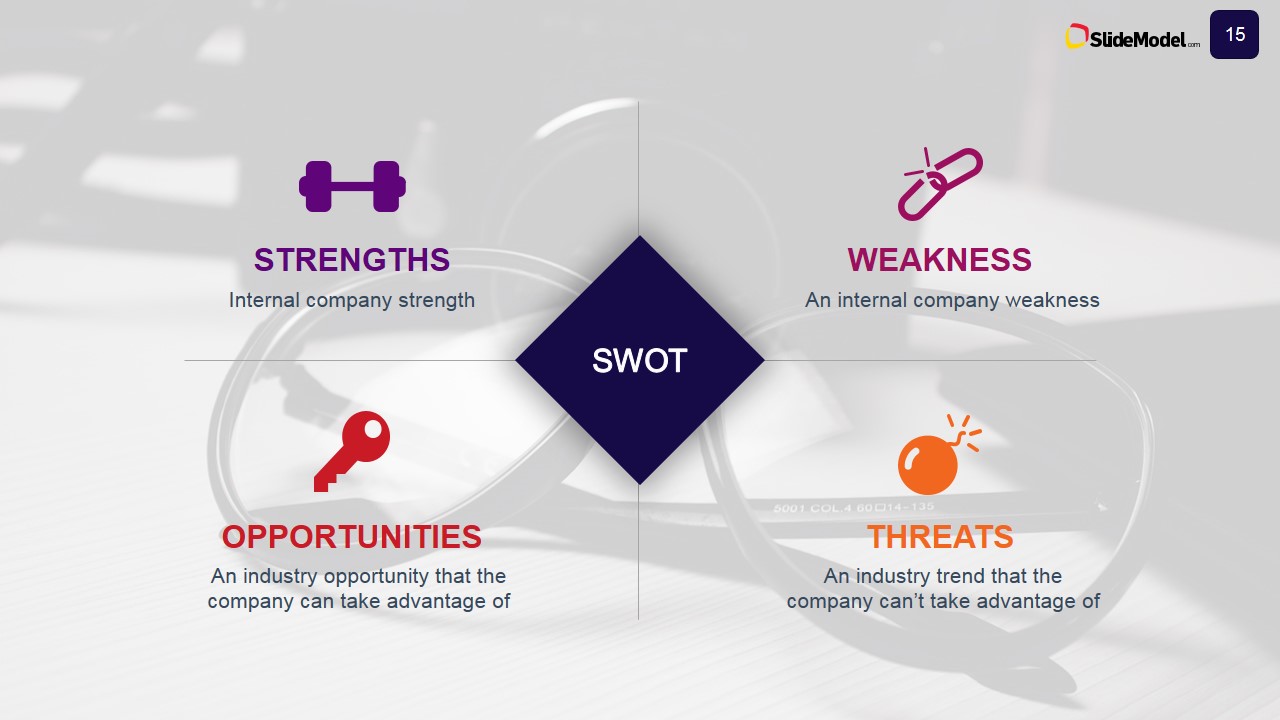
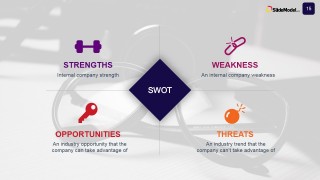
- SWOT
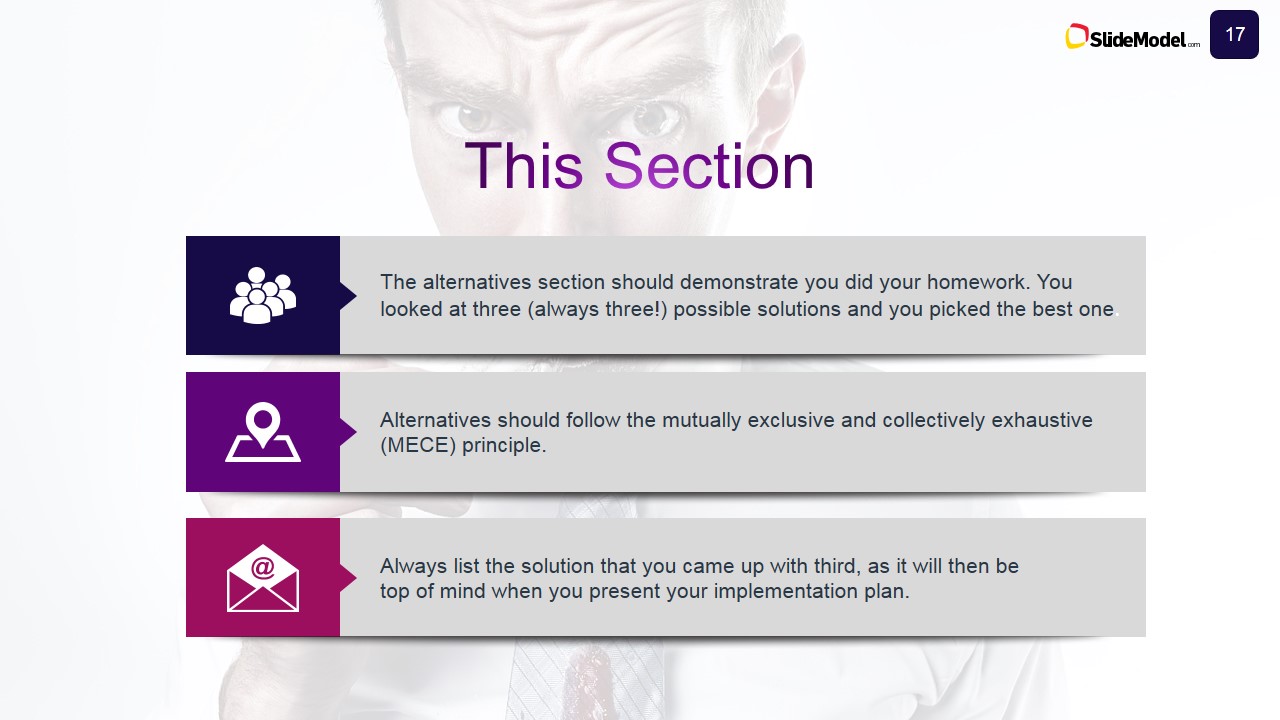
- Alternative Options
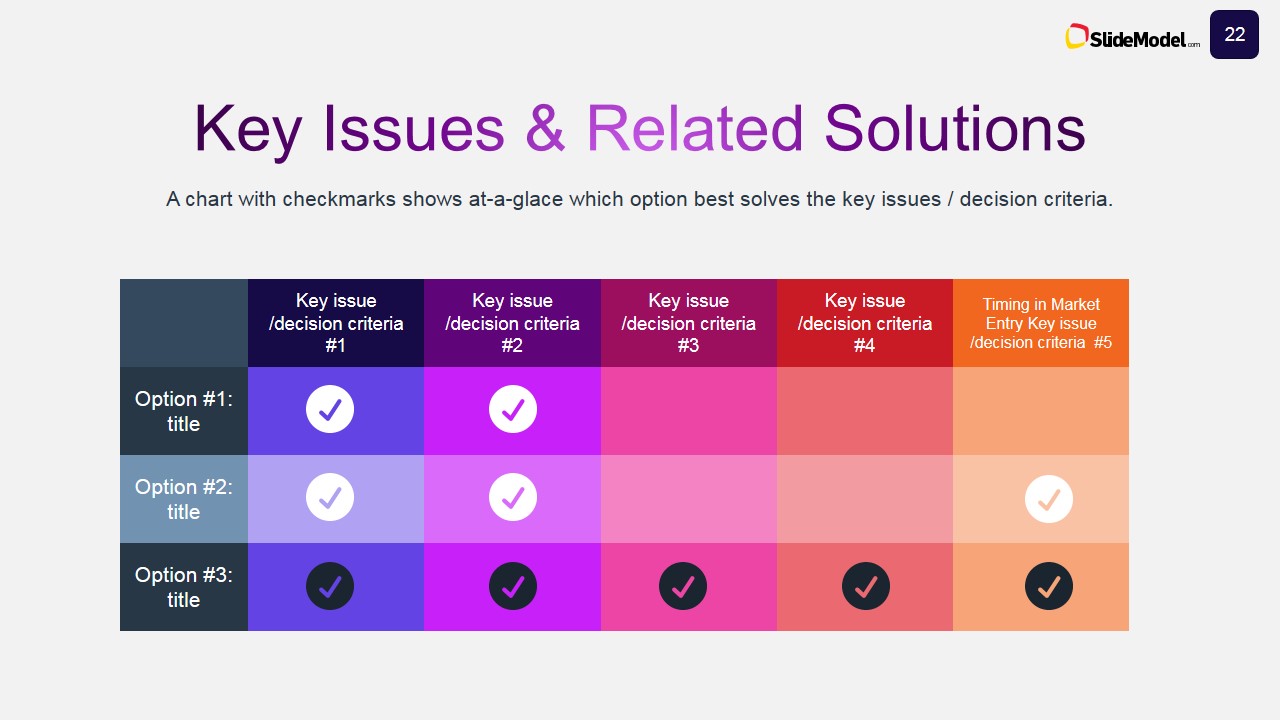
- Key Issues Analysis
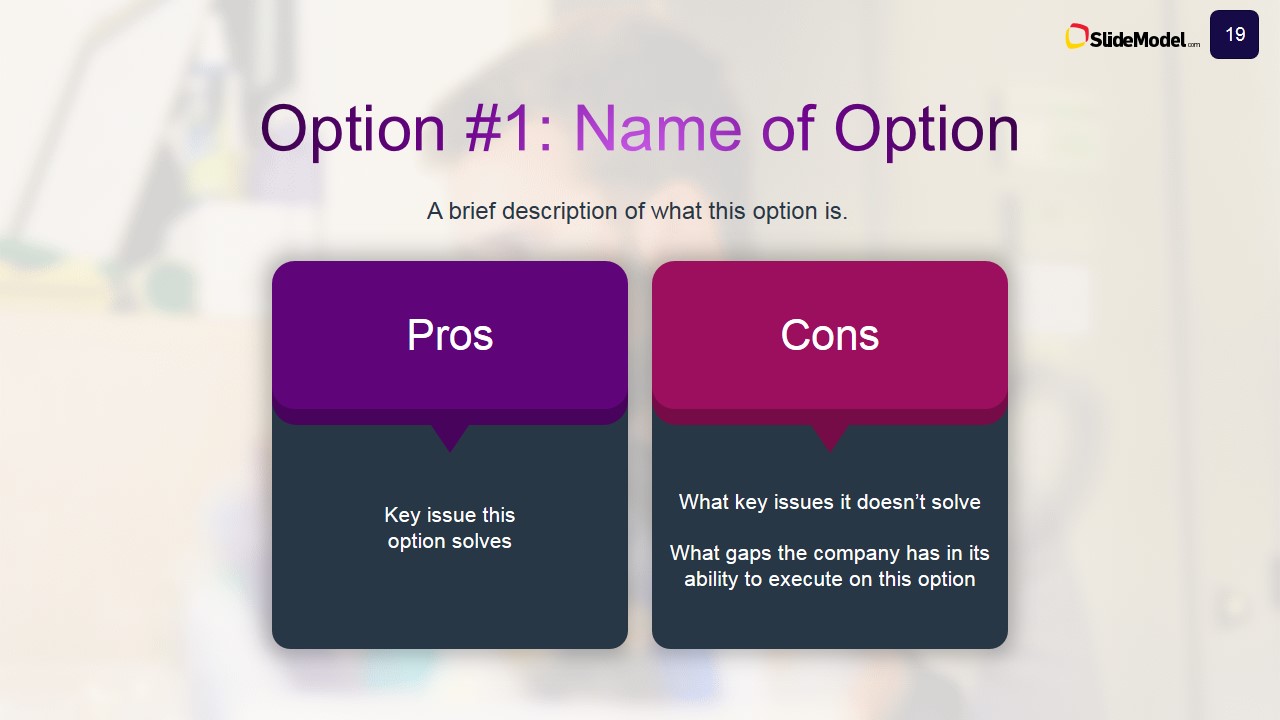
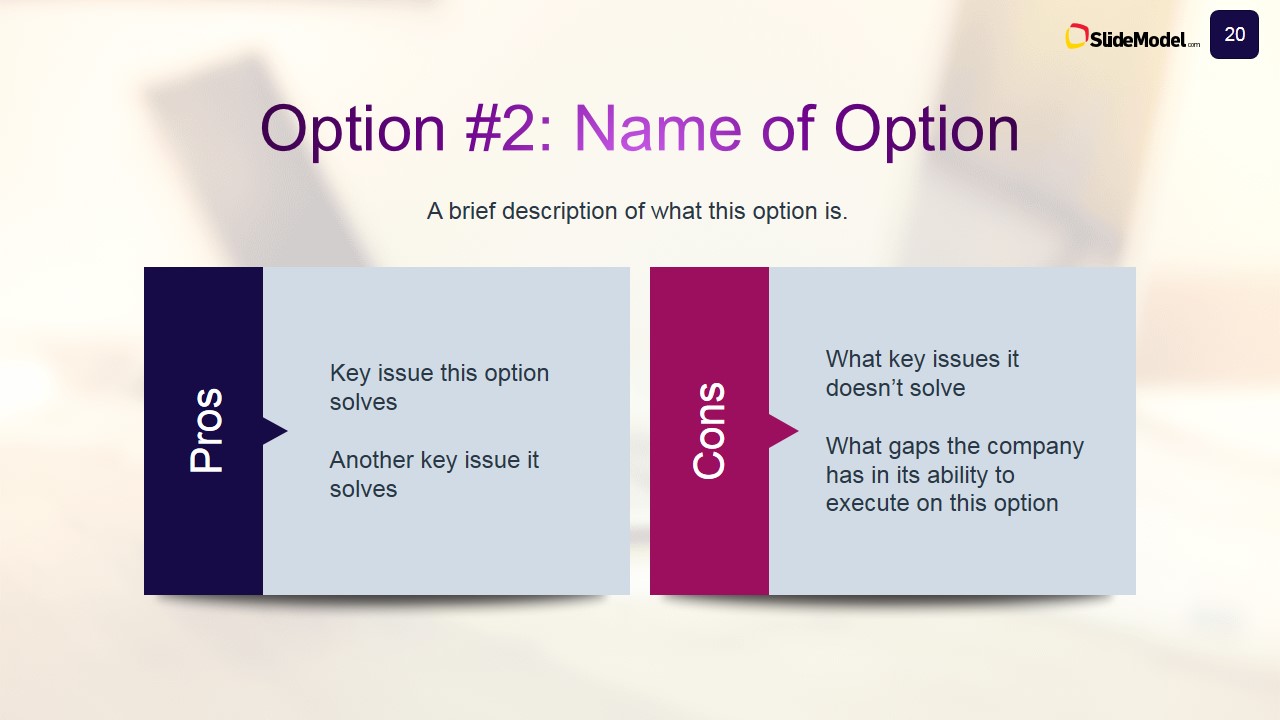
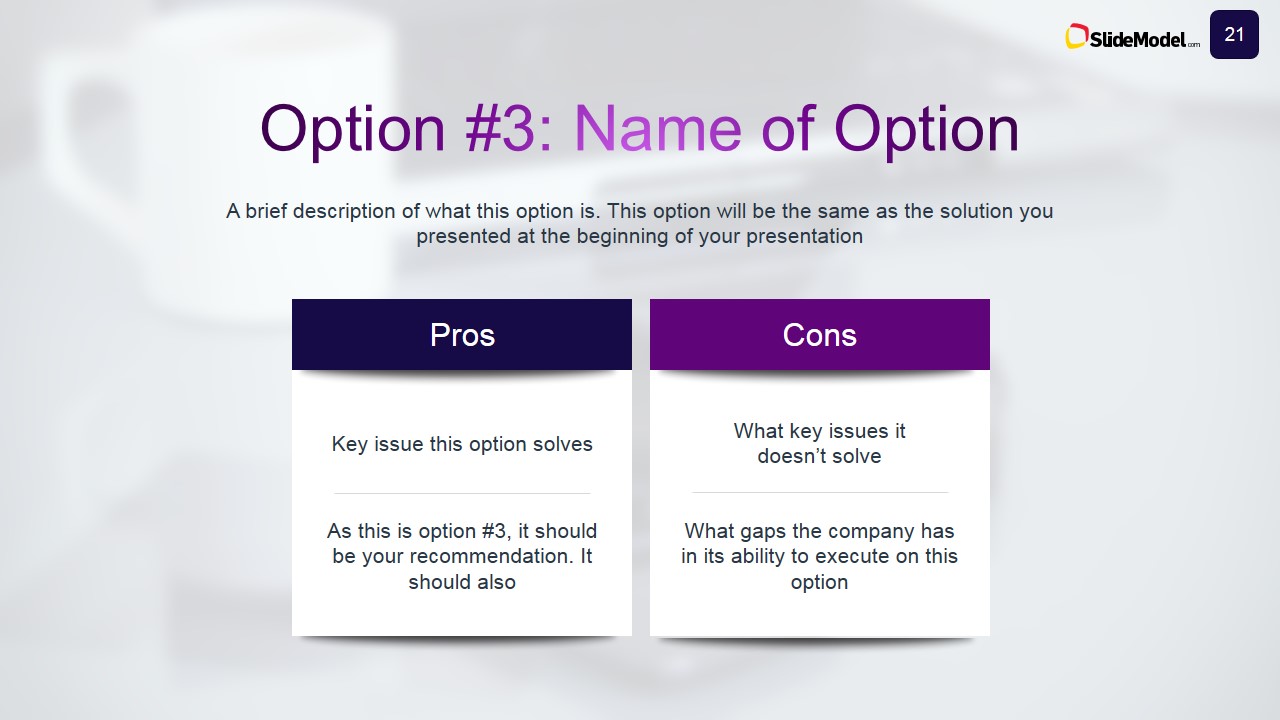
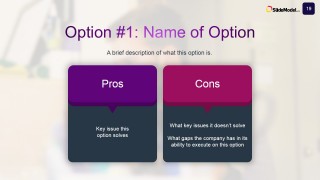
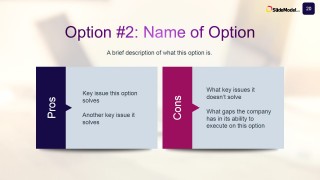
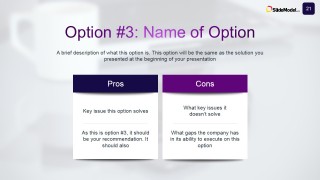
- Pros & Cons
- Solution Analysis and Comparison
- Recommendations
- Recap
This sections will guide each presenter in to the full description of the Case Study Analysis, engaging the audience with powerful visual components.
Every Shape, Icon and Clipart is 100% editable, allowing the user to customize the complete appearance of the presentation, changing size, color, effects, position, etc. Also, every shape can be reused in existing presentations in the case the presentar desires to decorate existing Business Case Analysis with new high quality PowerPoint Shapes.
Impress your audience with our outstanding Business Case Studies PowerPoint Template. Create professional PowerPoint presentations that appeal to Global audiences.
What’s inside this template
Example presentation scenarios
- An MBA student can present a class case by using the agenda, problem and solution slide, SWOT diagram, and option comparison slides to explain the decision logic clearly.
- A consultant can brief senior management on a client challenge with the executive summary, industry analysis, Porter's Five Forces diagram, and recommendation slide.
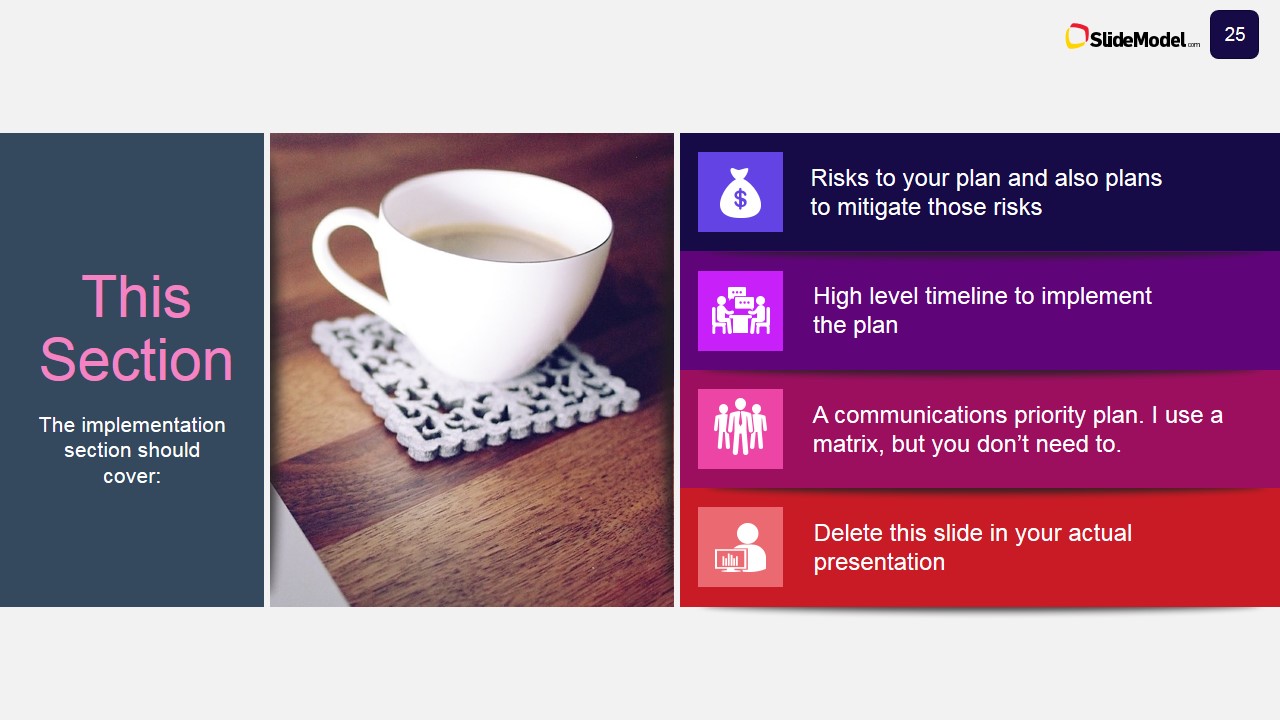
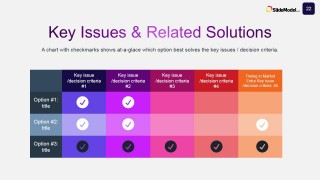
- A strategy analyst can compare possible actions for a business unit by using the pros and cons slides, key issues matrix, decision criteria slide, and risk mitigation layout.
- A product or marketing manager can explain market context by using the business key points, key challenges, industry analysis, and key success factor table.
Features
- 100% editable presentation template
- Compatible with Microsoft PowerPoint and Google Slides
- 16:9 aspect ratio slides
- Scalable vector shapes, icons and illustrations
- AI-Ready for Microsoft Copilot and Claude
- Instant access and download
Frequently asked questions
Q: How should a presenter build the argument with this case study template?
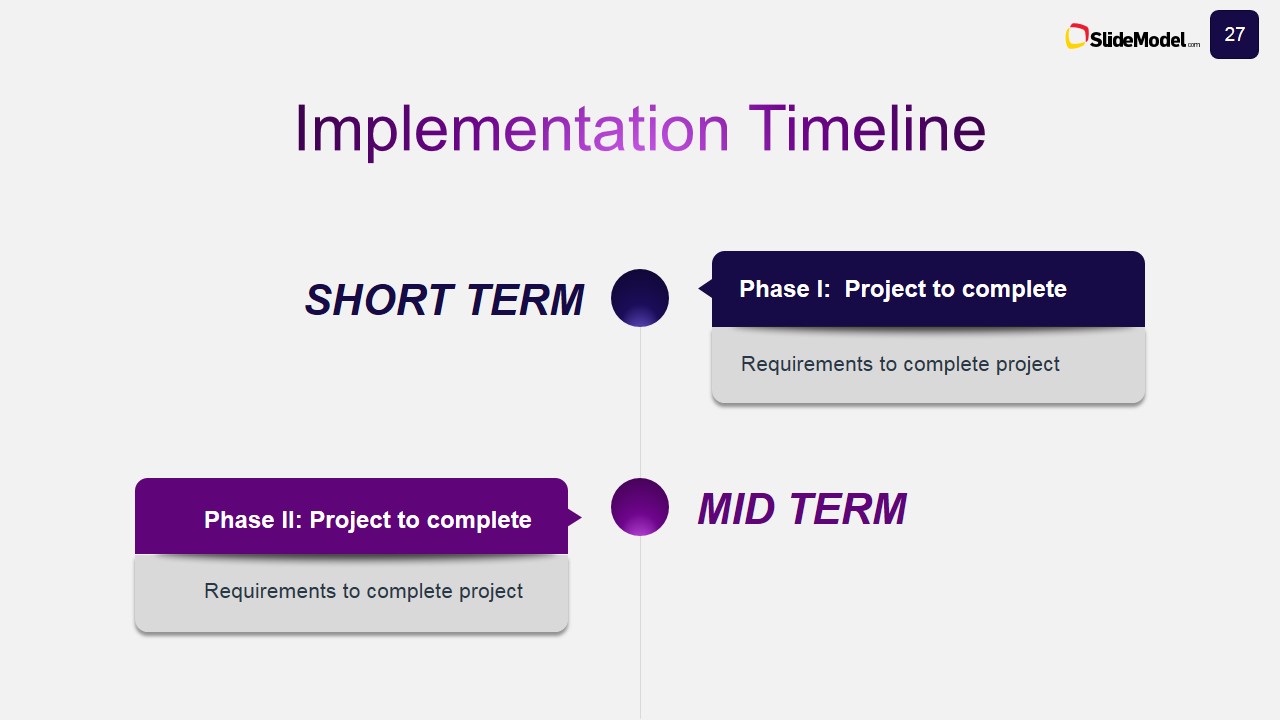
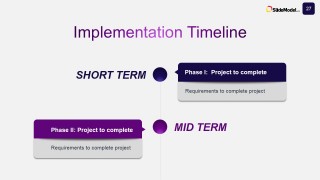
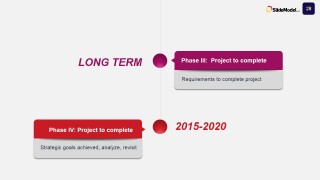
A: Start with the problem and solution slide to frame the central decision, then use the executive summary only after the audience understands the challenge. Build evidence through industry analysis, Porter's Five Forces, company analysis, and SWOT. Reserve the options, key issues matrix, recommendation, and implementation timeline for the decision phase.
Q: Who is this template best suited for in a business case presentation?
A: This template fits presenters who need to defend a recommendation, not just describe a company. MBA students, consultants, and strategy analysts can use the case sequence to show context, evaluate alternatives, and make a supported recommendation. It is especially useful when the audience expects structured frameworks such as SWOT and Porter's Five Forces.
Q: Why does the template use photo dividers, icons, and comparison diagrams?
A: The grayscale photo dividers mark major shifts in the case story, so the audience can reset between context, analysis, alternatives, and implementation. Icon blocks make executive summaries and challenges easier to scan. The SWOT, pros and cons, and heatmap-style matrix turn subjective judgment into a visible decision path.































Business Case Study PowerPoint Template
31-slide case study presentation template with SWOT, Porter's Five Forces, and implementation timeline layouts
Business Case Study PowerPoint Template is a 31-slide deck for MBA, consulting, and executive case analysis in Microsoft PowerPoint and Google Slides. It includes a problem and solution slide, executive summary, SWOT diagram, Porter's Five Forces analysis, pros and cons comparisons, recommendation slide, risk mitigation layout, and implementation timeline.
- Category
- Business PowerPoint Templates
- Rating


 Loading...
- Aspect ratio
- 16:9, 4:3
- Item ID
- 4062-01
- Colors
 Microsoft PowerPoint
  Microsoft Copilot
  Claude for PowerPoint
 Other formats supported
Subscribe today and get immediate
access to download our PowerPoint templates.