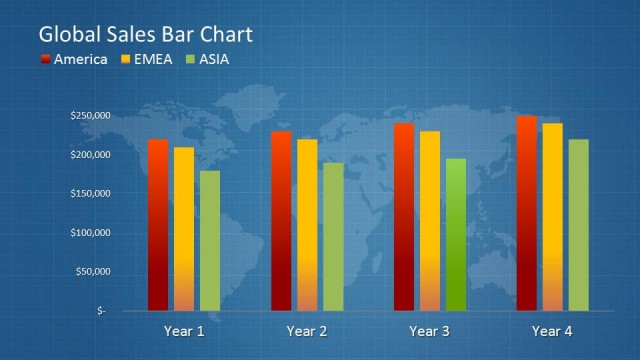
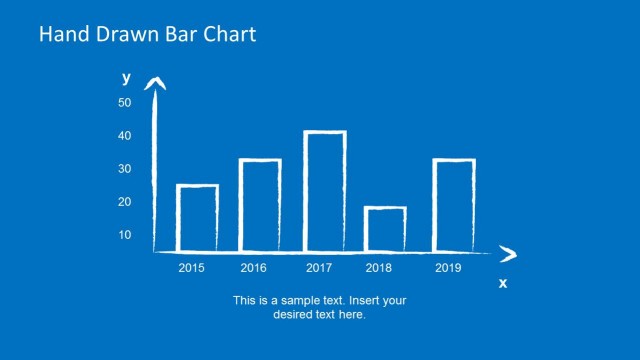
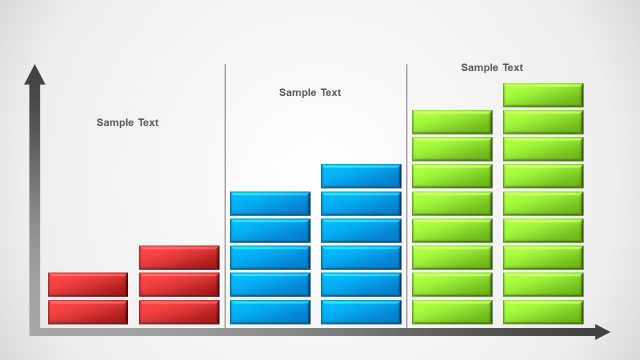
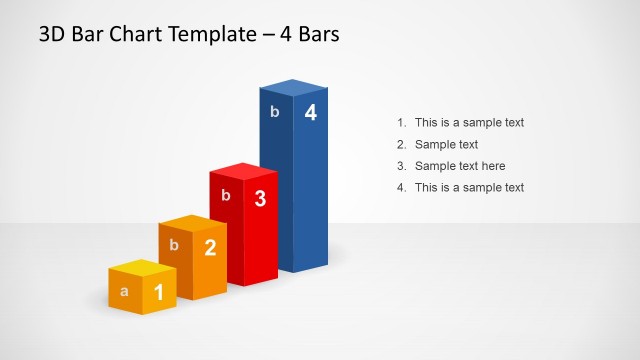
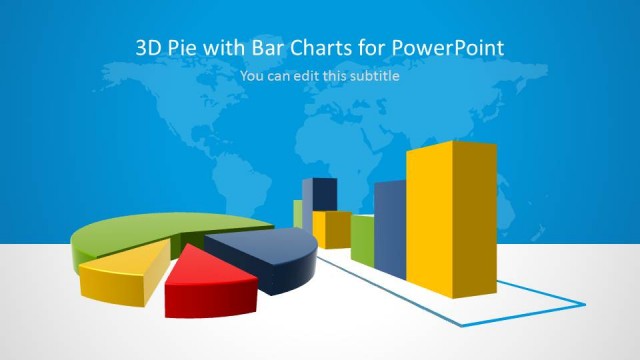
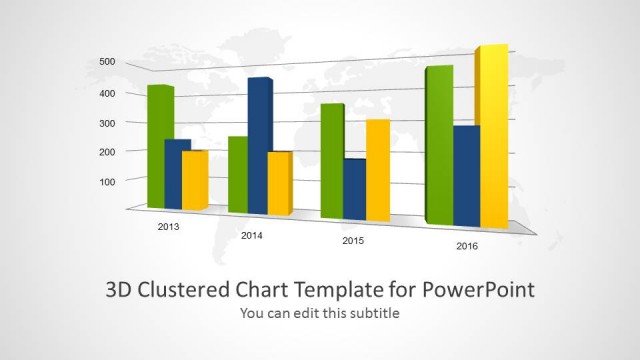
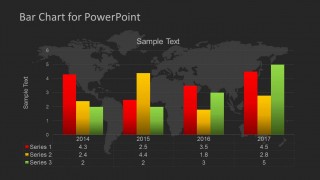
Bar Chart Template for PowerPoint is a simple bar chart template design for PowerPoint that you can use to make presentations of financial projections and business growth in a PowerPoint presentation. You can use the 3-series style to show up to 3 data sets in the same chart, which is very useful if you want to show the projection for different business department or product categories. You can use the presentation design to make slides on global business including financial projections of multinational corporations or overseas companies.
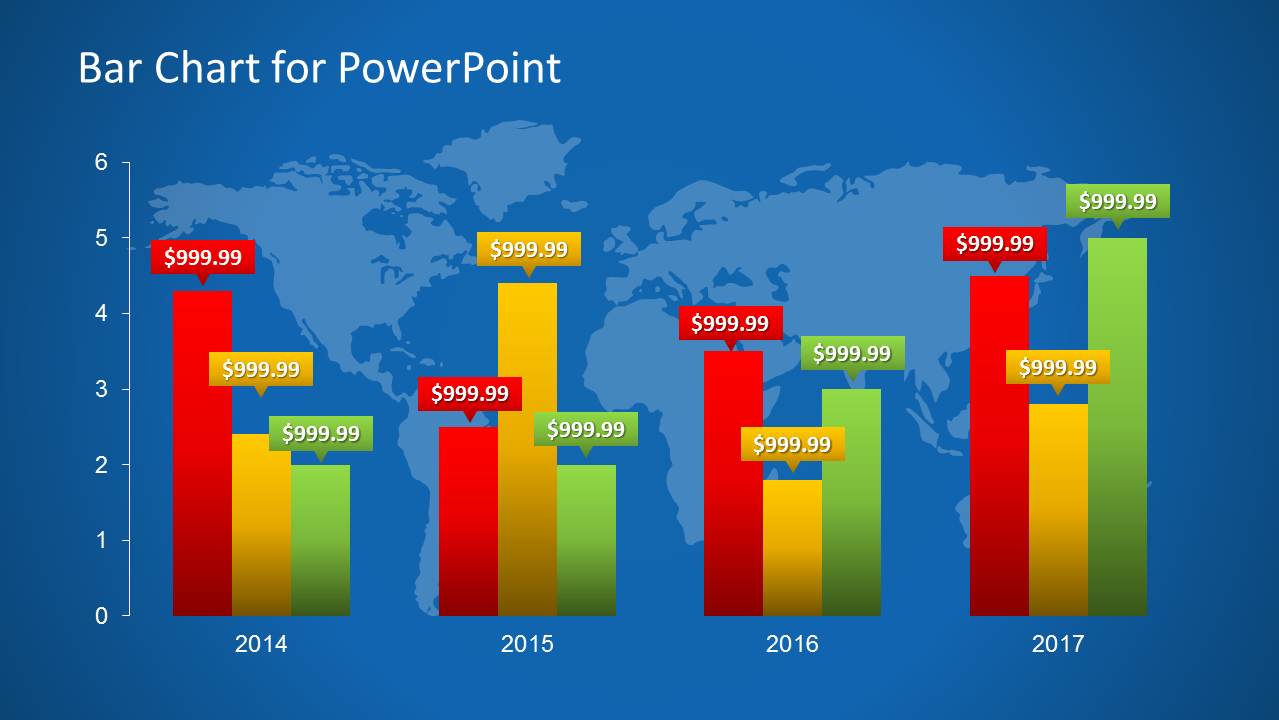
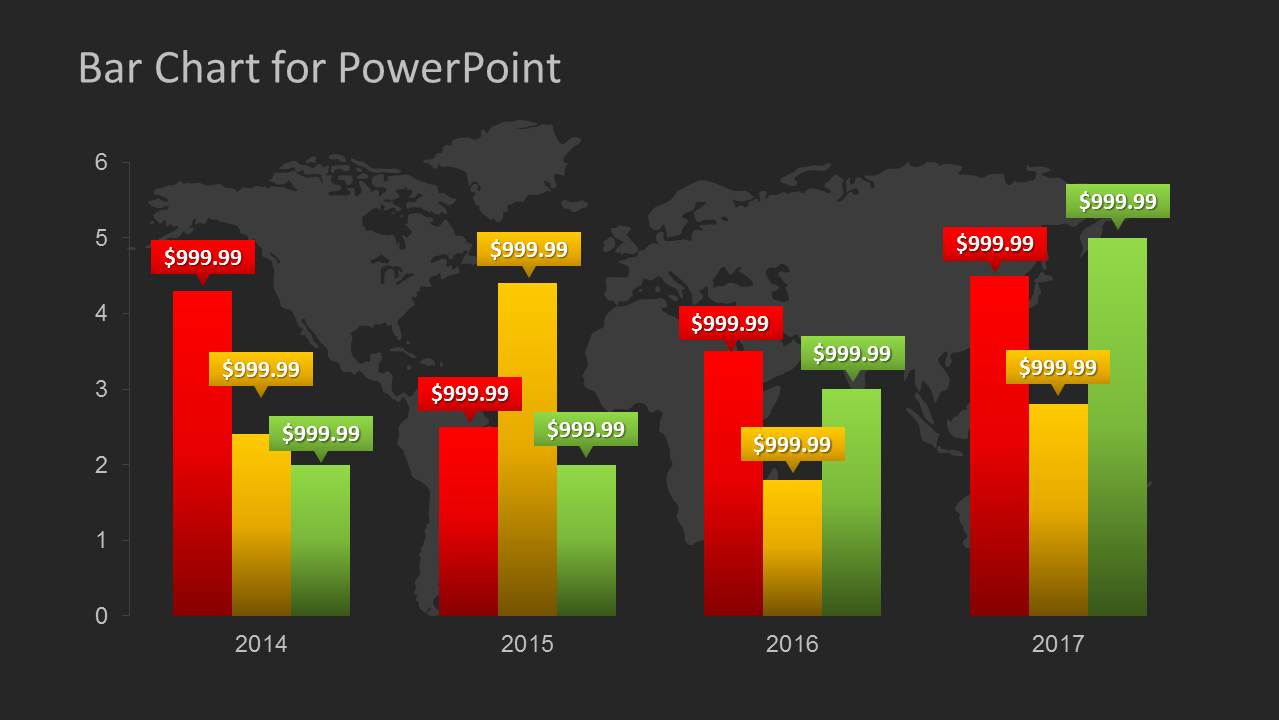
This bar chart template design for PowerPoint comes in two different styles: blue background with world map illustration and dark background color.
What’s inside this template
Example presentation scenarios
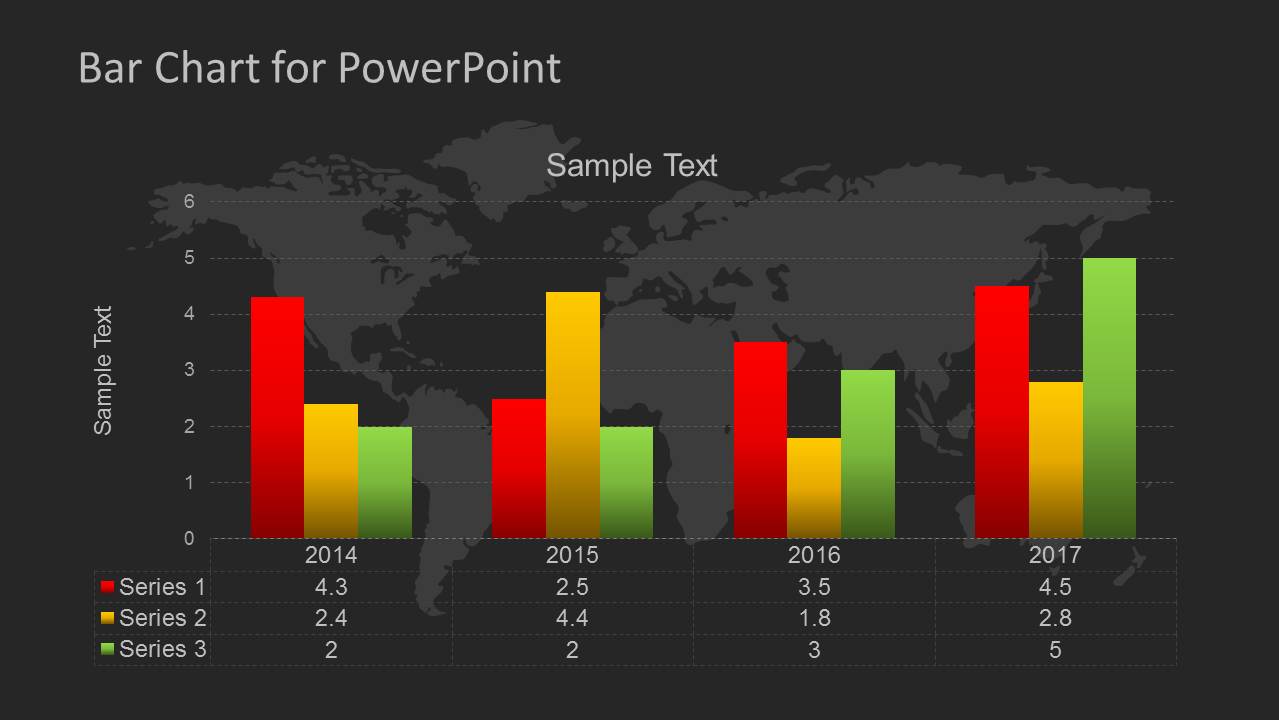
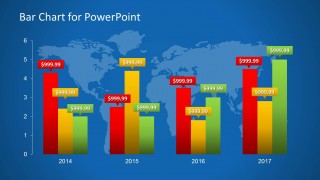
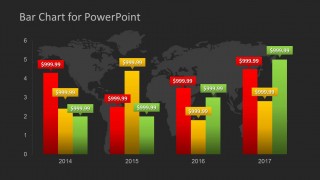
- A finance manager can present quarterly or annual projections to executives using the grouped bar chart with value callouts to highlight category differences across the four labeled years.
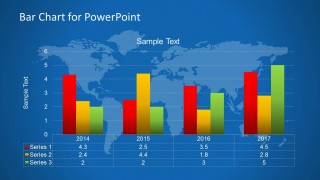
- A business analyst can compare regional sales or revenue categories in a management report using the world map background and three-color bar series to connect numbers with a global operating context.
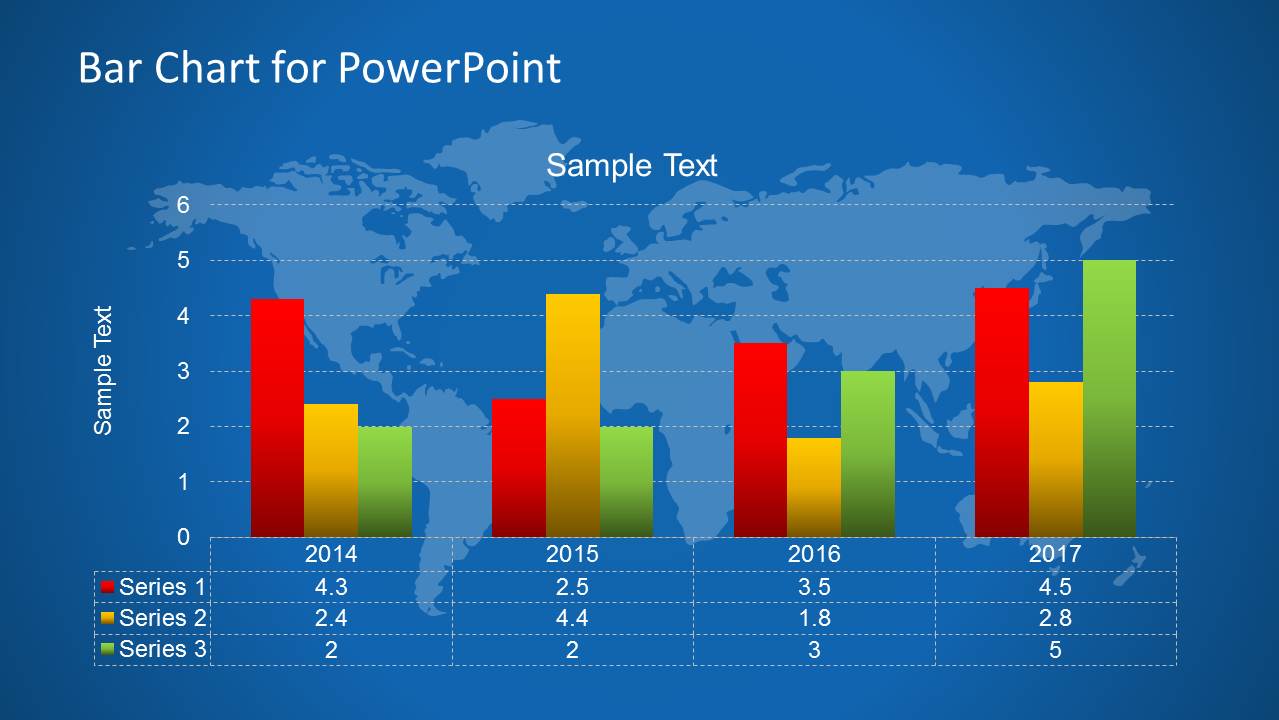
- A consultant can explain forecast assumptions to a client using the chart table layout, so the audience sees both the visual pattern and the supporting numeric values on the same slide.
- A sales operations leader can report business growth by product line using the dark-background chart variation when the presentation needs higher contrast for a boardroom or large screen.
Features
- 100% editable presentation template
- Compatible with Microsoft PowerPoint and Google Slides
- Scalable vector shapes, icons and illustrations
- AI-Ready for Microsoft Copilot and Claude
- Instant access and download
Frequently asked questions
Q: How should I present the three bar series so the comparison stays clear?
A: Assign one meaning to each color before discussing the numbers, then compare the same color across years before comparing colors within a single year. Use the callout version for the few values that matter most. Use the table version when the audience must verify exact values while still seeing the overall bar pattern.
Q: What business message is this template best suited to communicate?
A: This template works best for a focused management update where the presenter needs to compare three measures across the same time periods. It fits projection reviews, revenue growth comparisons, product category performance, or regional business updates. The world map background makes it especially relevant when the numbers relate to international operations or distributed markets.
Q: Why do the slides combine bar charts with a world map background?
A: The map acts as a context metaphor: the data is not just an isolated spreadsheet, but a business result tied to markets and geography. Because the map is subdued behind the bars, it frames the topic without competing with the values. The blue and dark versions also give presenters contrast options for different rooms or report styles.
Bar Chart Template for PowerPoint
4-slide PowerPoint bar chart template with world map backgrounds and financial projection tables
This 4-slide PowerPoint template presents grouped bar chart layouts for financial projections, growth comparisons, and management reporting. The contact sheet shows blue and dark world map backgrounds, three-series vertical bars, value callouts, legends, and data tables for comparing yearly values across categories.


 Loading...
 Microsoft PowerPoint
  Microsoft Copilot
  Claude for PowerPoint
 Other formats supported
Subscribe today and get immediate
access to download our PowerPoint templates.