Feature company statistics with the 3D Pie and Bar Charts for PowerPoint. The solid colors and bold text make the content stand out. This is suitable for presentations where the data are highly significant to the viewers.
Charts provide visual representations of statistical data. The colorful graphics make the information easier to handle. In charts and graphs, data are arranged in a certain order. This feature allows analysts to identify key patterns. Through analysis, management can make changes on the business model.
The pie and bar charts can show sales data. Other uses for the charts include demonstrating production volume and turnover. Annual statistics are best shown using the bar chart. The pie chart, on the other hand, displays percentages. For example, it can indicate employee demographic in a department. This information is relevant to human resource personnel. Using the data, they can examine the team dynamics in the workplace.
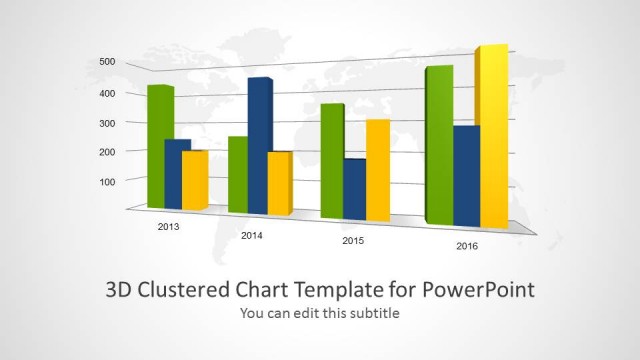
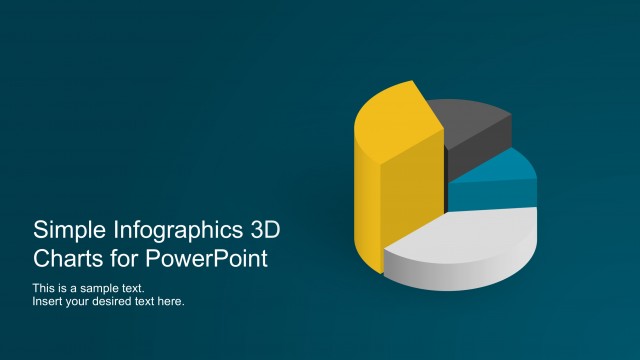
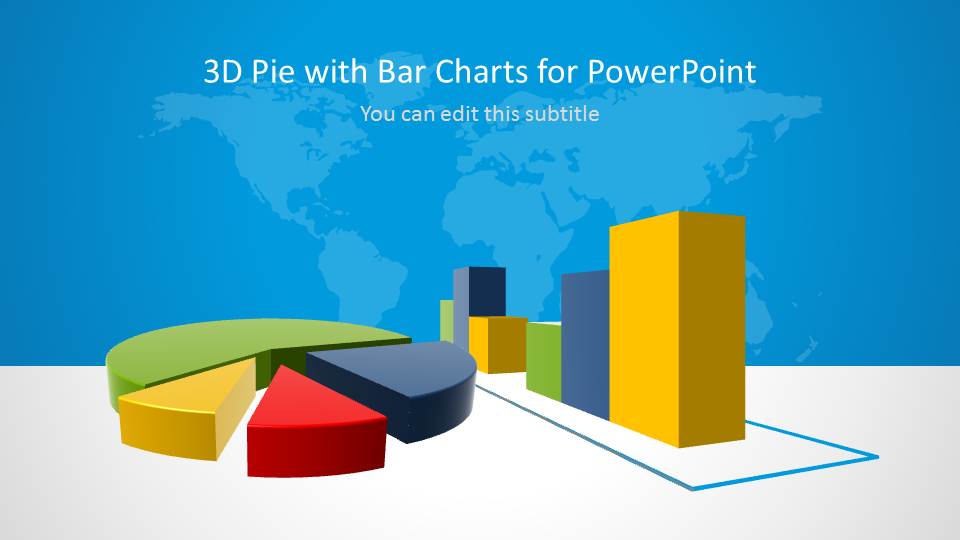
The cover slide is divided into two parts. They are colored in gray and blue, to create a horizon. A world map watermark decorates the blue upper half. The gray half acts as a platform for the main design. The design contains 3D versions of a pie chart and a bar chart. Both charts have a color scheme in yellow, blue, green, and red.
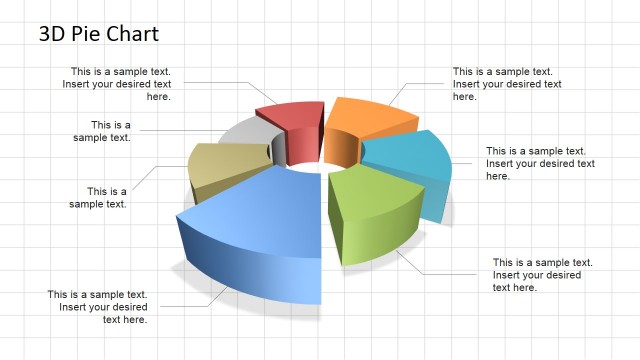
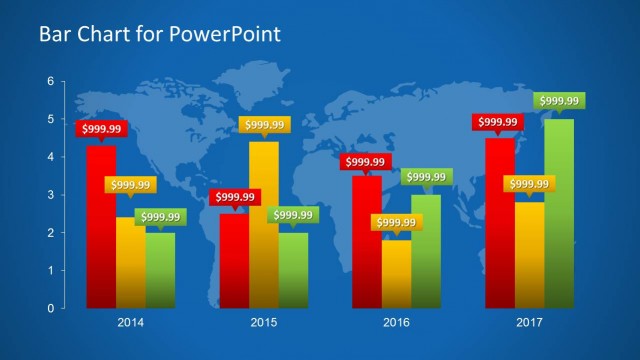
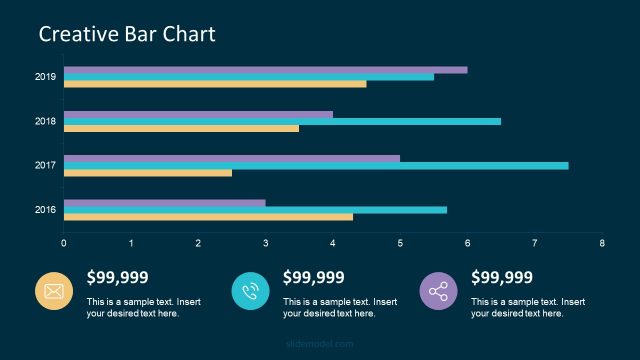
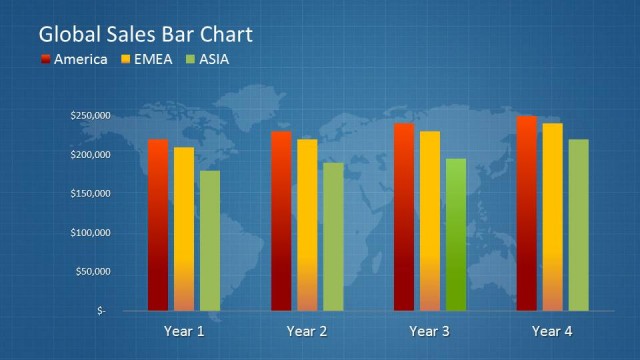
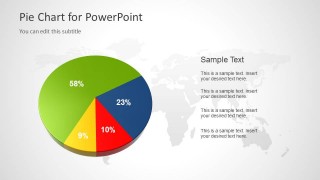
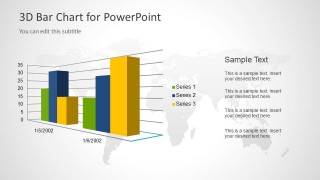
Each chart is featured against a world map background. The pie chart can be found on the left side of the second slide. The colored pie segments have text placeholders. These contain percentages for each segment. The third slide includes the bar chart at a certain angle. The bars are grouped together to show three elements in a single period. A legend is located between the chart and a text placeholder.
The 3D Pie and Bar Charts for PowerPoint are ideal for progress reports. Other variants of the bar chart are downloadable from the Gallery. The statistics help establish the reliability of the report.
Alternatively, you can download other slide deck templates for presentations, including data-driven charts for PowerPoint and dashboard templates.
What’s inside this template
Example presentation scenarios
- A sales manager can present quarterly results by opening with the chart cover and using the grouped 3D bar chart to compare product or region performance across dates.
- An HR presenter can explain workforce demographics by replacing the pie chart percentages with department, tenure, or location segments and adding interpretation in the right-side text list.
- An operations analyst can report production volume by using the 3D bar chart legend and axes to compare three categories over two time periods.
- A strategy team can summarize market share for executives with the 3D pie chart, then use the bar chart to show how selected categories changed over time.
Features
- 100% editable presentation template
- Compatible with Microsoft PowerPoint and Google Slides
- 16:9 aspect ratio slides
- Scalable vector shapes, icons and illustrations
- AI-Ready for Microsoft Copilot and Claude
- Instant access and download
Frequently asked questions
Q: How should the presenter frame the pie chart and bar chart so the audience understands the data quickly?
A: Use the pie chart for one message about composition, such as which segment is largest or smallest. Use the grouped bar chart for comparison across dates or categories. Keep the right-side text to short interpretations, not repeated numbers, so the audience sees the pattern first and reads the explanation second.
Q: Who is this template best suited for in a business presentation?
A: This template fits managers, analysts, and HR or operations presenters who need a short data explanation rather than a full dashboard. The three-slide structure works well for brief status updates, performance snapshots, sales summaries, demographic reviews, or production reports where one percentage view and one comparison view are enough.
Q: Why does the template use 3D charts with a world map background?
A: The 3D chart treatment gives the data a report-cover feel and helps a small slide set look complete. The world map backdrop adds a global business context without adding more data. Because the map stays light, the pie slices, bar columns, labels, and legend remain the main focus.


3D Pie & Bar Charts for PowerPoint
3-slide presentation template with 3D pie chart, bar chart, and world map data visuals
3D Pie & Bar Charts for PowerPoint is a 3-slide data chart template for presenting statistics with a title cover, 3D pie chart, grouped 3D bar chart, and world map background. It is suited for analysts, managers, and report presenters using Microsoft PowerPoint or Google Slides.
- Category
- Data & Charts
- Rating


 Loading...
- Aspect ratio
- 16:9
- Item ID
- 6096-01
 Microsoft PowerPoint
  Microsoft Copilot
  Claude for PowerPoint
 Other formats supported
Subscribe today and get immediate
access to download our PowerPoint templates.