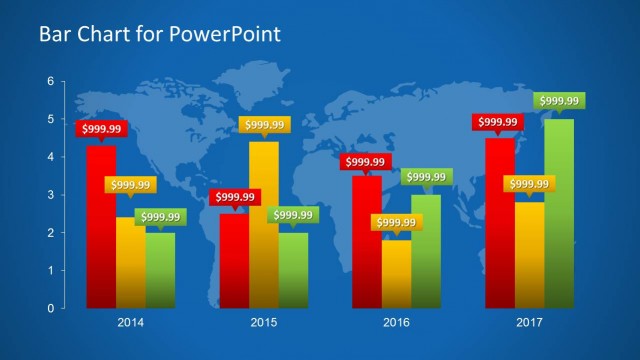
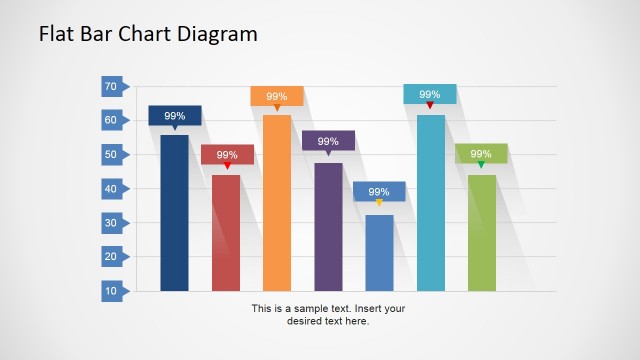
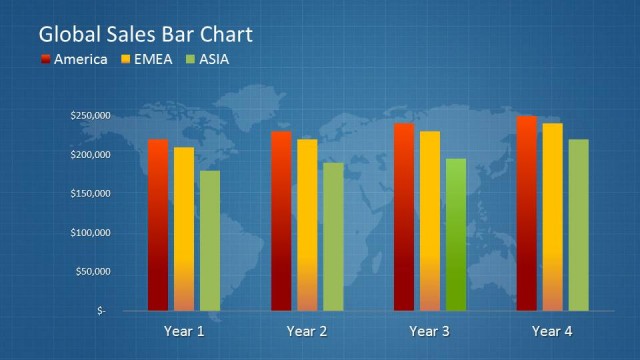
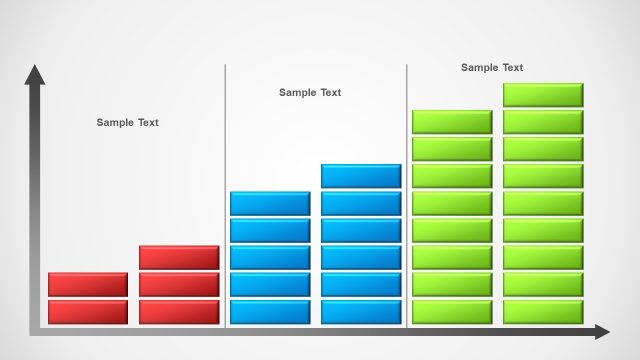
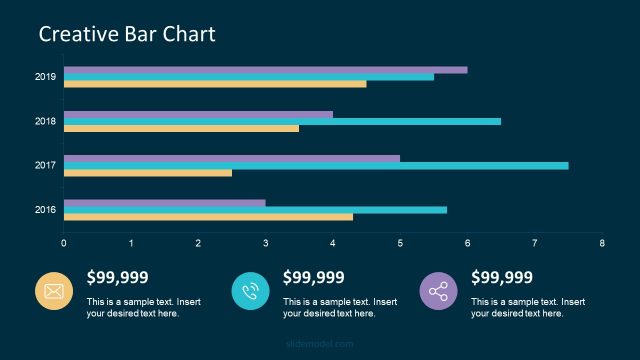
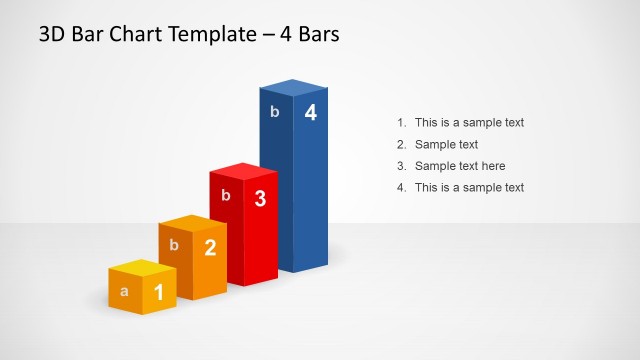
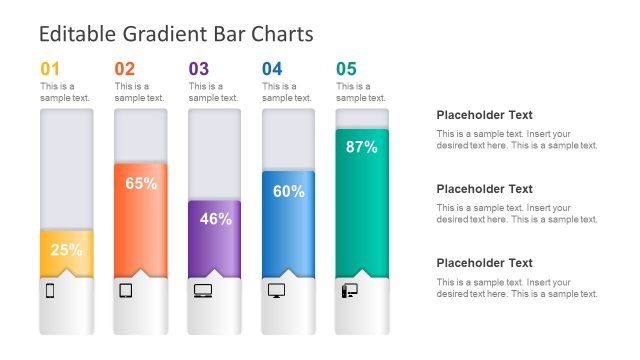
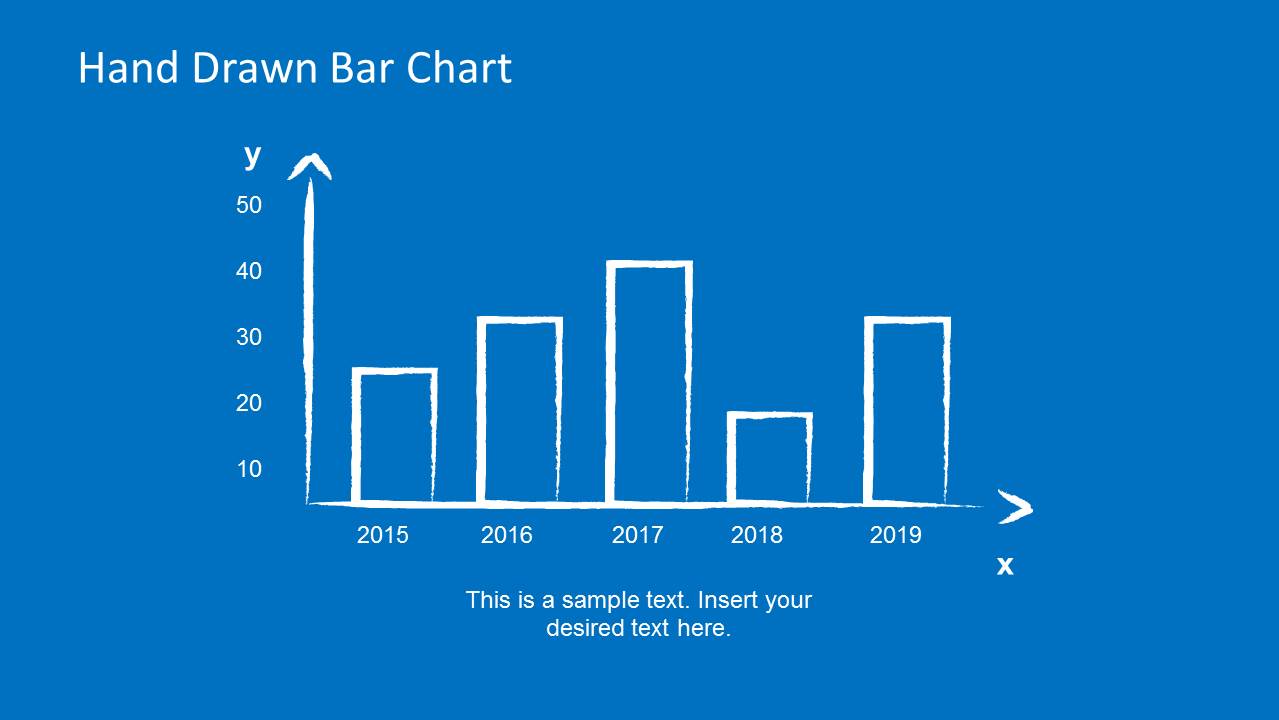
The Hand Drawn Bar Chart PowerPoint Template is a presentation template design containing an appealing bar chart illustration. It is presented in a hand-drawn style created as PowerPoint shapes. Create a creative business presentation using the graphics, making use of the charts to show important statistical information.
With the blue background and white graphics, the template replicates a blueprint style. This specific design can be used by the presenter as a metaphor, showing the different bar charts as foundations for future business. This is especially true when the charts are used to show forecast information and financial statistics.
Different variations of bar charts can be found in the Office template. This allows the presenter to choose the most suitable slide for his or her purposes. This also makes the presentation more flexible, and more reliable.
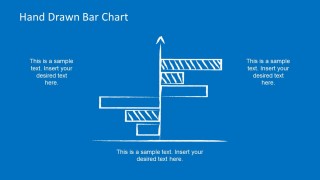
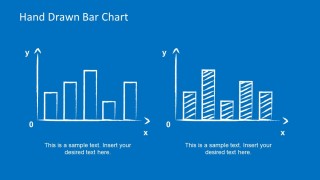
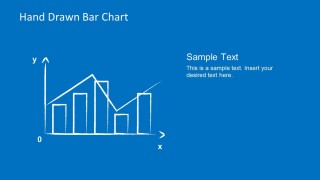
It starts with a simple bar chart, with plain-looking bars in the same blueprint style. It then includes another slide design of the same kind, with the exception of an alternating pattern between the bars for easy distinction. The template also includes a horizontal bar chart that goes in both directions. This can be used to show profit or loss data, with the center line representing breakeven. Another slide puts two vertical bar charts side by side for comparison, with one having plain bars, and the other having shaded ones. The template also has a simple bar chart which has a trend line. This can be utilized in trend analysis to show forecast data, and allow management to make well-informed business decisions.
The presenter can also download other PowerPoint templates from the Gallery, like the Bar Chart Template for PowerPoint.
Most suitable for financial data analysis, the Hand Drawn Bar Chart PowerPoint Template gives an easy, relaxing background to the otherwise serious hard data. This removes tension from both the audience and the presenter, allowing maximum cooperation between the two.
What’s inside this template
Example presentation scenarios
- A finance manager can use the vertical bar chart and trend-line chart to report annual performance patterns while keeping the discussion approachable for non-financial stakeholders.
- A consultant can use the horizontal comparison chart to explain gains and losses around a central baseline during a strategy review.
- A marketing analyst can use the side-by-side bar charts to compare campaign results across two groups and add short commentary below each chart.
- An educator or workshop facilitator can use the hand-drawn chart slides to teach basic data interpretation without making the session feel like a spreadsheet review.
Features
- 100% editable presentation template
- Compatible with Microsoft PowerPoint and Google Slides
- 16:9 aspect ratio slides
- Scalable vector shapes, icons and illustrations
- AI-Ready for Microsoft Copilot and Claude
- Instant access and download
Frequently asked questions
Q: How should a presenter explain data effectively with this hand-drawn chart style?
A: Use the sketch look to make the audience focus on the message before the exact numbers. Start with the simple vertical bar chart, add only the most important labels, and use the caption area for the conclusion. For trend analysis, pair the bar values with the overlaid line so the presenter can explain direction, not just individual columns.
Q: Who is this template best suited for in a business presentation?
A: This template fits analysts, consultants, educators, and managers who need to present comparisons or trends without the weight of a formal dashboard. It is useful for forecast discussions, workshop reports, and early-stage business reviews where the audience needs a clear pattern from bar charts, horizontal comparisons, or side-by-side visuals.
Q: Why use a blueprint-style hand-drawn metaphor for bar charts?
A: The blueprint style frames the data as something being planned, tested, or built. That metaphor works well for forecasts, foundations, and performance improvement discussions. The rough white lines on blue also reduce visual formality, which can help an audience engage with the insight before challenging every decimal.


Hand Drawn Bar Chart PowerPoint Template
6-slide presentation template with hand-drawn bar charts, horizontal comparisons, and trend-line visuals
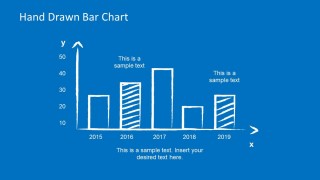
The Hand Drawn Bar Chart PowerPoint Template is a 6-slide presentation template for showing statistical and financial values with sketch-style chart illustrations. It includes a simple vertical bar chart, annotated bar chart, horizontal comparison chart, side-by-side bar charts, and a trend-line chart for Microsoft PowerPoint and Google Slides.
- Category
- Data & Charts
- Rating


 Loading...
- Aspect ratio
- 16:9, 4:3
- Item ID
- 6652-01
- Colors
 Microsoft PowerPoint
  Microsoft Copilot
  Claude for PowerPoint
 Other formats supported
Subscribe today and get immediate
access to download our PowerPoint templates.