Slide 3 of 4 from Bar Chart Template for PowerPoint
6195-01-bar-chart-3
Grouped Bar Chart for Financial Data Presentation
- Chart
- Bar Vertical
- Evaluation Slide
- 16:9
- 100% Editable
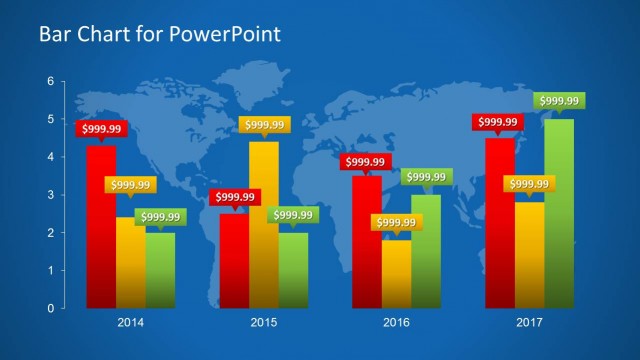
The Grouped Bar Chart with World Map slide from the Bar Chart Template for PowerPoint offers a clear visualization of multi-year financial data, ideal for business presentations and management reporting. This slide layout combines editable shapes and vector icons to effectively compare growth trends across different years, making it a practical choice for pitch decks and corporate presentations requiring detailed financial analysis.
What’s on This Slide
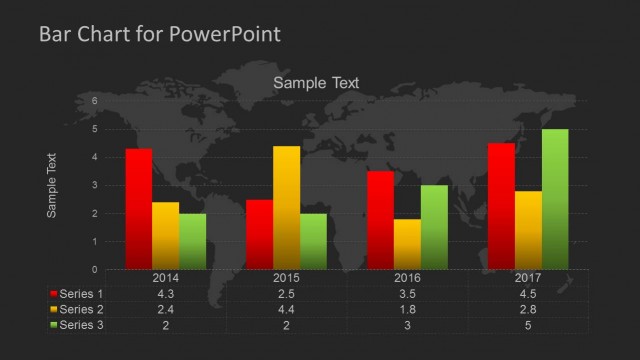
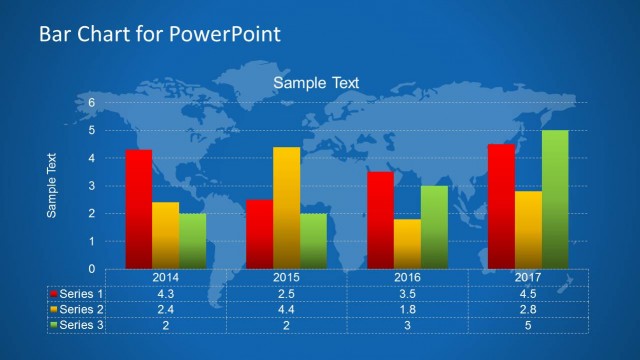
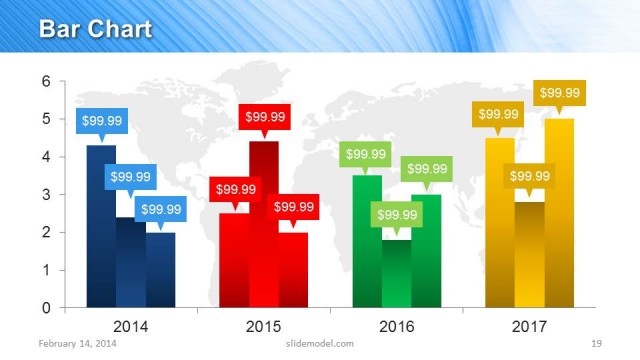
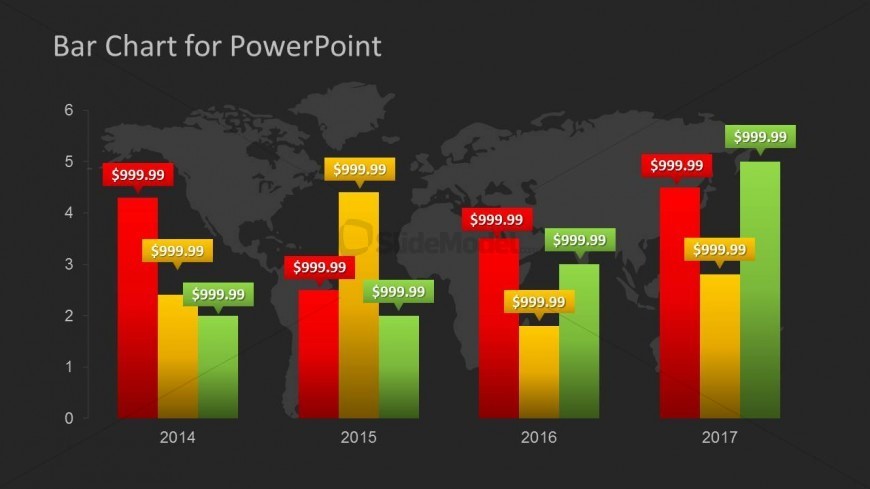
The layout features a grouped bar chart displaying four years of financial data. Each year has three vertical bars, colored red, yellow, and green, representing different data series. The bars are positioned side by side for each year, with value callouts above each bar. A world map background is visible, providing geographic context. The title is centered at the top, and the year labels are aligned below the bars. The overall composition is structured to emphasize comparative analysis across the years.
How to Use It
This layout serves as a grouped bar chart for presenting financial projections or comparisons over multiple years. It is suitable for management reports, financial analyses, or growth comparisons. Positioned after introductory data, it effectively highlights trends and variations in financial performance. This slide can be used in presentations focused on financial management, investment analysis, or strategic planning to visualize data clearly and concisely.
Text Placeholders & Capacity
Keep your copy within these limits so it fits without resizing. Node labels can hold about 10 characters each.
| Placeholder | Count | Max characters (approx.) |
|---|---|---|
| Chart title | 1 | 20 |
| Item heading | 4 | 10 |
| Data label | 12 | 10 |
Slide Keywords
Download unlimited PowerPoint templates, charts and graphics for your presentations with our annual plan.
DOWNLOADReturn to Bar Chart Template for PowerPoint.