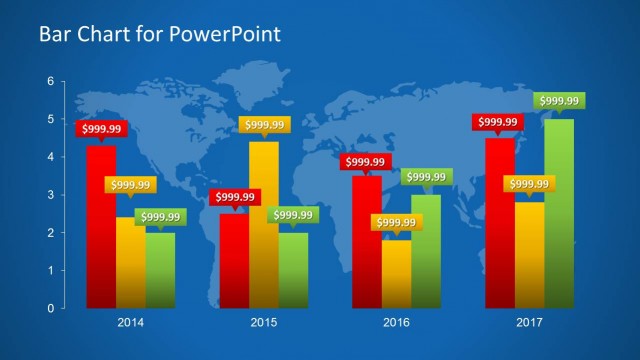
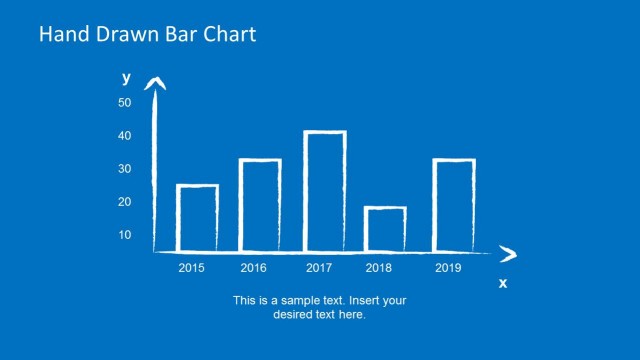
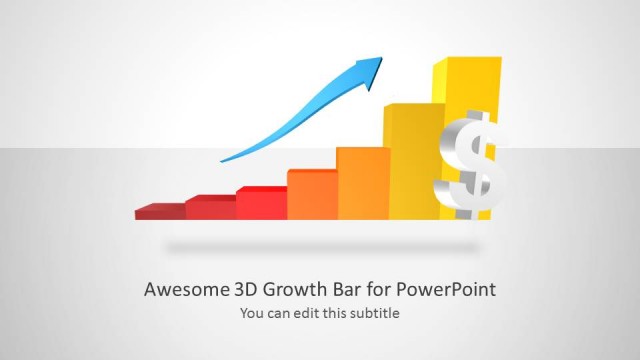
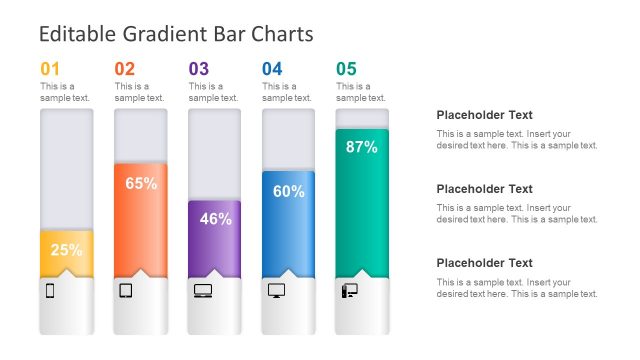
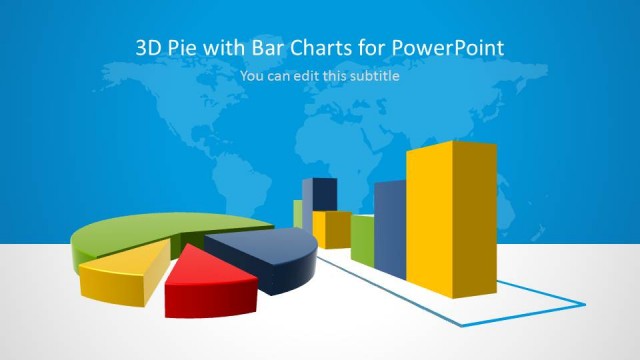
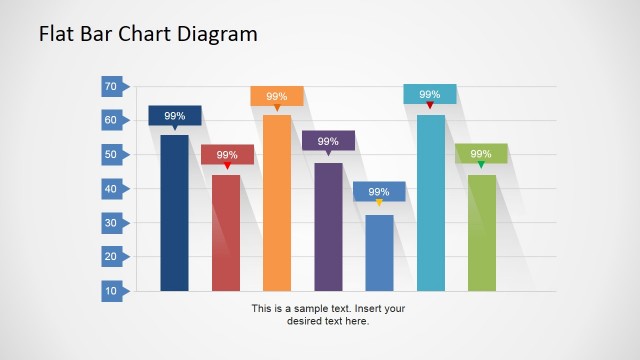
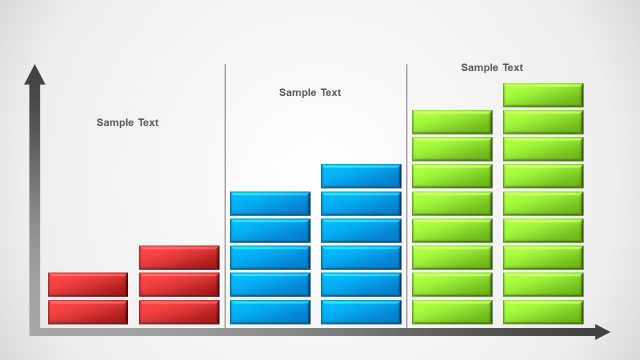
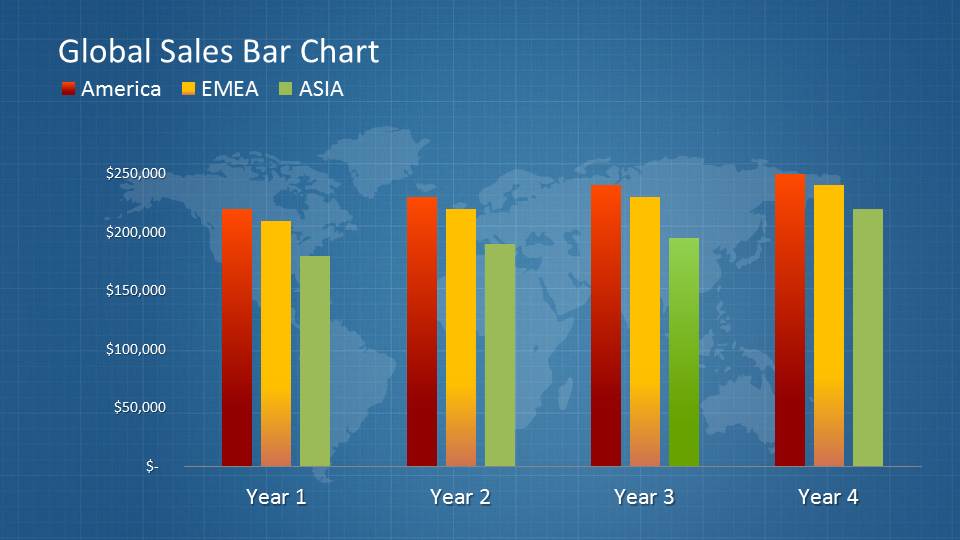
The Global Sales Bar Chart Template for PowerPoint is a simple PowerPoint chart template with a bar chart design that can be edited to make sales presentations. The presentation design contains a dark blue gradient that emphasizes the bars in the foreground of the slides. One of the slides even includes a world map presentation background.
The PowerPoint template features a set of bar charts. The bars have different colors, such as red, yellow, and green. The distinct design makes them stand out against the dark blue background. The graphics are designed to be eye-catching. They present a professional design that is ideal for formal business presentations.
Using these slides, different statistical data can be presented. Most suitably, however, the slides can be used to show either sales projections or historical sales data. These slides can analyze different financial information to make critical business decisions. By offering the data through graphs, the presenter can highlight trends in the data. Based on the bar graph, the viewers can have a visual clue as to where the data is leading to in the future.
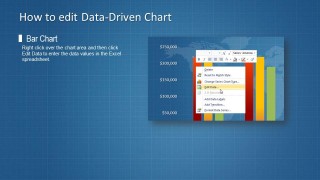
A handy slide in the template shows how to edit the data-driven bar chart by providing a screenshot of the drop-down menu that can be accessed by right-clicking the slide. The corresponding instructions for the process can be found on the slide.
Ideal for providing a graphical representation of data, the Global Sales Bar Chart Template for PowerPoint is functional and highly pleasing to the eyes. The presentation’s color scheme can be edited using PowerPoint tools if the presenter chooses to opt for a different look and feel for the presentation. The PowerPoint objects, including the graph, are 100% editable. This allows the user to modify the presentation to enable maximum audience participation. The presenter can browse other PowerPoint Charts from the Gallery Data and Charts gallery or download other Bar Chart slides for PowerPoint and Google Slides.
What’s inside this template
Example presentation scenarios
- A sales manager can use the grouped bar chart to brief executives on America, EMEA, and ASIA performance across several years.
- A finance analyst can present revenue projections by replacing the chart values and using the year-by-year columns to compare planned growth.
- A regional director can use the world map background and color-coded legend to explain which markets are leading or lagging.
- A presentation designer can include the instruction layout when handing the chart to a stakeholder who needs to update the data later.
Features
- 100% editable presentation template
- Compatible with Microsoft PowerPoint
- 16:9 aspect ratio slides
- Scalable vector shapes, icons and illustrations
- AI-Ready for Microsoft Copilot and Claude
- Instant access and download
Frequently asked questions
Q: How should the presenter explain the chart without making the audience read every bar?
A: Start with the overall pattern across the years, then compare the three regions only where the difference matters. Use the legend to establish America, EMEA, and ASIA, but narrate the business meaning behind the color changes. The slide works best when the presenter calls out one trend, one exception, and one decision implication.
Q: Who is this template best suited for in a sales or management meeting?
A: It is best for sales managers, regional directors, and analysts who need a quick executive view of performance by territory. The grouped bar chart supports side-by-side comparison, while the world map background reinforces the global scope. It is less suited to deep financial modeling and better for summary reporting.
Q: Why does the world map background help this sales chart communicate better?
A: The map acts as a geographic metaphor for global coverage without forcing the audience to interpret a detailed map. It frames the bars as regional performance data, so the viewer understands the comparison before studying the values. The dark blue grid also gives contrast to the red, yellow, and green columns.

Global Sales Bar Chart Template for PowerPoint
1-slide PowerPoint presentation template for global sales bar charts and regional revenue reporting
The Global Sales Bar Chart Template for PowerPoint is a 1-slide data chart template for regional sales reporting. It shows a grouped bar chart, world map background, sales legend, and an instructional chart-editing layout. Chart data can be edited as an Excel spreadsheet in PowerPoint.
- Category
- Data & Charts
- Rating


 Loading...
- Aspect ratio
- 16:9
- Item ID
- 8044-
- Colors
 Microsoft PowerPoint
  Microsoft Copilot
  Claude for PowerPoint
 Other formats supported
Subscribe today and get immediate
access to download our PowerPoint templates.