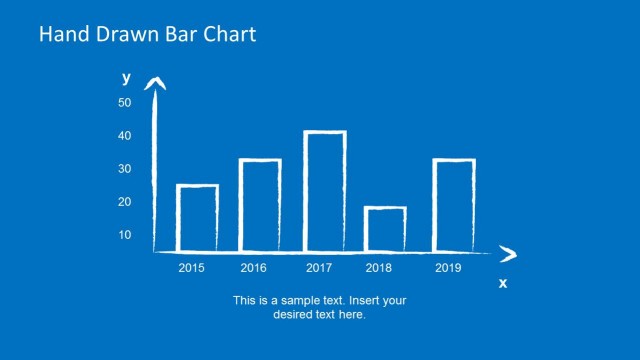
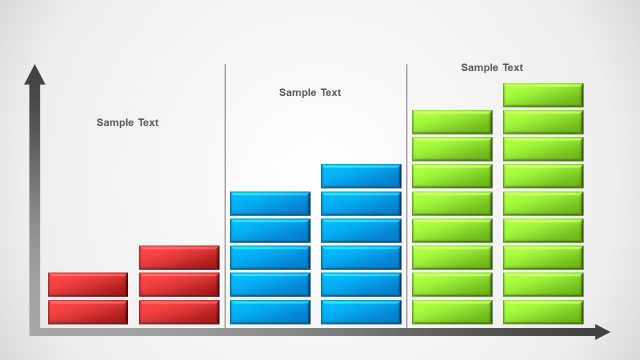
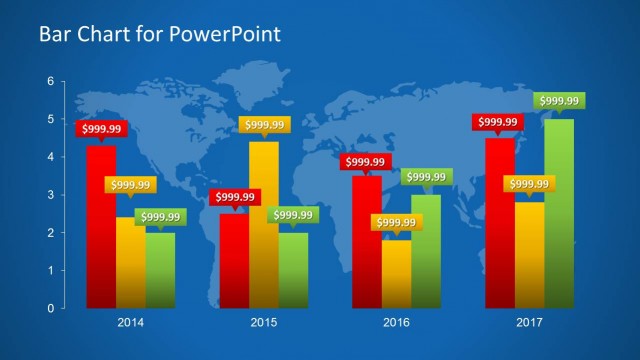
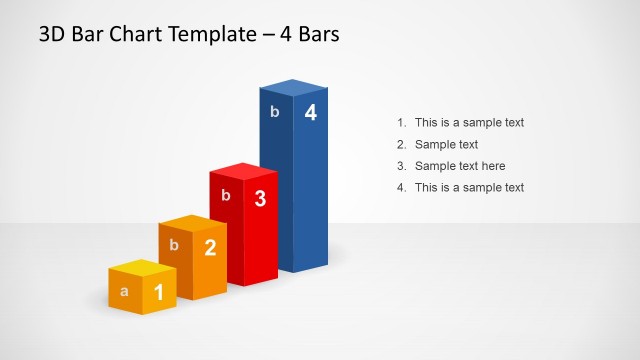
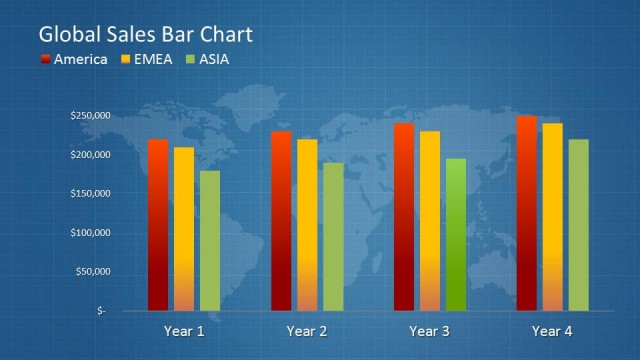
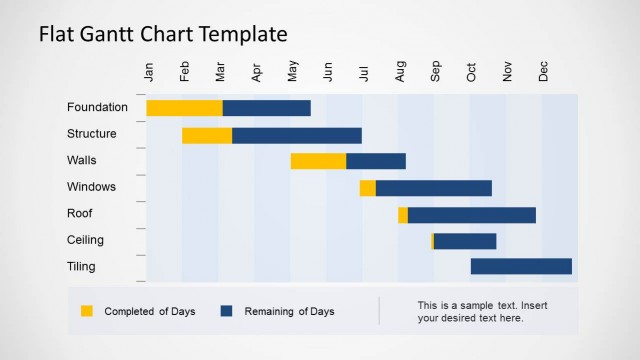
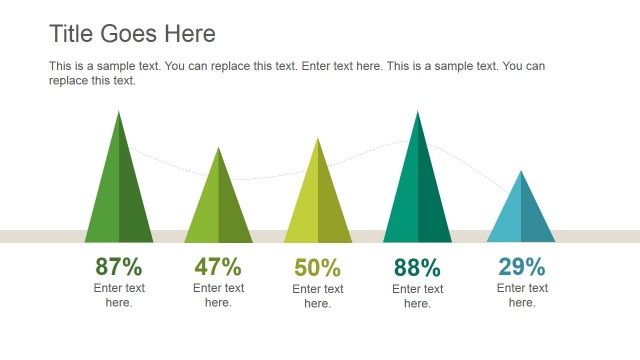
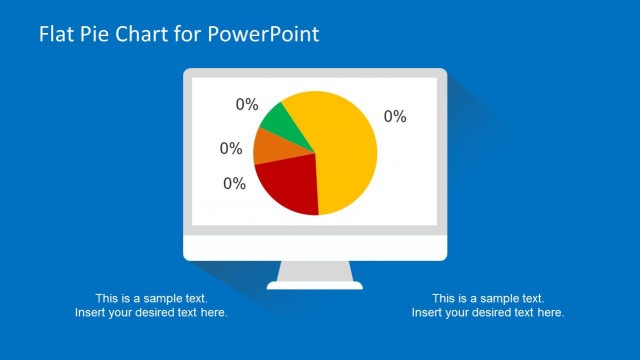
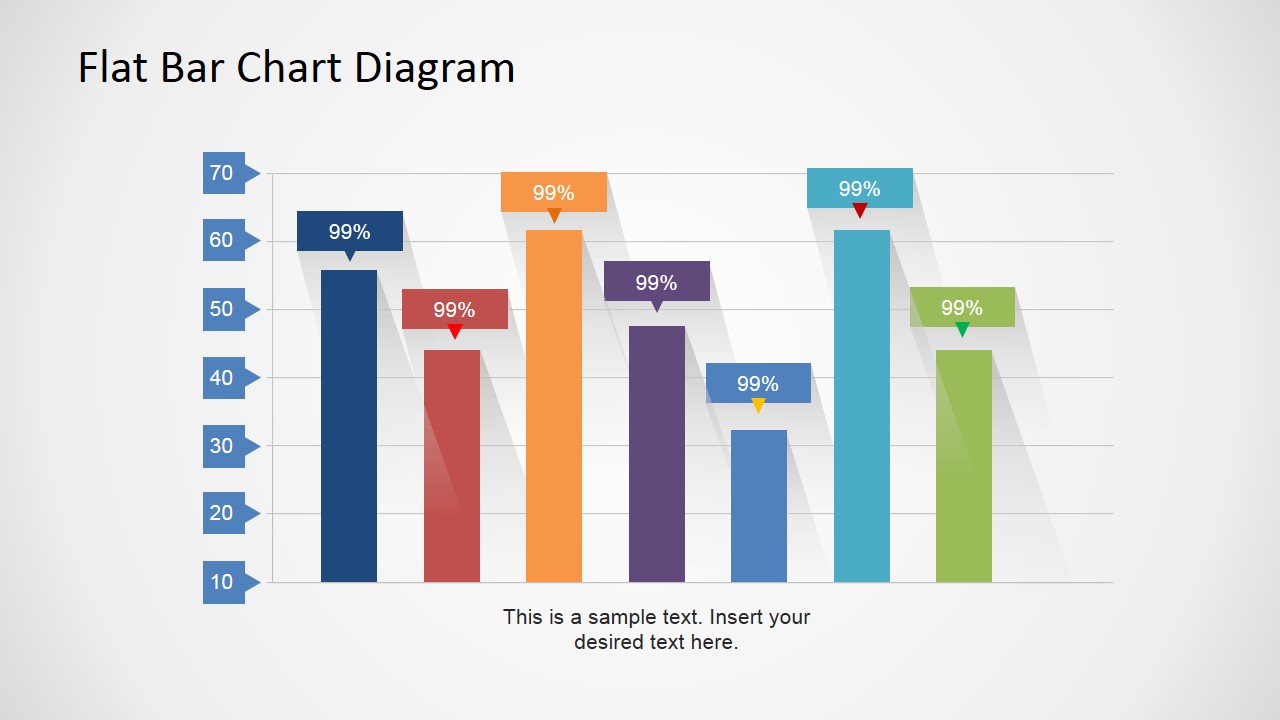
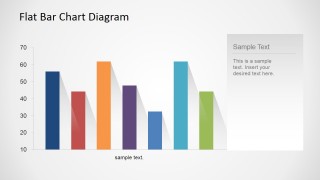
Flat Bar Chart Diagram for PowerPoint is a creative modern and customizable bar chart created with PowerPoint shapes and Data Drive PowerPoint charts. Ideal for simple data representations and impactful visual infographics.
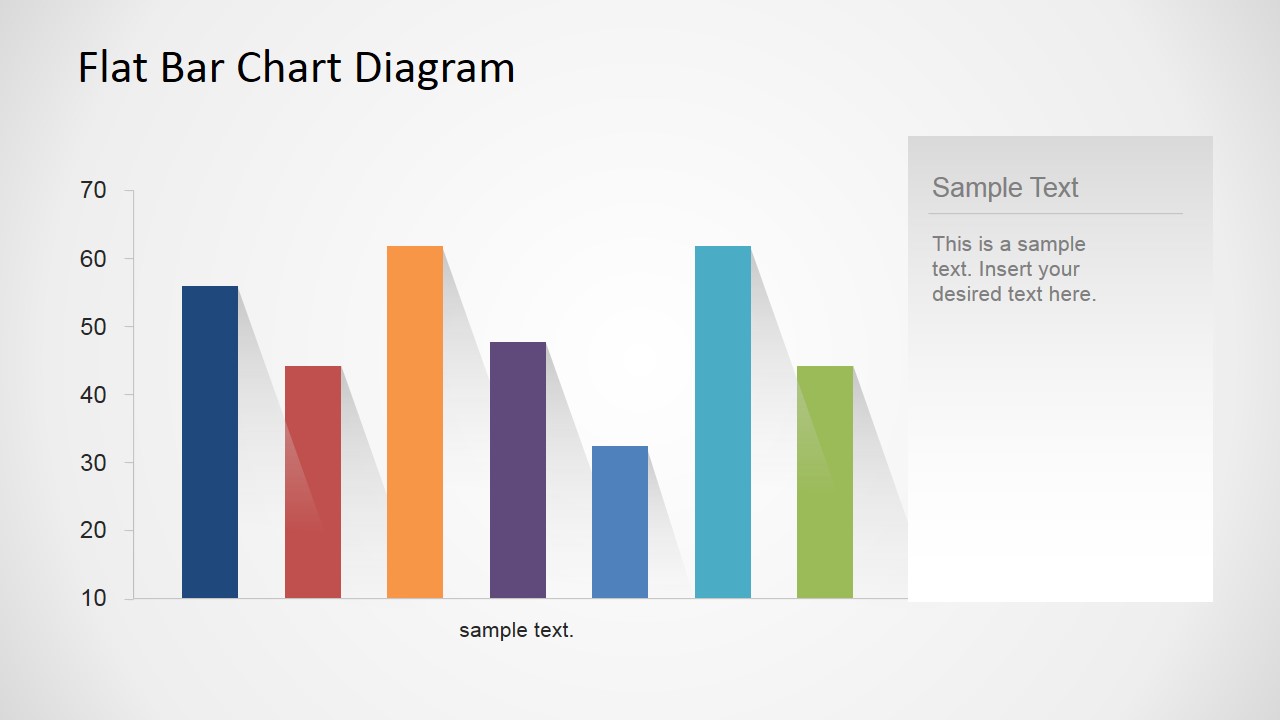
Bar Charts are a simple and powerful representation of data. In this specific PowerPoint presentation, the bars are displayed as columns. Each column represents a value or series. In the horizontal axis, each column represents a series, in the vertical axis, the columns achieve a representative value. Each column can be labeled with the appropriate relative percentage with the provided PowerPoint labels, created with PowerPoint shapes.
The PowerPoint Chart is customized to include Flat long shadows, providing a modern look and feel that appeals to executive audiences. The data-driven versions of the chart can be edited through excel. The user can quickly change the chart numbers and adapt the representation to its own values.
Users can create modern bar charts for accounting reports or quarterly review meetings. The ease of use of this PowerPoint template makes it ideal for stocks and financial presentations. Infographic presentations are very useful for summarizing complex data for non-specific audiences. Applying bar charts to compare numerical values is a professional technique that engages the audience.
Impress your audience with this modern flat design PowerPoint bar chart. Alternatively, you can download other presentation templates and bar chart PPT designs for presenting data to an audience.
What’s inside this template
Example presentation scenarios
- A finance manager can present quarterly performance by replacing the column values and using the percentage callouts to highlight the strongest or weakest categories.
- A sales leader can compare pipeline segments or regional results with the flat column chart and add interpretation in the side text panel.
- A consultant can summarize benchmark findings for a client by pairing the colored bars with a short recommendation under or beside the chart.
- An operations analyst can report process metrics to leadership by using the clean axis, gridlines, and bar labels to make differences easy to scan.
Features
- 100% editable presentation template
- Compatible with Microsoft PowerPoint and Google Slides
- 16:9 aspect ratio slides
- Scalable vector shapes, icons and illustrations
- AI-Ready for Microsoft Copilot and Claude
- Instant access and download
Frequently asked questions
Q: How should a presenter explain the comparison without overloading the chart?
A: Lead with the business question, then direct attention to two or three bars that matter most. Slide 1 is better for spotlighting individual values because the percentage tags sit above each column. Use the short caption area for the takeaway, not for repeating every number already visible in the chart.
Q: When is this template a good fit for a business review?
A: This template fits a focused metric comparison where the audience needs to see relative size quickly, such as sales by region, expense categories, or quarterly KPI results. It is strongest for analyst, finance, and management updates where a single column chart can carry the main message without a full dashboard.
Q: Why do the flat shadows and colored columns help the message?
A: The long shadows create depth without adding chart clutter, making each bar feel distinct from the grid. The varied colors separate categories at a glance, while the white background keeps attention on the column heights. This design works best when the presenter uses color consistently to group or emphasize meaning.
Flat Bar Chart Diagram for PowerPoint
2-slide presentation template with flat bar charts, column comparisons, and editable data labels
Flat Bar Chart Diagram for PowerPoint is a 2-slide data chart template for comparing values with flat column charts. It includes a labeled column chart with callout percentages and a cleaner column chart with a side text panel. Built for Microsoft PowerPoint and Google Slides, chart data can be edited as an Excel spreadsheet in PowerPoint.
- Category
- Data & Charts
- Rating


 Loading...
- Aspect ratio
- 16:9, 4:3
- Item ID
- 6565-02
- Colors
 Microsoft PowerPoint
  Microsoft Copilot
  Claude for PowerPoint
 Other formats supported
Subscribe today and get immediate
access to download our PowerPoint templates.