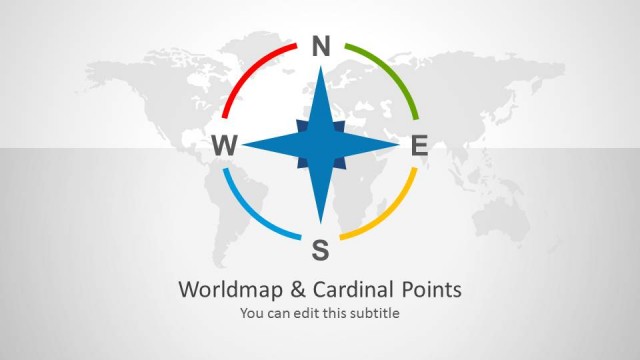
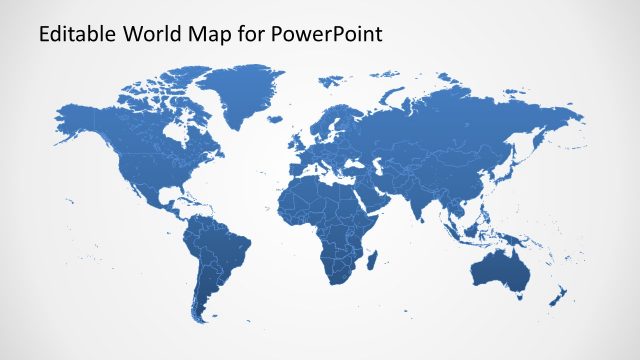
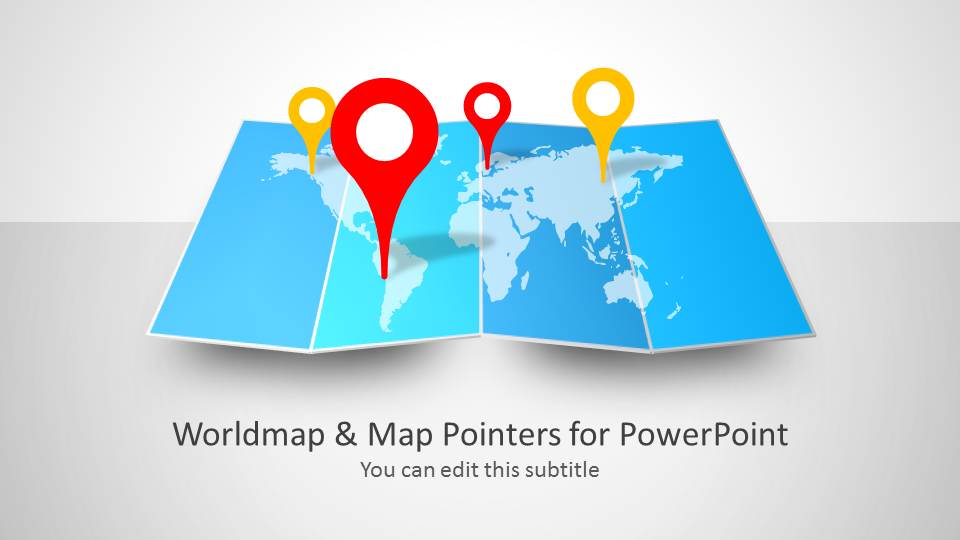
Worldmap & Map Pointers for PowerPoint is an awesome presentation template for Microsoft PowerPoint with a map illustration created with shapes and world map slide designs that you can use to represent maps in business presentations.
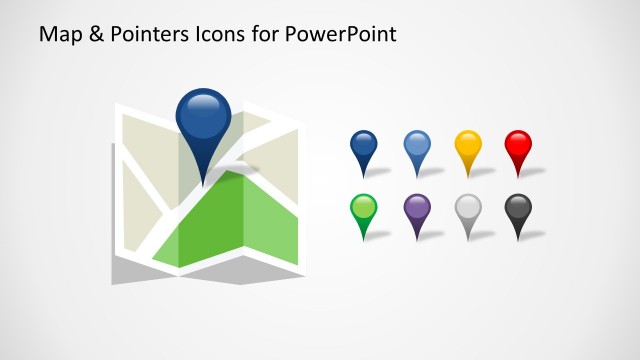
The map template for PowerPoint contains map markers that you can use to pin any desired location in a map. Alternatively you can download editable slides and maps for PowerPoint presentations with country map illustrations or map outlines.
What’s inside this template
Example presentation scenarios
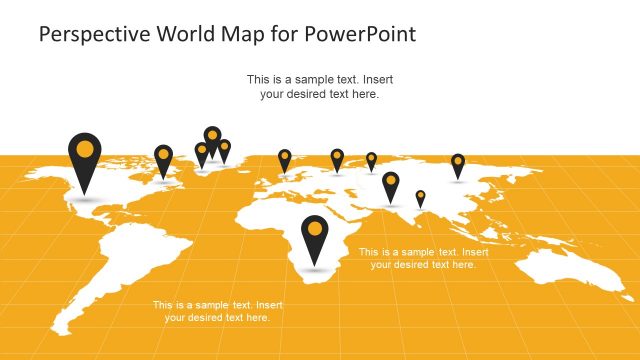
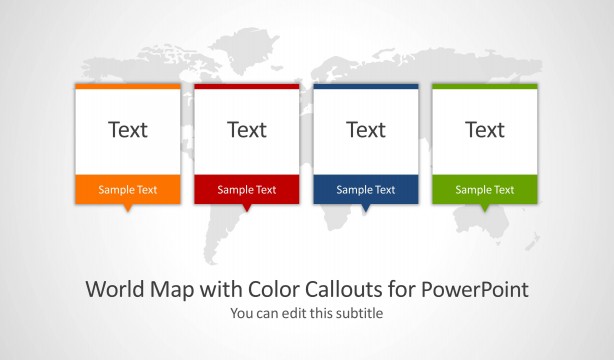
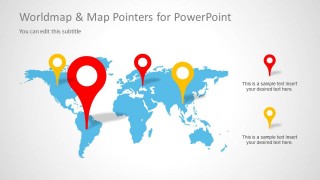
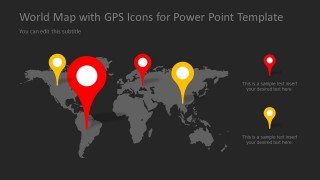
- A sales director can present regional coverage to executives by using the flat world map callout slide to mark priority countries and explain next-quarter focus areas.
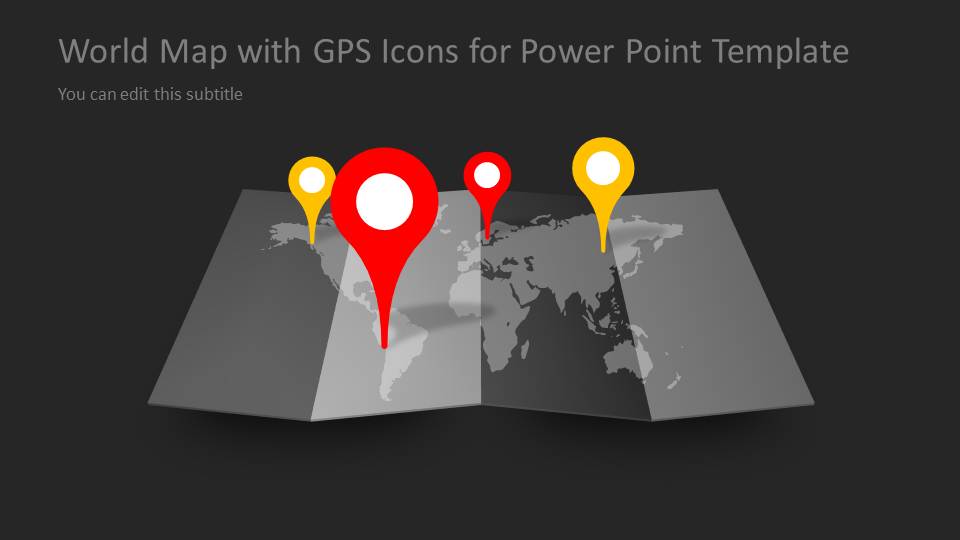
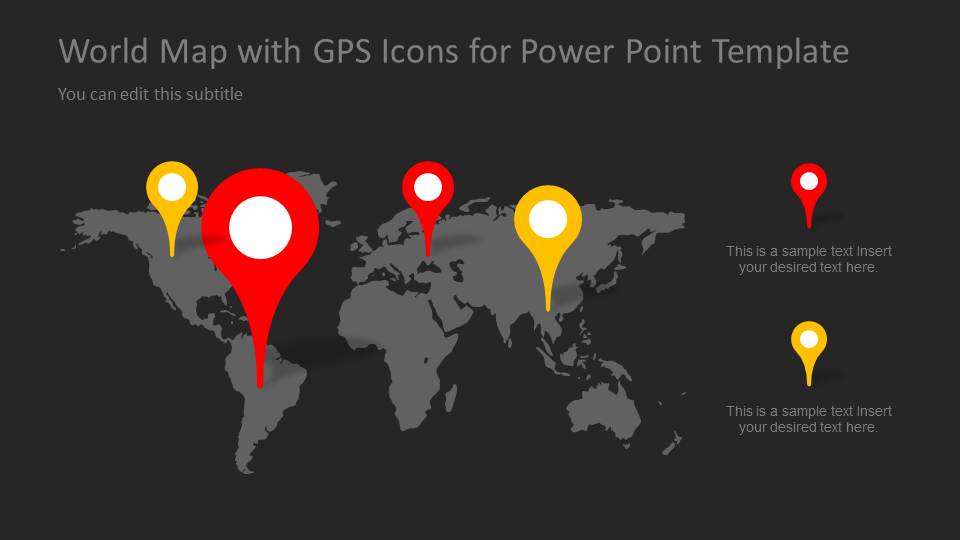
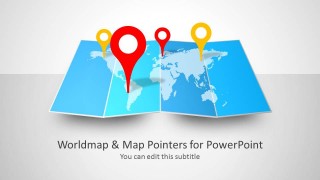
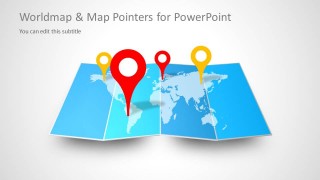
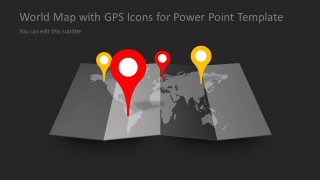
- A logistics manager can brief stakeholders on global operations by placing GPS pins on the folded map layouts and using the dark theme slides for high-contrast location emphasis.
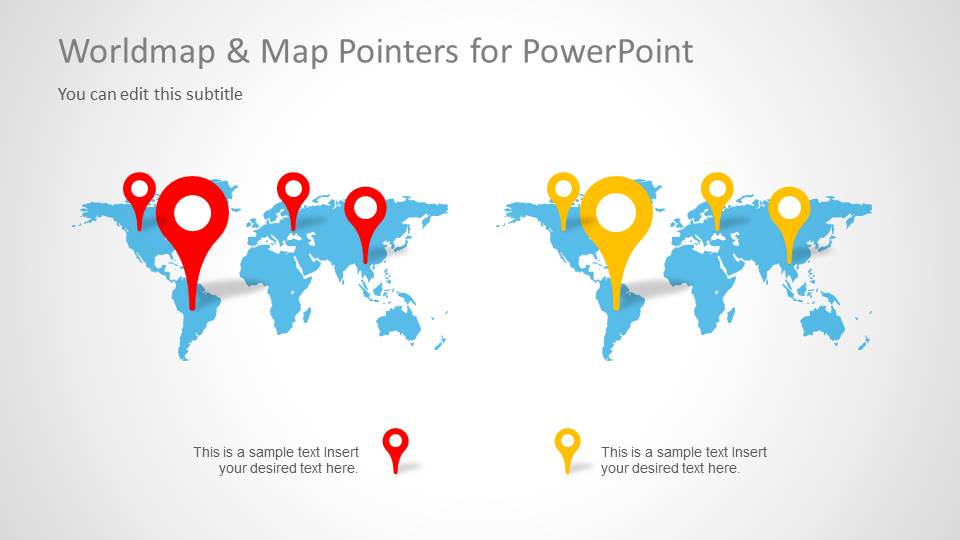
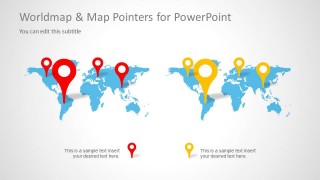
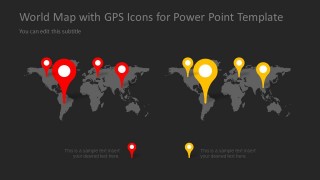
- A consultant can compare two geographic expansion options for a client by using the two-map comparison slide with red and yellow pointer groups.
- A marketing team can introduce an international campaign rollout by using the cover slide and world map callouts to show launch markets and supporting notes.
Features
- 100% editable presentation template
- Compatible with Microsoft PowerPoint
- 16:9 aspect ratio slides
- Scalable vector shapes, icons and illustrations
- AI-Ready for Microsoft Copilot and Claude
- Instant access and download
Frequently asked questions
Q: How should a presenter make the map message clear instead of just decorative?
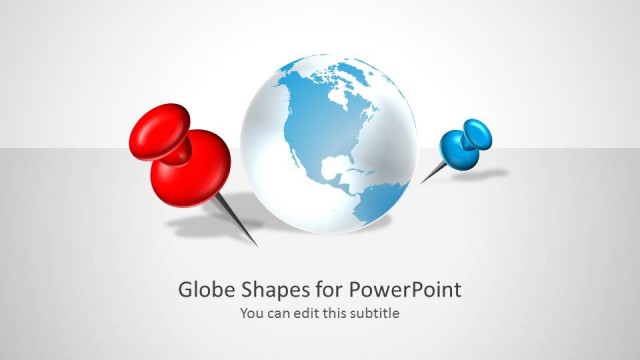
A: Start with the single geographic point the audience must remember, such as a launch region, risk area, or office footprint. Use the largest red pin for the main location and smaller pins for supporting places. Keep callout text short, and use the two-map comparison only when the contrast between regions is part of the message.
Q: Who is this template best suited for in a business presentation?
A: This template fits presenters who need to explain where activity happens across the world, not just list locations. Sales, operations, consulting, and marketing teams can use the world map callouts to show market coverage, expansion priorities, distribution areas, or campaign launches in a format executives can scan quickly.
Q: Why do the GPS pointer graphics work well for global communication?
A: The GPS pin metaphor gives the audience an instant visual cue for place, priority, and location ownership. The large central pins create hierarchy, while the smaller red and yellow pins separate categories or regions. Light and dark versions let the presenter control contrast based on room lighting and surrounding slide content.



Worldmap & Map Pointers for PowerPoint
7-slide PowerPoint presentation template with world map pointers and GPS marker layouts
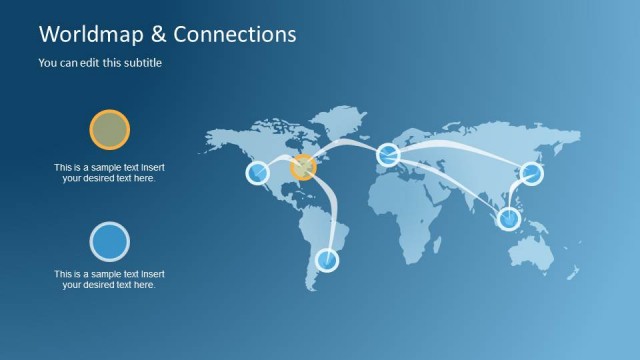
Worldmap & Map Pointers for PowerPoint is a 7-slide Microsoft PowerPoint map template for showing global locations, regions, and routes. Visible layouts include a folded world map cover, flat world map pointer callouts, two-map comparison slides, and dark-theme GPS marker layouts for business presenters.
- Category
- Maps
- Rating


 Loading...
- Aspect ratio
- 16:9
- Item ID
- 6038-01
- Colors
 Microsoft PowerPoint
  Microsoft Copilot
  Claude for PowerPoint
 Other formats supported
Subscribe today and get immediate
access to download our PowerPoint templates.