Slide 4 of 7 from Worldmap & Map Pointers for PowerPoint
World Map Slide Design for PowerPoint with Map Pointer
Worldmap with Map Pointers for PowerPoint
- Map
- World Map
- Context Slide
- 16:9
- 100% Editable
The Worldmap with Map Pointers slide from the Worldmap & Map Pointers for PowerPoint template offers a clear geographical overview using editable shapes and vector icons. This slide layout is suitable for business presentations and pitch deck templates focused on global locations, market expansion, or logistics route mapping, providing a balanced design with distinct map pointers to enhance visual communication.
About This Slide
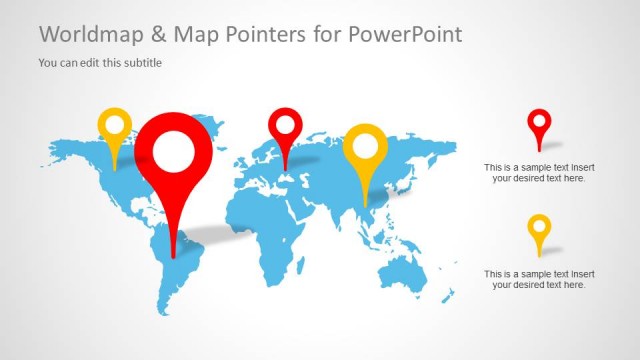
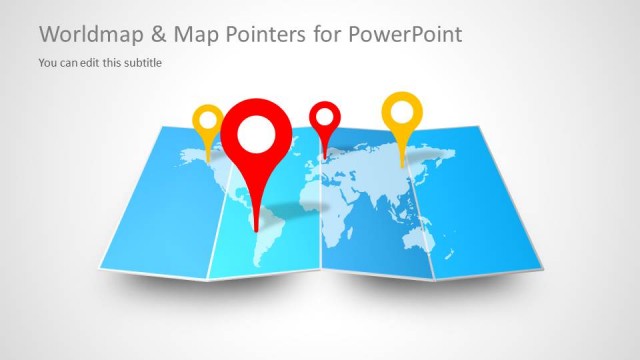
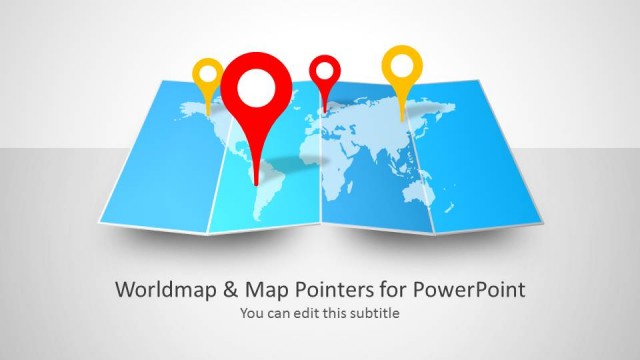
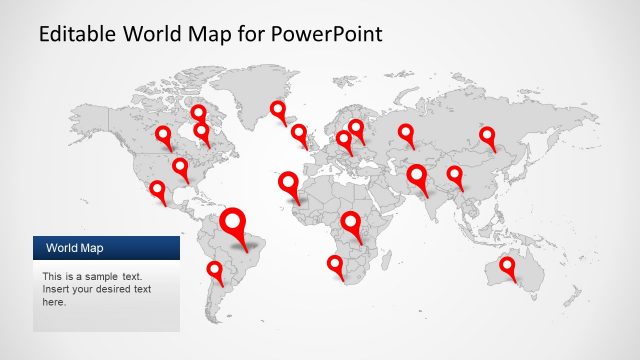
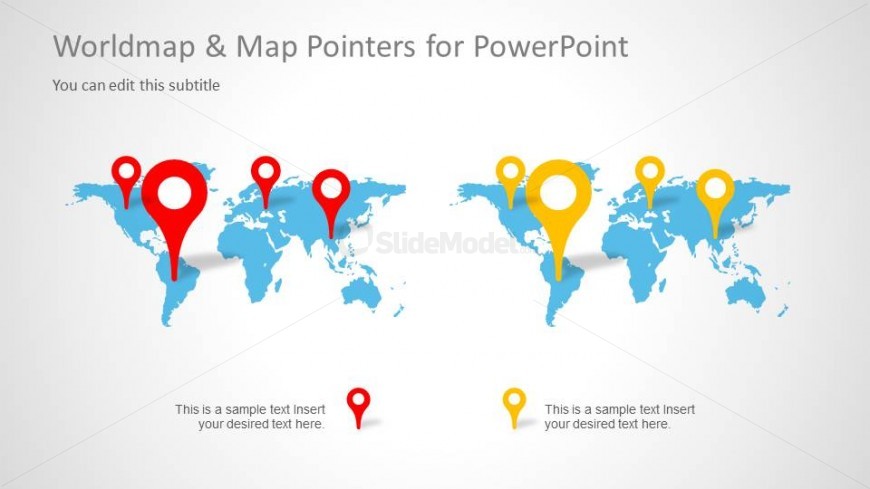
Awesome slide design with two world map illustrations created in PowerPoint and using shapes. The slide design contains colorful map markers or pointers that you can use to tag any desired location.
What’s on This Slide
The slide features a world map displayed in the center with two distinct sets of map pointers. The left side has red pointers, while the right side has yellow pointers, both indicating various locations. Each pointer is circular with a prominent outer ring, creating a visual hierarchy. Below the map, there are text placeholders for descriptions, aligned centrally. The background is light, enhancing the visibility of the map and pointers. The overall layout is balanced, with ample space around elements for clarity.
How to Use It
This layout serves as a geographical overview, ideal for presenting global locations or routes. It fits well after problem framing slides, providing a visual context for discussions on international strategies or market expansions. Business scenarios include showcasing regional offices, highlighting target markets, or mapping out logistics routes. This layout can also be adapted for educational purposes, illustrating geographical concepts or historical events.
Text Placeholders & Capacity
Keep your copy within these limits so it fits without resizing. Node body slots can accommodate roughly 6-8 words each.
| Placeholder | Count | Max characters (approx.) |
|---|---|---|
| Slide title | 1 | 30 |
| Subtitle | 1 | 50 |
| Item body | 6 | 40 |
Slide Keywords
Download unlimited PowerPoint templates, charts and graphics for your presentations with our annual plan.
DOWNLOADReturn to Worldmap & Map Pointers for PowerPoint.