World Map Template with Pie Charts for PowerPoint is a customizable map template for PowerPoint which is suitable for a wide range of presentation topics, be it topics related to business, marketing, sales, finance or geography, politics, economics, etc.
With pie charts and the world map, you can present your content by highlighting areas of interest on the world map and also present statistics, making it possible to include good amount of relevant details in each slides, within a neat layout.
Also see our complete collection of PowerPoint Map Templates which provide accurate maps for different countries, continents and creative world map designs.
What’s inside this template
Example presentation scenarios
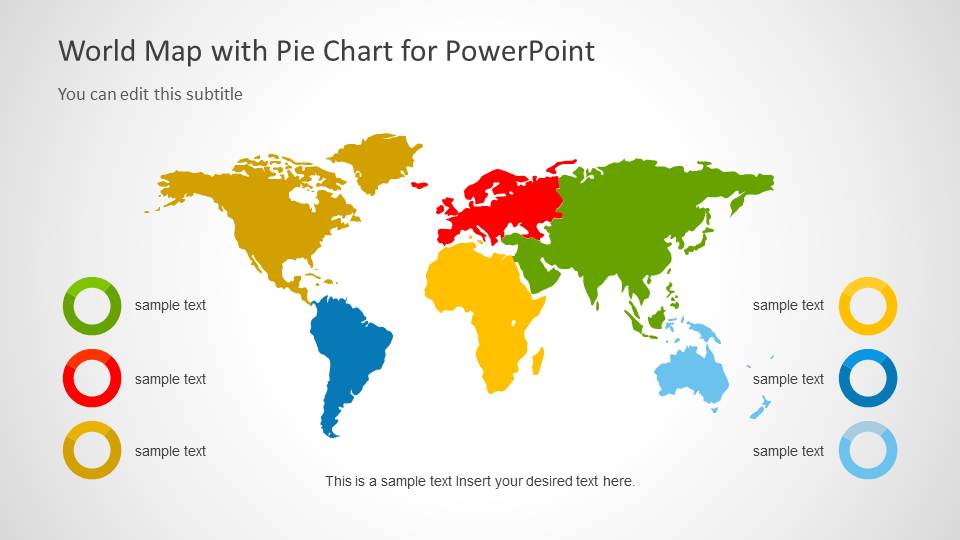
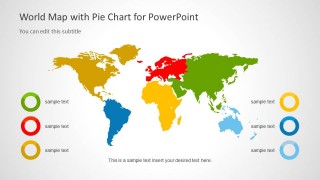
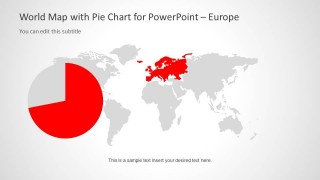
- A sales manager can report regional revenue share by using the global color-coded map on Slide 2 and the regional focus maps for North America, Europe, and Asia.
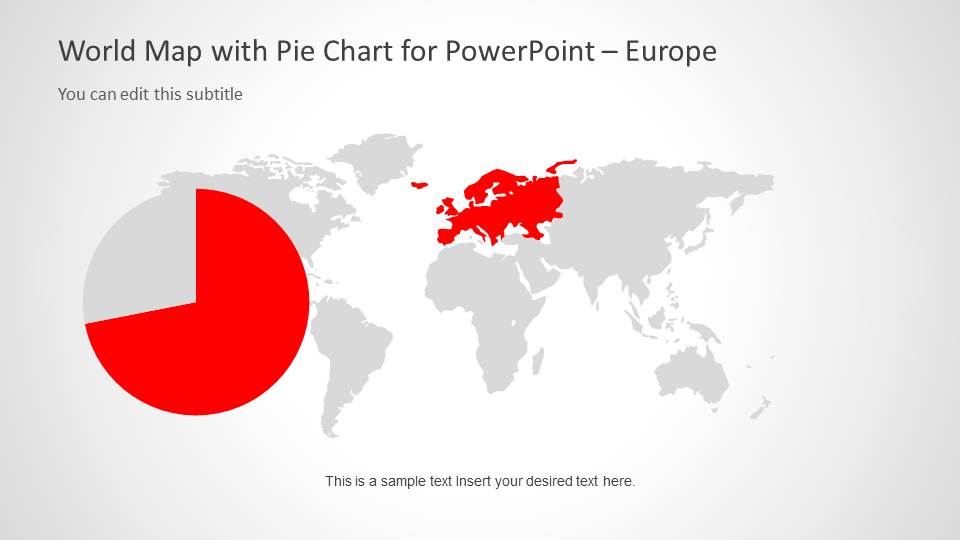
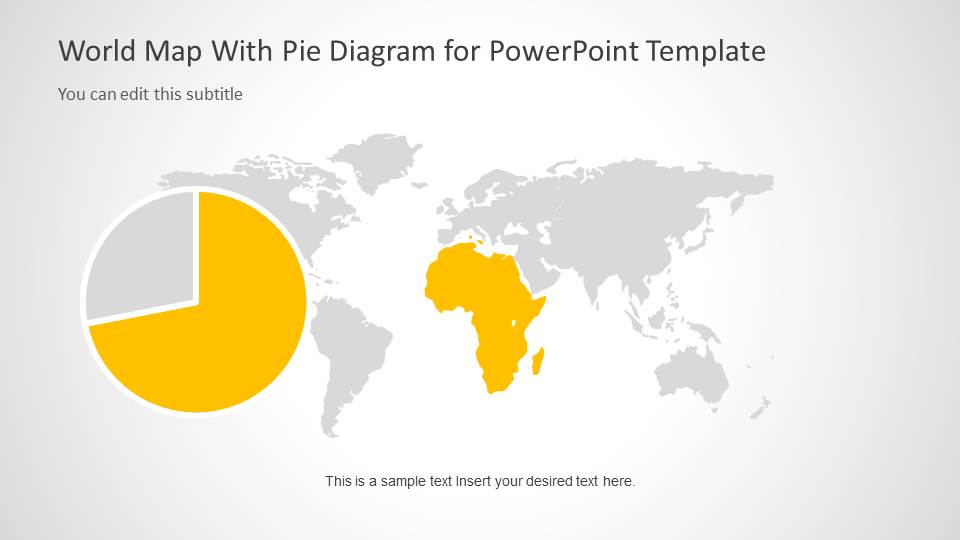
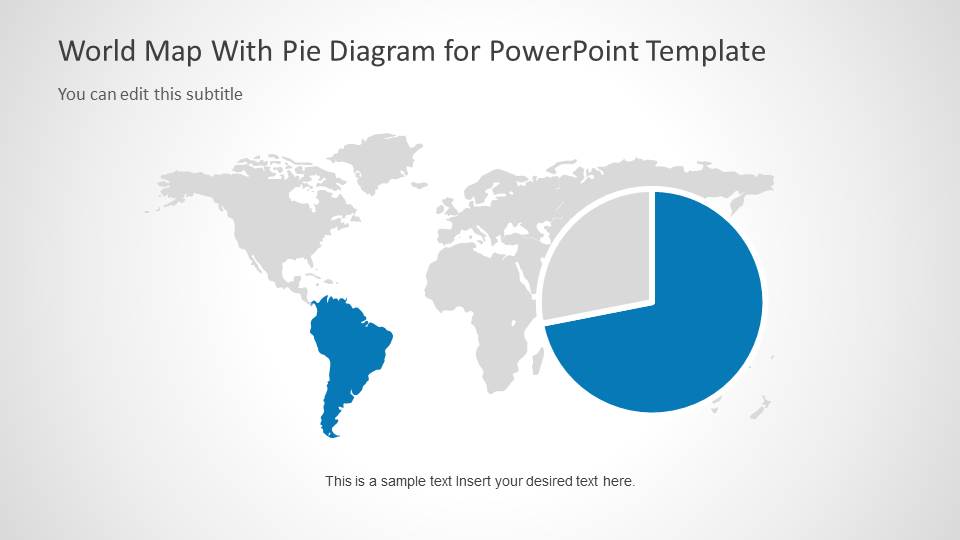
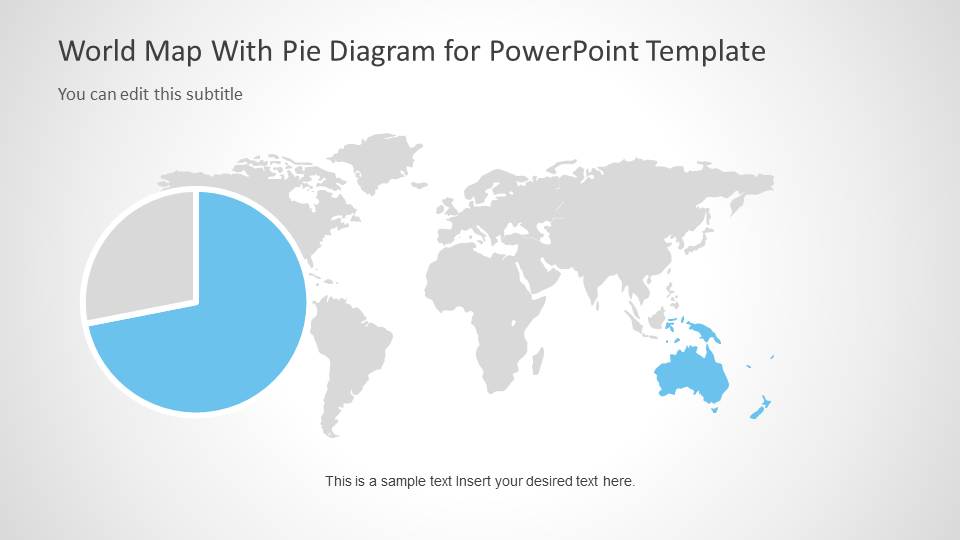
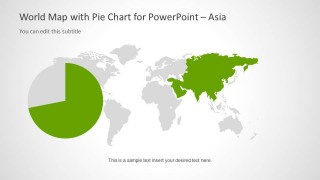
- A marketing analyst can explain audience distribution by placing the key percentages in the pie chart overlays on the continent-specific map slides.
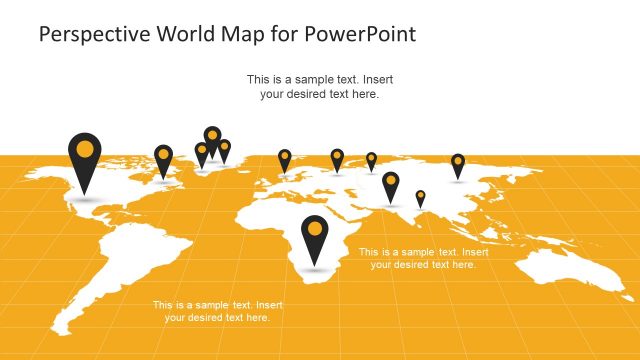
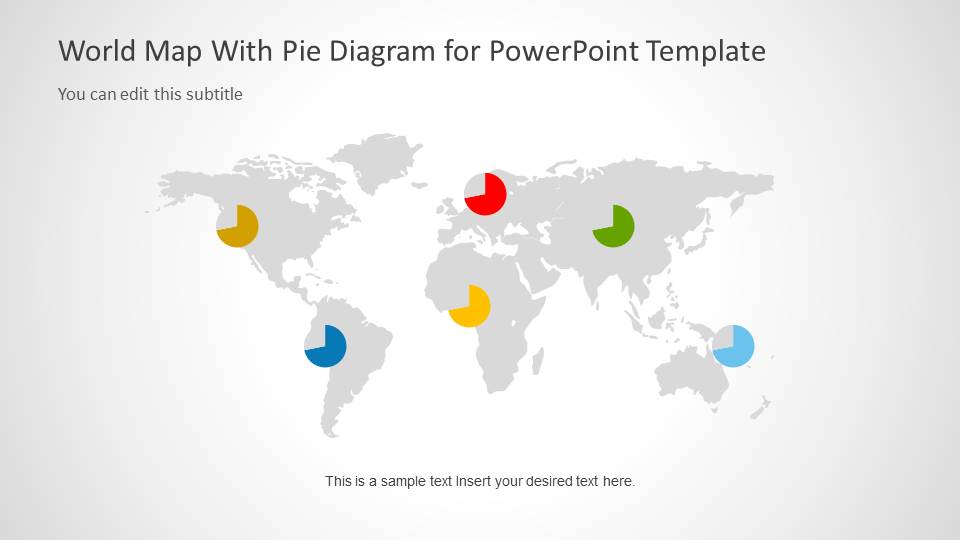
- An operations leader can show global footprint and regional concentration by using the multi-marker world map on Slide 9 as an executive summary.
- A finance presenter can compare regional budget allocation by using the large two-part pie charts beside highlighted continent maps.
Features
- 100% editable presentation template
- Compatible with Microsoft PowerPoint and Google Slides
- Scalable vector shapes, icons and illustrations
- AI-Ready for Microsoft Copilot and Claude
- Instant access and download
Frequently asked questions
Q: How should a presenter structure the geographic message with this template?
A: Start with Slide 2 to define the global categories and color meaning before moving into the regional focus maps. Use each continent slide to explain one key comparison, not every data point. Finish with Slide 9 when the audience needs a consolidated view of regional markers across the full world map.
Q: Who is this template best suited for?
A: This template works best for analysts, sales leaders, marketing teams, and operations managers who need to report values by region. The combination of a world map and pie chart callouts is useful when the audience must understand where activity is happening and how each region contributes to the whole.
Q: Why combine world maps with pie charts instead of using charts alone?
A: The map supplies geographic context while the pie chart supplies proportion. That pairing reduces the need for long explanations because the audience can see both location and share at once. The muted gray base map also keeps attention on the highlighted continent and the colored pie segment.


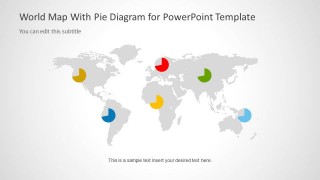
World Map Template with Pie Charts for PowerPoint
9-slide PowerPoint presentation template with editable world maps, regional highlights, and pie charts
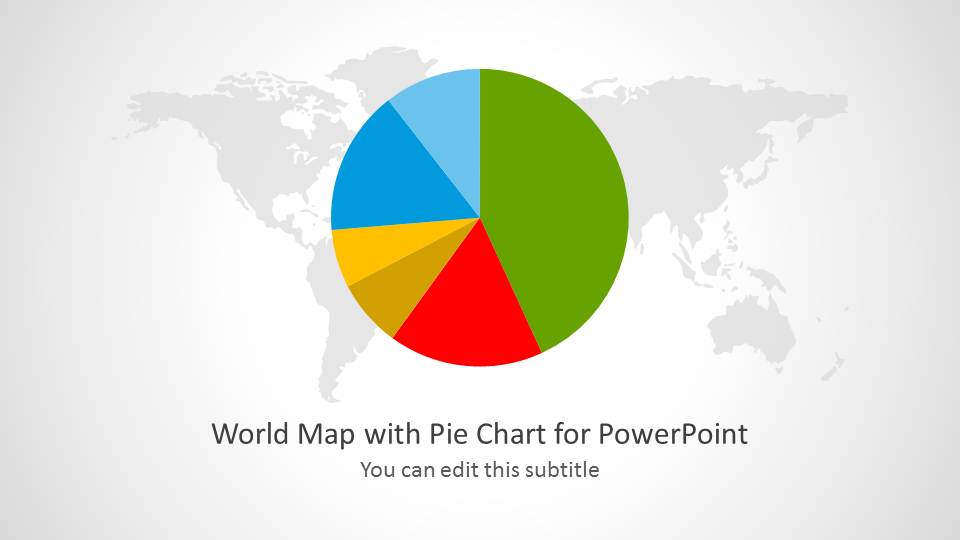
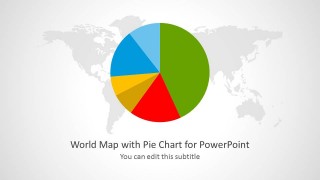
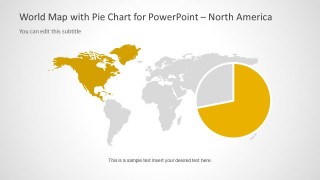
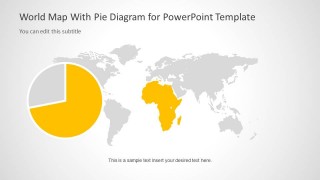
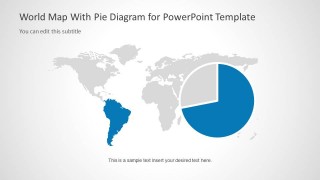
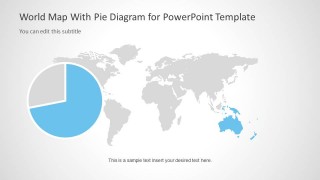
This 9-slide PowerPoint map template combines world map layouts with pie chart overlays for geographic reporting. Visible slides include a cover with a large pie chart, a global color-coded map with legend circles, regional focus maps for Asia, Europe, North America, Africa, South America, and Oceania, plus a multi-marker world map.


 Loading...
 Microsoft PowerPoint
  Microsoft Copilot
  Claude for PowerPoint
 Other formats supported
Subscribe today and get immediate
access to download our PowerPoint templates.