Slide 1 of 7 from Worldmap & Map Pointers for PowerPoint
GPS Icon for PowerPoint with World Map Slide Design
Worldmap with Map Pointers for PowerPoint
- Map
- World Map
- Context Slide
- 16:9
- 100% Editable
The Worldmap with Map Pointers slide from the Worldmap & Map Pointers for PowerPoint template offers a clear, visually balanced layout ideal for global business presentations and international marketing strategies. Featuring editable shapes and vector icons, this slide helps highlight key locations effectively within a corporate presentation or travel planning discussion.
About This Slide
Creative map for PowerPoint presentations with Map Pointer icon that you can copy and paste into your own PowerPoint slides.
What’s on This Slide
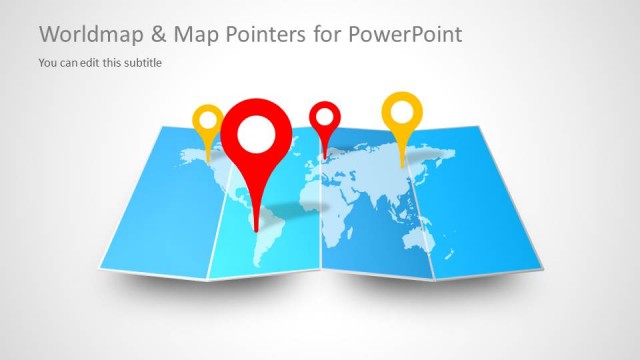
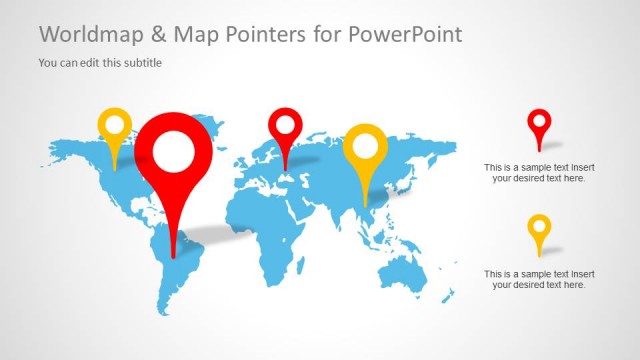
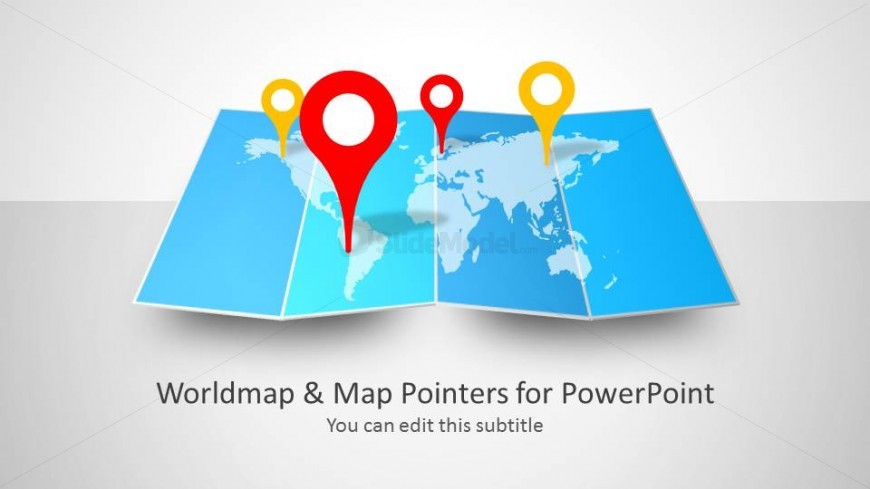
The slide features a folded world map in the center, displaying a light blue color scheme. Three map pointers are positioned prominently, with two in red and one in yellow, indicating specific locations on the map. The title is placed at the bottom center, with a subtitle placeholder directly underneath it. The visual hierarchy emphasizes the map pointers, drawing attention to their contrasting colors against the map's background. The overall composition is balanced, with ample white space surrounding the elements, enhancing clarity and focus.
How to Use It
This layout serves as an introductory slide for presentations focused on global topics, such as international business or travel. It effectively sets the stage for discussing locations, regions, or routes. Positioned as the first slide, it can lead into more detailed content on specific areas or strategies. This structure is suitable for business meetings, educational presentations, or marketing strategies that involve geographical elements, ensuring a clear visual representation of global themes.
Text Placeholders & Capacity
Keep your copy within these limits so it fits without resizing. Title and subtitle slots have moderate capacity, roughly 8-10 words each.
| Placeholder | Count | Max characters (approx.) |
|---|---|---|
| Slide title | 1 | 40 |
| Subtitle | 1 | 50 |
Slide Keywords
Download unlimited PowerPoint templates, charts and graphics for your presentations with our annual plan.
DOWNLOADReturn to Worldmap & Map Pointers for PowerPoint.