Slide 2 of 7 from Worldmap & Map Pointers for PowerPoint
Worldmap with Map Pointers for PowerPoint
The Worldmap with Map Pointers slide from the Worldmap & Map Pointers for PowerPoint template offers a clear visual tool for global business strategy and market analysis presentations. This slide layout includes editable shapes and vector icons to highlight key geographic regions effectively, making it suitable for corporate presentations and international project planning within a professional slide deck.
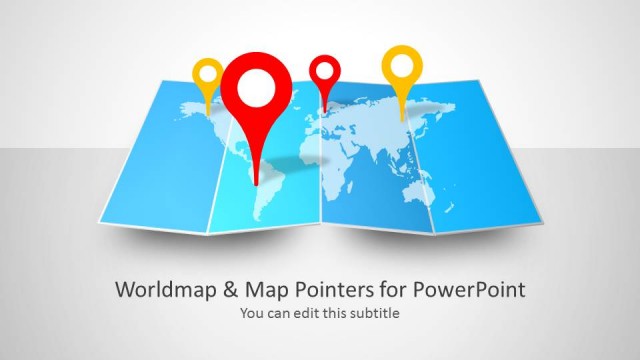
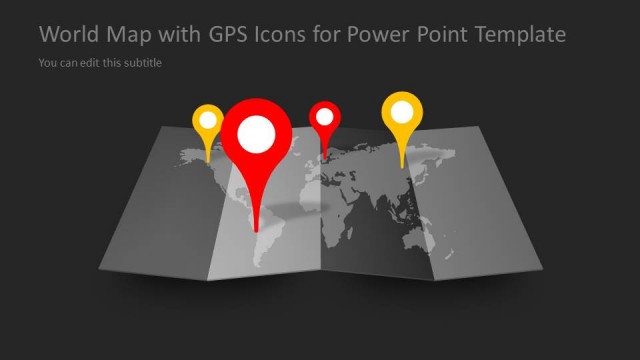
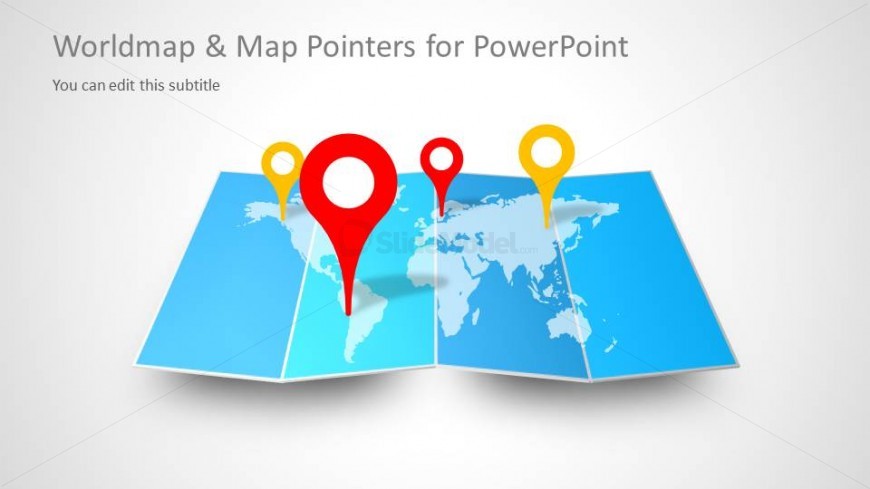
The slide features a folded world map in the center, displaying various regions. Three map pointers are positioned above the map, with two in red and one in yellow. The pointers are larger than the map elements, emphasizing their importance. The title is located at the top center, while a subtitle placeholder is positioned below it. The background is a light gradient, enhancing the visibility of the map and pointers. The overall layout is balanced, with elements grouped cohesively around the central map.
This layout serves as a visual representation of global locations or regions, ideal for presentations discussing international business strategies or geographic data. It fits well after an introductory slide, providing context for subsequent discussions. Use it to highlight specific areas of interest or to illustrate a global expansion strategy. The design is suitable for scenarios where geographical emphasis is essential, such as market analysis or global project planning.
Keep your copy within these limits so it fits without resizing. Title and subtitle slots can accommodate concise text.
| Placeholder | Count | Max characters (approx.) |
|---|---|---|
| Slide title | 1 | 30 |
| Subtitle | 1 | 40 |
Download unlimited PowerPoint templates, charts and graphics for your presentations with our annual plan.
DOWNLOADReturn to Worldmap & Map Pointers for PowerPoint.