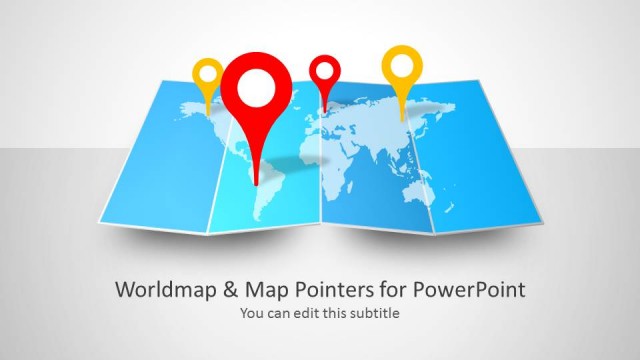
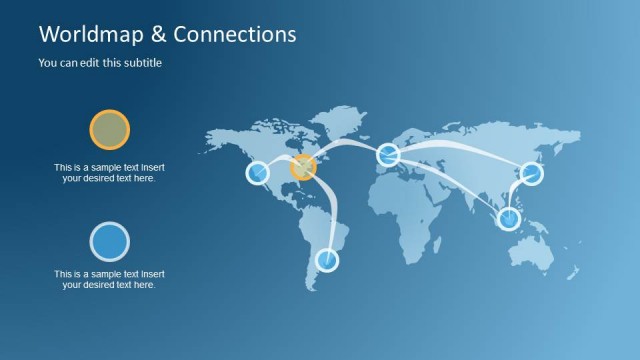
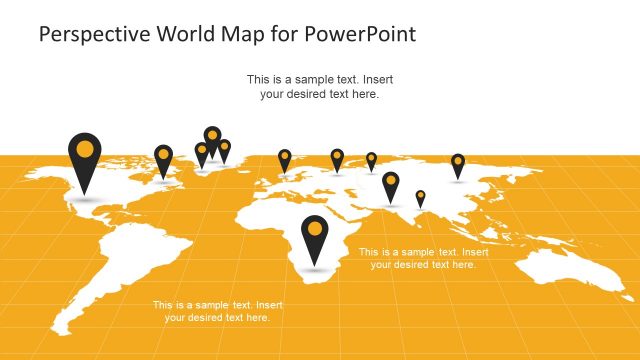
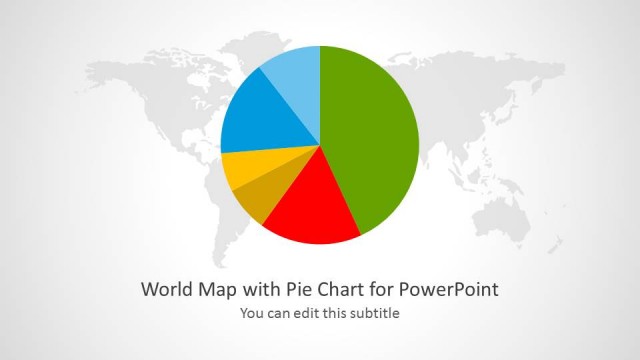
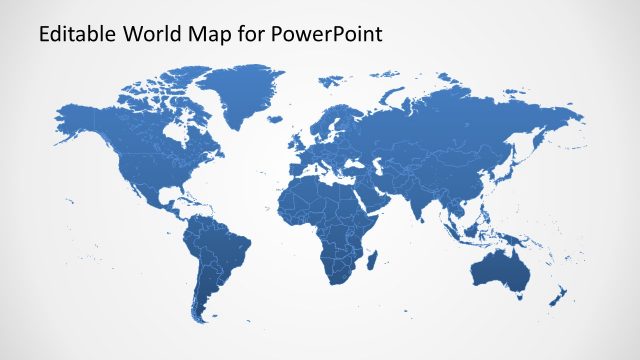
Worldmap & Cardinal Points Shape for PowerPoint is a World Map Template with professional slide designs.
Using cardinal points with a world map background you can present your presentation slides with accurate geographical information and even elaborate a strategy related to different locations, e.g. to highlight a marketing plan. Furthermore, the template can even be used for academic presentations, as well as to create slides on topics like target market, geographical importance of a region and the like.
Also check out our complete catalogue of PowerPoint Maps, which has a variety of presentation templates with editable maps for different countries of the world.
What’s inside this template
Example presentation scenarios
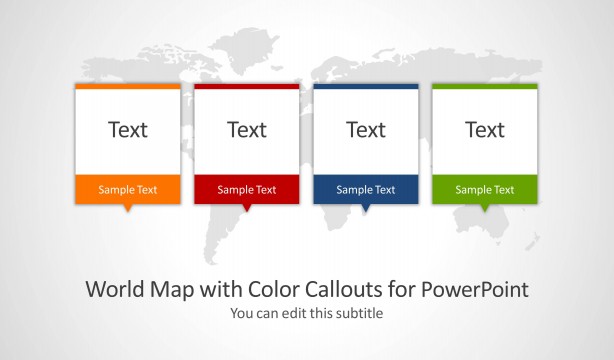
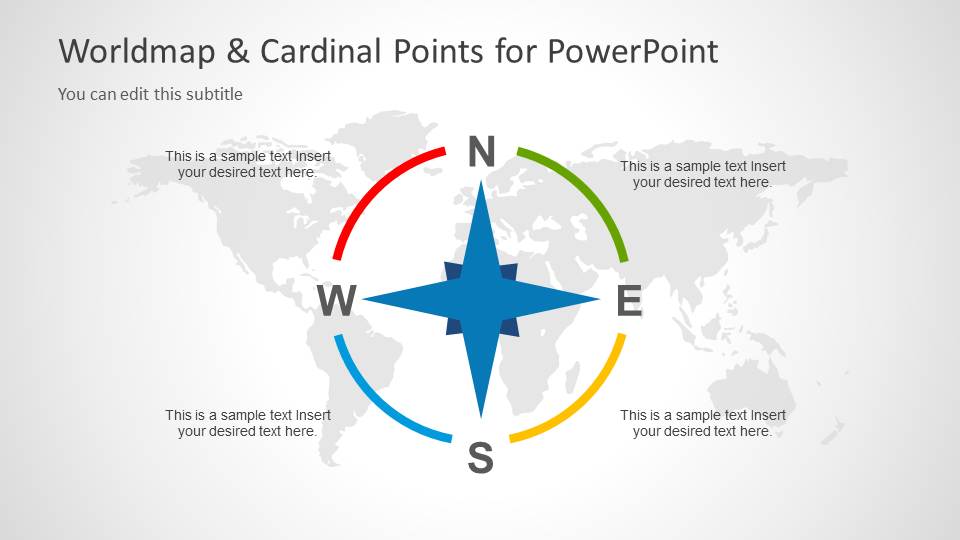
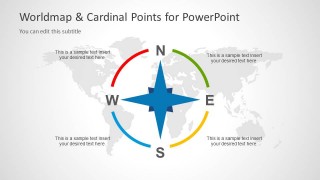
- A marketing manager can present target regions for an international campaign using the four-callout world map slide to assign one message to each directional area.
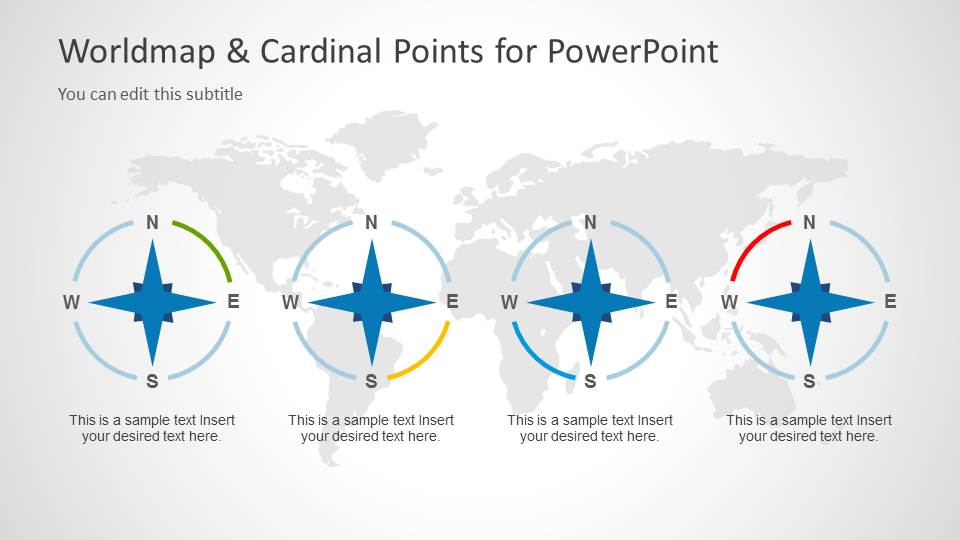
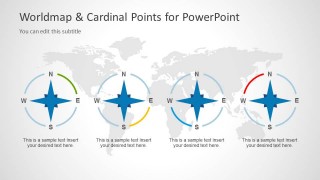
- A strategy consultant can introduce a geographic expansion discussion with the title cover, then compare four priority territories using the four compass marker layout.
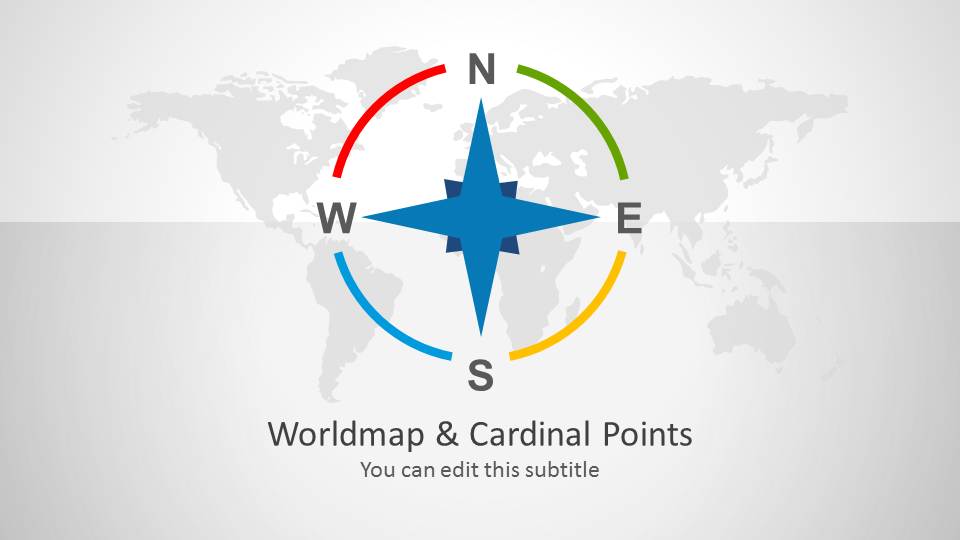
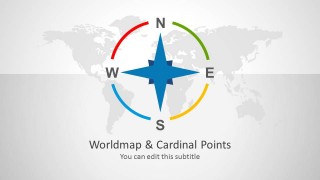
- An educator can explain cardinal directions or global orientation concepts with the large compass rose and world map background as a visual reference.
- An operations leader can brief a distributed team on regional responsibilities by placing short ownership notes under the four compass markers.
Features
- 100% editable presentation template
- Compatible with Microsoft PowerPoint and Google Slides
- Scalable vector shapes, icons and illustrations
- AI-Ready for Microsoft Copilot and Claude
- Instant access and download
Frequently asked questions
Q: How should a presenter use the compass visuals without making the slide feel too literal?
A: Treat the compass as an organizing device, not just decoration. Use north, east, south, and west to group regions, routes, responsibilities, or strategic priorities. Keep each callout short so the audience connects the direction cue with one clear idea, such as market entry, distribution coverage, or geographic risk.
Q: Who is this template best suited for?
A: This template works best for presenters who need a concise geographic frame rather than a data-heavy map. Marketing teams can show target markets, consultants can frame regional strategy, educators can teach direction and location, and operations leaders can explain territory coverage using the map callouts and four compass marker layout.
Q: Why use a compass and world map metaphor for geographic planning?
A: The compass metaphor gives the audience an immediate sense of orientation before they read the text. The pale world map provides context without competing with the message, while the colored arc segments separate directional zones. This helps a presenter turn location-based information into a structured visual explanation.
Worldmap & Cardinal Points Shape for PowerPoint
3-slide presentation template with world map backgrounds and cardinal point compass shapes
Worldmap & Cardinal Points Shape for PowerPoint is a 3-slide map shape template for geographic presentations. It includes a cover with a large compass rose, a world map callout slide with four text areas, and a four-item compass marker layout for comparing regions, directions, or market locations.

 Loading...
 Microsoft PowerPoint
  Microsoft Copilot
  Claude for PowerPoint
 Other formats supported
Subscribe today and get immediate
access to download our PowerPoint templates.