Slide 7 of 7 from Worldmap & Map Pointers for PowerPoint
6038-01-world-map-with-gps-icon-7
World Map with GPS Icons for PowerPoint
- Map
- World Map
- Context Slide
- 16:9
- 100% Editable
The World Map with GPS Icons slide from the Worldmap & Map Pointers for PowerPoint template offers a clear visual layout for global strategy discussions and market expansion presentations. Featuring editable slides with vector icons, it enables effective geographic data analysis and international project planning within a corporate presentation or business presentation context.
What’s on This Slide
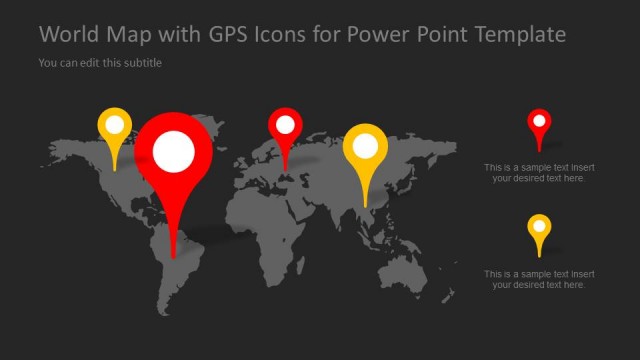
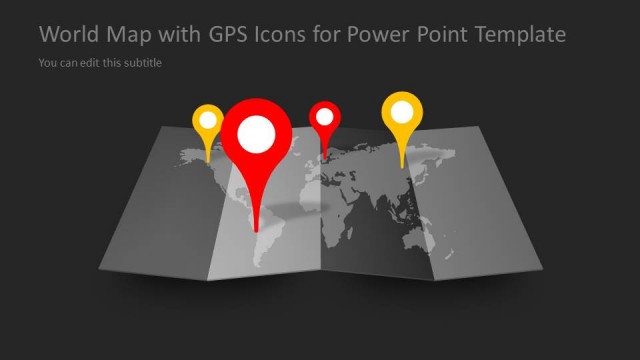
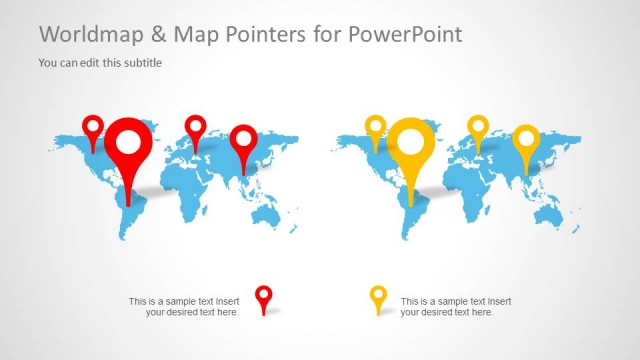
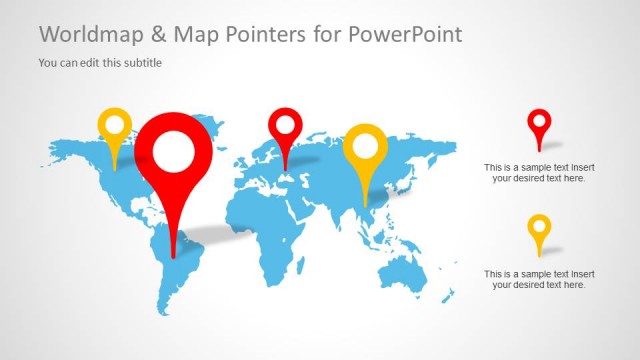
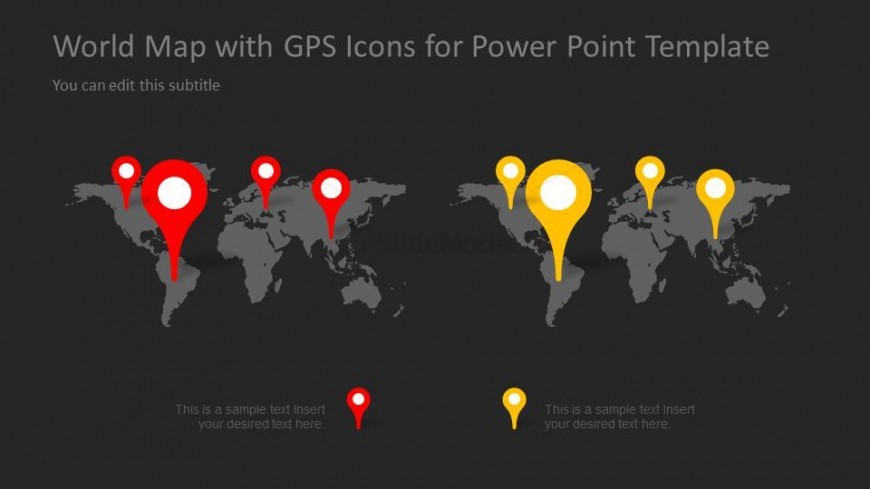
The layout features a dark background with two world maps positioned side by side. Each map displays GPS icons in red and yellow, indicating various locations. The left map has larger red icons, while the right map features smaller yellow icons. Above the maps, there is a title placeholder aligned to the left and a subtitle placeholder beneath it. At the bottom, two text placeholders are present for additional information, aligned centrally. The overall composition emphasizes the maps and icons, creating a clear visual hierarchy.
How to Use It
This layout serves as a visual representation of global locations using GPS icons. It fits well in presentations discussing international strategies, market expansions, or geographic data. The structure allows for clear comparisons between two sets of locations or data points. It is suitable for business contexts where geographical insights are essential, such as in marketing, logistics, or global outreach discussions. The layout can be used effectively to illustrate regional differences or highlight specific areas of interest.
Text Placeholders & Capacity
Keep your copy within these limits so it fits without resizing. Body slots can hold about 8-10 words each.
| Placeholder | Count | Max characters (approx.) |
|---|---|---|
| Slide title | 1 | 40 |
| Subtitle | 1 | 40 |
| Body paragraph | 2 | 50 |
Slide Keywords
Download unlimited PowerPoint templates, charts and graphics for your presentations with our annual plan.
DOWNLOADReturn to Worldmap & Map Pointers for PowerPoint.