Slide 5 of 7 from Worldmap & Map Pointers for PowerPoint
6038-01-world-map-with-gps-icon-5
World Map with GPS Icons for PowerPoint
- Map
- World Map
- Context Slide
- 16:9
- 100% Editable
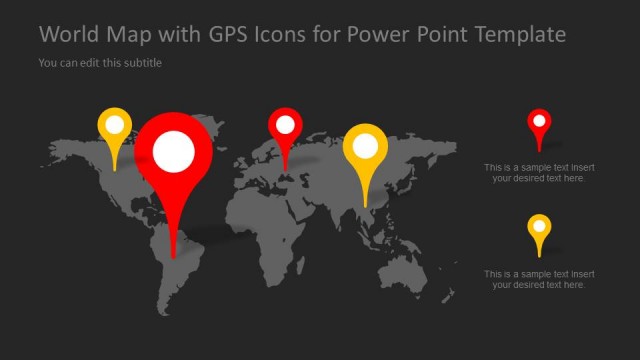
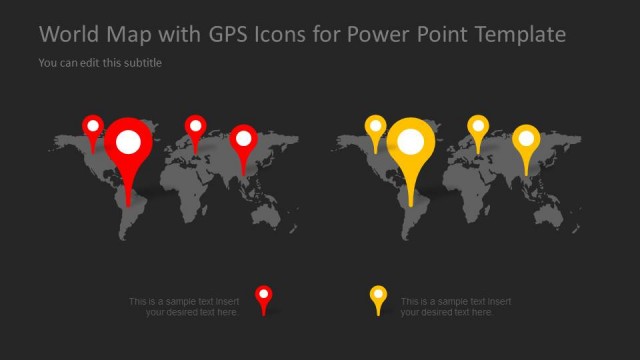
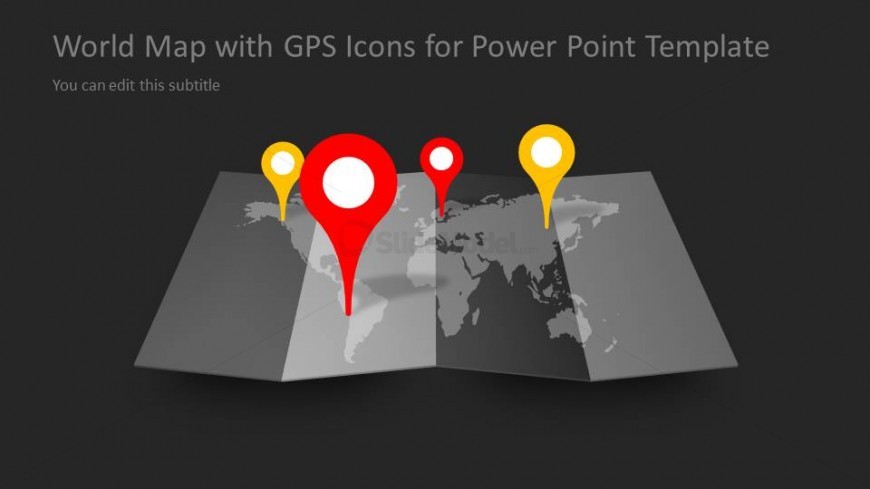
The World Map with GPS Icons slide from the Worldmap & Map Pointers for PowerPoint template offers a clear visual tool for illustrating global locations and international strategies. This slide layout, featuring editable shapes and vector icons, is ideal for enhancing business presentations or market analysis by highlighting key geographic points with distinct GPS markers on a dark map background.
What’s on This Slide
The layout features a folded world map at the center, with GPS icons positioned prominently above various locations. There are three GPS icons in red, yellow, and white, with circular shapes and pointed bottoms indicating specific locations. The background is dark, enhancing the visibility of the map and icons. The title is centered at the top, with a subtitle placeholder directly below it, both aligned to the center. The overall composition emphasizes the map and icons, creating a clear visual hierarchy.
How to Use It
This layout serves as a visual representation of global locations using GPS markers. It fits well in a presentation sequence where geographic data needs to be highlighted, such as in discussions about international business strategies or global market analysis. It can be used to illustrate specific regions of interest or to showcase locations relevant to a particular topic, making it suitable for business presentations, travel planning, or educational purposes.
Text Placeholders & Capacity
Keep your copy within these limits so it fits without resizing. Title and subtitle slots can hold roughly 5-8 words each.
| Placeholder | Count | Max characters (approx.) |
|---|---|---|
| Slide title | 1 | 40 |
| Subtitle | 1 | 50 |
Slide Keywords
Download unlimited PowerPoint templates, charts and graphics for your presentations with our annual plan.
DOWNLOADReturn to Worldmap & Map Pointers for PowerPoint.