Slide 6 of 7 from Worldmap & Map Pointers for PowerPoint
World Map PowerPoint Slide Design with Map Marker
World Map with GPS Icons for PowerPoint
- Map
- World Map
- Context Slide
- 16:9
- 100% Editable
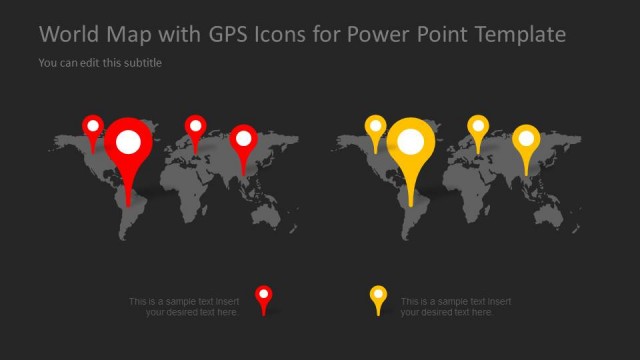
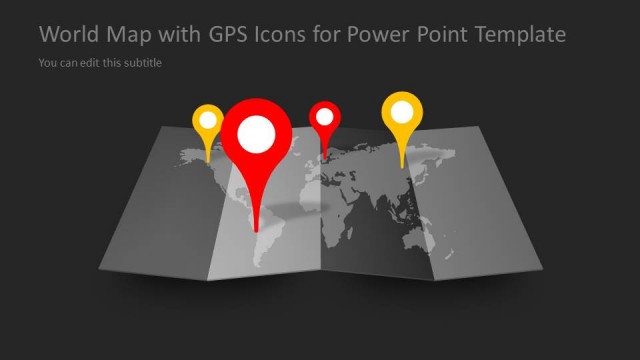
The World Map with GPS Icons slide from the Worldmap & Map Pointers for PowerPoint template offers a clear geographic visualization ideal for business presentations and pitch decks. Featuring editable shapes and vector icons on a dark background, it highlights global locations and international projects effectively. This slide layout supports illustrating market expansion or travel plans within a corporate presentation or slide deck.
About This Slide
Awesome map for PowerPoint presentations with world map illustration and map markers.
What’s on This Slide
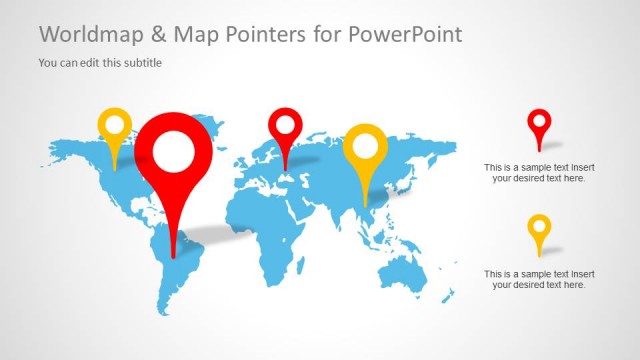
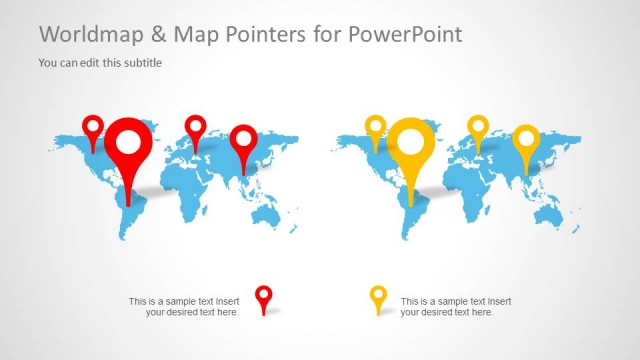
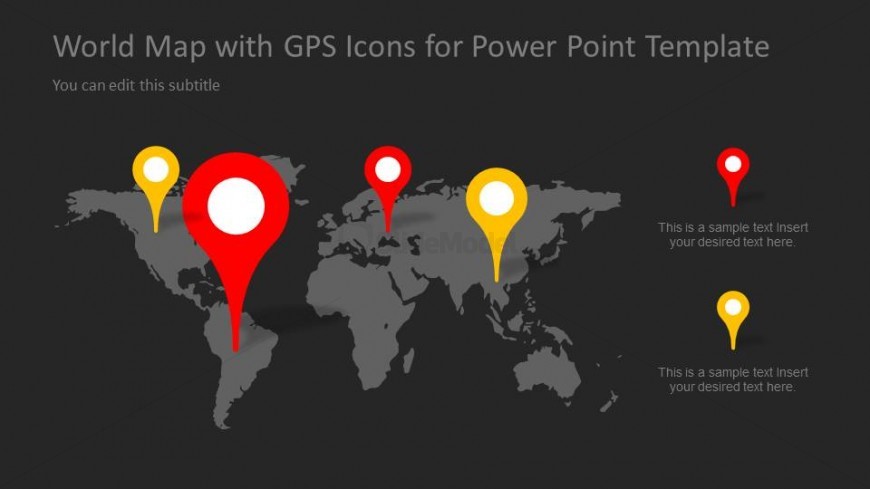
The slide features a dark background with a world map positioned centrally. Five GPS icon markers in red, yellow, and white are placed at various locations on the map, with the largest marker in the center. Text placeholders are aligned to the right of the markers, allowing for descriptions or labels. The title is at the top, while a subtitle placeholder is directly below it. The overall layout emphasizes the map and markers, creating a clear visual hierarchy that directs attention to the icons and their corresponding text.
How to Use It
This layout serves as a geographic representation, ideal for showcasing global locations or regions of interest. It fits well in a presentation sequence following a problem statement or introduction to a topic. Use this slide to highlight specific areas on a world map, making it suitable for business presentations, travel plans, or international project discussions. It can effectively illustrate points related to globalization or market expansion.
Text Placeholders & Capacity
Keep your copy within these limits so it fits without resizing. Node body slots can hold around 10-12 words each.
| Placeholder | Count | Max characters (approx.) |
|---|---|---|
| Slide title | 1 | 40 |
| Subtitle | 1 | 40 |
| Item body | 5 | 50 |
Slide Keywords
Download unlimited PowerPoint templates, charts and graphics for your presentations with our annual plan.
DOWNLOADReturn to Worldmap & Map Pointers for PowerPoint.