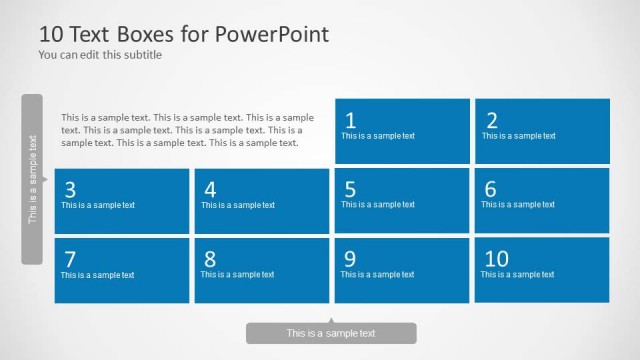
Make presentations using stylish textboxes with the Text Boxes Template for PowerPoint. With the help of this template you can make your ordinary text based slides look special by making use of attractive layouts that can be customized as per need.
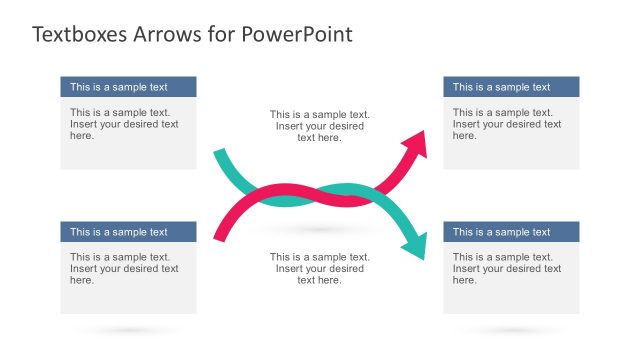
You can use this template for not only making basic slides but also make comparison slides, tables, highlight milestones and more.
What’s inside this template
Example presentation scenarios
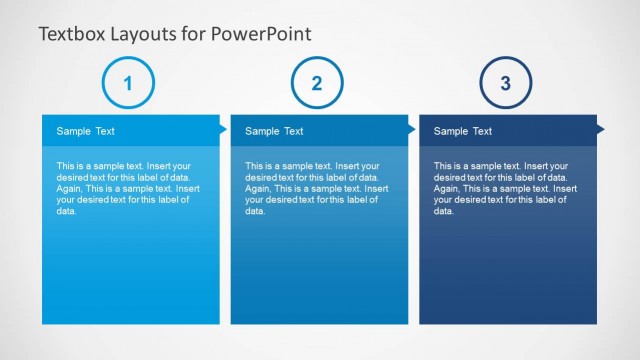
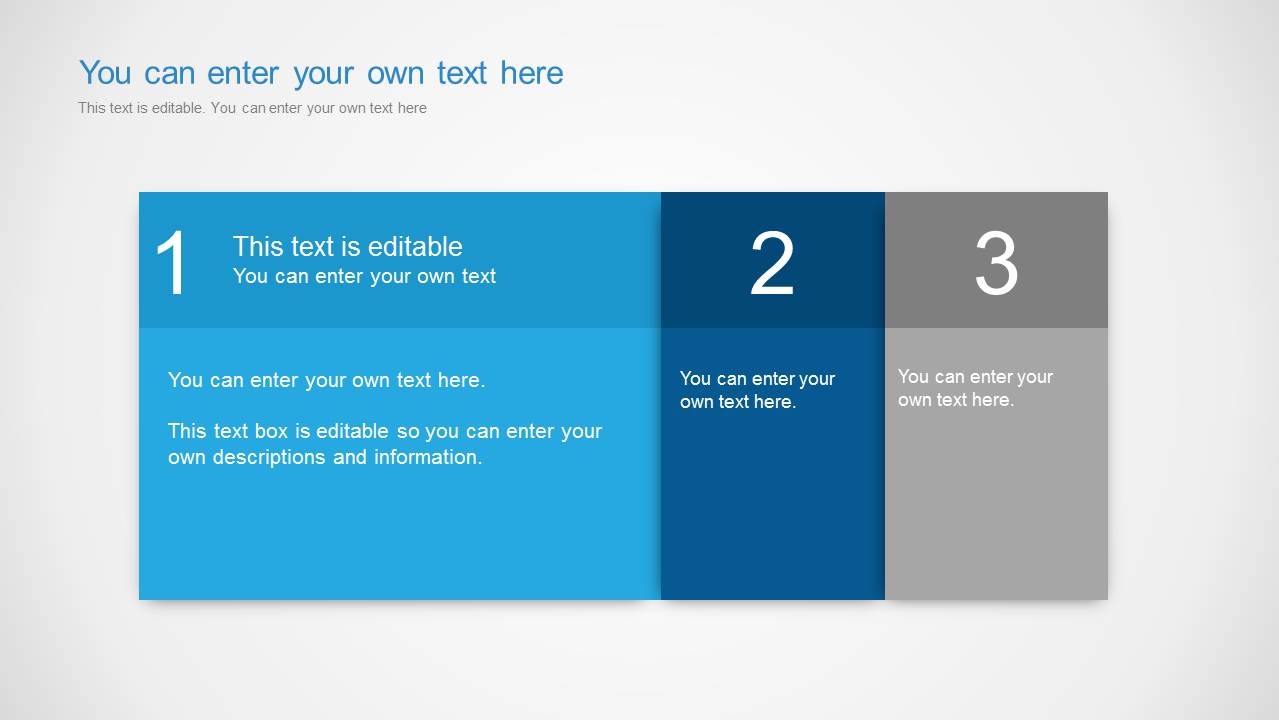
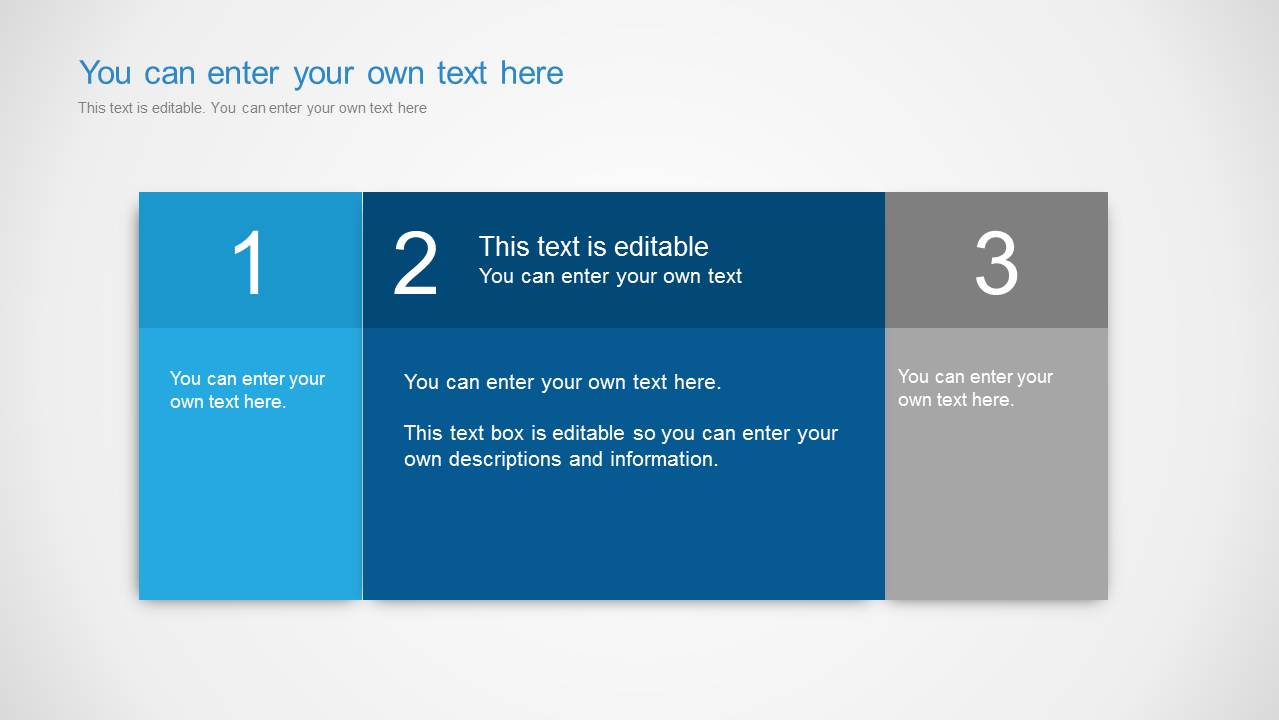
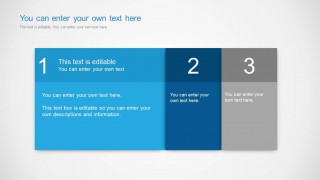
- A consultant can use the three-column comparison panels to compare options, trade-offs, or recommendations for a client decision.
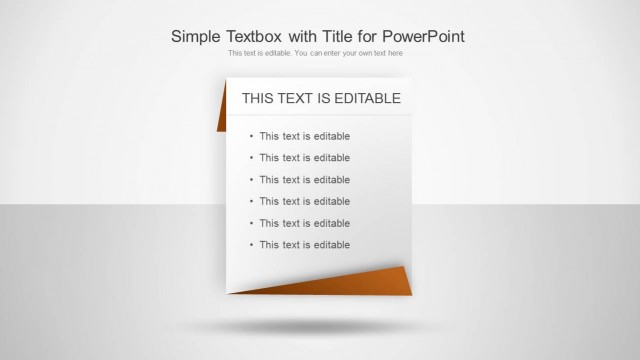
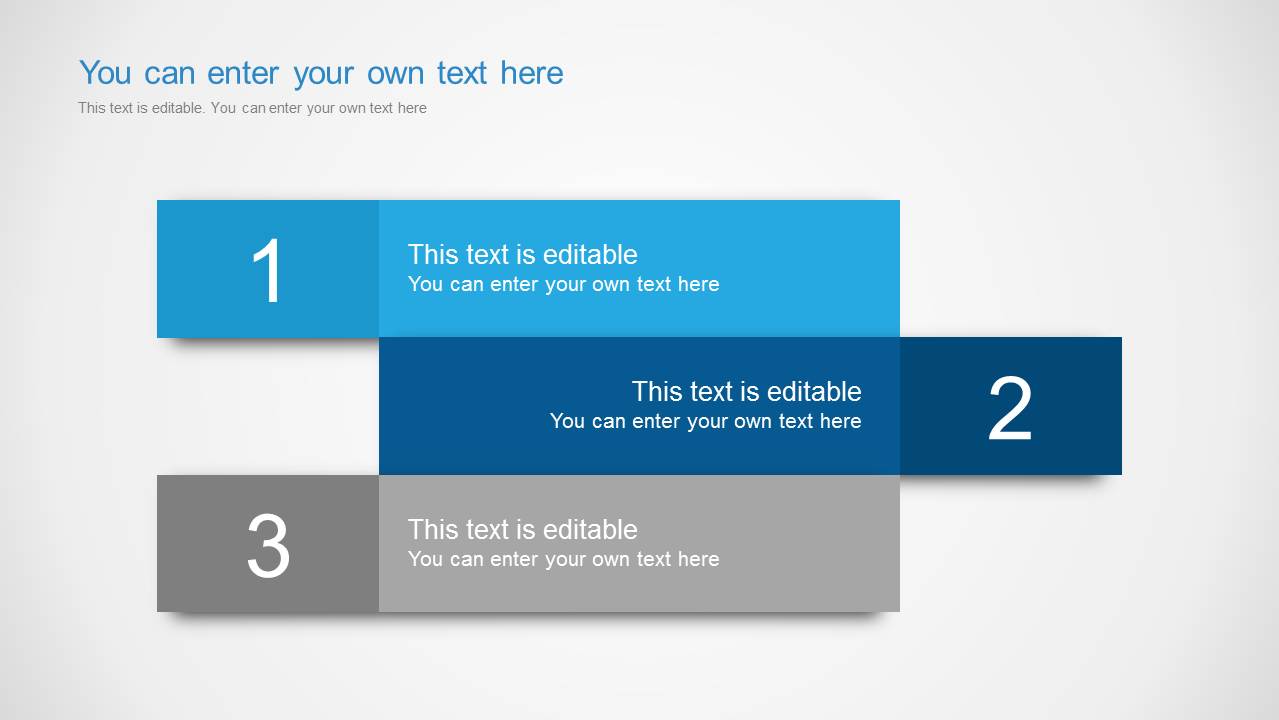
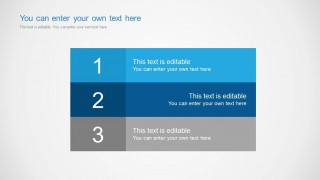
- A project manager can use the vertical three-row list to present sequential milestones, risks, or action items during a status meeting.
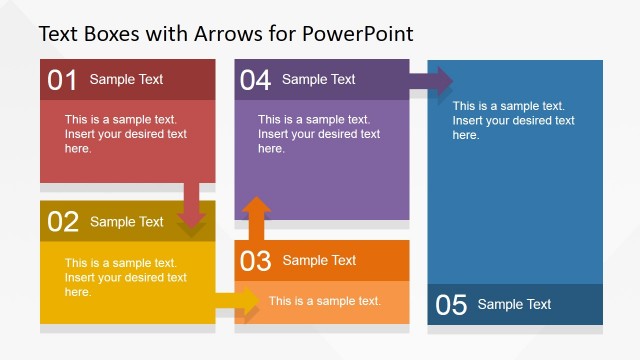
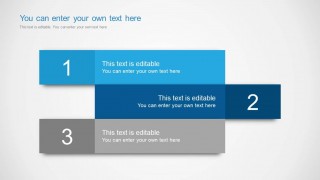
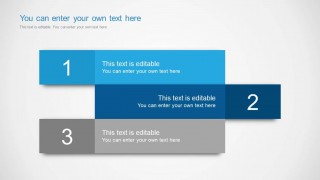
- A trainer can use the overlapping numbered text boxes to break a concept into three clear learning points for a short lesson.
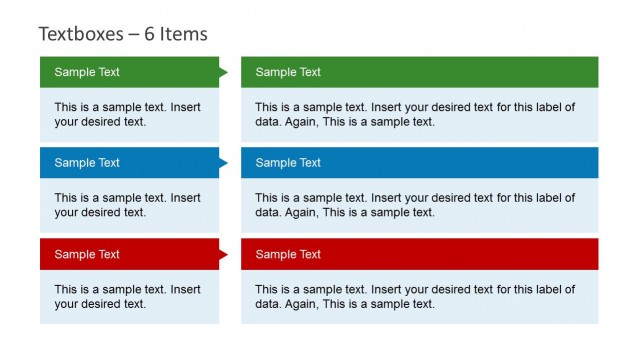
- A marketing presenter can use the wide-column layouts to explain value propositions, campaign phases, or audience segments without relying on charts.
Features
- 100% editable presentation template
- Compatible with Microsoft PowerPoint and Google Slides
- Scalable vector shapes, icons and illustrations
- AI-Ready for Microsoft Copilot and Claude
- Instant access and download
Frequently asked questions
Q: How should a presenter use these text box slides without making them feel like decorated paragraphs?
A: Treat each numbered block as one idea, not a storage area for full notes. Start with a short claim in the heading, then add one supporting sentence or phrase in the body area. The overlapping and column layouts work best when the audience can understand the hierarchy before the presenter explains the details.
Q: Who is this template best suited for in a business presentation?
A: This template fits presenters who need to explain structured text rather than show data. Consultants, project managers, trainers, and marketers can use the three-row list for steps, the three-column panels for comparisons, and the wide blocks for summaries where clarity and grouping matter more than visual storytelling.
Q: Why do the numbered blocks and column widths help communication?
A: The large numbers create an immediate reading order, while the color blocks separate ideas into manageable chunks. Slides 4, 5, and 6 vary column width, which lets the presenter signal importance: a wider section can carry the main explanation, while narrower sections frame supporting points or alternatives.



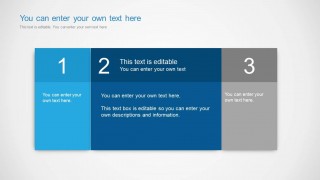
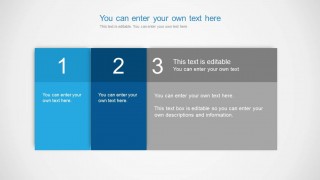
Text Boxes Template for PowerPoint
6-slide PowerPoint presentation template for editable text boxes, comparison panels, and table-style content blocks
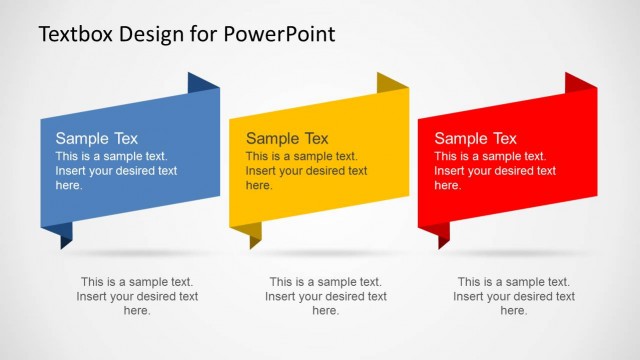
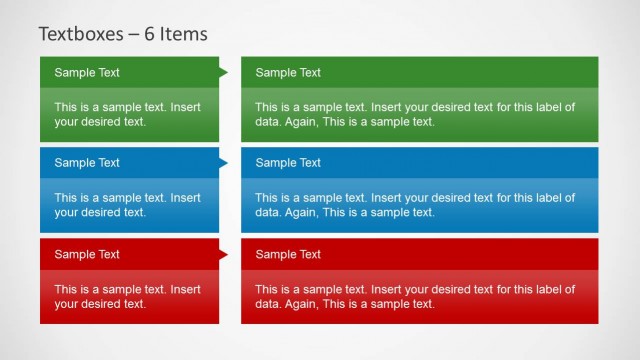
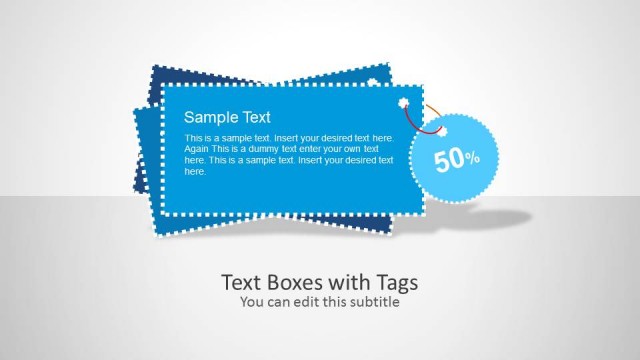
Text Boxes Template for PowerPoint is a 6-slide set of editable text-focused layouts for turning plain copy into structured business slides. It includes overlapping numbered text boxes, a vertical three-row list, three-column comparison panels, and table-style content blocks for presenters who need concise explanations, comparisons, or milestone highlights in PowerPoint.


 Loading...
 Microsoft PowerPoint
  Microsoft Copilot
  Claude for PowerPoint
 Other formats supported
Subscribe today and get immediate
access to download our PowerPoint templates.