Slide 1 of 6 from Text Boxes Template for PowerPoint
3 Text boxes with descriptions for PowerPoint
Overlapping Text Boxes for Presentations
- Text Layout
- List Blocks
- Process Slide
- 16:9
- 100% Editable
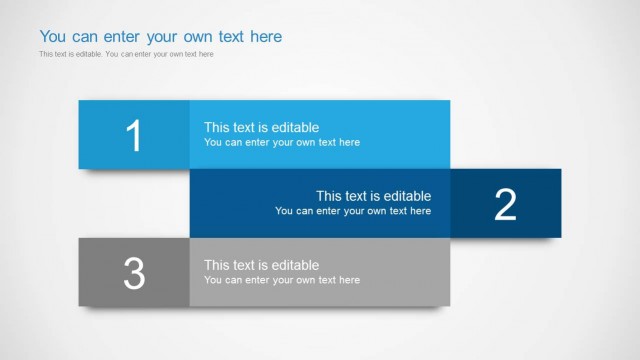
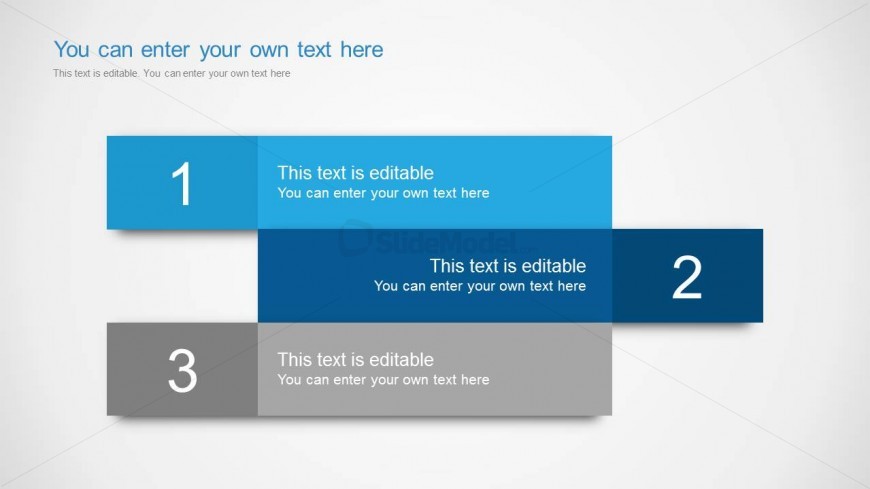
The Overlapping Text Boxes slide from the Text Boxes Template for PowerPoint offers a clear layout for outlining sequential steps or project phases. This slide design uses editable shapes and numbered text boxes to highlight milestones effectively, making it suitable for corporate presentations and business presentation slide decks that require structured process visualization.
What’s on This Slide
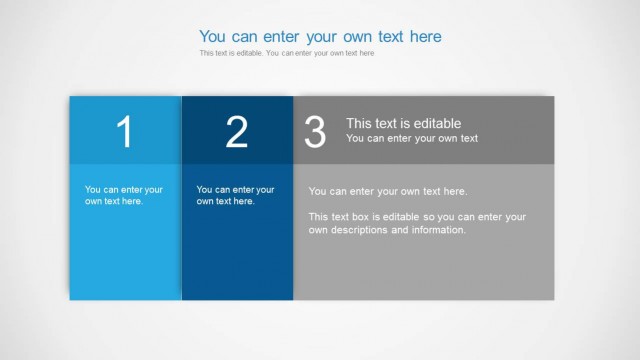
The layout features three overlapping rectangular text boxes arranged vertically. The top box is light blue, the middle box is dark blue, and the bottom box is gray. Each box contains a number label on the left and editable text on the right. The first box is positioned at the top, followed by the second box slightly below it, and the third box at the bottom. There is a title placeholder at the top center, and a subtitle placeholder directly below it. The overall background is light gray, creating a neutral contrast with the text boxes.
How to Use It
This layout serves as a structured way to present sequential information or steps in a process. It is suitable for business presentations where clear, concise explanations are needed. This slide can be used to outline key points, milestones, or phases in a project. It fits well in a presentation sequence that introduces topics or summarizes important information. The overlapping design helps to visually connect related ideas while maintaining a clean look.
Text Placeholders & Capacity
Keep your copy within these limits so it fits without resizing. Node body slots can hold roughly 10-12 words each.
| Placeholder | Count | Max characters (approx.) |
|---|---|---|
| Slide title | 1 | 40 |
| Item heading | 3 | 10 |
| Item body | 3 | 60 |
Slide Keywords
Download unlimited PowerPoint templates, charts and graphics for your presentations with our annual plan.
DOWNLOADReturn to Text Boxes Template for PowerPoint.