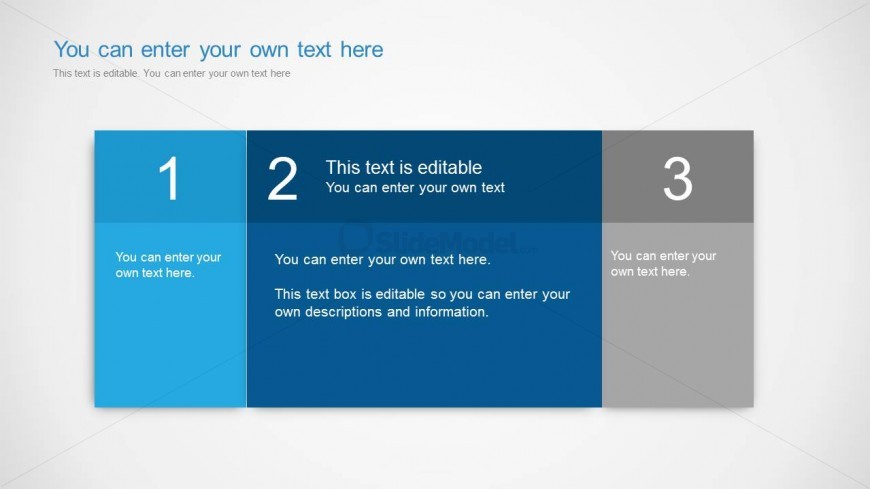
Slide 5 of 6 from Text Boxes Template for PowerPoint
6005-01-text-boxes-wide-5
Three Column Text Box Layout for Presentations
- Text Layout
- Other
- Context Slide
- 16:9
- 100% Editable
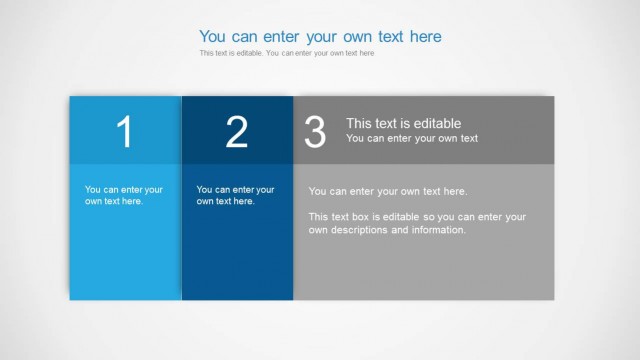
The Three Column Text Box Layout from the Text Boxes Template for PowerPoint offers a structured format ideal for comparing product features or summarizing project milestones. This slide design incorporates editable slides with distinct colored columns and text placeholders, enhancing clarity in business presentations and pitch deck templates. Its layout supports effective communication of key points within a corporate presentation or slide deck.
What’s on This Slide
The layout features three distinct columns arranged horizontally. The first column is light blue, the second is a darker blue, and the third is gray. Each column contains a number at the top, followed by editable text placeholders. The first and third columns have a smaller text box aligned at the bottom, while the second column has a larger text box that spans most of the height. The background is light gray, providing contrast to the colored columns. The visual hierarchy emphasizes the central column with its larger text area.
How to Use It
This layout serves as a three-column comparison or information display. It is suitable for presenting related concepts, features, or steps in a process. In a presentation sequence, it can follow introductory slides and precede detailed discussions. It is ideal for business scenarios such as product comparisons, project milestones, or summarizing key points. The editable nature of the text boxes allows for customization based on specific content needs.
Text Placeholders & Capacity
Keep your copy within these limits so it fits without resizing. Each text box can hold a moderate amount of text, roughly 20-30 words each.
| Placeholder | Count | Max characters (approx.) |
|---|---|---|
| Item heading | 3 | 20 |
| Item body | 3 | 150 |
Slide Keywords
Download unlimited PowerPoint templates, charts and graphics for your presentations with our annual plan.
DOWNLOADReturn to Text Boxes Template for PowerPoint.