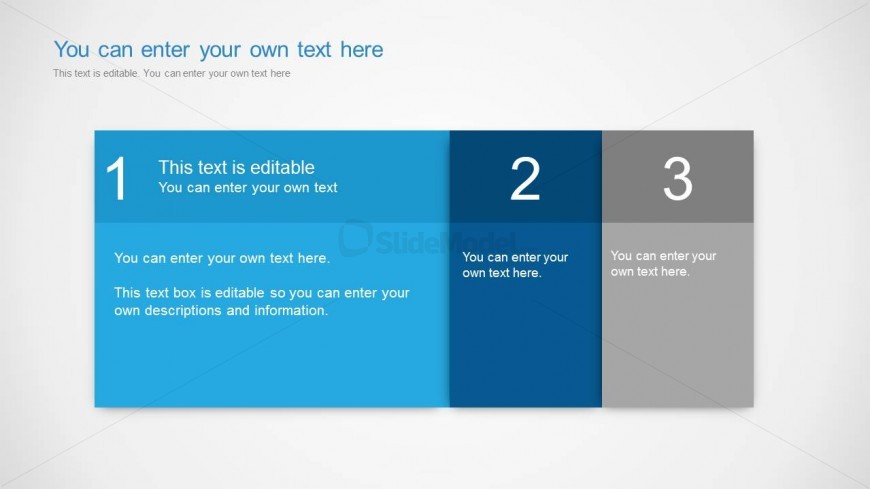
Slide 4 of 6 from Text Boxes Template for PowerPoint
6005-01-text-boxes-wide-4
Three-Column Text Layout for Presentations
- Text Layout
- Other
- Comparison Slide
- 16:9
- 100% Editable
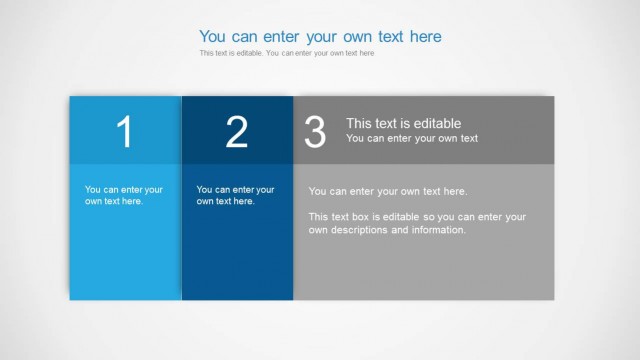
The Three-Column Text Layout from the Text Boxes Template for PowerPoint offers a clear structure for feature comparison and project updates. This slide design uses editable shapes and text placeholders arranged in three distinct columns, making it suitable for corporate presentations and business presentation slide decks that require organized milestone highlights.
What’s on This Slide
The layout features three distinct columns arranged horizontally. The first column is blue, the second is a lighter blue, and the third is gray. Each column contains editable text placeholders, with the first column also including a numbered label. The text placeholders are aligned centrally within their respective columns. The overall background is light, enhancing the visibility of the text. The visual hierarchy is clear, with the numbered labels providing a structured flow. The columns are separated by defined boundaries, ensuring clarity in content presentation.
How to Use It
This layout serves as a three-column comparison or information display, suitable for presenting distinct ideas or features side by side. It fits well in a presentation sequence after an introductory slide, allowing for detailed explanations or comparisons. This structure is ideal for business scenarios such as product feature comparisons, project updates, or milestone highlights, where concise information needs to be communicated clearly and effectively.
Text Placeholders & Capacity
Keep your copy within these limits so it fits without resizing. Node body slots can accommodate roughly 15-20 words each.
| Placeholder | Count | Max characters (approx.) |
|---|---|---|
| Item heading | 3 | 30 |
| Item body | 3 | 100 |
| Slide title | 1 | 50 |
Slide Keywords
Download unlimited PowerPoint templates, charts and graphics for your presentations with our annual plan.
DOWNLOADReturn to Text Boxes Template for PowerPoint.