Slide 2 of 6 from Text Boxes Template for PowerPoint
6005-01-text-boxes-wide-2
Three-Column Text Box Layout for Presentations
- Text Layout
- List Blocks
- Context Slide
- 16:9
- 100% Editable
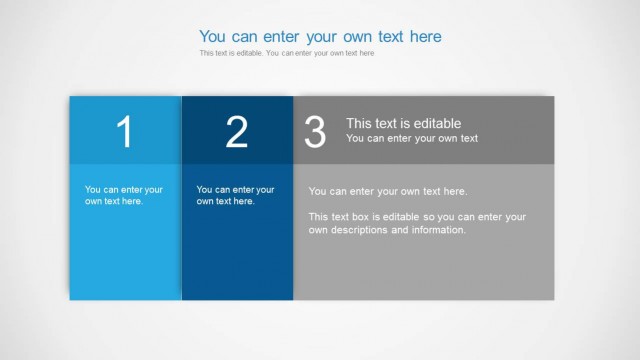
The Three-Column Text Box Layout from the Text Boxes Template for PowerPoint offers a clear structure for presenting project milestones, feature highlights, or team updates. This slide design uses editable shapes arranged in a uniform, visually balanced format, making it suitable for business presentations and corporate slide decks. Its organized layout supports concise communication of sequential information within professional PowerPoint templates or Google Slides templates.
What’s on This Slide
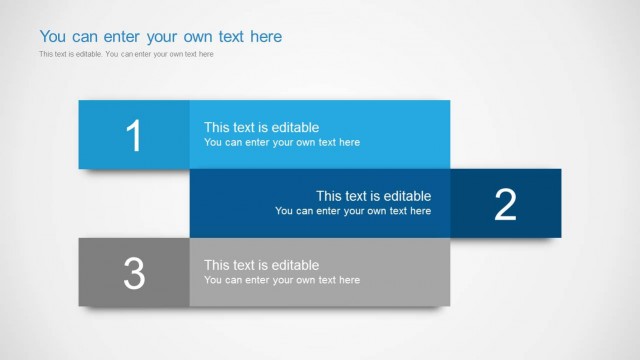
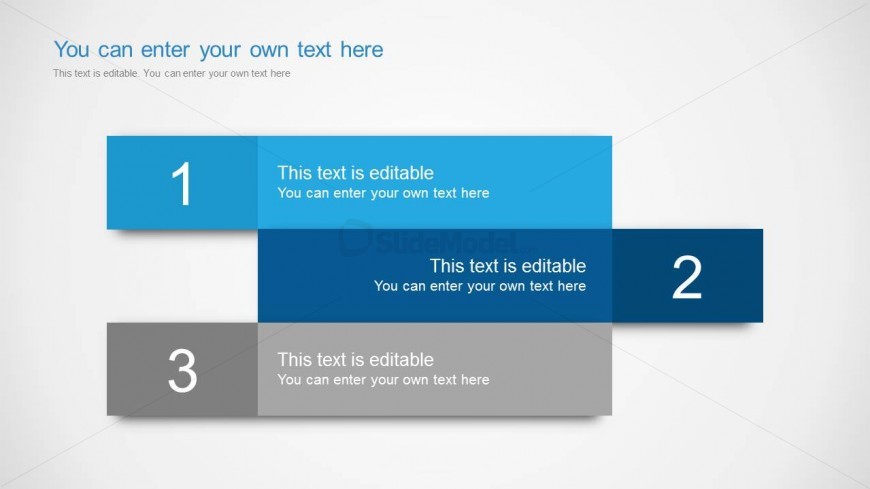
The layout features three horizontally aligned text boxes stacked vertically. The top box is light blue and contains a number '1' with editable text below it. The middle box is a darker blue with the number '2' and editable text. The bottom box is gray, labeled '3', also with editable text. Each box has a consistent width and height, creating a uniform appearance. The background is light gray, enhancing the text box visibility. There are placeholders for titles and subtitles at the top, with the title aligned left and the subtitle below it.
How to Use It
This layout serves as a structured text arrangement, ideal for presenting sequential information or comparisons. It fits well in a presentation sequence where clear distinctions between points are necessary, such as project milestones or feature highlights. The design is suitable for business contexts, including team updates, product features, or process steps. It allows for concise explanations, making it effective for summarizing key information in a visually organized manner.
Text Placeholders & Capacity
Keep your copy within these limits so it fits without resizing. Node body slots can hold roughly 15-20 words each.
| Placeholder | Count | Max characters (approx.) |
|---|---|---|
| Slide title | 1 | 40 |
| Subtitle | 1 | 80 |
| Item heading | 3 | 10 |
| Item body | 3 | 100 |
Slide Keywords
Download unlimited PowerPoint templates, charts and graphics for your presentations with our annual plan.
DOWNLOADReturn to Text Boxes Template for PowerPoint.