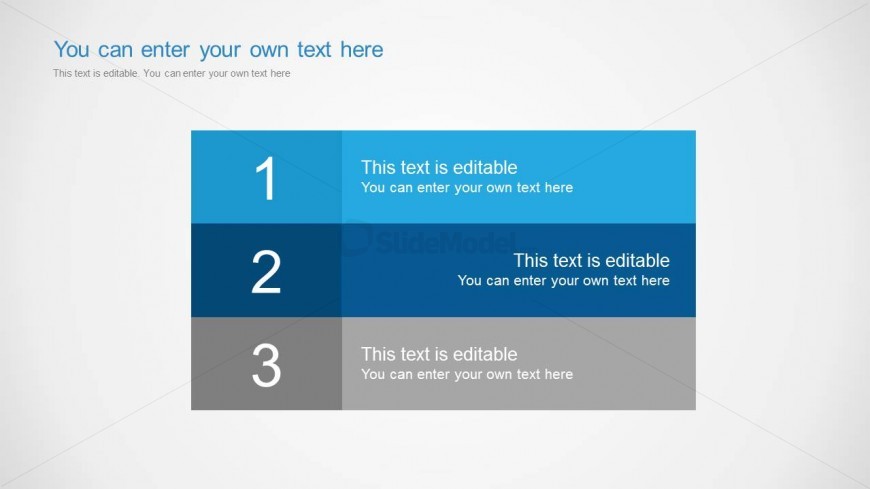
Slide 3 of 6 from Text Boxes Template for PowerPoint
6005-01-text-boxes-wide-3
Three Column Text Box Layout for Presentations
- Text Layout
- List Blocks
- Context Slide
- 16:9
- 100% Editable
The Three Column Text Box Layout from the Text Boxes Template for PowerPoint offers a structured format with three horizontal text boxes ideal for listing features, outlining steps, or comparing options. This slide design enhances clarity in business presentations by using editable shapes and numbered labels to organize content effectively within a corporate presentation or pitch deck template.
What’s on This Slide
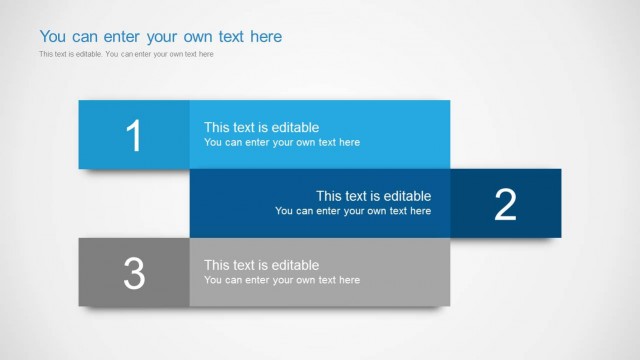
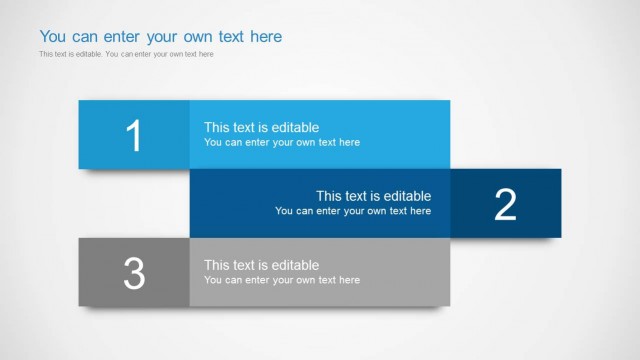
The layout features three horizontal text boxes stacked vertically. The top box is light blue, the middle box is dark blue, and the bottom box is gray, creating a clear visual hierarchy. Each box contains a number label on the left side and editable text placeholders aligned to the right. The text placeholders are positioned within the boxes, allowing for concise content entry. The overall background is a light gradient, enhancing readability. The boxes are evenly sized and separated by consistent spacing, contributing to a structured appearance.
How to Use It
This layout serves as a three-column comparison or listing format, ideal for presenting key points or steps. It fits well in a presentation sequence following an introduction or overview slide, providing detailed information in a structured manner. This format is useful in business contexts for outlining project phases, product features, or strategic initiatives. It can be utilized individually for focused discussions or as part of a larger presentation to highlight specific content areas.
Text Placeholders & Capacity
Keep your copy within these limits so it fits without resizing. Each text box can hold roughly 5-10 words comfortably.
| Placeholder | Count | Max characters (approx.) |
|---|---|---|
| Item heading | 3 | 20 |
| Item body | 3 | 50 |
Slide Keywords
Download unlimited PowerPoint templates, charts and graphics for your presentations with our annual plan.
DOWNLOADReturn to Text Boxes Template for PowerPoint.