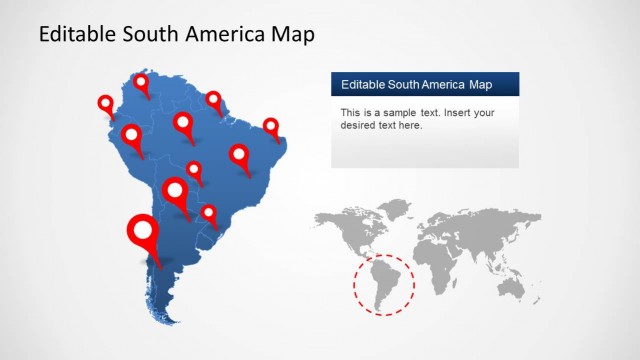
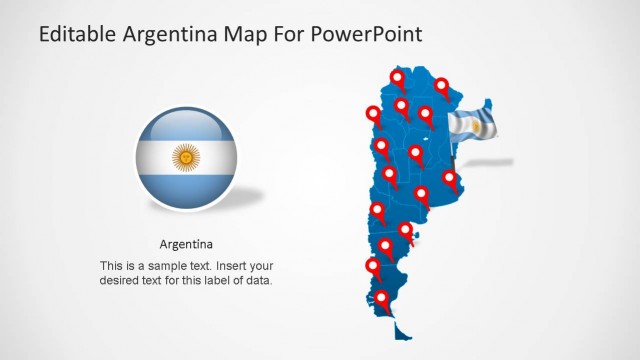
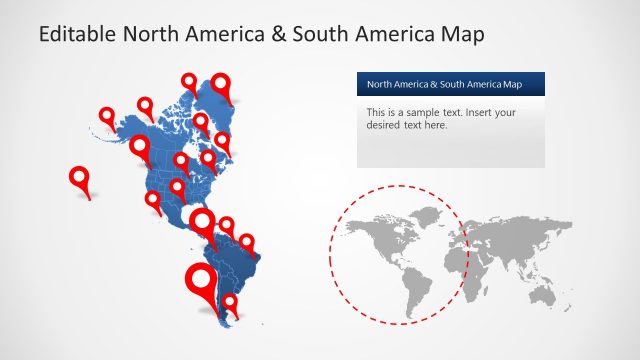
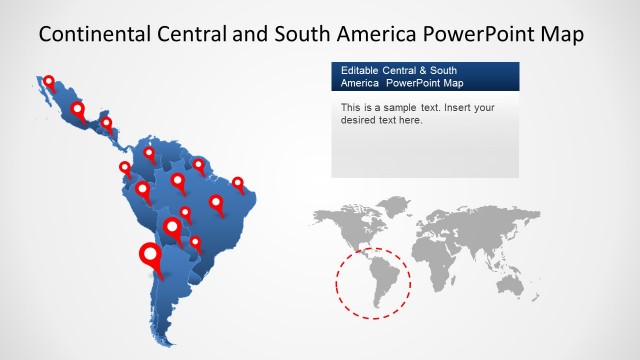
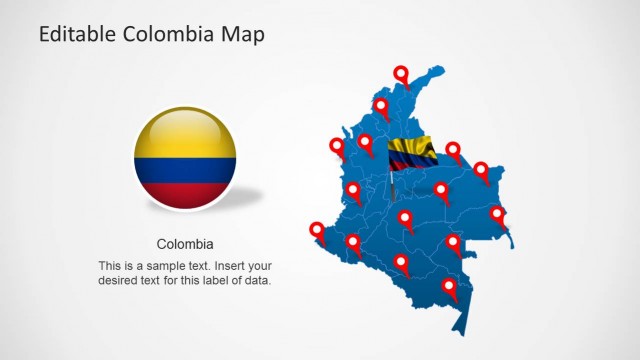
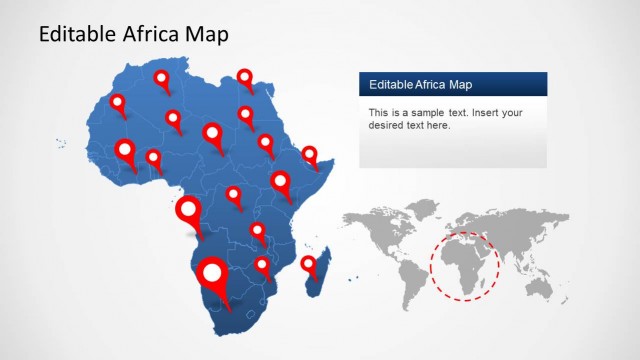
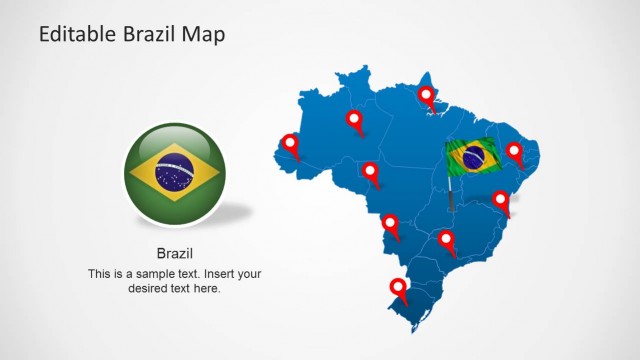
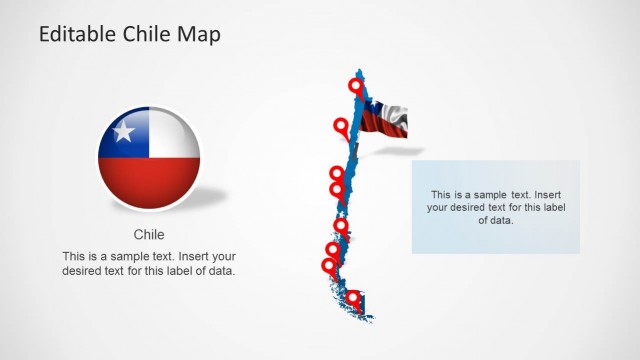
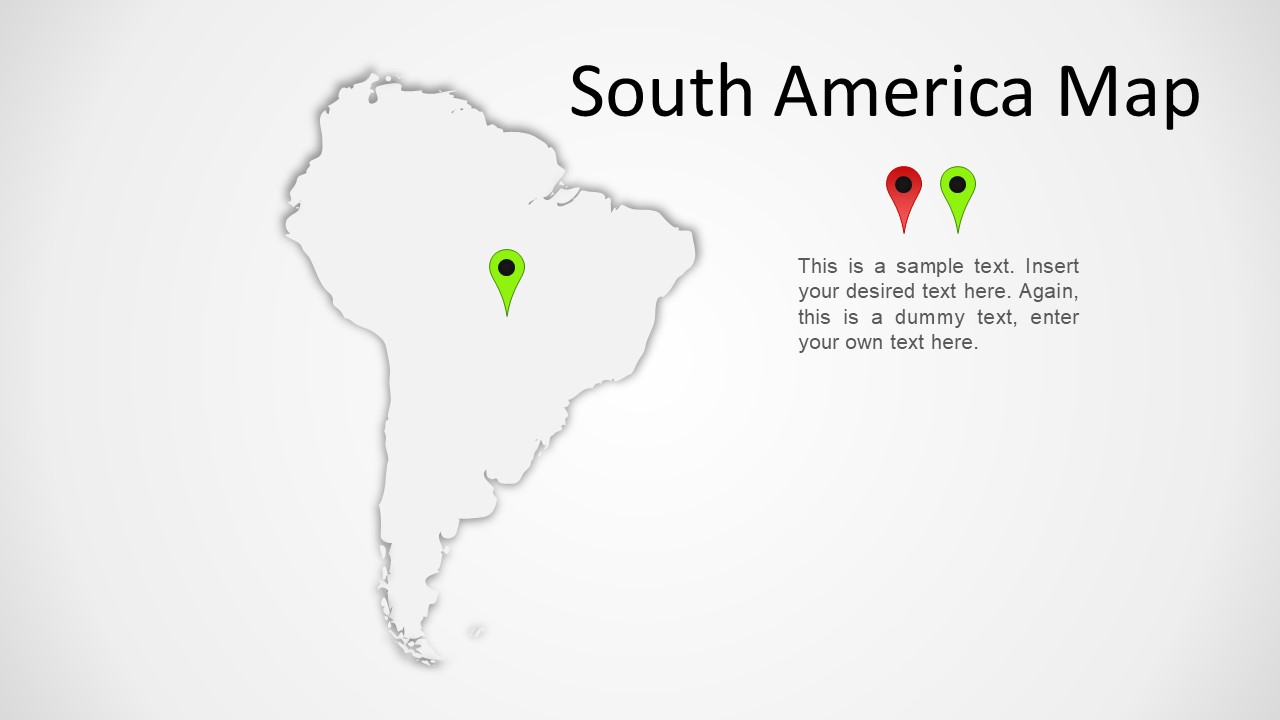
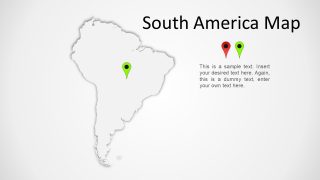
South America Map for PowerPoint presentations is a presentation design for Microsoft PowerPoint containing a nice map of South America that is created with PowerPoint shapes.
You can download and use South America map template for PowerPoint to prepare presentations with maps of South America countries. Alternatively you can download other nice editable PowerPoint templates with maps including other territories and continents like North America PowerPoint map template and South America presentation templates.
What’s inside this template
Example presentation scenarios
- A sales director can show target countries or priority cities for a South America expansion plan using the large continent outline map and colored location pins.
- A logistics manager can explain regional hubs, service coverage, or delivery routes by placing pins on the map and adding supporting notes in the right-side text area.
- A nonprofit program lead can present where field activity is concentrated across South America using the gray or blue map variant with pin markers for project locations.
- An educator can introduce South America as a geography topic by using the clean outline map as the main visual and adding a short definition or lesson note beside it.
Features
- 100% editable presentation template
- Compatible with Microsoft PowerPoint
- 16:9 aspect ratio slides
- Scalable vector shapes, icons and illustrations
- AI-Ready for Microsoft Copilot and Claude
- Instant access and download
Frequently asked questions
Q: How should a presenter use the pin markers without overcrowding the map?
A: Use only the pins needed to support the main point, then explain them in the right-side text area instead of labeling every location on the map. If several locations matter, group them by priority, status, or phase and keep one color meaning consistent across the slide.
Q: Who is this map template best suited for?
A: This template fits presenters who need geographic context more than detailed statistical mapping. Sales, operations, consulting, nonprofit, education, and regional planning teams can use it to point to South American markets, offices, programs, or focus areas while keeping the message centered on location.
Q: Why does the layout place the map on the left and text on the right?
A: The large left-side map gives the audience an immediate geographic anchor, while the right-side text turns the location cue into a message. This structure prevents the presenter from making the map carry too much explanation and supports a clear visual path from place to point.
South America Map Template for PowerPoint
4-slide Microsoft PowerPoint map presentation template with South America outline and location pin layouts
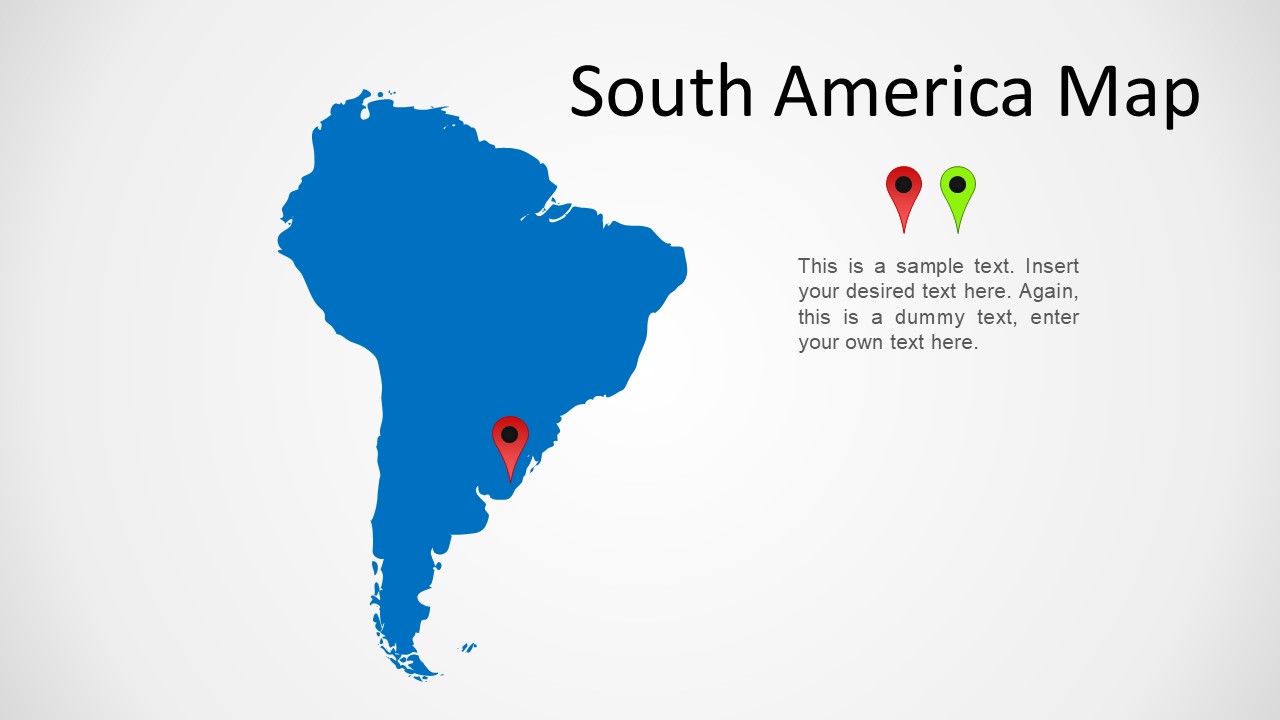
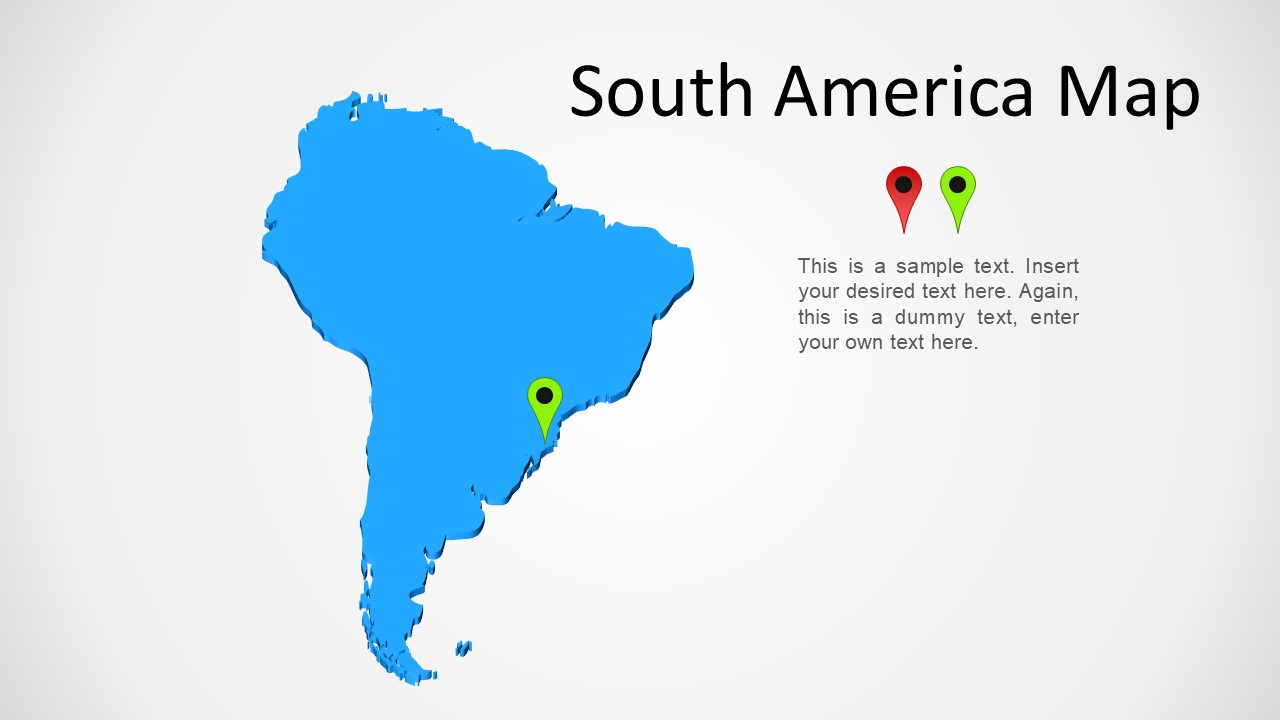
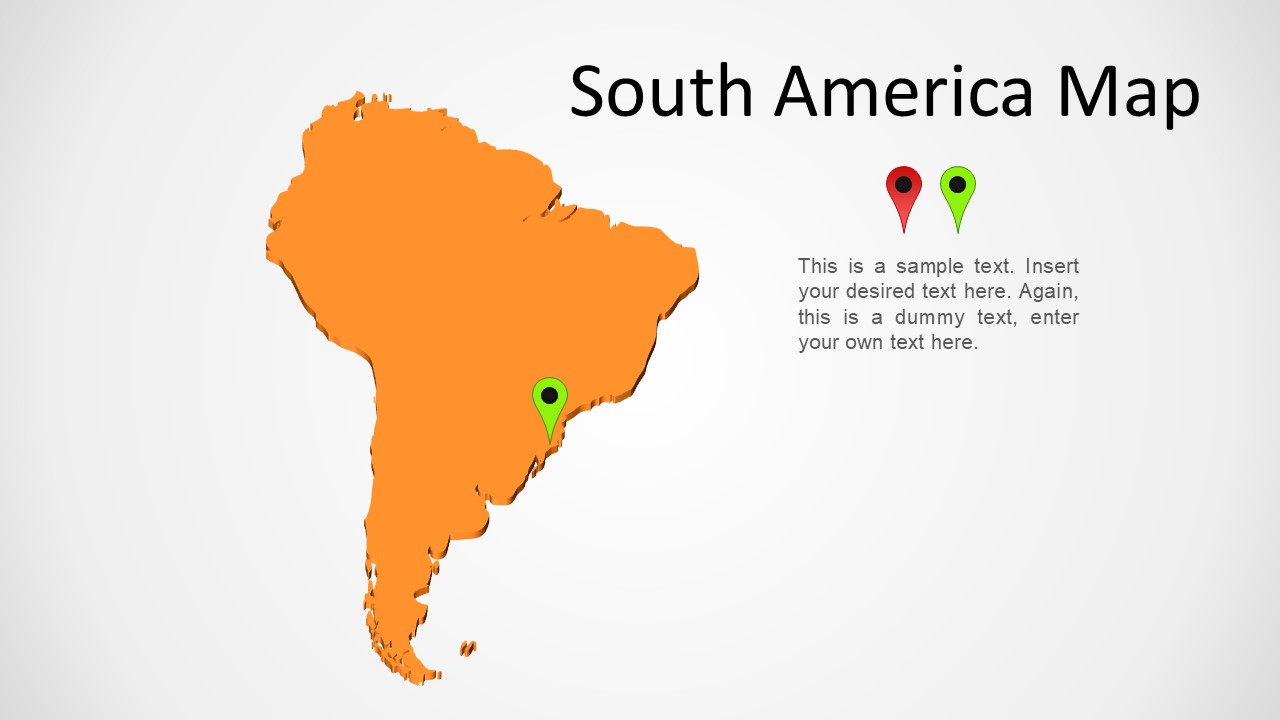
This is a 4-slide Microsoft PowerPoint map template for showing South America as an editable continent outline. Visible layouts include blue, dark blue, orange, and gray map variants, location pin markers, a title area, and a right-side text callout. It fits business, education, nonprofit, and regional planning presentations.
- Category
- Maps
- Rating


 Loading...
- Aspect ratio
- 16:9, 4:3
- Item ID
- 24-01
- Colors
 Microsoft PowerPoint
  Microsoft Copilot
  Claude for PowerPoint
 Other formats supported
Subscribe today and get immediate
access to download our PowerPoint templates.