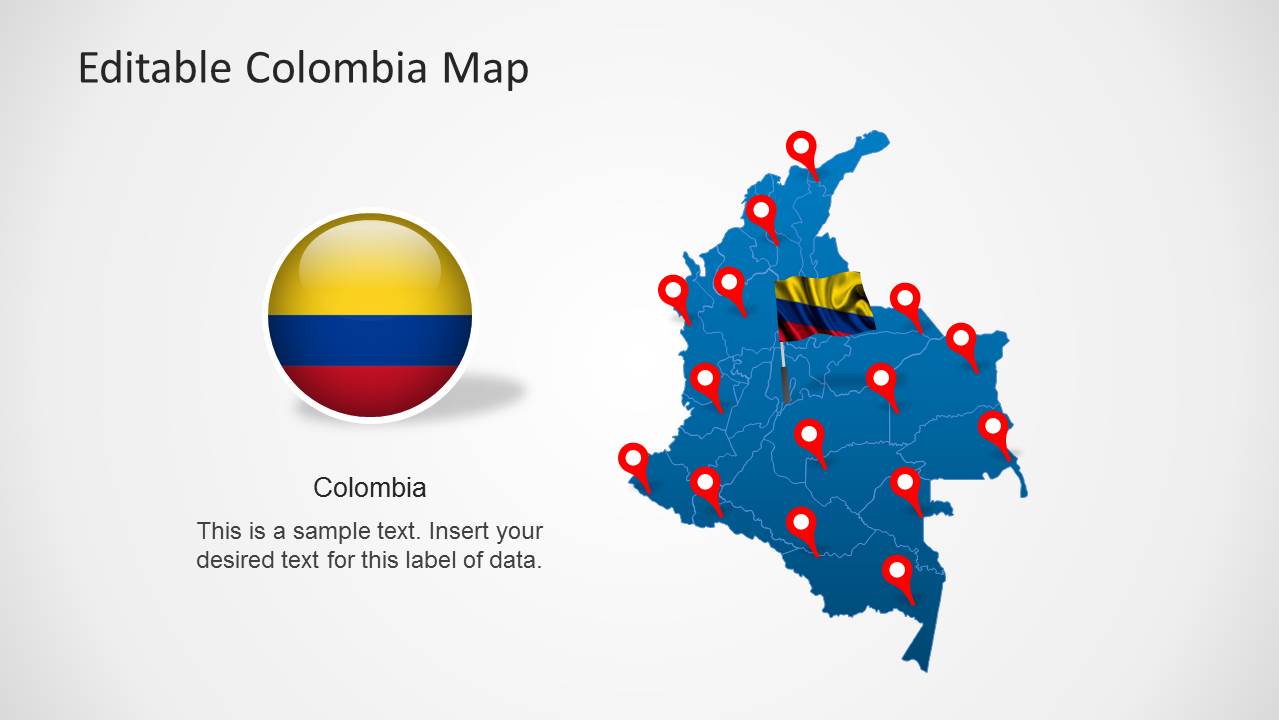
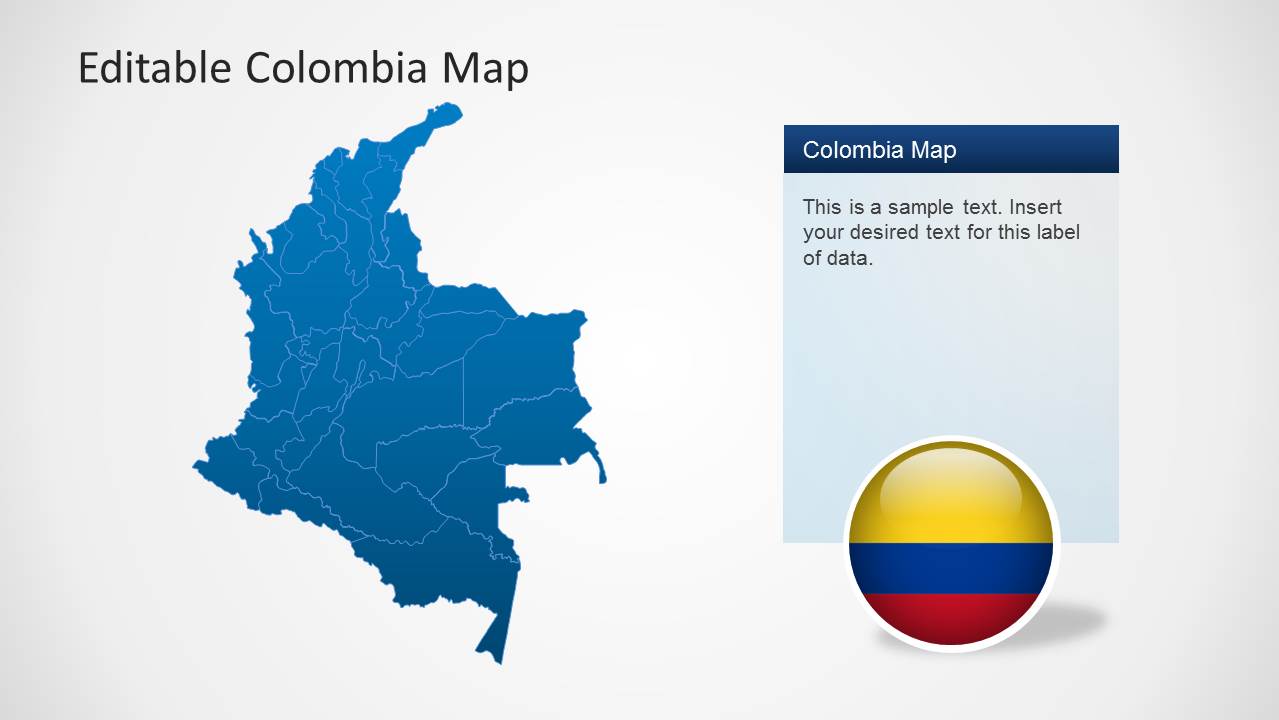
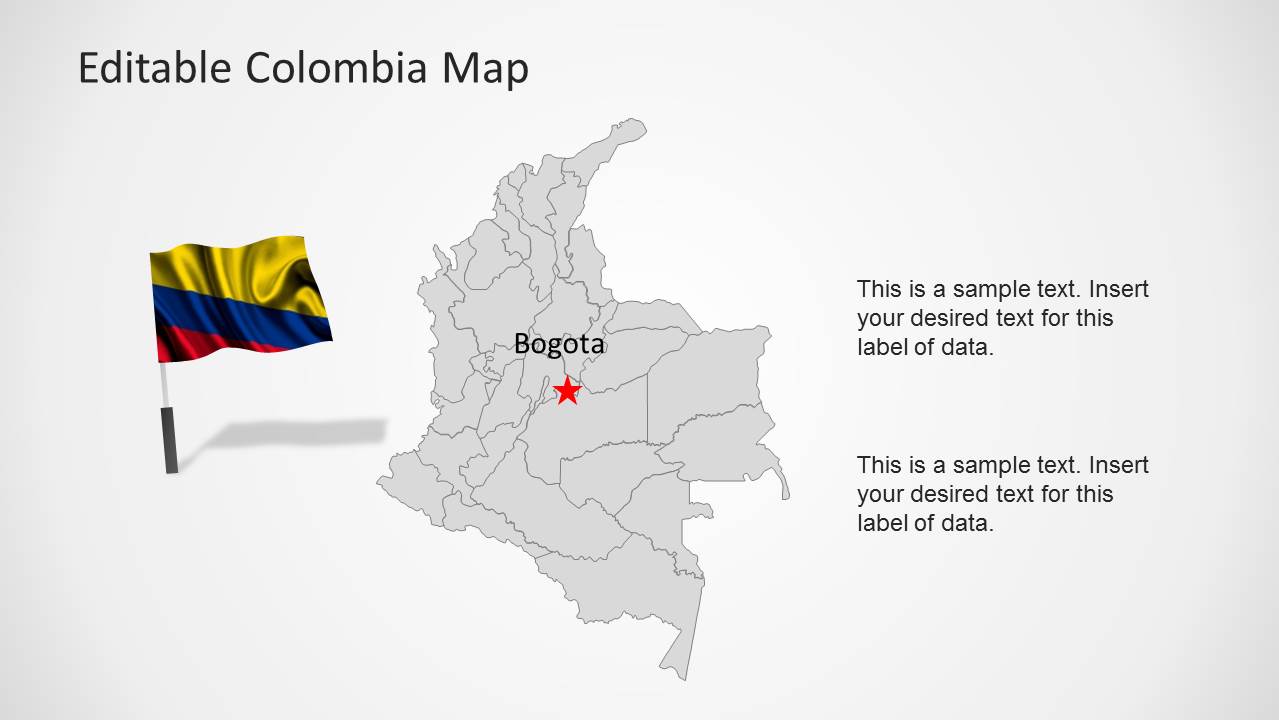
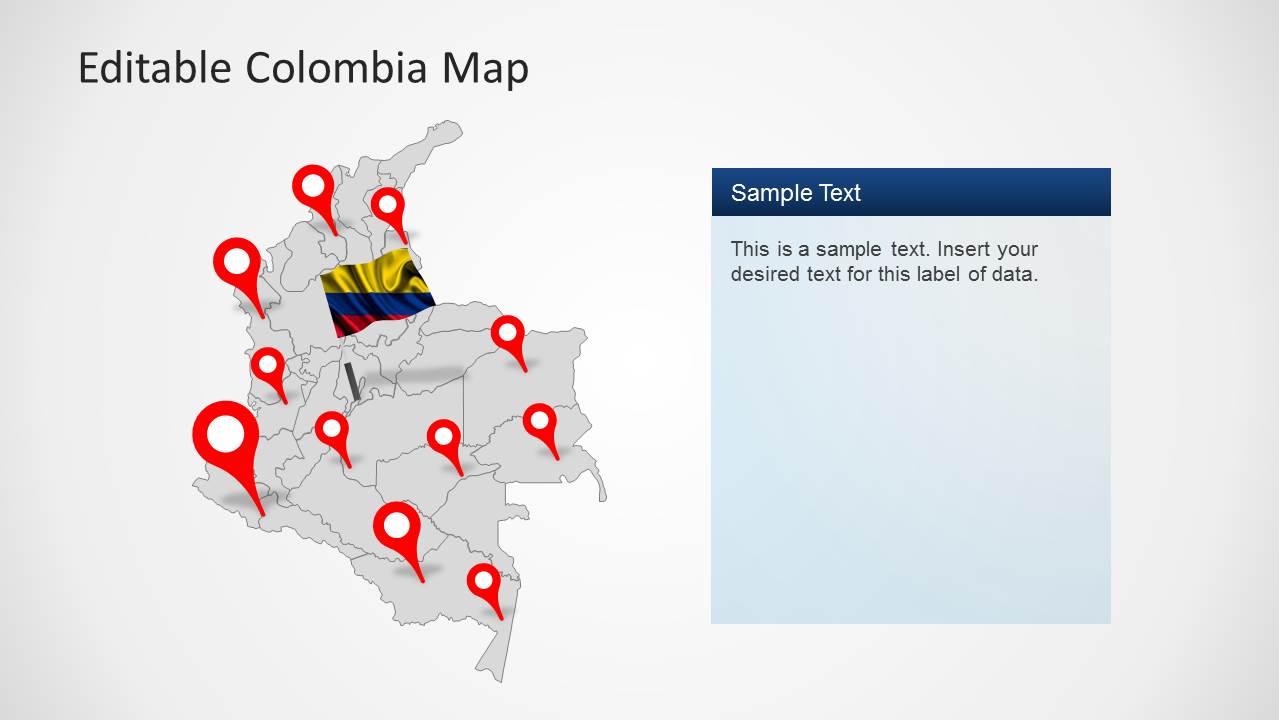
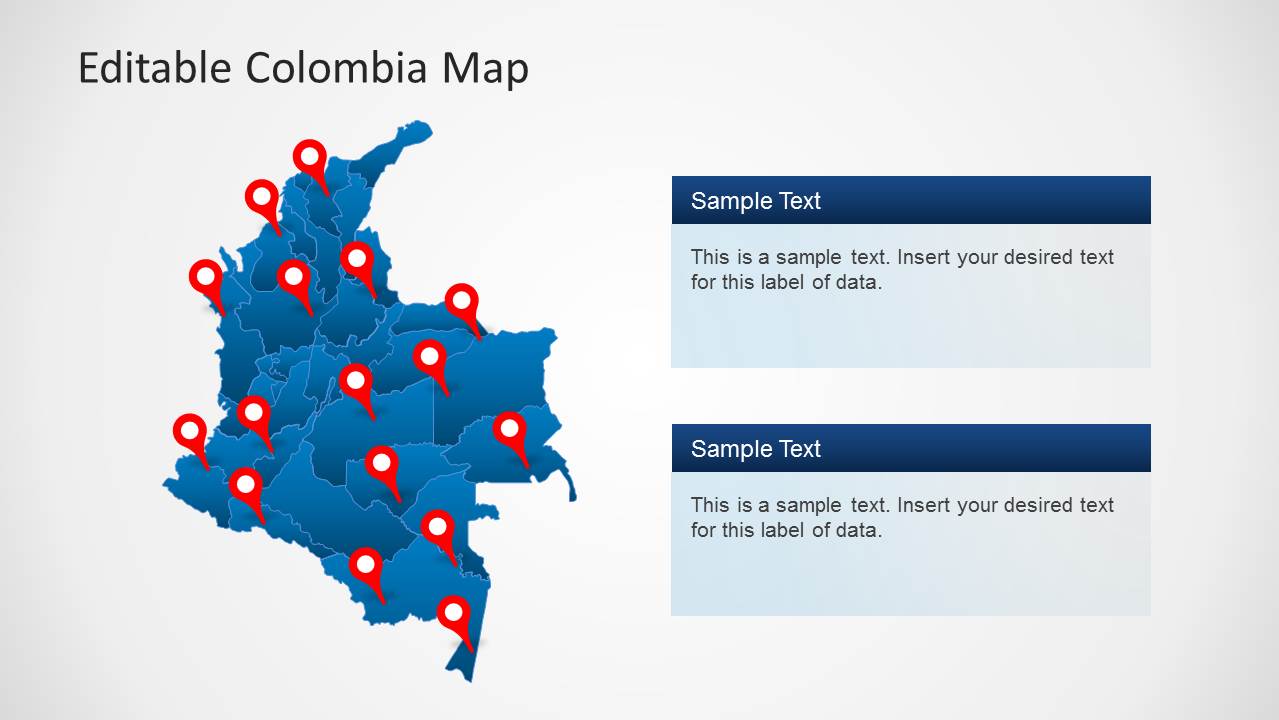
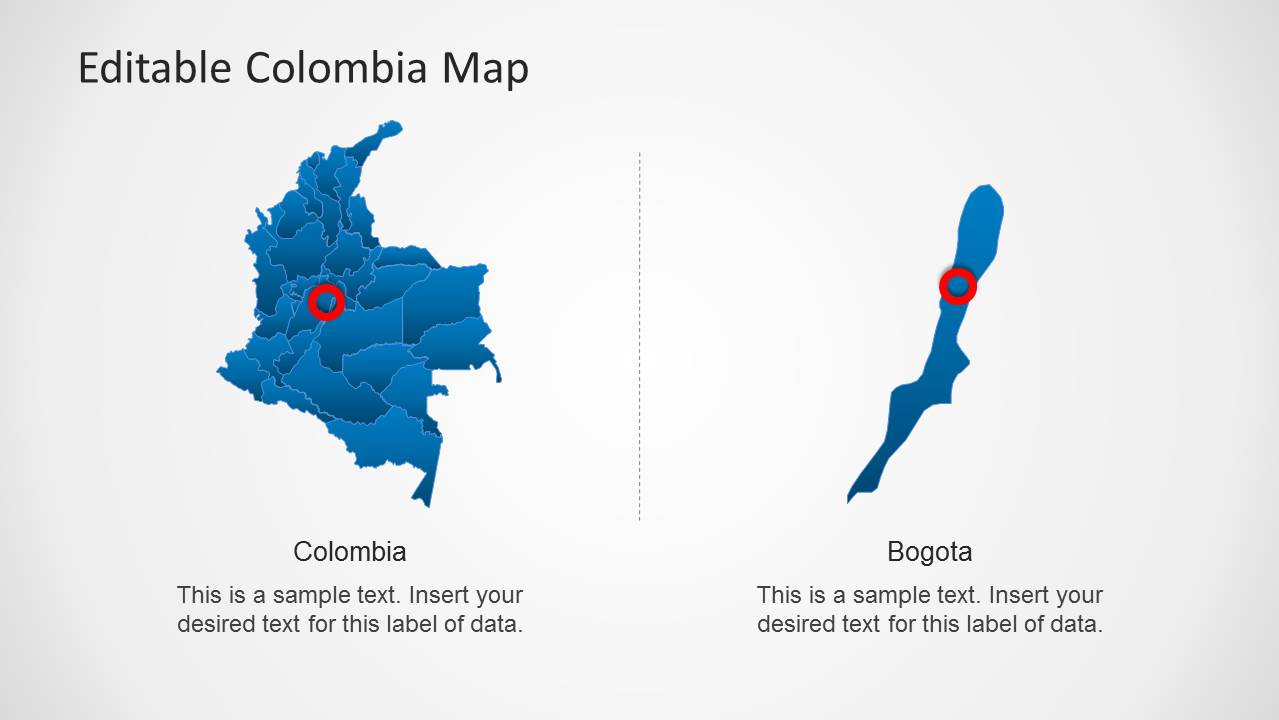
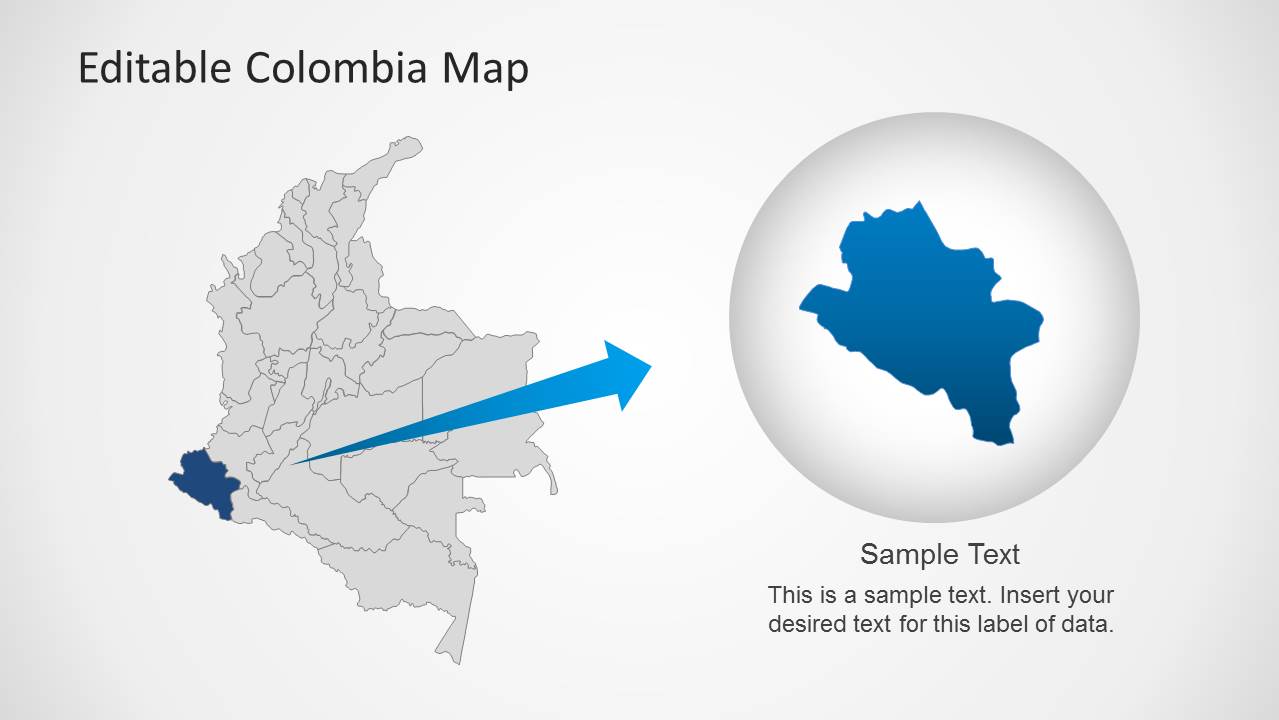
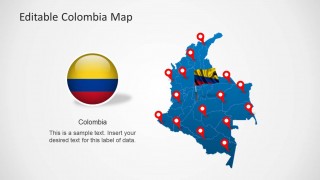
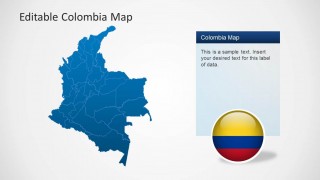
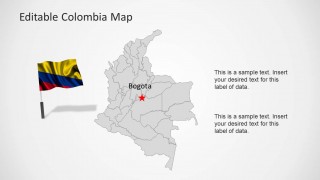
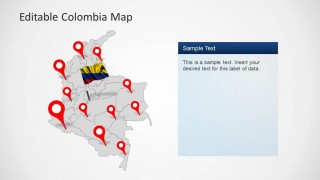
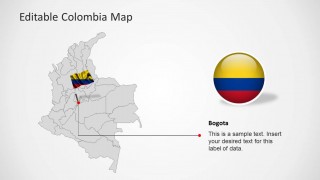
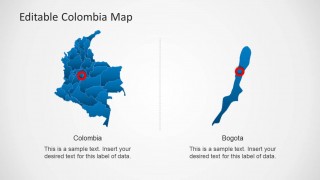
Colombia Map Template for PowerPoint is a presentation which contains outline and political maps of the Republic of Colombia. Each Colombia shapes is a composite of individual shapes representing each state, and that can be manipulated as PowerPoint objects. The presentation provides location icos and different icons with Colombia’s flag and national colors, enabling the homogeneous context during a speech. There are contextual slides providing highlight of a specific state and identified location of Colombia’s capital, Bogota.
Colmbia is located in South America and borders with Panama, Venezuela, Ecuador and Peru
What’s inside this template
Example presentation scenarios
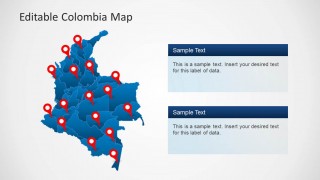
- A regional sales manager can present Colombia territory coverage by marking office, distributor, or customer locations with the red pin maps and adding short notes in the side text panels.
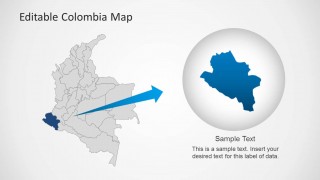
- A consultant can explain market entry priorities by starting with the full political map, then using the regional highlight zoom to isolate one department for discussion.
- A logistics presenter can show route hubs or service points across Colombia using the blue map with multiple location pins and separate callout boxes for operational details.
- A public-sector analyst or NGO presenter can identify Bogota and selected departments with the star, target marker, and leader-line callout layouts for a policy or program briefing.
Features
- 100% editable presentation template
- Compatible with Microsoft PowerPoint and Google Slides
- Scalable vector shapes, icons and illustrations
- AI-Ready for Microsoft Copilot and Claude
- Instant access and download
Frequently asked questions
Q: How should a presenter structure a Colombia-focused briefing with these map slides?
A: Start with the full blue political map to orient the audience, then move to the location pin layouts to show coverage, offices, projects, or destinations. Use the Bogota callout only when the capital is central to the message. Close with the regional highlight zoom if the discussion needs to narrow from national context to one priority area.
Q: Who is this template best suited for?
A: This template fits presenters who need to explain where things are in Colombia, not just describe them in text. Regional managers, consultants, educators, tourism teams, logistics planners, and policy analysts can use the department boundaries, pin maps, and Bogota label to make a location-based message clear for a business or classroom audience.
Q: Why do the pins, flag graphics, and zoom circle help communication?
A: The design uses familiar geographic cues to reduce explanation time. Red pins show exact points of interest, the Colombia flag anchors the subject visually, and the circular zoom turns one highlighted department into a focused talking point. This helps the audience move from country recognition to specific regional meaning without reading long paragraphs.

Colombia Map Template for PowerPoint
8-slide PowerPoint map presentation template for Colombia regions, Bogota callouts, and location markers
This 8-slide Colombia map template for PowerPoint contains editable outline and political maps with department boundaries, location pin maps, Bogota callout layouts, and a regional highlight zoom. It is for presenters explaining Colombian geography, market coverage, logistics, tourism, or public-sector information using vector map shapes and flag-themed graphics.


 Loading...
 Microsoft PowerPoint
  Microsoft Copilot
  Claude for PowerPoint
 Other formats supported
Subscribe today and get immediate
access to download our PowerPoint templates.