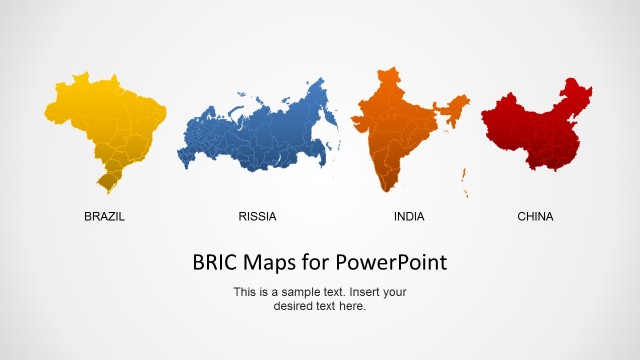
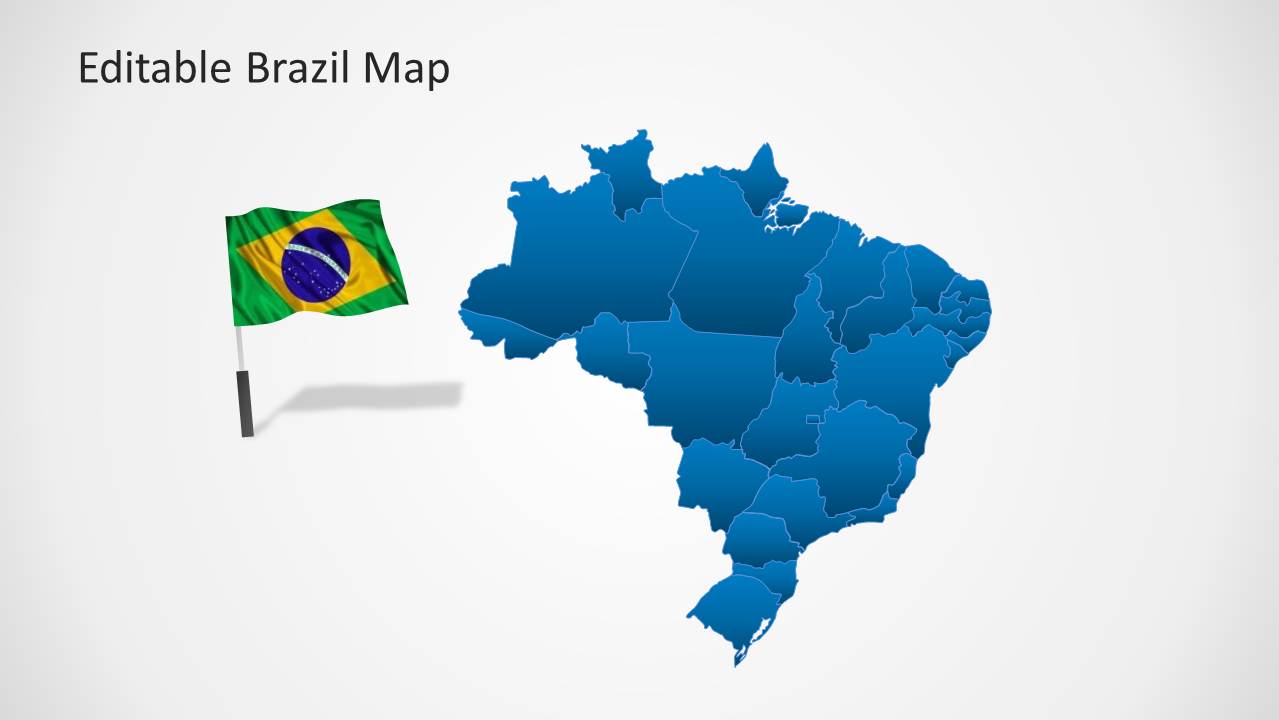
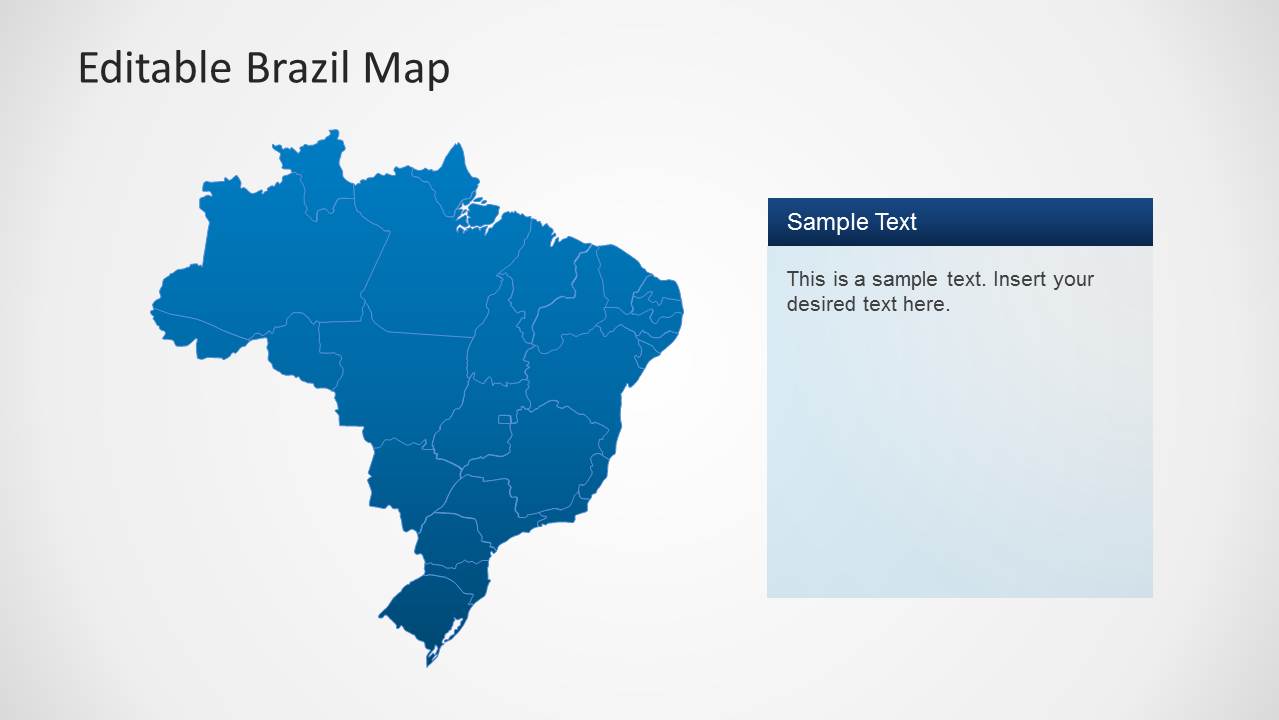
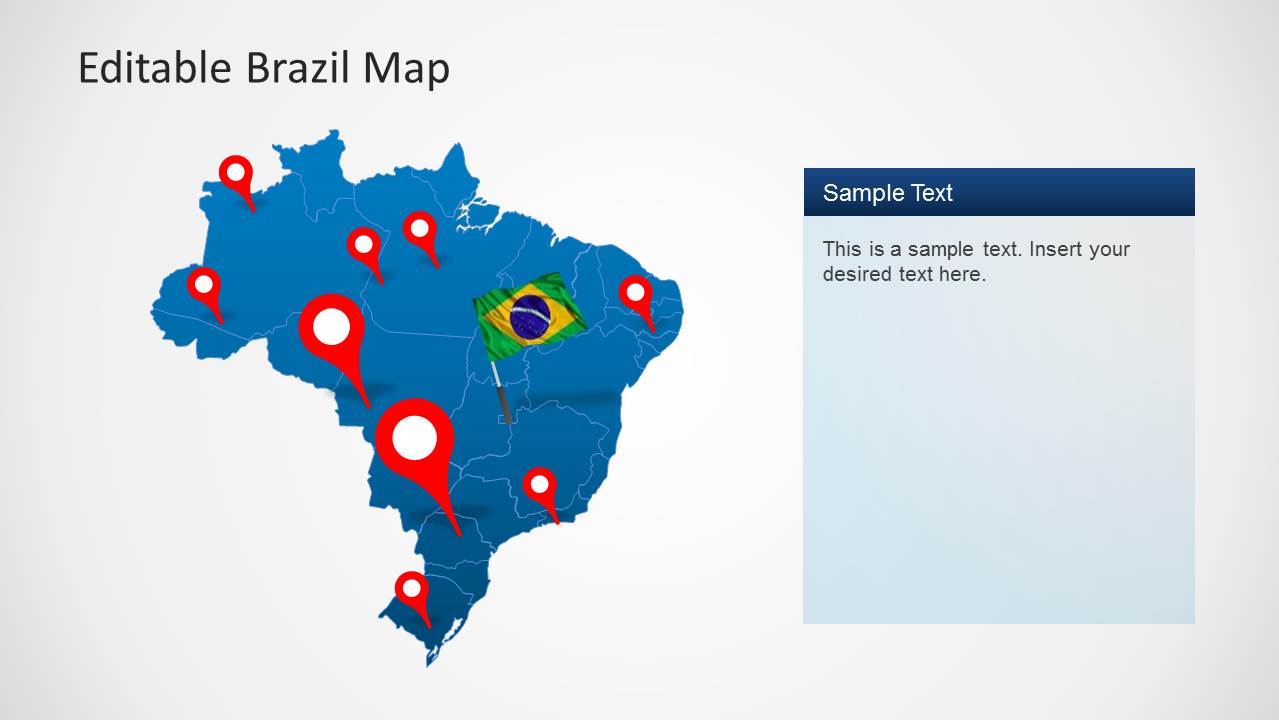
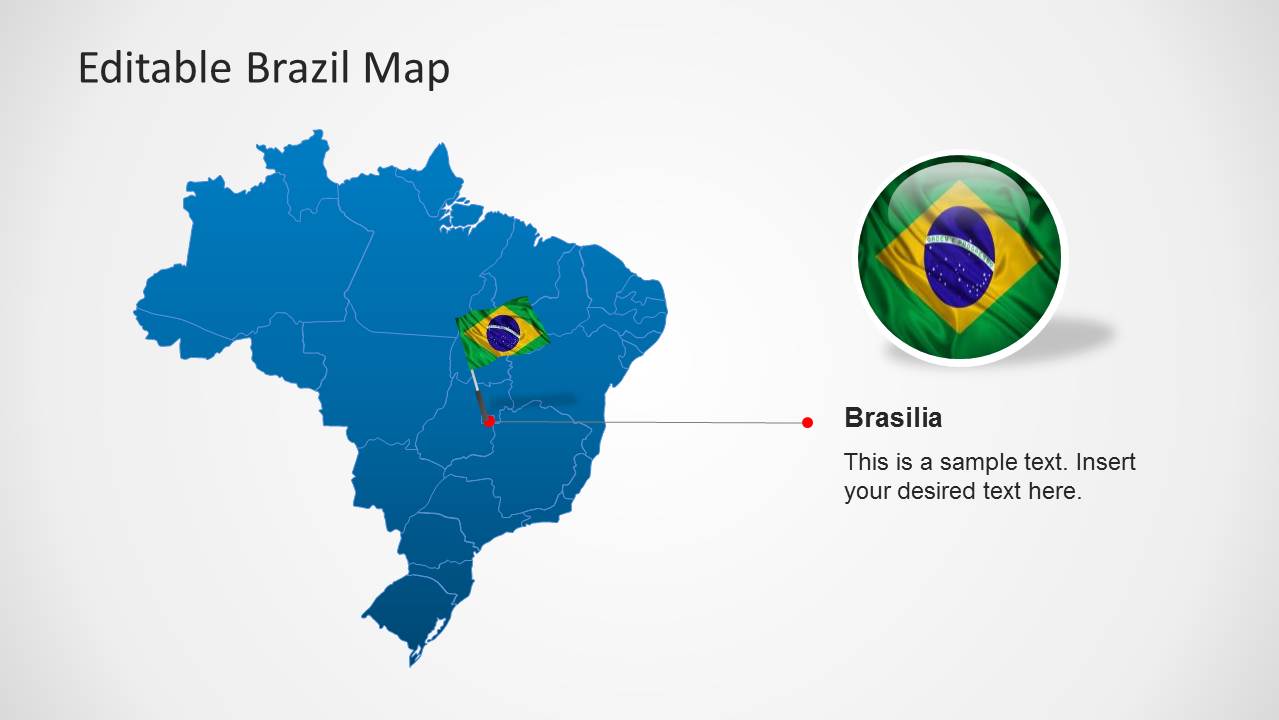
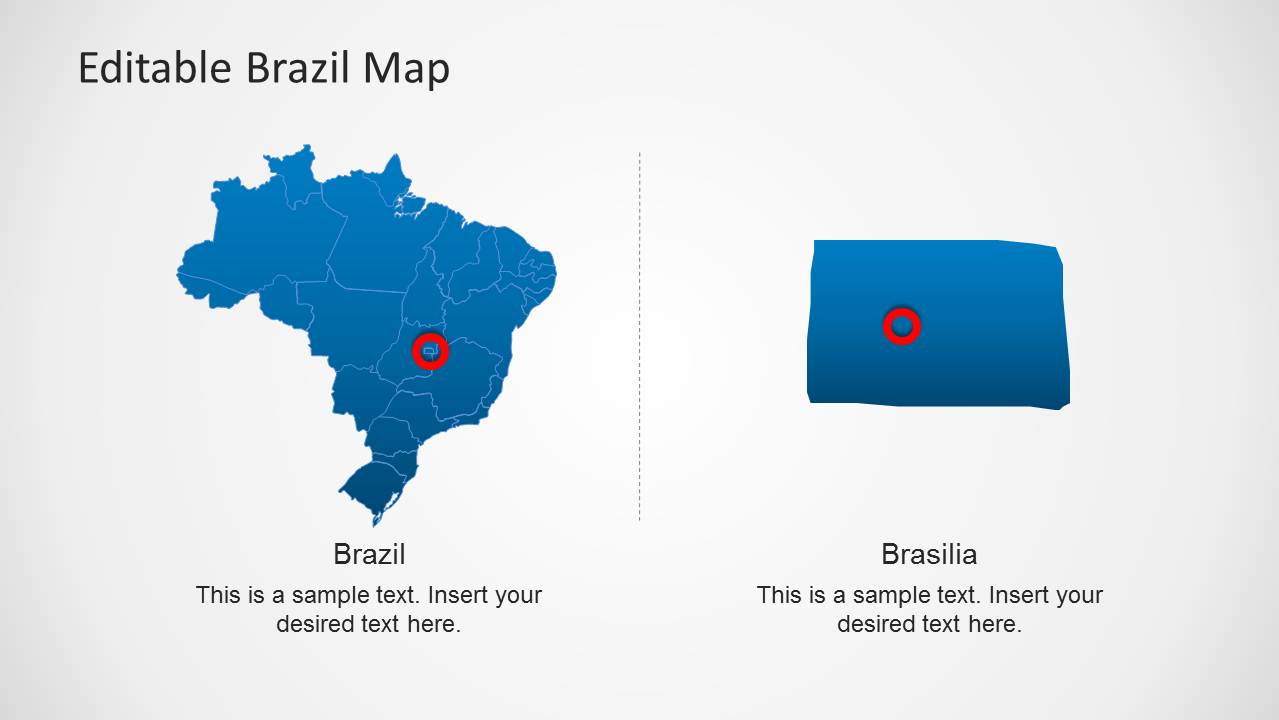
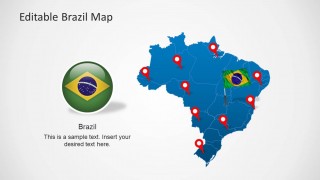
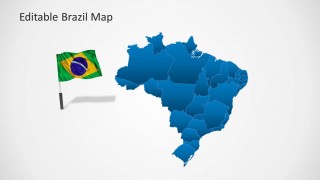
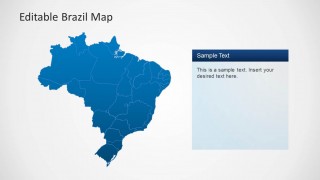
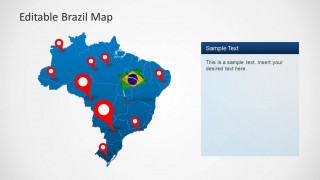
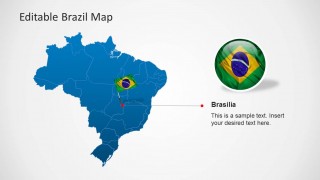
Editable Brazil Map Template for PowerPoint is a presentation template containing useful Brazil maps for PowerPoint presentations with Brazilian states that you can customize and edit using PowerPoint shapes. The presentation contains geographical shapes with the outline and political boundaries of each state. The shapes provides Brazil flag in the form of an icon and in the form of a flag PowerPoint object. You can use Brazil’s national colors and flag in your presentation, and combine it with GPS marking icons.
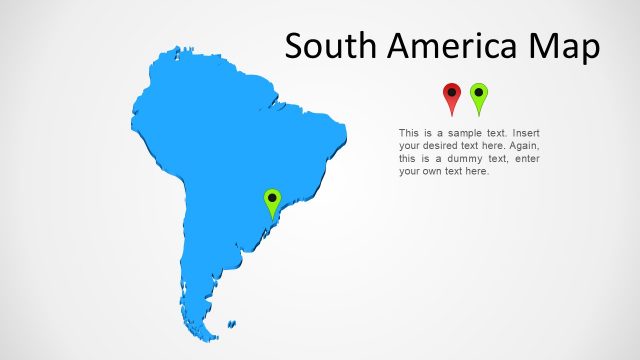
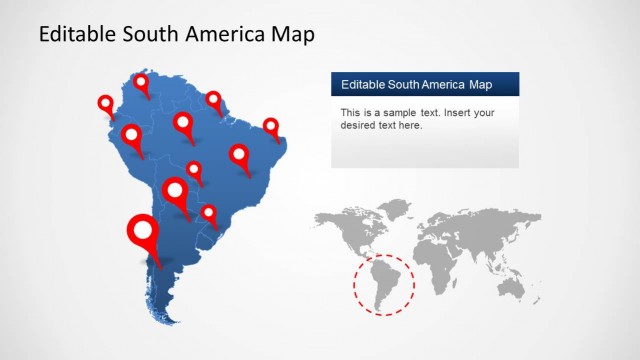
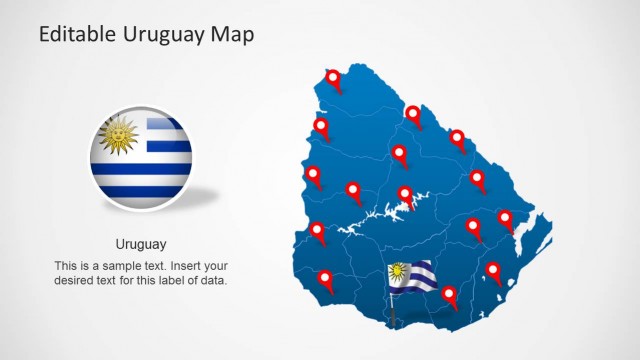
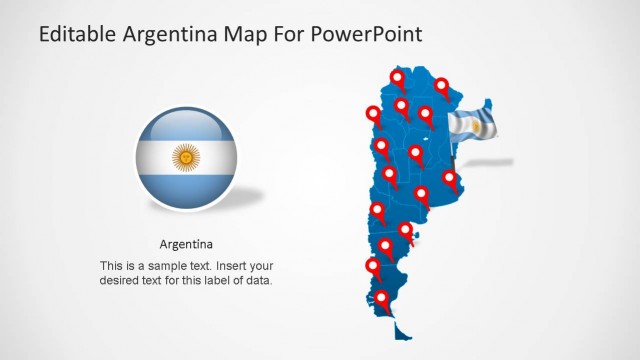
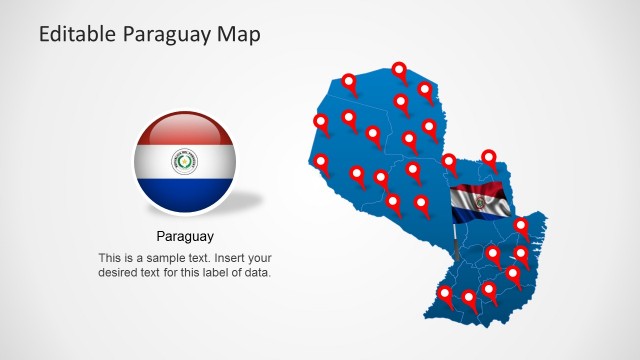
Brazil is located in South America (being the biggest country of the continent). It has limiting borders with the Atlantic Ocean, Uruguay, Argentina , Paraguay , Bolivia, Peru, Venezuela, Colombia, Guyana, Suriname and the French overseas region of French Guiana.
Brazil’s national tongue is the Portuguese. Brazil was once part of the United Kingdom of Portugal which became a presidential republic in 1889.
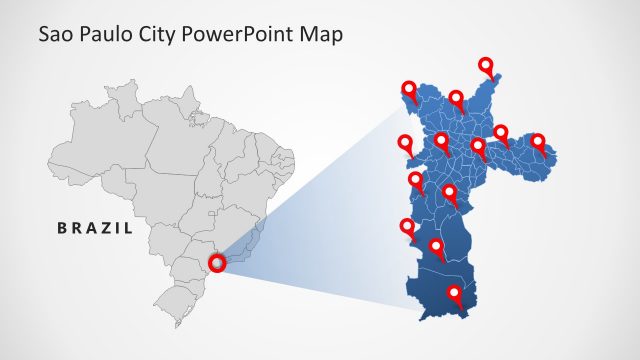
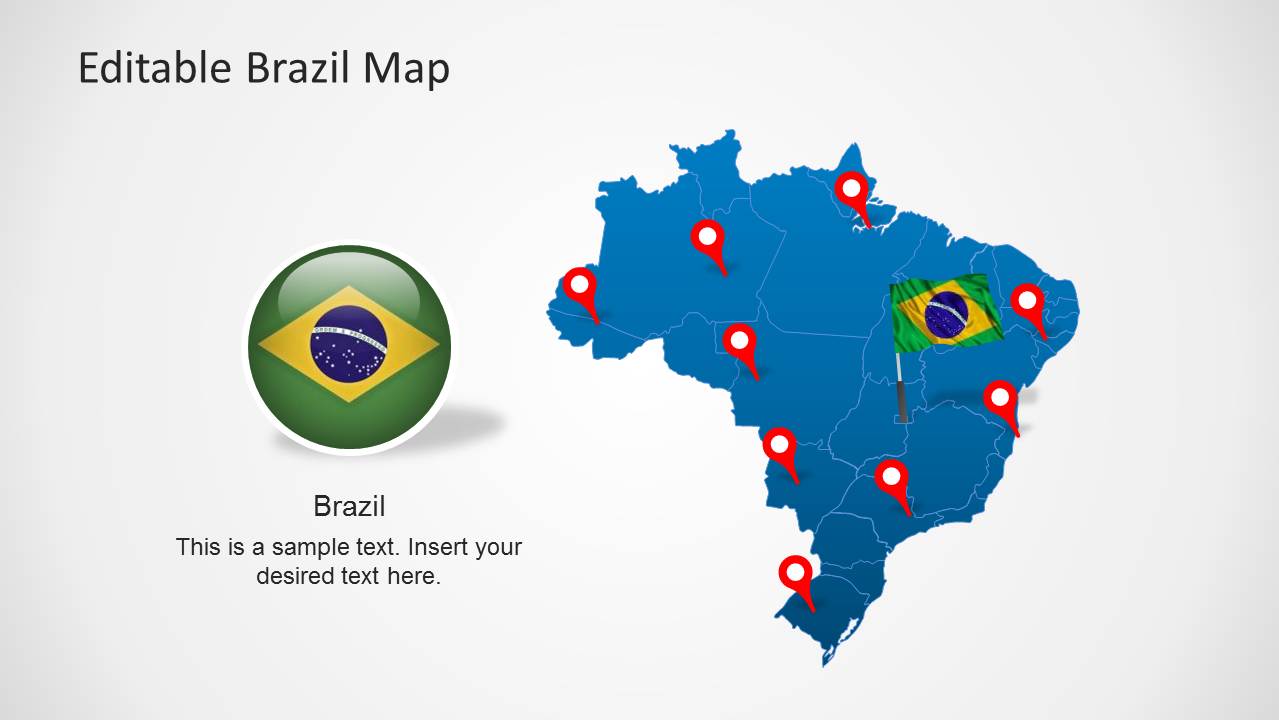
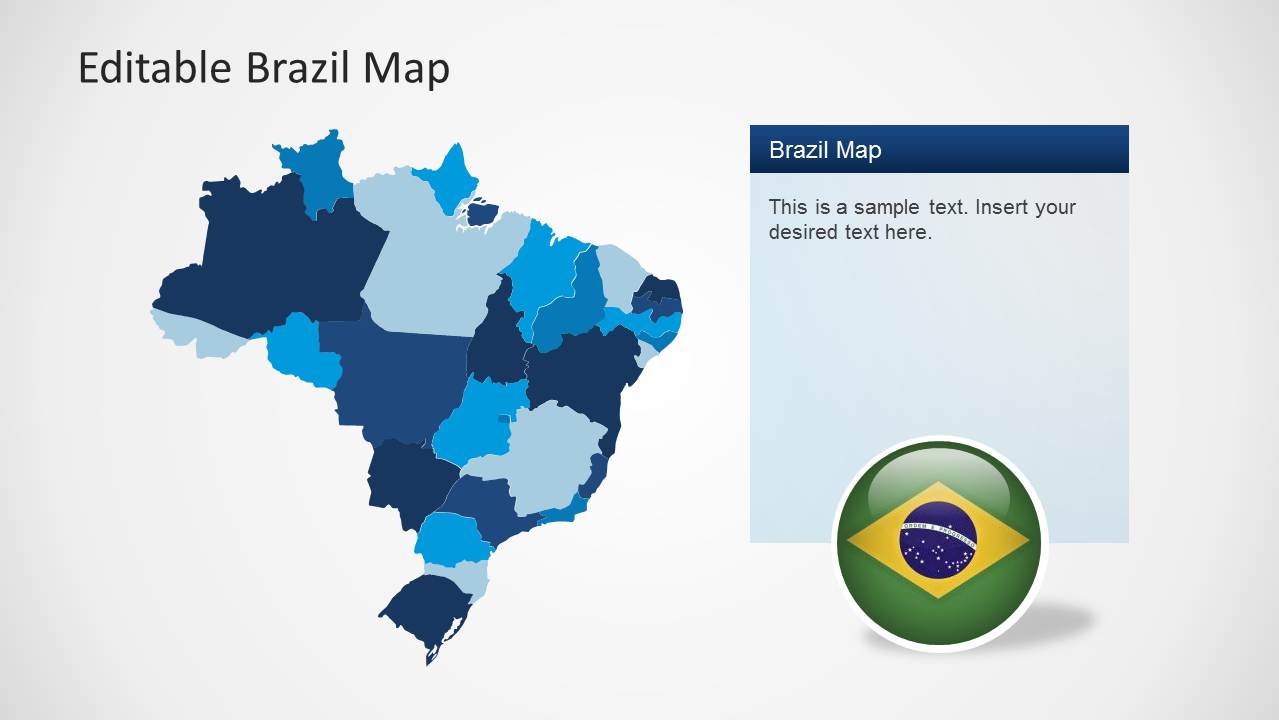
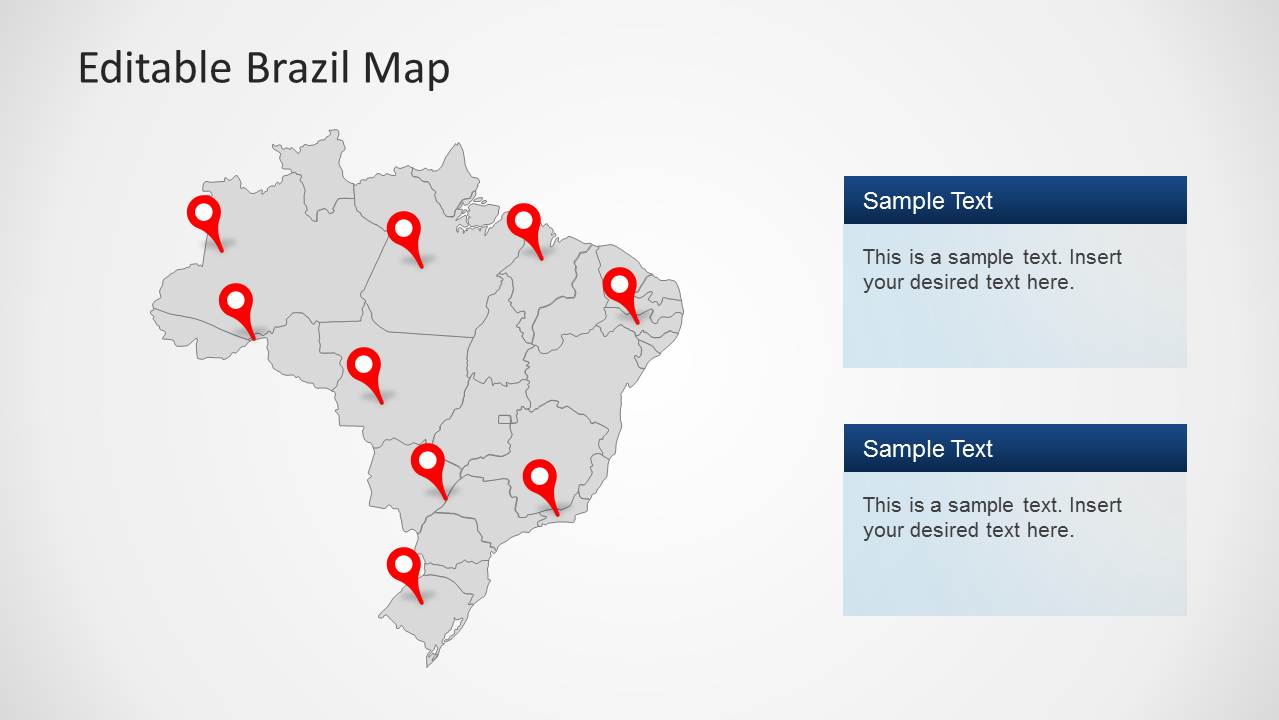
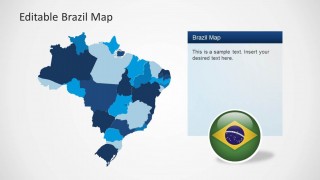
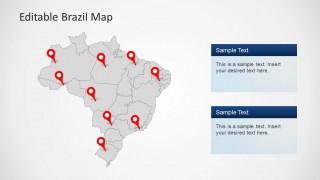
The map is presented with different backgrounds and contains a plain shape (separated in states) that allows the user to change the map colors. You can download this PowerPoint template and manipulate states as individual objects, that can be then used independently. The presentation provides highlight frames and icons for creating references to specific locations across the map.
Text Boxes are provided across the slides as a sidebar columns or below the main map shape. This text boxes match the presentation layout and palette giving the flexibility of adding custom text.
What’s inside this template
Example presentation scenarios
- A sales leader can present Brazil territory coverage to executives using the colored state map and red location pins to show priority regions.
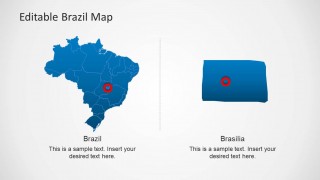
- A consultant can brief a client on market entry locations by combining the political state map, sidebar text panels, and Brasilia callout.
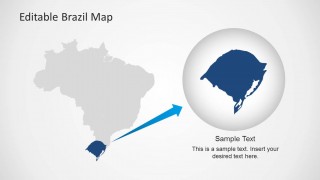
- An educator can explain Brazil within South America using the context map, zoom bubble, flag graphics, and state boundary slides.
- An event or travel planner can show host cities, route points, or destination clusters with the pin map and editable callout panels.
Features
- 100% editable presentation template
- Compatible with Microsoft PowerPoint and Google Slides
- 16:9 aspect ratio slides
- Scalable vector shapes, icons and illustrations
- AI-Ready for Microsoft Copilot and Claude
- Instant access and download
Frequently asked questions
Q: How should a presenter structure a Brazil location briefing with this template?
A: Start with the full Brazil political map to orient the audience, then move to the colored state map or pin map to isolate the regions that matter. Use the sidebar text panels for short explanations, not long paragraphs. Reserve the Brasilia callout or zoom layout for the point that needs city-level or regional focus.
Q: Who is this Brazil map template best suited for?
A: This template fits presenters who need to explain where activity is happening in Brazil, such as sales coverage, logistics points, travel destinations, public programs, or education topics. It works best when the audience needs geographic orientation first, then a narrower explanation of states, locations, or the capital area.
Q: Why do the flag, pins, and zoom bubble make the map easier to present?
A: The flag quickly signals national context, the red pins create a clear location metaphor, and the zoom bubble turns a broad country map into a focused regional explanation. These visual cues reduce the need for long verbal setup and help the audience distinguish national scope, marked points, and detailed focus areas.

Editable Brazil Map Template for PowerPoint
8-slide Brazil map presentation template with state maps, location pins, and flag callouts
Editable Brazil Map Template for PowerPoint is an 8-slide map deck for showing Brazil geography in Microsoft PowerPoint and Google Slides. Visible layouts include a political state map, colored regional map, location-pin map, Brasilia callout, and inset zoom comparison with flag graphics for business, education, travel, and regional planning presenters.
- Category
- Maps
- Rating


 Loading...
- Aspect ratio
- 16:9, 4:3
- Item ID
- 6275-01
- Colors
 Microsoft PowerPoint
  Microsoft Copilot
  Claude for PowerPoint
 Other formats supported
Subscribe today and get immediate
access to download our PowerPoint templates.