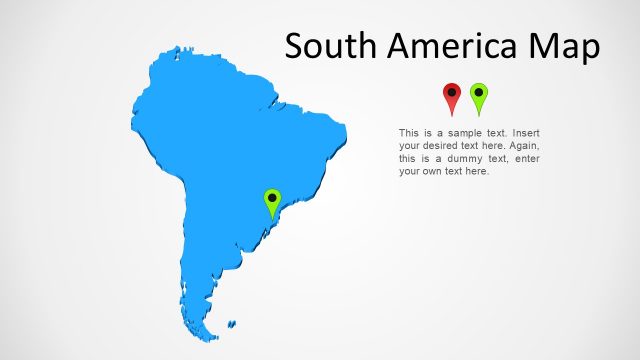
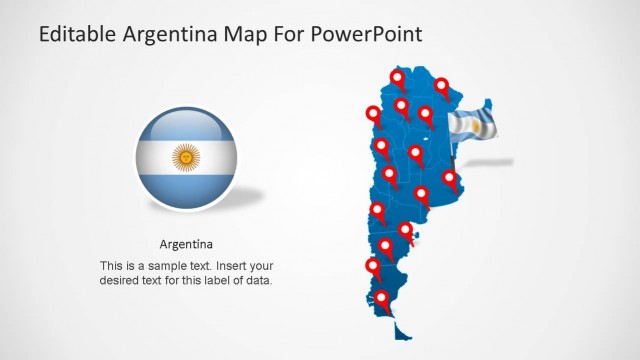
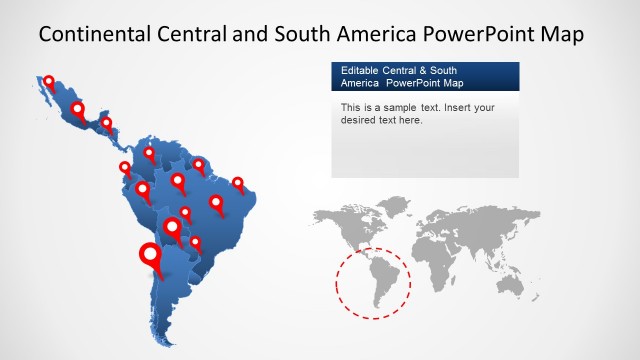
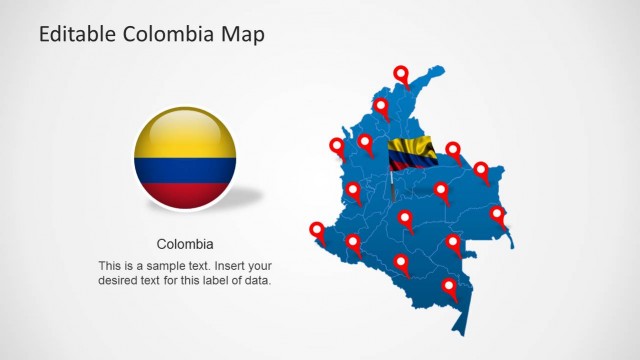
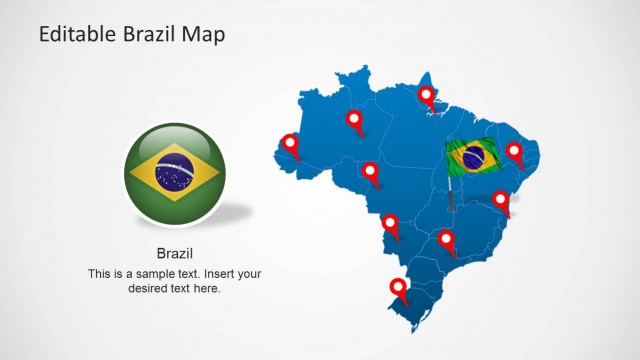
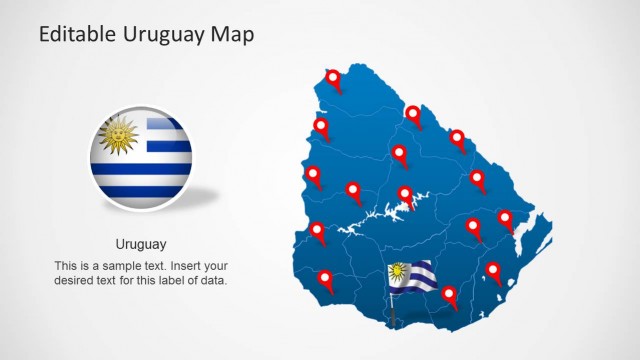
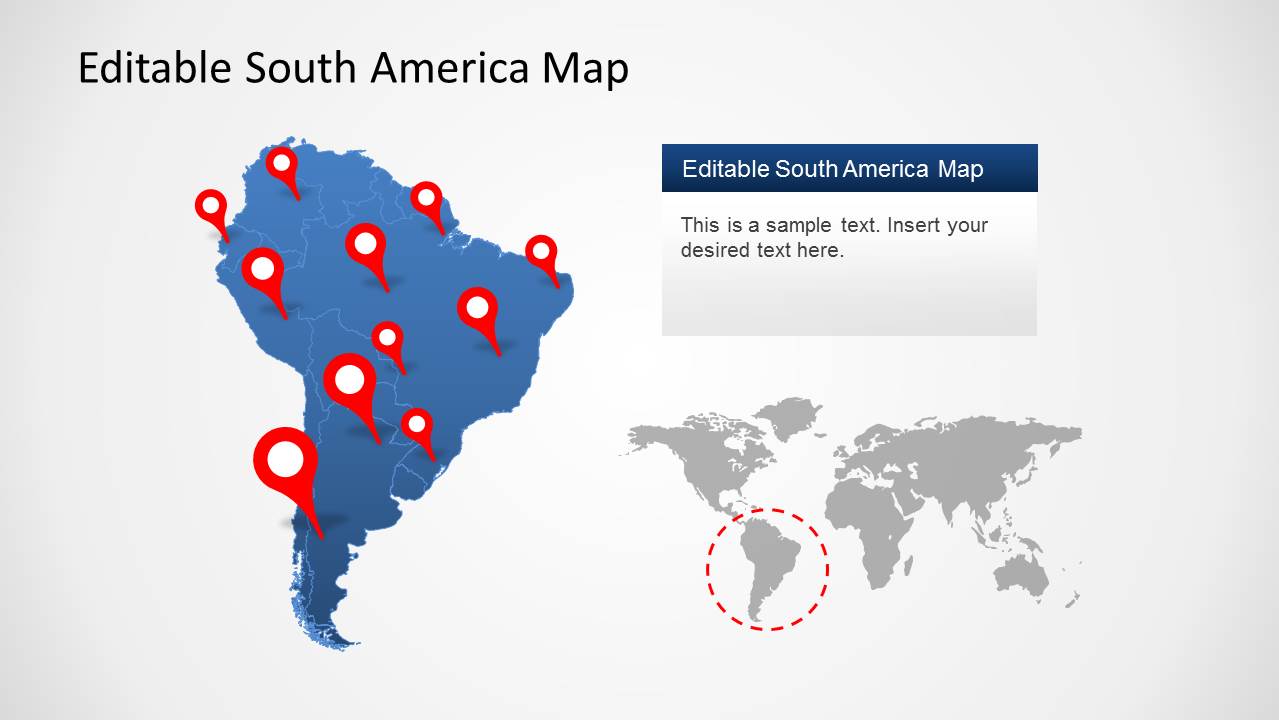
The South America Map Template for PowerPoint provides a complete map of South America, with the option to single out individual South American countries from the main map.
You can drag and adjust maps for individual South American countries from the master map via drag and drop and customize the sample map layouts according to need.
This template provides a composite map of South America, with sub-maps for all countries, including Argentina, Brazil, Bolivia, Chile, Colombia, Ecuador, Guyana, Paraguay, Peru, Uruguay, Venezuela, etc.
Also, check out our collection of maps for individual countries from these PowerPoint Map Templates. To download standalone PowerPoint maps for South American countries, you can see our list of South America Map Templates for PowerPoint & Google Slides.
What’s inside this template
Example presentation scenarios
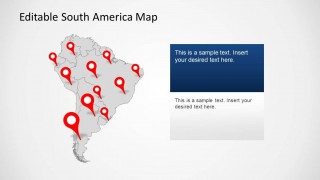
- A regional sales manager can present territory coverage by marking customer locations on the red pin map and using the colored country map to show priority markets.
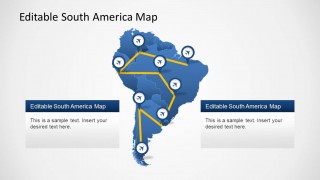
- A logistics planner can explain delivery lanes or airport connections with the yellow route map and airplane markers across South America.
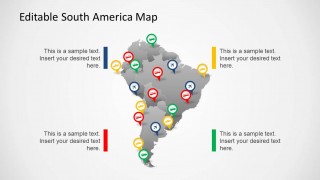
- A tourism presenter can introduce itinerary stops by placing pins on the gray map and adding trip notes in the surrounding callout boxes.
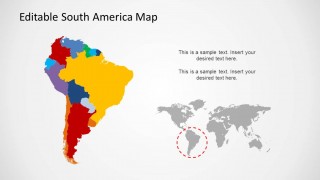
- An educator can teach geography or regional comparisons with the multicolor country map and the world locator that places South America in global context.
Features
- 100% editable presentation template
- Compatible with Microsoft PowerPoint
- 16:9 aspect ratio slides
- Scalable vector shapes, icons and illustrations
- AI-Ready for Microsoft Copilot and Claude
- Instant access and download
Frequently asked questions
Q: How should a presenter communicate a regional message with this map template?
A: Start by orienting the audience with the full South America map and world locator, then move to the slide that best matches the message: pins for fixed locations, airplane routes for movement, or colored countries for territory comparison. Keep each callout tied to one geographic point so the audience reads the map before the explanation.
Q: Who is this template best suited for?
A: This template fits presenters who need a fast geographic briefing on South America without building a map from scratch. Regional sales, logistics, tourism, nonprofit, education, and market research teams can use the visible pins, route paths, country fills, and callout boxes to explain where projects, customers, trips, or operations are located.
Q: Why do the map pins, routes, and locator map work well together?
A: The layouts move from orientation to detail. A world locator answers where South America sits globally, map pins identify specific places, route lines show movement, and colored countries compare coverage. These familiar map metaphors reduce explanation time because viewers can connect place, direction, and priority at a glance.


South America Map Template for PowerPoint
5-slide PowerPoint presentation template with South America maps, country regions, pins, and route markers
This is a 5-slide Microsoft PowerPoint map template for presenting South America. It includes pin maps, a flight route map, a multi-color country map, and world locator map references. Business, education, travel, logistics, and regional strategy presenters can edit map shapes, callouts, markers, and text in 16:9 slides.
- Category
- Maps
- Rating


 Loading...
- Aspect ratio
- 16:9
- Item ID
- 6373-01
- Colors
 Microsoft PowerPoint
  Microsoft Copilot
  Claude for PowerPoint
 Other formats supported
Subscribe today and get immediate
access to download our PowerPoint templates.