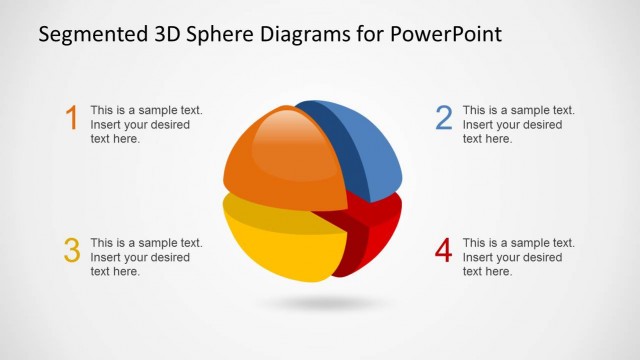
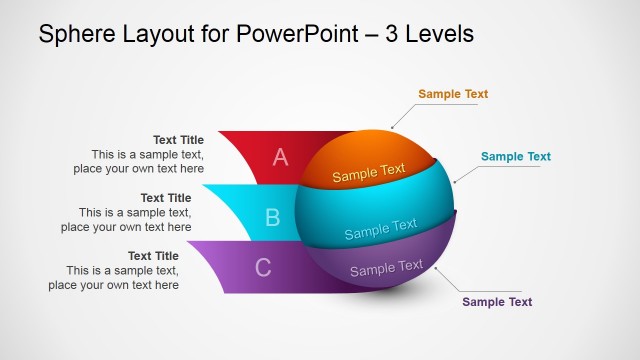
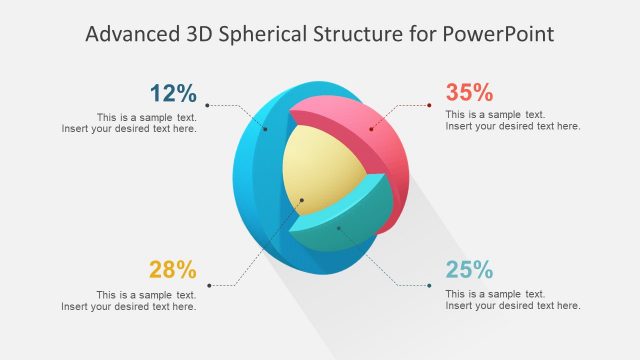
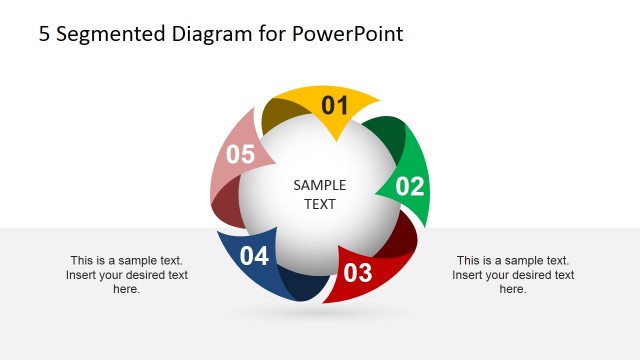
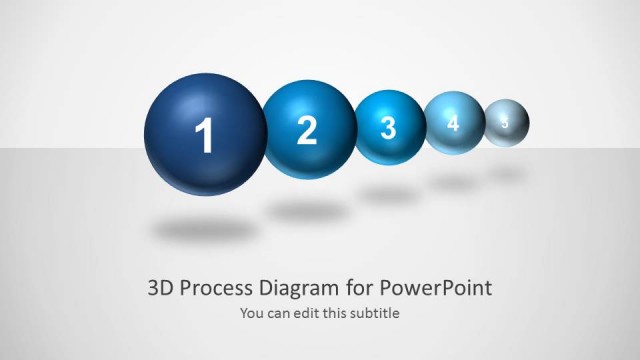
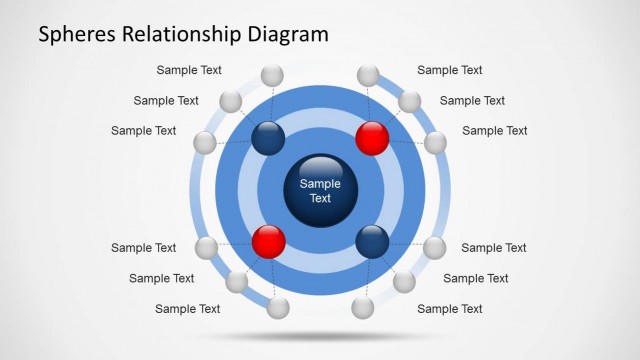
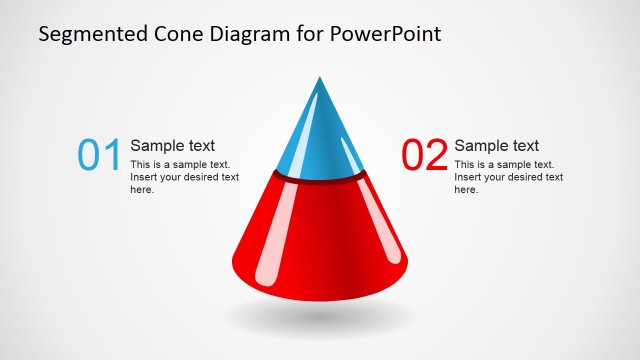
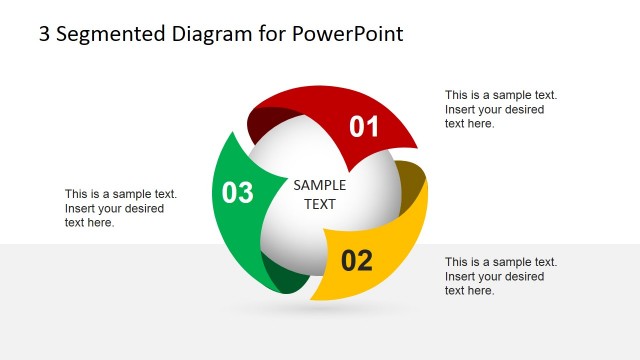
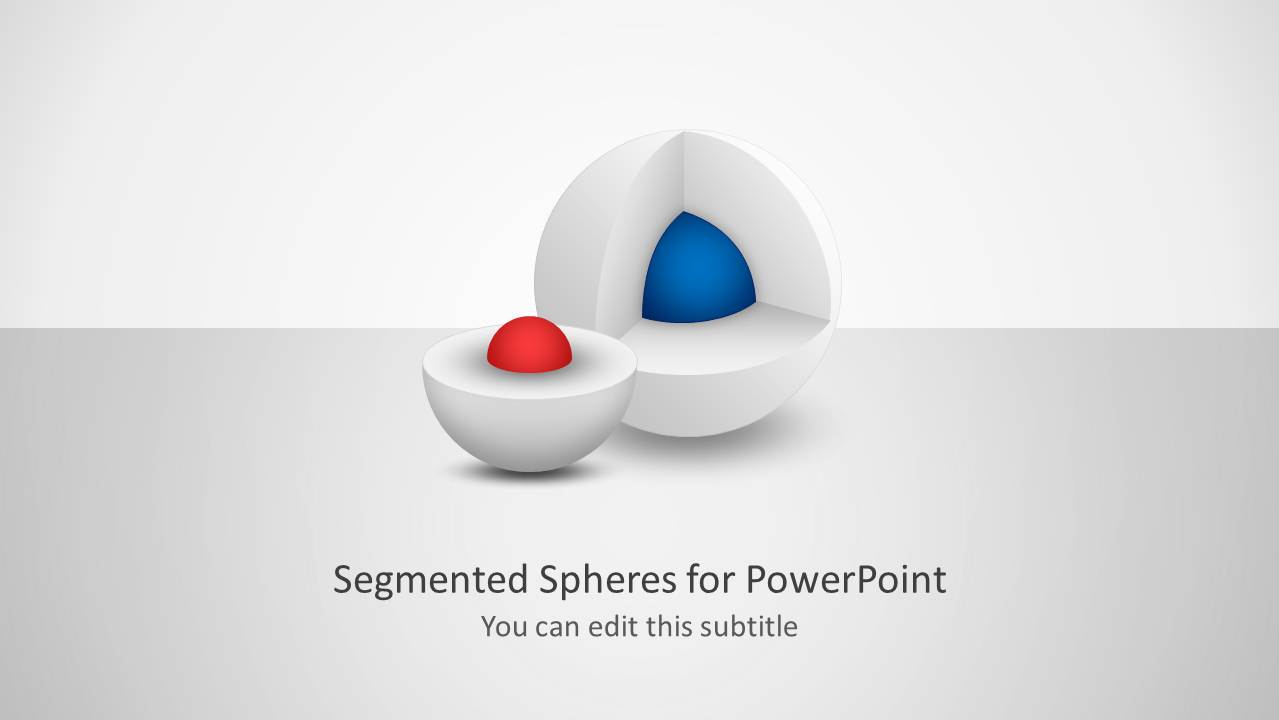
Segmented 3D Sphere Diagrams for PowerPoint is a PowerPoint template containing a collection of multi-layered spheres that you can use to present ideas using PowerPoint. Segmented 3D Spheres are a kind of core diagrams that you can use to show a central idea using a creative diagram design and an alternative to Onion diagrams and other core diagram templates.
What’s inside this template
Example presentation scenarios
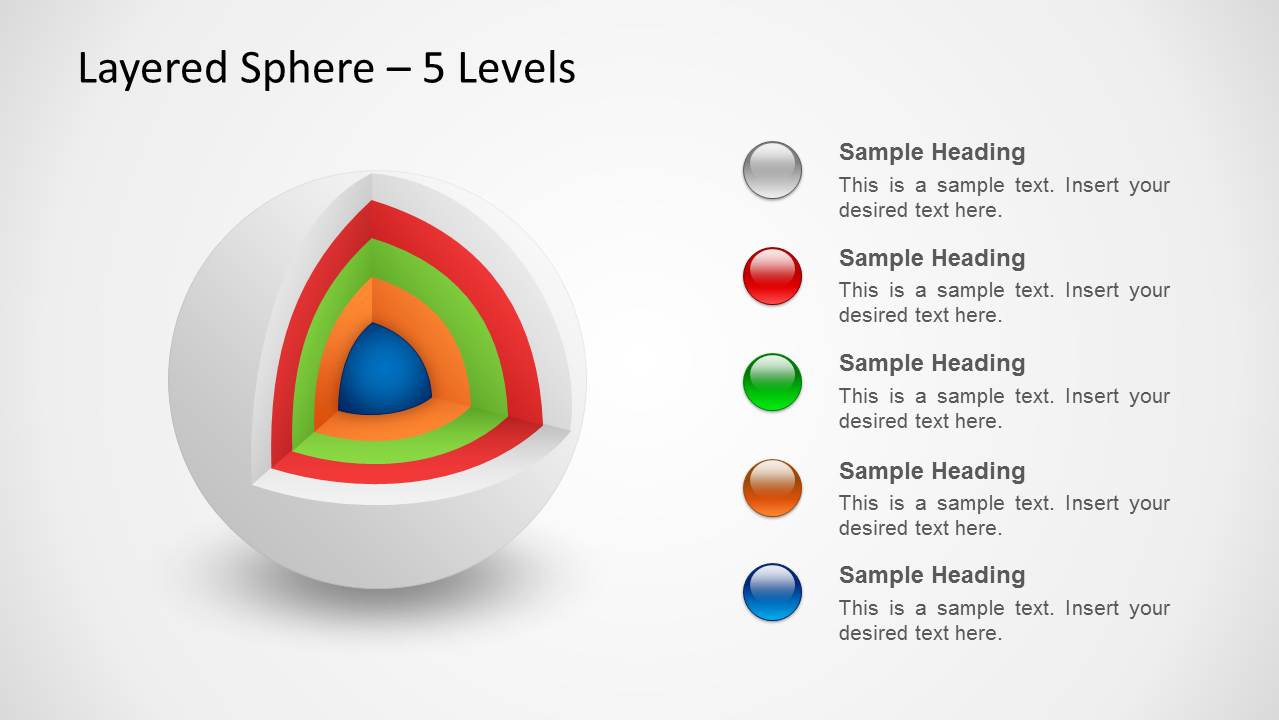
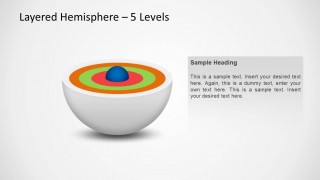
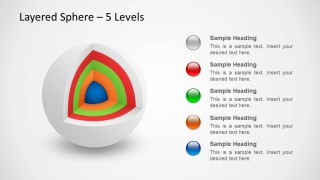
- A consultant can use the 5-level hemisphere to explain a capability model, showing the core concept first and then naming each surrounding layer.
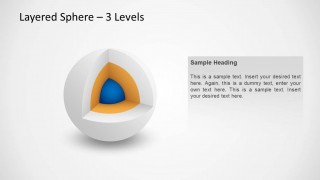
- A product manager can present a platform architecture overview with the cutaway sphere, using the core as the main engine and the outer layers as supporting services.
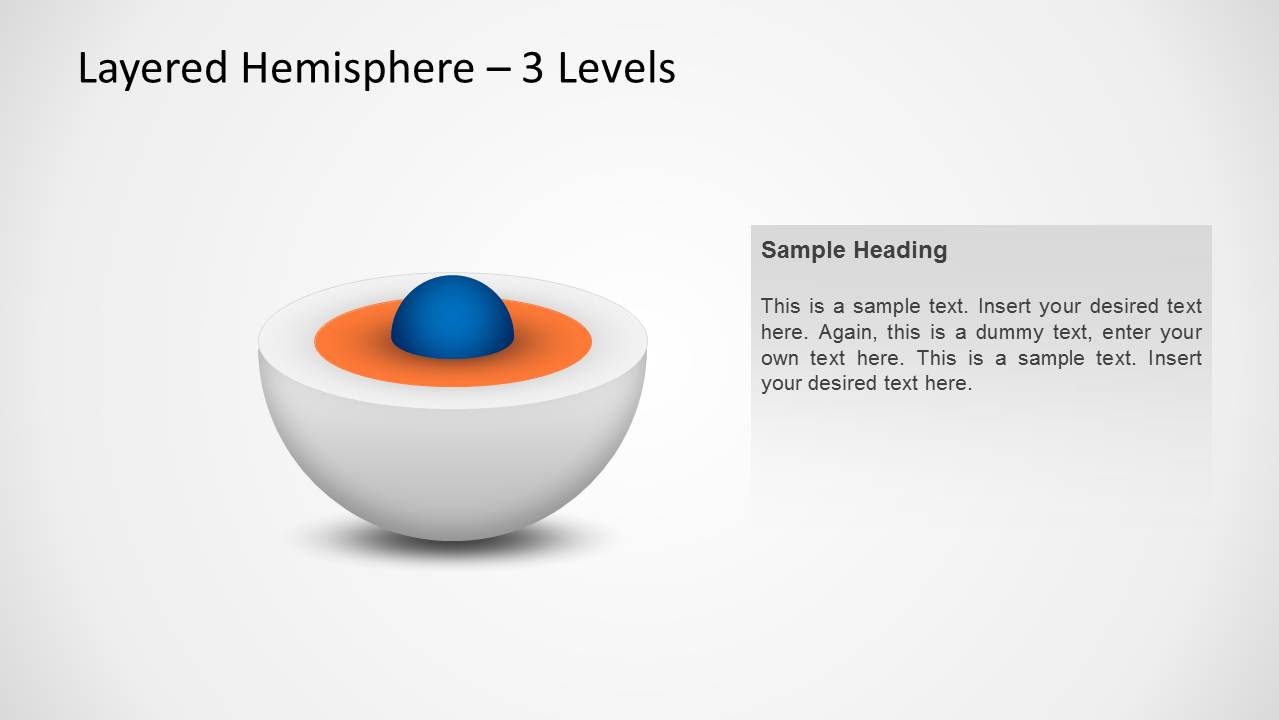
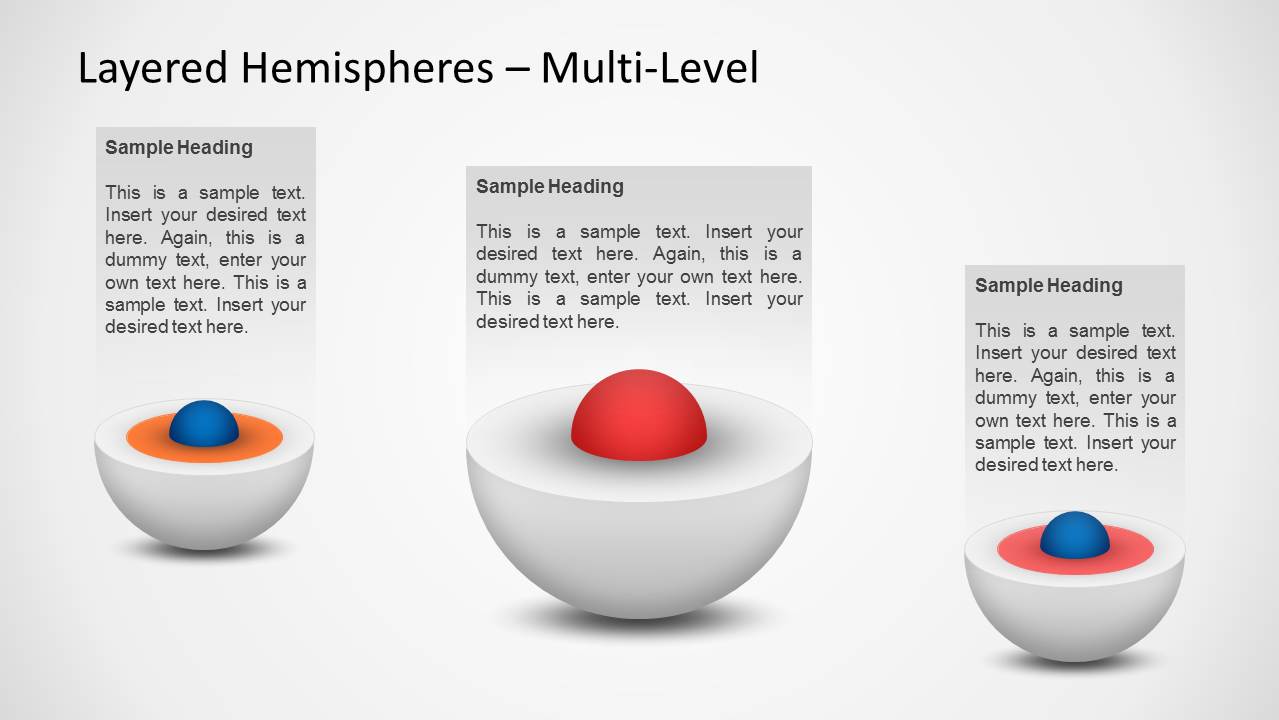
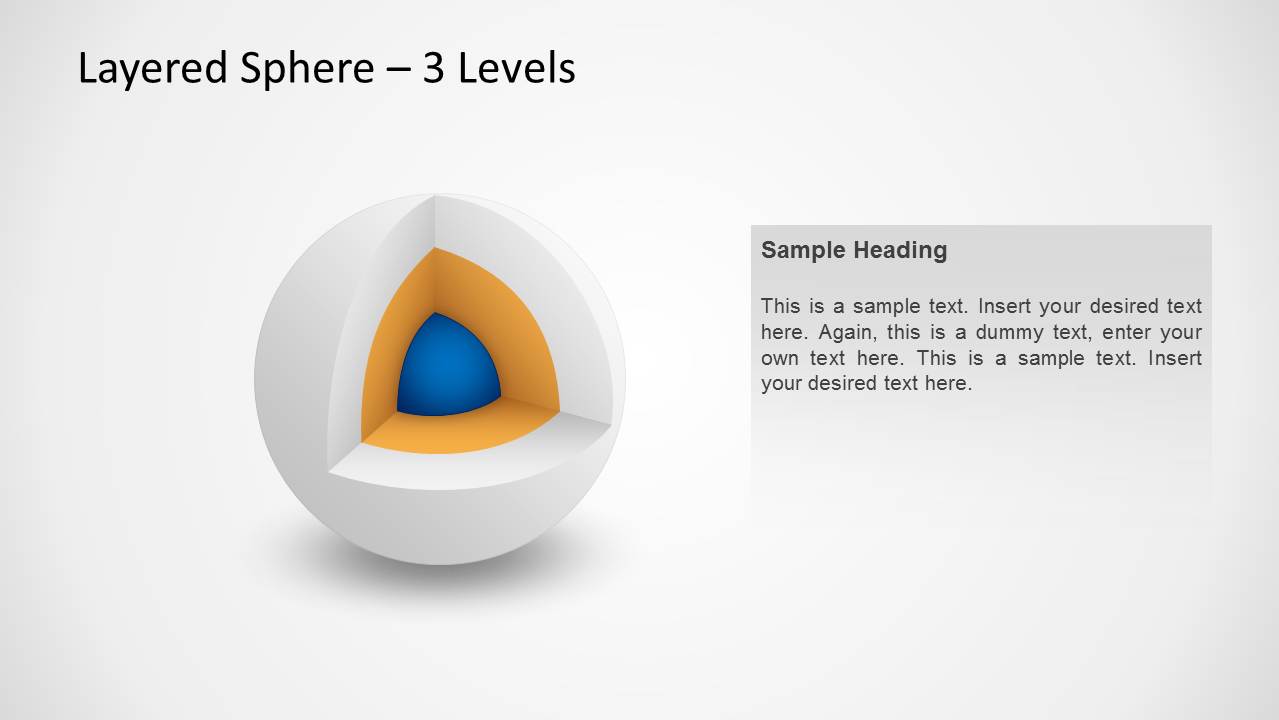
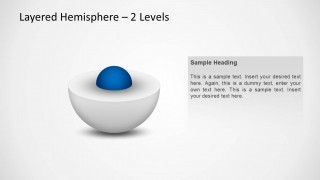
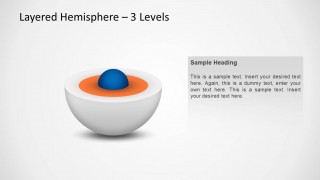
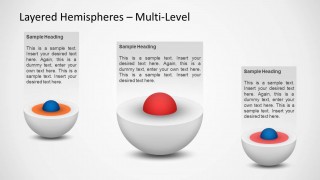
- A trainer can introduce a framework with the 2-level and 3-level hemispheres, moving from a simple core relationship to a more detailed layered explanation.
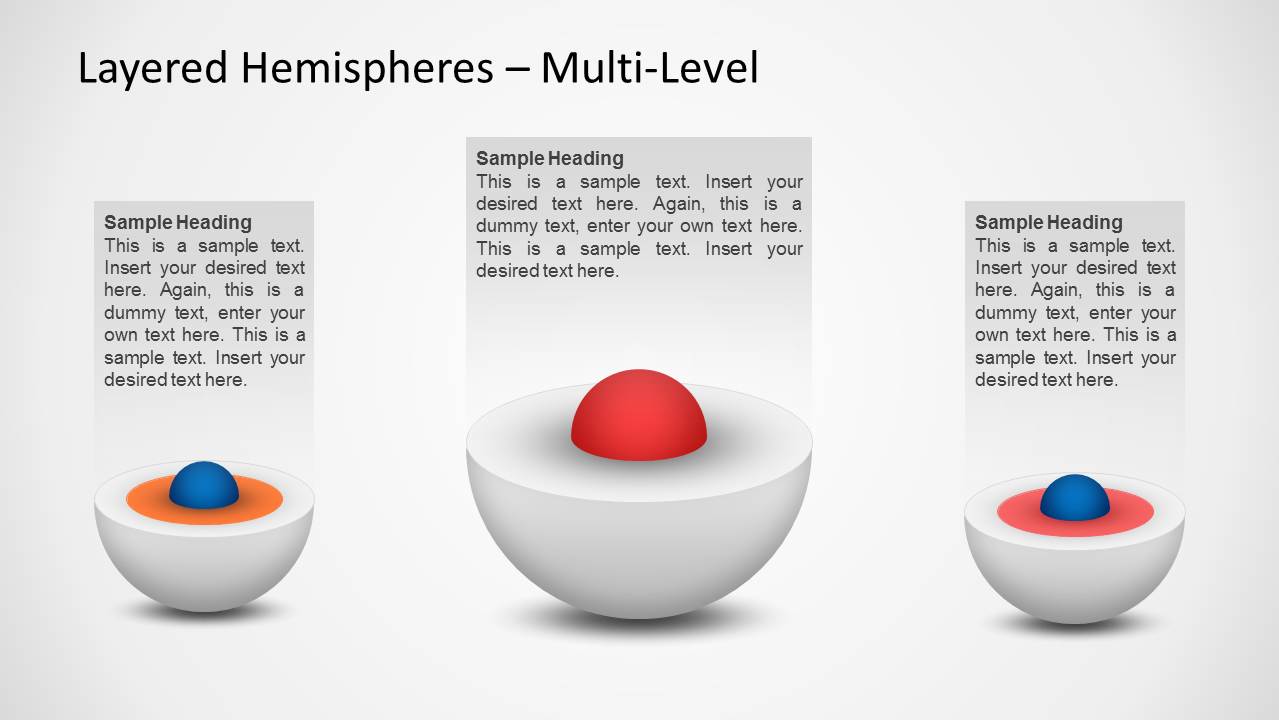
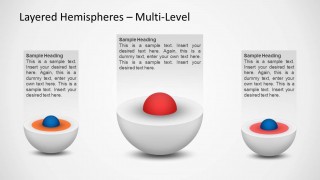
- An analyst can compare three different maturity models on the multi-level hemisphere slides, assigning each diagram to a business unit or process area.
Features
- 100% editable presentation template
- Compatible with Microsoft PowerPoint and Google Slides
- Scalable vector shapes, icons and illustrations
- AI-Ready for Microsoft Copilot and Claude
- Instant access and download
Frequently asked questions
Q: How should I explain a layered concept with this template?
A: Start with the simplest hemisphere slide to define the core idea, then move to the 3-level or 5-level version only after the audience understands the center. Label each layer with plain nouns, not long phrases. Use the cutaway sphere when the message needs to show what is inside the system, not just what surrounds it.
Q: Who is this sphere diagram template best suited for?
A: This template fits presenters who need to explain layered business, technical, or learning frameworks without building a full report deck. Consultants, product managers, trainers, and analysts can use the hemispheres and cutaway spheres to show priorities, system architecture, maturity levels, service tiers, or a core offering surrounded by supporting elements.
Q: Why use a segmented sphere metaphor instead of a standard list?
A: The sphere metaphor makes the center feel foundational and the surrounding rings feel dependent on it. That is useful when the audience must understand hierarchy, protection, or dependency. The cutaway layouts also reveal inner structure, which communicates depth better than a flat list of bullets with equal visual weight.


Segmented 3D Sphere Diagrams for PowerPoint
8-slide presentation template with segmented 3D sphere, hemisphere, and core diagram layouts
This is an 8-slide diagram template for explaining layered concepts with segmented 3D sphere graphics. It includes 2-level and 5-level hemispheres, multi-level comparison layouts, and cutaway sphere diagrams with text placeholders and legends. It is intended for business, training, and technical presenters using Microsoft PowerPoint or Google Slides.


 Loading...
 Microsoft PowerPoint
  Microsoft Copilot
  Claude for PowerPoint
 Other formats supported
Subscribe today and get immediate
access to download our PowerPoint templates.