Slide 1 of 8 from Segmented 3D Sphere Diagrams for PowerPoint
1197-01-segmented-sphere-1
Segmented Spheres for PowerPoint Presentation
- Diagram
- Other
- Context Slide
- 16:9
- 100% Editable
The Segmented Spheres for PowerPoint slide from the Segmented 3D Sphere Diagrams for PowerPoint template offers a clear visual tool for introducing layered concepts and product features. This slide layout uses editable shapes and vector icons to enhance complex topic explanations, making it suitable for business presentations and pitch deck templates that require a professional and structured slide deck.
What’s on This Slide
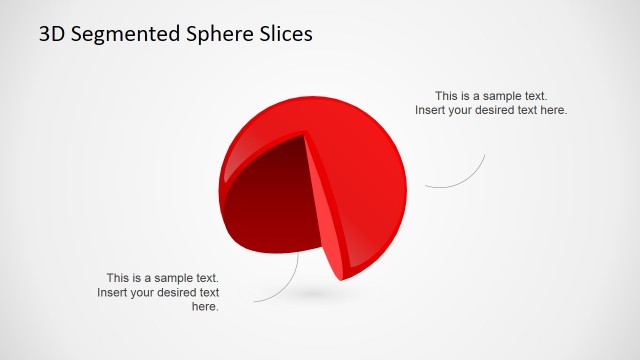
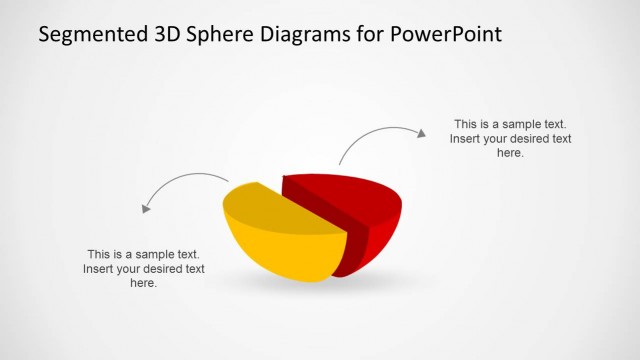
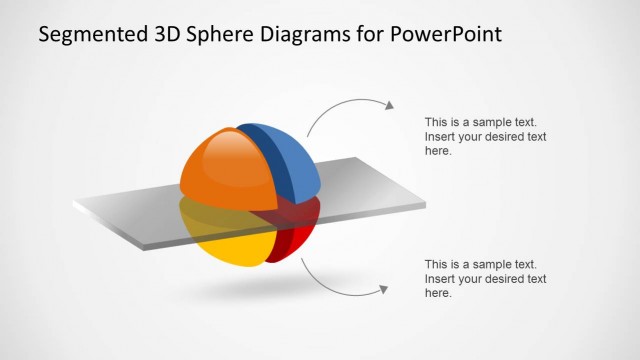
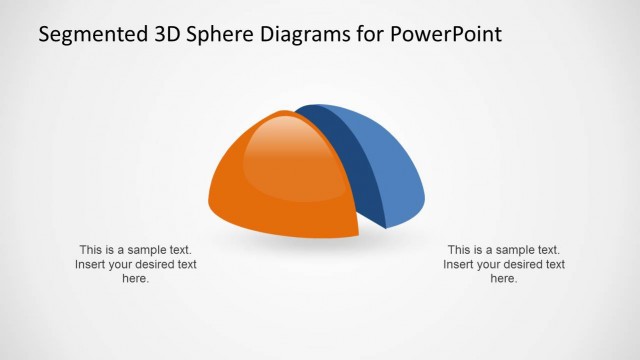
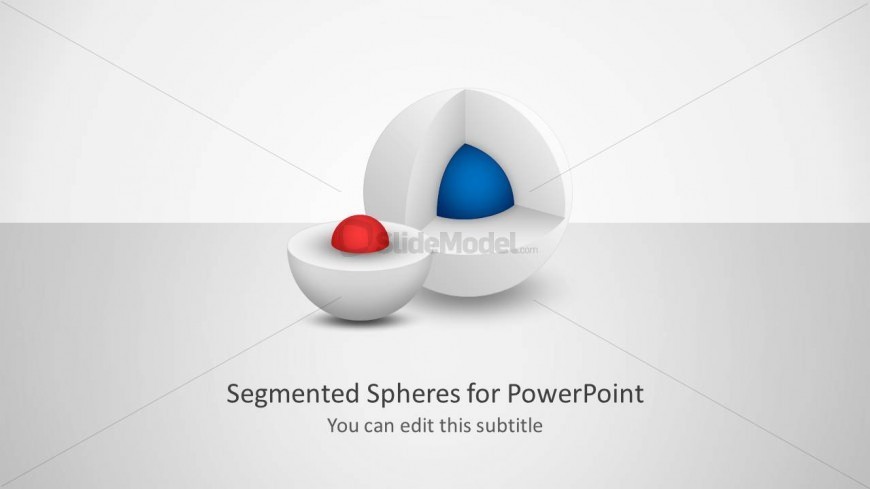
The slide features two segmented 3D spheres positioned centrally. The larger sphere is cutaway to reveal a blue inner segment, while the smaller sphere contains a red segment at its center. The background is a light gradient, enhancing the 3D effect. Below the spheres, there are text placeholders for a title and subtitle, with the title centered and the subtitle beneath it. The visual hierarchy emphasizes the spheres, while the text placeholders are clearly defined for easy editing.
How to Use It
This layout serves to visually represent layered concepts or components within a topic. It is suitable for introductory slides in presentations that explain complex ideas or products. The slide fits well at the beginning of a presentation, providing a visual overview before diving into detailed discussions. It can be used in business, educational, or technical contexts where segmentation of information is essential.
Text Placeholders & Capacity
Keep your copy within these limits so it fits without resizing. Title slots can hold about 6-8 words each.
| Placeholder | Count | Max characters (approx.) |
|---|---|---|
| Slide title | 1 | 40 |
| Subtitle | 1 | 40 |
Slide Keywords
Download unlimited PowerPoint templates, charts and graphics for your presentations with our annual plan.
DOWNLOADReturn to Segmented 3D Sphere Diagrams for PowerPoint.